 ProMapRanker
Best Mimecast Alternatives in 2026


Small Microsoft 365 teams · Pricing starts at: $1.65 per user per month
Key takeaways
- Proofpoint and Microsoft Defender for Office 365 are the most direct enterprise replacements, with strong phishing, attachment, and link protection.
- Abnormal AI and Check Point Harmony Email suit teams that want API-based protection layered on top of Microsoft 365 or Google Workspace.
- Barracuda, IronScales, SpamTitan, and Hornetsecurity give smaller and mid-size teams gateway or cloud options at clearer price points.
- Paubox suits healthcare and regulated teams that need encrypted email and compliance controls without complex setup.
- Compare total cost per user, including archiving and continuity, because add-ons can change the ranking quickly.
Quick comparison
| Pick | Great for | Pricing starts at | Free tier | |
|---|---|---|---|---|
| Proofpoint Essentials | Small Microsoft 365 teams | $1.65 per user per month | No | Visit |
 Microsoft Defender for Office 365 | Native Microsoft 365 protection | $2 per user per month | No | Visit |
 Abnormal AI | Behavioral phishing defense | See website | No | Visit |
 Barracuda Email Protection | Flexible gateway deployment | See website | No | Visit |
 Check Point Harmony Email | API email and collaboration security | See website | No | Visit |
 IronScales | AI phishing simulation and defense | See website | Free trial | Visit |
 SpamTitan | Low-cost spam and malware filtering | See website | Free trial | Visit |
 Hornetsecurity | Microsoft 365 security and backup | See website | Free trial | Visit |
 Paubox | Encrypted email for regulated teams | See website | Free trial | Visit |
The best mimecast alternatives
These tools protect email from phishing, malware, spam, and business email compromise. We compared them on detection method, deployment, archiving, continuity, platform support, and price clarity. Note: no email security tool blocks every attack, so pair any tool here with staff training, multi-factor authentication, and clear reporting steps for suspicious mail.
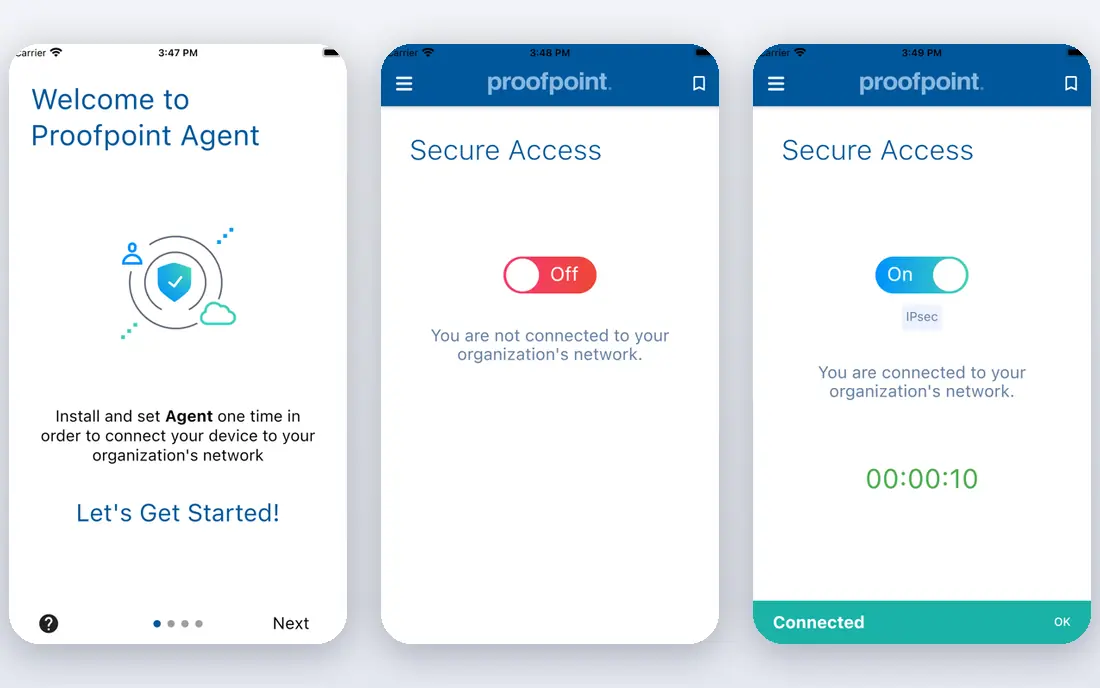
Proofpoint Essentials is the small-business version of Proofpoint's email security, built tightly around Microsoft 365. It filters inbound and outbound mail, blocks spam and malware, and adds URL defense and business email compromise detection. Public listings put the entry price at $1.65 per user per month, with higher tiers adding archiving, data loss prevention, and advanced threat features.
The trade-off is platform fit. Microsoft 365 teams get the smoothest setup, while Google Workspace teams should test deployment carefully. Internal mail scanning and archiving limits on lower tiers are also worth checking. For a small Microsoft 365 team that wants predictable per-user pricing, Essentials is a strong, practical pick.
- Per-user pricing in public listings
- Predictive URL defense
- One-click message removal from inboxes
- Google Workspace setup is reported as harder than Microsoft 365
- Internal mail scanning is limited
Microsoft Defender for Office 365 is the native baseline for Microsoft 365 customers, and it should be configured first even if you add another tool later. Plan 1, listed at $2 per user per month billed yearly, covers Safe Links, Safe Attachments, and anti-phishing policies. Plan 2, listed at $5 per user per month, adds Threat Explorer, automated investigation, and attack simulation training.
The benefit is integration. Policies, reporting, and quarantine live in the Microsoft admin console, with no mail flow changes for the basic setup. The limit is depth: some teams still add a third-party layer for business email compromise or for cross-platform coverage. For Microsoft 365 teams, Defender is the cheapest credible starting point.
- Plan 1 from $2 per user per month billed yearly
- Safe Links and Safe Attachments
- Native admin console
- Plan 2 costs $5 per user per month
- Advanced investigation needs the higher plan
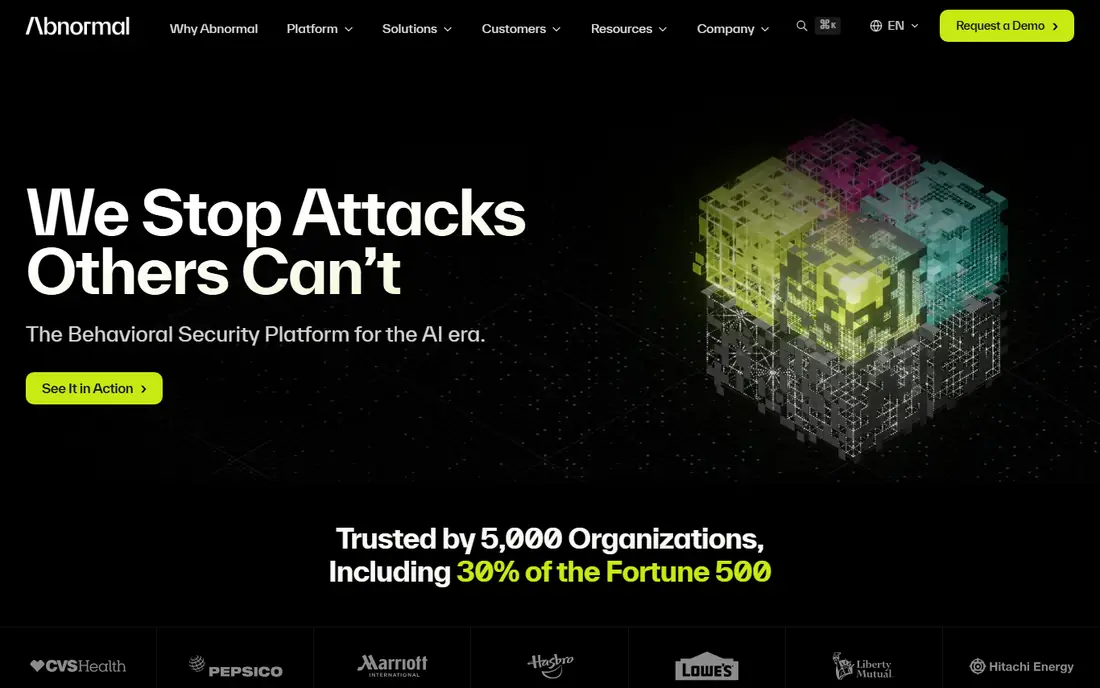
Abnormal AI, formerly Abnormal Security, uses behavioral AI to spot impersonation, business email compromise, and account takeover attempts that slip past basic filters. It deploys through an API, so it scans mail after native filters without changing mail flow, which makes setup faster than a gateway change. Auto-containment can remove or remediate risky messages across inboxes.
The downside is price clarity. Abnormal is quote-based per user, and the behavioral models work best with enough history to learn normal patterns. Small teams with low mail volume may not see the full benefit at first. For higher-risk teams, especially those targeted by impersonation attacks, it is one of the strongest API options here.
- Behavioral AI for impersonation and account takeover
- API deployment with no mail flow change
- Auto-containment options
- Pricing is quote-based
- Best value comes with enough mail volume to train behavioral models
Barracuda Email Protection suits teams that want deployment choice. You can run it in the cloud, as a virtual appliance, on-premises, or as a hybrid, with a central portal for quarantine and policy management. It filters spam, viruses, and phishing, with URL and attachment checks for common threats.
The trade-off is cost and interface feel. Gateway pricing varies by deployment, and some users report slow interface performance, so trial it with your real admin workflow. For larger organizations that need flexible deployment and a wide feature set, Barracuda remains a solid, established option.
- Cloud, virtual, on-premises, and hybrid deployment
- Spam and malware filtering
- Centralized quarantine controls
- Pricing varies by deployment and user count
- Interface speed is flagged in some user reviews
Check Point Harmony Email, formerly Avanan, inspects Microsoft 365 mail plus Teams, SharePoint, and OneDrive through APIs. It uses AI engines to catch phishing, business email compromise, malware, and account takeover, and it deploys behind native security without a gateway change. That breadth suits teams that worry about threats in collaboration apps, not just inboxes.
Pricing is quote-based, with packages that add data loss prevention and other controls. Public listings put entry pricing around $4 per user per month in some comparisons, but treat that as directional and request a quote for your user count. For cloud-first teams, Harmony Email is a strong API alternative to a gateway.
- API-first inspection for mail and collaboration apps
- AI engines for phishing and malware
- No mail flow change
- Pricing is quote-based
- Packages vary by protection level and data loss prevention needs
IronScales combines AI detection with phishing simulation and training. It flags suspicious messages, helps staff report them, and lets admins remediate threats across mailboxes. The training side is useful for teams that want to reduce click rates over time, not just block messages at the gateway.
The limit is price clarity and scope. IronScales is quote-based, and it works best as a complement to native Microsoft or Google filtering rather than as a standalone gateway for every threat type. For teams that want detection plus staff training in one vendor, it is a practical pick.
- AI phishing detection
- Simulation and training tools
- Mailbox-level remediation
- Pricing is quote-based
- Training depth varies by plan
SpamTitan is a lower-cost option for teams that mainly need reliable spam, virus, and phishing filtering. It offers cloud and on-premises deployment, with quarantine controls and policy management that are simpler than enterprise suites. A free trial lets teams test filtering on real mail flow before buying.
The trade-off is depth. SpamTitan covers the core job well, but it does not match the behavioral AI or investigation depth of Abnormal or Proofpoint Core. For a small business, school, or nonprofit that needs solid filtering at a lower cost, it is a sensible choice. For high-risk targets, pair it with training and multi-factor authentication.
- Strong spam and malware filtering
- Cloud and on-premises options
- Simple admin controls
- Advanced business email compromise depth is lower than enterprise rivals
- Pricing varies by user count
Hornetsecurity suits Microsoft 365 teams that want security, backup, and compliance from one vendor. Its email security covers spam, phishing, and malware, while related services add backup, archiving, and security awareness training. That bundle can simplify vendor management for a small IT team.
The limit is platform focus and bundle pricing. Microsoft 365 is the strongest fit, and pricing varies by which services you include, so compare the bundle total against separate tools. For a Microsoft 365 team that also needs backup, Hornetsecurity is worth a trial.
- Email security plus backup and compliance tools
- Microsoft 365 focus
- Managed service options
- Pricing varies by service bundle
- Google Workspace depth is lower than Microsoft 365
Paubox is built for healthcare and other regulated teams that need encrypted email without making recipients install software or use a portal. It encrypts mail by default for supported setups, with inbound security and compliance controls for protected health information and other sensitive data.
The trade-off is breadth. Paubox is strongest for encryption and compliance, while enterprise gateway depth for advanced threats varies by plan. Teams that need both encryption and deep threat hunting may pair Paubox with another layer. For a clinic, practice, or regulated firm that needs simple, compliant email, it is a clear, focused pick.
- Encrypted email with no extra steps for recipients
- HIPAA-focused controls
- Inbound security options
- Pricing is quote-based by user count
- Advanced gateway depth varies by plan
How we picked these
We compared official product pages, pricing pages, and public documentation for email security tools that protect Microsoft 365, Google Workspace, or both. We kept tools that are live in October 2026 and that offer phishing, malware, or spam protection as a core function. We left out pure email marketing tools, pure backup tools with no mail filtering, and tools that had retired.
What to check before you switch
Start with your mail platform and flow. Confirm whether the tool uses a gateway change, an API connection, or both, and how long setup takes for your platform. A gateway change needs DNS and mail flow planning, while an API tool is faster but may miss threats that a gateway catches first.
Next, test with real phishing samples. Use your own test messages, including impersonation, invoice fraud, and credential theft, and check what each tool blocks, quarantines, or lets through. A vendor demo with clean samples will not show the gaps that matter.
Then check archiving and continuity. Confirm retention periods, legal hold, export options, and what happens if your mail provider goes down. Mimecast users often value continuity, so a replacement that lacks it may feel like a downgrade even if filtering is strong.
Finally, confirm the total per-user cost. Add archiving, continuity, data loss prevention, and training to the base price, and ask for a quote at your exact user count. A low base price with expensive add-ons can cost more than a higher base price that includes those features.
Frequently asked questions
What are the best mimecast alternatives?
Proofpoint Essentials and Microsoft Defender for Office 365 are the most direct replacements for most teams. Abnormal AI and Check Point Harmony Email suit API-first teams, while Barracuda, IronScales, SpamTitan, Hornetsecurity, and Paubox cover gateway, training, low-cost, and regulated needs.
Is there a free mimecast alternative?
No full enterprise email security tool here is free, but Microsoft Defender Plan 1 is included in some Microsoft 365 suites, and several tools offer free trials. SpamTitan, IronScales, Hornetsecurity, and Paubox all offer trials to test filtering before you pay.
Which mimecast alternative is best for Microsoft 365?
Microsoft Defender for Office 365 is the native pick, starting at $2 per user per month for Plan 1. Proofpoint Essentials is a strong third-party pick for Microsoft 365 teams, starting at $1.65 per user per month in public listings, with higher tiers for archiving and advanced threats.
Which mimecast alternative is best for Google Workspace?
Abnormal AI and Check Point Harmony Email both support Google Workspace through API connections, and SpamTitan offers cloud filtering for Google mail. Proofpoint Essentials is Microsoft-focused, so Google teams should test setup and internal mail coverage before choosing it.
How much do mimecast alternatives cost?
Costs range from $1.65 per user per month for Proofpoint Essentials and $2 per user per month for Defender Plan 1, to quote-based enterprise pricing for Abnormal, Barracuda, and Check Point. Always compare the total with archiving and continuity included.
Do mimecast alternatives include archiving and continuity?
Some do, depending on tier. Proofpoint Essentials Professional adds archiving, Hornetsecurity bundles backup, and Barracuda offers archiving options. Check retention, legal hold, and continuity features by plan, because they are often add-ons rather than base features.
Sources
- https://www.proofpoint.com/us/products/email-security/essentials
- https://www.microsoft.com/security/business/microsoft-365-defender
- https://abnormal.ai
- https://www.barracuda.com/products/email-protection
- https://www.checkpoint.com/harmony/email-security
- https://ironscales.com
- https://www.spamtitan.com
- https://www.hornetsecurity.com
- https://www.paubox.com
See where you really rank - block by block
ProMapRanker scans Google Maps across a grid of your service area. Simple monthly plans from $19, white-label on every plan.
Start freeKeep reading
 zoro.to alternatives
Best Zoro.to Alternatives in 2026
We compare the best zoro.to alternatives in 2026, listing only legal licensed anime streaming services, from Crunchyroll to free options for fans today.
Read → zip alternatives
Best Zip Alternatives in 2026
We compare the best zip alternatives for buy now, pay later in 2026, covering pay-in-4 plans, fees, spending limits, and credit reporting options today.
Read → yesware alternatives
Best Yesware Alternatives in 2026
Compare the best yesware alternatives for sales email tracking, templates, and sequences, with current pricing and honest tradeoffs for small sales teams.
Read →