 ProMapRanker
Best Microsoft Forms Alternatives in 2026

Key takeaways
- Google Forms is the best free starting point for simple surveys and quizzes.
- Typeform suits polished, conversational forms where completion rate matters most.
- Jotform offers the widest mix of templates, payments, tables, and e-signatures.
- Tally and Fillout give generous free limits for small teams on a tight budget.
- SurveyMonkey and Zoho Forms suit research surveys and high-volume data collection.
Quick comparison
| Pick | Great for | Pricing starts at | Free tier | |
|---|---|---|---|---|
 Google Forms | Free simple surveys | Free | Yes | Visit |
 Typeform | Conversational forms | $39 per month | Yes | Visit |
 Jotform | All-in-one forms and payments | $39 per month | Yes | Visit |
 SurveyMonkey | Research surveys | $39 per month | Yes | Visit |
 Zoho Forms | High-volume forms on a budget | $12 per month | Yes | Visit |
 Paperform | Brand-led forms and pages | $59 per month | Yes | Visit |
 Cognito Forms | Calculations and order forms | $24 per month | Yes | Visit |
 Tally | Generous free forms | Free | Yes | Visit |
 Fillout | Modern forms with integrations | $19 per month | Yes | Visit |
The best microsoft forms alternatives
These alternatives to microsoft forms cover the main reasons people switch: better design, more responses, payments, logic, or integrations. We compared official pricing pages, feature pages, and response limits, and we kept only tools that are live and suited to surveys, registrations, quizzes, and order forms.
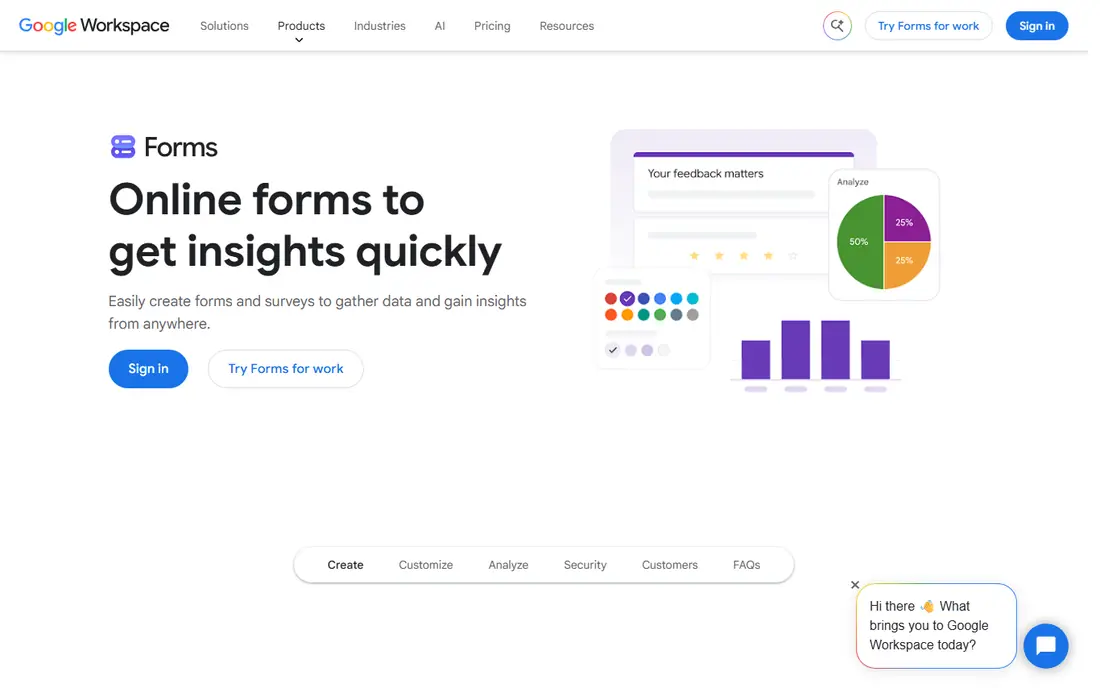
Google Forms is the easiest switch for most readers, and it costs nothing with a Google account. You can build a survey, quiz, or registration form in minutes, share a link, and watch responses arrive in a linked Google Sheet. Section branching works for multiple-choice and dropdown questions, which covers many basic surveys.
The limits show up when you want a polished brand experience or payments. Design options are simple, there is no native payment collection, and advanced logic is limited compared with paid builders. For internal feedback, class quizzes, event sign-ups, and quick polls, it is hard to beat on value.
- Free with a Google account
- Responses flow into Sheets
- Simple quiz and branching options
- Limited design control
- No built-in payments
- Branding options are basic
Typeform stands out for how a form feels to the person filling it in. Questions appear one at a time, with clean design and room for images and video, which can help completion rates for lead forms and customer surveys. Logic, calculations, and integrations are available, and the builder is pleasant to use.
The price is the honest catch. The free plan is very limited, and paid plans start at 39 dollars per month, with branding removal and Stripe payments on higher tiers. Choose Typeform when the experience itself matters, such as a signup flow or a brand survey, rather than for high-volume internal data collection.
- One-question-at-a-time design
- Strong branding
- Logic, calculations, and integrations
- Free plan allows only 10 responses per month
- Branding removal and payments need higher tiers
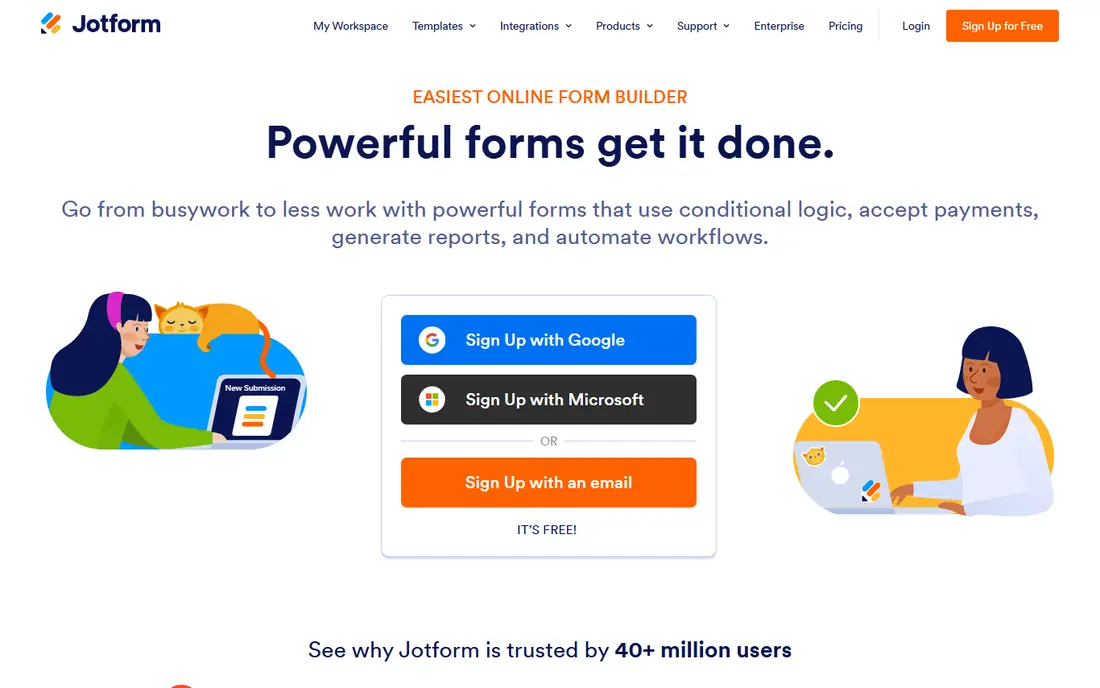
Jotform is the most feature-complete builder in this list. It offers templates for surveys, quizzes, registrations, order forms, and applications, plus payment collection, mobile forms, tables, reports, and e-signature workflows. That breadth makes it a good single tool for a small business that needs forms to do more than collect answers.
The free plan allows 5 forms and 100 submissions per month, so active teams will need a paid plan. Paid plans start at 39 dollars per month, and higher tiers raise limits and add features. If you need payments, approvals, and reporting in one place, Jotform justifies its price better than a survey-only tool.
- Large template library
- Payments, tables, reports, and e-signatures
- Many integrations
- Free plan allows 100 submissions per month
- Paid plans can get costly as volume grows
SurveyMonkey is built for research rather than general forms. It offers a question bank, survey templates, logic, and analytics that help teams design better questions and read results with more confidence. Exports and reporting are stronger than in most free builders, which matters for customer research and employee feedback.
For simple registrations or order forms, it is often more tool than you need, and the price reflects that. The free Basic plan is limited, and paid individual plans start at 39 dollars per month billed annually for Standard. Pick SurveyMonkey when survey quality, analysis, and scale matter more than design flair or payments.
- Question bank and survey method tools
- Strong analytics and exports
- Trusted for research
- Free plan is limited to 25 responses per survey
- Paid plans are costly for casual use
Zoho Forms is a strong value pick, especially for teams that already use Zoho apps. The free plan allows 3 forms and 500 submissions per month, and paid plans start at 12 dollars per month, rising to higher tiers with much larger submission limits. Conditional logic, approvals, and mobile submissions are included, which covers most business forms.
The builder is capable rather than beautiful, so marketers who want a highly branded page may prefer Typeform or Paperform. For operations, HR, customer intake, and high-volume surveys, Zoho Forms gives a lot of capacity per dollar. Check the storage and user limits on each tier before you choose, since they rise with price.
- Low paid starting price
- Generous submission limits on paid tiers
- Zoho app integrations
- Design feels functional rather than polished
- Best value sits inside the Zoho ecosystem
Paperform treats a form like a page, not just a questionnaire. You can add images, video, text blocks, and product details, then collect responses, payments, or bookings in the same place. That makes it a good fit for marketing teams, creators, and service businesses that want a form to look like part of their site.
The starting paid price is 59 dollars per month, which is higher than Jotform or Typeform entry plans, and the free plan is limited. If design and conversion matter more than raw response volume, Paperform earns its place. For internal surveys, a cheaper builder will do the same job for less.
- Landing-page style forms
- Rich media and custom design
- Payments and bookings
- Higher starting price than many rivals
- Free plan is limited to 30 submissions per month
Cognito Forms is the pick for forms that need math. Its calculation engine handles pricing, totals, discounts, and conditional amounts, which suits order forms, quotes, registrations with fees, and applications with scored outcomes. Payments, file uploads, and workflow approvals are also available.
The look is functional rather than flashy, so it will not win a design contest against Paperform. Paid plans start at 24 dollars per month, and the free plan allows 100 entries per month. If your form must calculate a price or route an approval, Cognito Forms is a better fit than a survey-only tool.
- Strong calculation engine
- Payments and approvals
- Unlimited forms on paid plans in many cases
- Design options are plainer than Typeform or Paperform
- Free plan allows 100 entries per month
Tally is the best free-first builder in this list. Its free plan allows unlimited forms and responses under fair use, with conditional logic, file uploads up to 10 MB per file, and a clean, Notion-like builder. That makes it a strong choice for startups, nonprofits, and solo builders who need volume without a monthly bill.
Paid plans add branding removal, custom domains, and partial submissions, starting at 29 dollars per month billed monthly, or 24 dollars per month billed annually. Tally is less suited to complex payment flows or deep reporting than Jotform. For most surveys, waitlists, and applications, its free plan is more than enough.
- Unlimited forms and responses on the free plan under fair use
- Logic included
- Clean builder
- Fewer advanced payment and reporting features than Jotform
- Page-break logic only in some cases
Fillout balances a generous free plan with modern integrations. The free plan allows 1,000 responses per month, with logic and file uploads up to 20 MB per file. Its Notion and Airtable connections are a real advantage for teams that already keep data in those tools, since responses can flow straight into a base or database.
Paid plans start at 19 dollars per month and add more responses, branding removal, and custom domains. The template library is smaller than Jotform, so you may build more forms from scratch. If you live in Notion or Airtable and want a fast, modern builder, Fillout is an easy recommendation.
- 1,000 responses per month on the free plan
- Strong Notion and Airtable sync
- Logic included
- Smaller template library than Jotform
- Some advanced features need higher tiers
How we picked these
We compared official pricing pages, response limits, feature pages, and template libraries for form builders that are live in October 2026. We looked for tools that cover surveys, quizzes, registrations, and order forms, and we noted where free plans end and paid plans begin. We did not list Microsoft Forms itself, since this article covers alternatives to it.
We also weighed design quality, logic, payments, integrations, and reporting. A tool that is perfect for a research survey may be a poor fit for an order form, so the list includes different strengths rather than nine copies of the same builder.
Choosing the right form builder
Start with volume and purpose, not design alone. A beautiful form that caps at 10 free responses will frustrate you if you share it widely. A plain form that handles 10,000 responses may be perfect for internal data collection. Write down your monthly response estimate, then check the free and paid limits before you commit.
Match the builder to the job
Use Google Forms or Tally for free, high-volume surveys. Use Typeform or Paperform when completion rate and brand matter. Use Jotform or Cognito Forms when you need payments, calculations, or approvals. Use SurveyMonkey when survey design and analysis are the priority.
Check limits that matter
Look at responses per month, forms per account, file upload size, and branding removal. Also check integrations with Sheets, Notion, Airtable, email tools, and payment providers. A builder that cannot send data where you need it will create manual work, even when the form itself looks good.
Test with a real form
Build one real form before you pay, and send it to a small group. Check mobile layout, logic, confirmation messages, and where responses land. A short test will reveal more than a feature list, and most builders in this list offer a free plan or trial for that test.
Frequently asked questions
What are the best microsoft forms alternatives for free use?
Google Forms and Tally are the best microsoft forms alternatives for free use, since both allow high response volumes without a paid plan. Fillout is also generous, with 1,000 responses per month on its free plan. For a polished free form with low volume, Typeform and Jotform free plans can work too.
What is the best alternative to microsoft forms for payments?
Jotform is the best alternative to microsoft forms for payments, because it supports many payment gateways, order forms, and e-signatures in one platform. Cognito Forms is a strong second choice when calculations matter, and Paperform suits payments inside a branded page or booking flow.
Which form builder is best for surveys?
SurveyMonkey is best for research surveys, thanks to its question bank, logic, and analytics. Google Forms and Zoho Forms are better for simple, high-volume surveys on a budget. Typeform suits short, conversational surveys where completion rate matters more than deep analysis.
Are these alternatives to microsoft forms easy to switch to?
Yes, most builders let you create a form from a template, share a link, and export responses to a spreadsheet. Switching gets harder when you rely on Microsoft 365 workflows, such as Teams, SharePoint, or Excel automation. In that case, check integrations or plan to keep one workflow in Microsoft tools.
Do I need a paid plan for a small business form?
Not always. Google Forms, Tally, and Fillout cover many small business needs for free, including registrations, feedback, and applications. Pay when you need branding removal, custom domains, payments, higher response limits, or advanced reporting. Start free, then upgrade when a limit actually blocks your work.
Can I build quizzes with these tools?
Yes, Google Forms, Jotform, Typeform, Cognito Forms, and Tally all support quizzes or scored forms in some form. Google Forms is simplest for classroom quizzes, while Cognito Forms suits scored applications with calculations. Check scoring, feedback, and result exports before you choose a quiz tool.
Sources
See where you really rank - block by block
ProMapRanker scans Google Maps across a grid of your service area. Simple monthly plans from $19, white-label on every plan.
Start freeKeep reading
 zscaler alternatives
Best Zscaler Alternatives in 2026
Looking for zscaler alternatives? We compare 9 SASE and zero trust platforms on architecture, data protection, pricing, and fit for your network and team.
Read → zapier alternatives free
Best Zapier Alternatives Free in 2026
Nine automation tools for zapier alternatives free in 2026, all with genuinely free tiers, plus free plan limits, starting prices and upgrade paths explained.
Read → which platform is best for online reputation
Which Platform Is Best for Online Reputation in 2026
Wondering which platform is best for online reputation? We compare 8 review, listing, and response tools for small and multi-location businesses and agencies.
Read →