 ProMapRanker
Best Mendix Alternatives in 2026

Key takeaways
- OutSystems and Appian suit large enterprises with complex apps and process work, but pricing is usually quote based.
- Microsoft Power Apps suits teams already on Microsoft 365, with a clear per user price and deep Office integration.
- Salesforce Platform and ServiceNow App Engine suit teams already running those systems, where apps can reuse existing data and users.
- Zoho Creator, Bubble, Retool and Quickbase suit smaller teams and faster builds, with lower entry prices and simpler setup.
- Low-code pricing depends heavily on users, apps and usage, so get a quote for your real counts before you compare totals.
Quick comparison
| Pick | Great for | Pricing starts at | Free tier | |
|---|---|---|---|---|
 OutSystems | Enterprise scale apps | See website | Free trial | Visit |
 Microsoft Power Apps | Microsoft 365 teams | $20 per user per month | Free trial | Visit |
 Appian | Process automation | See website | Free trial | Visit |
 Salesforce Platform | Salesforce based apps | See website | Free trial | Visit |
 ServiceNow App Engine | ServiceNow based apps | See website | No | Visit |
 Zoho Creator | Small business apps | See website | Free trial | Visit |
 Bubble | Founder built web apps | See website | Yes | Visit |
 Retool | Internal developer tools | See website | Free trial | Visit |
 Quickbase | Database centred apps | See website | Free trial | Visit |
The best Mendix alternatives
Mendix is a low-code platform for building business apps with visual modelling plus custom code. The alternatives below cover the same ground, but they split into enterprise platforms, ecosystem platforms and faster tools for smaller teams. The right pick depends on who will build, how many users you have, and which systems your apps must connect to.
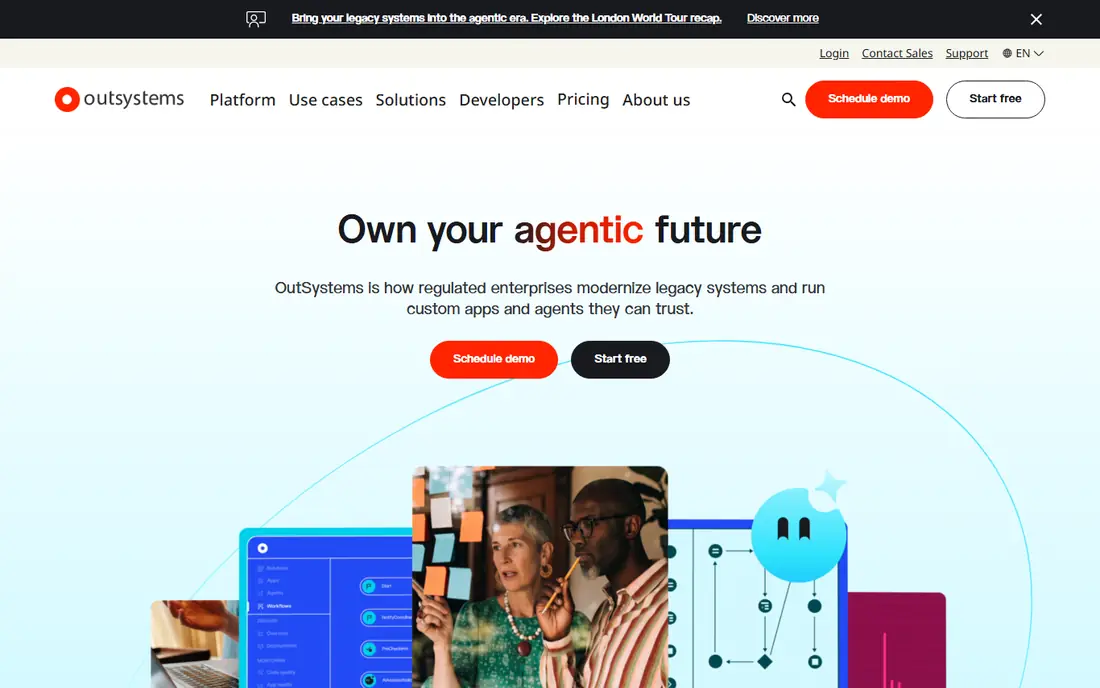
OutSystems is the most direct enterprise alternative to Mendix. It supports visual modelling, custom code, integrations and app lifecycle management for customer facing and internal apps at scale. Large teams value its governance, version control and deployment tools, which help many developers work on the same apps safely.
The main barrier is price and process. OutSystems pricing is typically quoted for your user and app counts, and published estimates run into tens of thousands per year. Small teams should get a quote early and compare it with lighter tools before committing to a long sales cycle.
- Strong visual development for large apps
- Governance and lifecycle tools
- Broad integration options
- Pricing is quote based and can be high
- Sales process can be slow for small teams
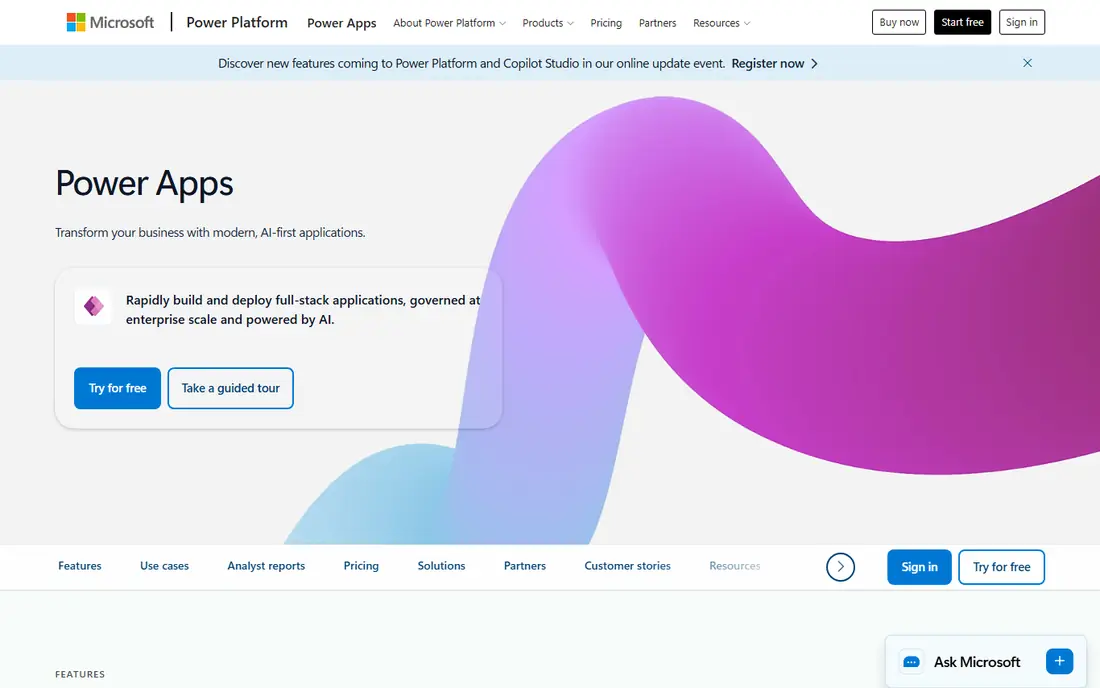
Microsoft Power Apps suits teams already using Microsoft 365, Teams, SharePoint and Dynamics. You can build apps that reuse Microsoft data and identities, embed them in Teams, and connect to hundreds of systems. The per user price is published and easier to model than quote based enterprise pricing.
The catch is licensing detail. Premium connectors, Dataverse use and per app versus per user plans change the total, so check which plan your apps actually need. For Microsoft centred teams, though, Power Apps is often the fastest path to a working internal app.
- Deep Microsoft 365 and Teams integration
- Clear per user pricing
- Large connector library
- Costs rise with premium connectors and many users
- Design freedom is more limited than code first tools
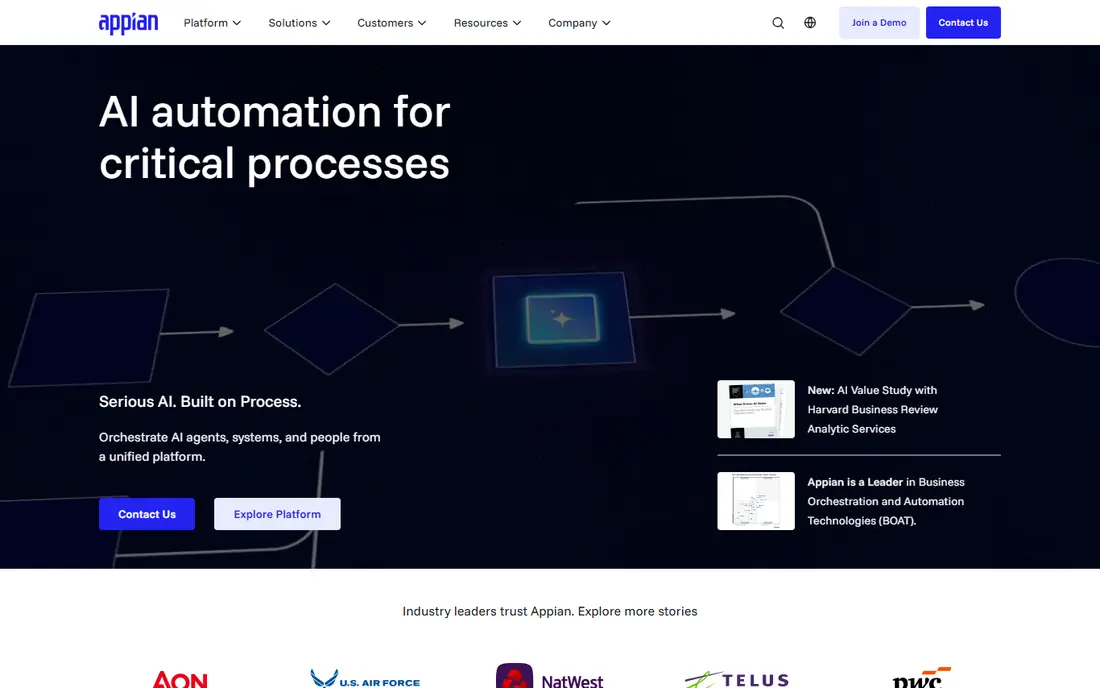
Appian is best when the app is really a process: approvals, cases, compliance steps and handoffs between teams. Its process modelling, data fabric and automation tools suit banks, insurers, government and other regulated organisations that need audit trails and control. It can also build customer facing apps, but process work is its core strength.
Like OutSystems, Appian is quote based and aimed at larger budgets. Business users without developer support may find it harder to learn than a simpler no-code tool. If process depth is your main need, that trade-off is worth it.
- Strong process modelling and case management
- Data fabric for unifying data
- Suitable for regulated work
- Pricing is quote based
- Learning curve is steep for business only users
Salesforce Platform, including Lightning and related low-code tools, suits teams already running Salesforce. You can build apps on top of customer, sales and service data, reuse Salesforce security and workflows, and extend with code when needed. For a Salesforce centred company, that reuse saves a lot of integration work.
If you do not use Salesforce, it is a harder sell. Licensing, editions and add-ons can be complex, and a standalone low-code tool may be cheaper. For Salesforce teams, though, building on the platform you already own is usually the practical choice.
- Builds on Salesforce data, users and security
- Low-code tools plus code options
- Large app ecosystem
- Best value needs Salesforce licences
- Pricing and editions can be complex
ServiceNow App Engine lets ServiceNow customers build custom apps and workflows on the ServiceNow platform. It suits IT service, HR service and operations teams that already use ServiceNow for tickets, approvals and service delivery. Reusing ServiceNow data, roles and workflows keeps new apps consistent with existing processes.
It is not a general purpose choice for teams outside ServiceNow. Pricing is quoted, and the platform makes most sense when you already pay for ServiceNow and want to extend it rather than buy a separate low-code stack.
- Builds on ServiceNow workflows and data
- Strong for IT, HR and service apps
- Enterprise governance
- Pricing is quote based
- Best fit is limited to ServiceNow customers
Zoho Creator is a practical low-code option for small and mid-size businesses, especially those already using Zoho CRM, Books or People. You can build forms, workflows, reports and mobile apps with drag and drop tools, and publish them quickly without a large development team. Pricing is lower than enterprise platforms, which makes it easier to start small.
Very large or complex apps may hit limits, and deeper customisation uses Zoho's Deluge language, which takes time to learn. For departmental apps, customer portals and internal trackers, Creator offers good value.
- Low cost entry for small teams
- Drag and drop building
- Smooth Zoho app integration
- Less suited to very large enterprise apps
- Advanced customisation needs Deluge scripting
Bubble suits founders and small teams building a web product without a development team. Its visual editor covers database, workflows, design and logic, and its plugin library adds payments, maps and other features without code. A free tier lets you learn and prototype before you pay for hosting and capacity.
The limits are mobile and scale. Bubble is web focused, so native mobile apps need extra work, and costs scale with workload as usage grows. For a web startup or internal web tool, it remains one of the fastest ways to ship a real product.
- Free tier for learning and prototypes
- Visual full stack building
- Large plugin and template library
- Web focused, with limited native mobile options
- Pricing scales with workload and usage
Retool is built for internal tools: admin panels, dashboards, support tools and operations apps that connect to databases and APIs. Developers can drag components together, add queries and write code where needed, which makes it faster than building internal tools from scratch. It suits engineering teams that need many internal apps quickly.
It is not a general customer product platform. If you need a polished public web app or a native mobile app, Bubble or an enterprise platform may fit better. For internal work, Retool is often the most efficient pick.
- Fast internal tools connected to databases and APIs
- Code options for developers
- Useful admin and dashboard apps
- Focused on internal tools, not customer products
- Pricing depends on builders and end users
Quickbase suits teams whose apps centre on data: project tracking, operations, field work and reporting. You build tables, forms, workflows and dashboards around your data, with permissions and automation to keep work moving. Operations and project teams often find it easier to model their real work here than in a generic app builder.
Design freedom is more limited than in Bubble or a code first tool, and some plans include platform minimums, so check the total for your team size. If your app is really a shared database with workflows, Quickbase is a strong, practical choice.
- Strong database and workflow apps
- Useful for operations and project tracking
- Clear team plans
- Interface feels more database led than design led
- Pricing has platform minimums on some plans
How we picked these
We compared official product and pricing pages for low-code platforms live in October 2026. We favoured platforms that support visual building, integrations and deployment for business apps, across enterprise, ecosystem and smaller team options. We did not claim hands-on builds, and we used See website where pricing was quote based or varied by users, apps and usage.
What to check before you choose
Start with who will build and maintain the app. Enterprise platforms suit professional developers and large teams, while Zoho Creator, Bubble and Quickbase suit business users and small teams. A tool that needs developers you do not have will slow you down, however strong its feature list looks.
Next, model the real cost. Get quotes for your user count, app count and expected usage, and check whether end users, builders or both are charged. Test a real app, not just a demo: connect it to your database or CRM, set permissions, and try a change after launch. That pilot will tell you more than any feature table.
Frequently asked questions
What is the best Mendix alternative for a large enterprise?
OutSystems and Appian are the strongest enterprise picks, with governance, scale and process tools for large teams. Both are quote based, so compare them on a pilot app with your real data and user counts before you choose.
Which Mendix alternative is cheapest for a small team?
Zoho Creator, Bubble and Quickbase usually cost less to start than enterprise platforms, and Bubble offers a free tier for learning and prototypes. Retool can also be cost effective for internal tools, depending on how many builders and end users you need.
Can low-code replace custom development?
For internal tools, dashboards, workflows and standard business apps, low-code often can. For novel products, heavy scale or deep technical needs, custom development still has an edge. Many organisations use both: low-code for standard apps and code where it matters most.
Is Power Apps a good Mendix alternative?
Yes, for Microsoft centred teams. Power Apps integrates with Microsoft 365, Teams and SharePoint, has published per user pricing, and covers many internal app needs. Teams outside Microsoft may find a neutral platform simpler.
Do I need developers to use a low-code platform?
It depends on the platform and the app. Simpler tools suit business users for basic apps, while enterprise platforms and complex integrations still benefit from developers. Plan for at least one person who owns the app, its data and its permissions, even on a no-code tool.
Sources
See where you really rank - block by block
ProMapRanker scans Google Maps across a grid of your service area. Simple monthly plans from $19, white-label on every plan.
Start freeKeep reading
 zoro.to alternatives
Best Zoro.to Alternatives in 2026
We compare the best zoro.to alternatives in 2026, listing only legal licensed anime streaming services, from Crunchyroll to free options for fans today.
Read → zip alternatives
Best Zip Alternatives in 2026
We compare the best zip alternatives for buy now, pay later in 2026, covering pay-in-4 plans, fees, spending limits, and credit reporting options today.
Read → yesware alternatives
Best Yesware Alternatives in 2026
Compare the best yesware alternatives for sales email tracking, templates, and sequences, with current pricing and honest tradeoffs for small sales teams.
Read →