 ProMapRanker
Best Maze Alternatives in 2026

Key takeaways
- Lyssna is our pick for small teams that want unmoderated tests, surveys and prototype testing at a lower cost than enterprise tools.
- UserTesting suits large teams that need video feedback, a large panel and enterprise research operations.
- Lookback suits moderated interviews and live sessions where you need to ask follow-up questions in real time.
- Useberry, Optimal Workshop and UXtweak suit specific methods, from prototype testing to card sorting and tree testing.
- Userbrain, Trymata and Hotjar suit quick checks, recruited tests and behaviour data from real traffic.
Quick comparison
| Pick | Great for | Pricing starts at | Free tier | |
|---|---|---|---|---|
 UserTesting | Enterprise video feedback | See website | No | Visit |
 Lookback | Moderated live sessions | $299 per year | No | Visit |
 Lyssna | Affordable unmoderated research | Free | Yes | Visit |
 Useberry | Prototype validation | Free | Yes | Visit |
 Optimal Workshop | Information architecture research | $199 per month | No | Visit |
 Userbrain | Quick recruited tests | Free | Yes | Visit |
 Trymata | Usability testing with panel | $333 per month | No | Visit |
 UXtweak | Multi-method research suite | Free | Yes | Visit |
 Hotjar | Behaviour data and surveys | Free | Yes | Visit |
The best Maze alternatives
This article covers Maze user research and testing platform alternatives, meaning tools that help product teams test prototypes, websites and flows with real users, run interviews, or learn from behaviour data. Maze is known for unmoderated tests built from Figma prototypes, so these alternatives cover that use plus moderated research, panel recruitment and method specific testing. We compared official pricing pages, feature notes and public comparisons to sort them.
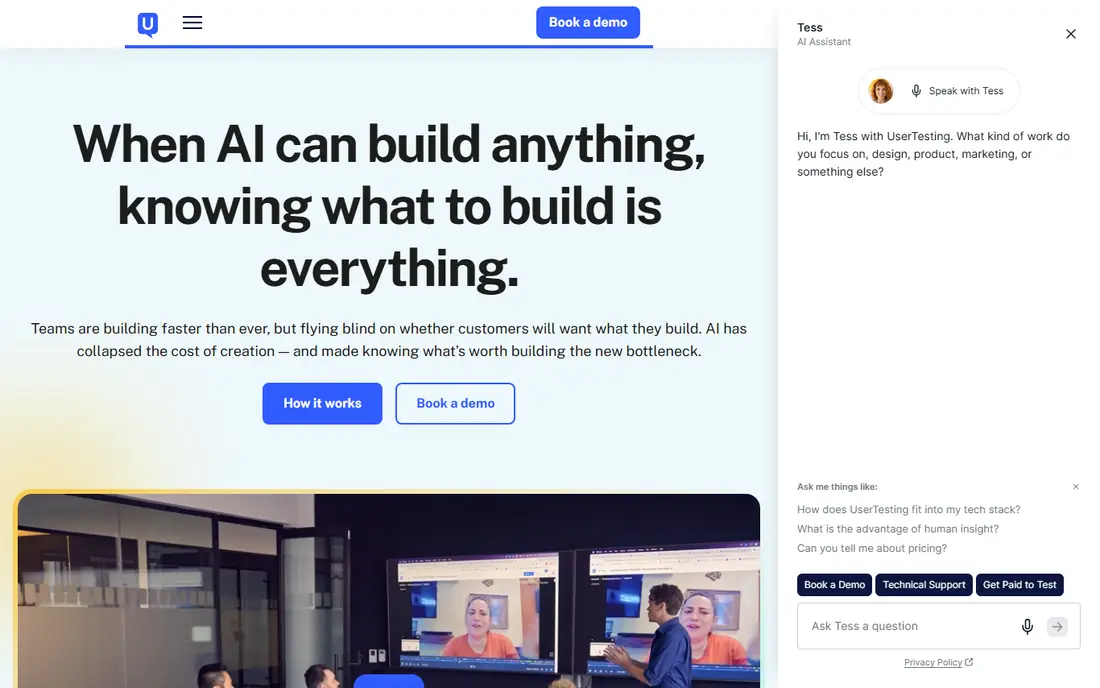
UserTesting is the enterprise standard for video-first user feedback. You can recruit from a large panel, ask participants to complete tasks while thinking aloud, and watch recordings to hear why a flow confused them. Templates, highlights and analysis tools help large teams turn many sessions into findings for stakeholders.
The price reflects that scale. Pricing is custom, panel recruitment adds cost, and a small team that runs a few tests a month may not use enough of the platform to justify it. If you need scale, governance and a large panel, UserTesting is the benchmark. If you need quick, cheap prototype checks, a smaller tool will be faster and cheaper.
- Large recruited panel
- Video plus think-aloud feedback
- Enterprise research operations and templates
- Pricing is custom and often high
- Overkill for a small team
- Panel costs add to the platform fee
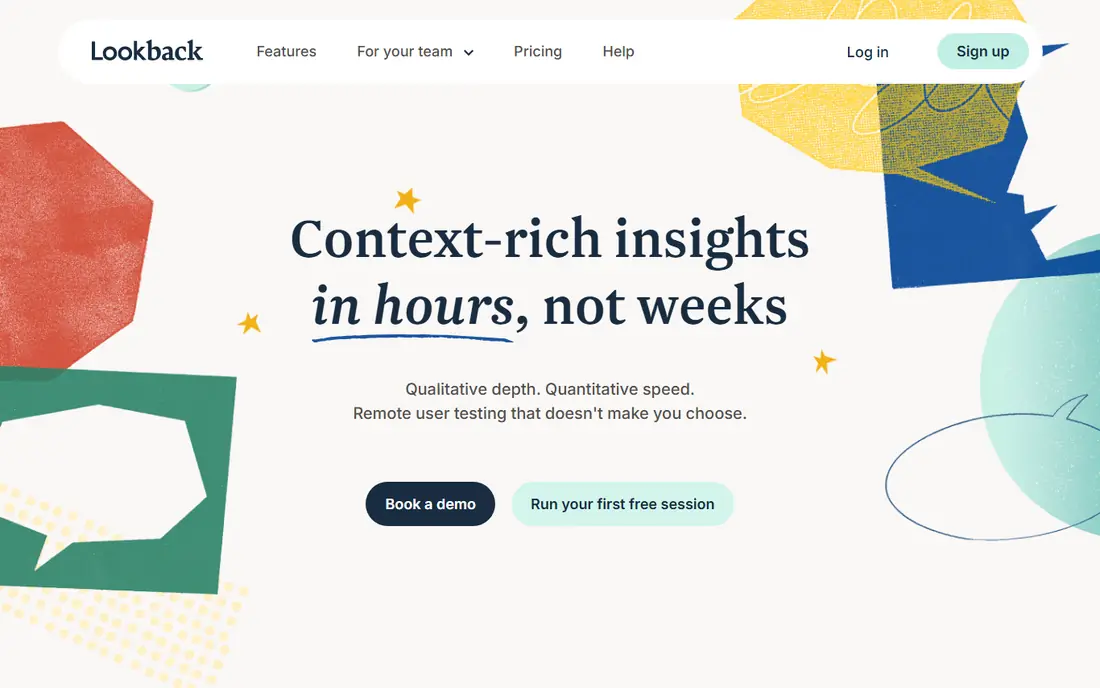
Lookback is built for moderated research, where a researcher talks with a participant live and asks why they made a choice. Observer rooms let teammates watch without interrupting, and recordings make it easy to clip a key moment for a presentation. That live context is something unmoderated tools cannot offer.
It is not the best tool for a large unmoderated study with hundreds of participants, because moderated sessions take researcher time. Panel recruitment is also a separate cost and effort. Choose Lookback when the why behind a behaviour matters more than a large sample, and when interviews are a core part of your research.
- Live moderated interviews with observer rooms
- Recorded sessions for review
- AI assisted analysis on higher plans
- Less suited to large unmoderated studies
- Panel recruitment is separate
- Higher plans rise sharply in price
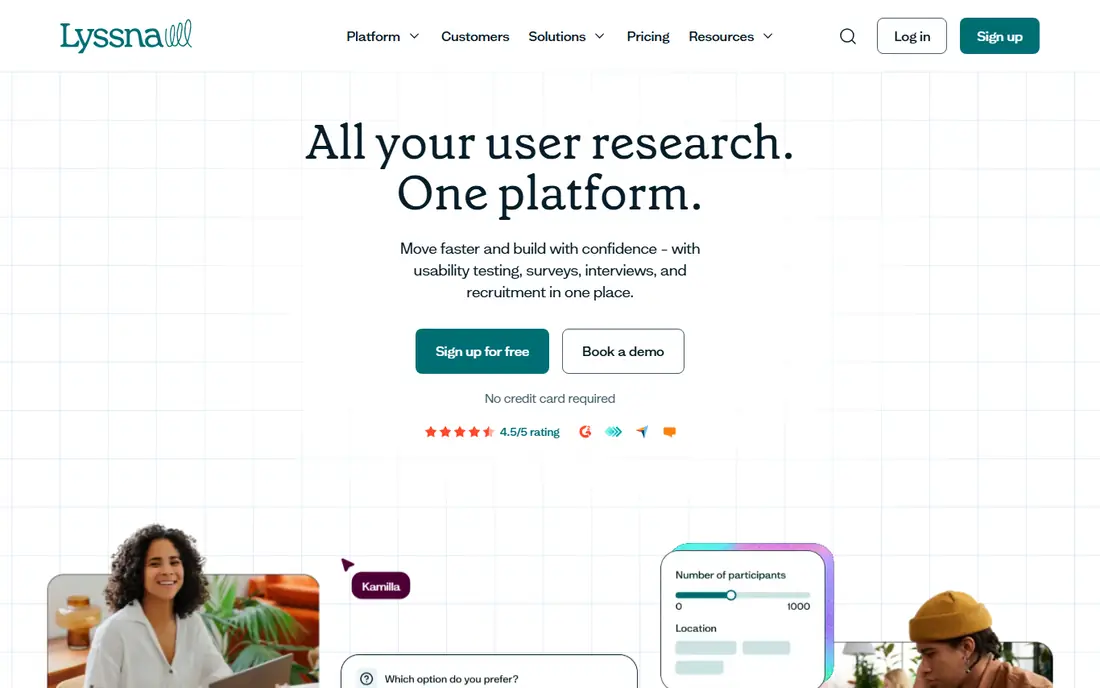
Lyssna, formerly UsabilityHub, is a strong all round alternative for small teams and solo researchers. You can run first-click tests, prototype tests, preference tests and surveys, and recruit from a panel when you need participants beyond your own users. The free plan lets you test the workflow before paying, which is useful for a team new to research.
Paid plans can rise as you add responses and panel participants, so budget for recruitment separately. Moderated interviews are not the main strength, so pair Lyssna with Lookback if you need live sessions. For quick, affordable unmoderated research, Lyssna is our pick.
- Free plan to start
- Prototype, first-click and survey tests in one tool
- Large panel option for recruitment
- Paid plans rise with use
- Moderated interviews are not the focus
- Analysis is simpler than enterprise tools
Useberry is close to Maze in its core job: testing a prototype before you build it. It supports Figma and ProtoPie prototypes, gives heatmaps, click paths and task success data, and helps a design team spot where users get stuck. For a team that lives in Figma, that direct prototype link saves time.
The method range is narrower than a full research suite, so you may still need another tool for surveys or card sorting. Paid plans are priced in euros, and panel recruitment is an extra cost. If prototype validation is your main need, Useberry is a focused, affordable Maze rival.
- Deep Figma and ProtoPie prototype testing
- Heatmaps and task metrics
- Free plan for basic tests
- Narrower method range than Lyssna
- Paid plans use euro pricing
- Panel costs are separate
Optimal Workshop suits teams that need to fix navigation, menus and information structure, not just test a screen. Card sorting shows how users group content, tree testing shows whether they can find items in a proposed structure, and first-click tests show where they expect to click. That method set is hard to find in a general prototype tool.
The price is high for a team that only runs one study a year, and there is no free plan to test it casually. Prototype testing is also not its main strength. Choose Optimal Workshop when a redesign, a new site structure or a confusing menu is the problem you need to solve.
- Strong card sorting and tree testing
- First-click and survey tools
- Good for navigation and structure work
- No free plan
- Price is high for occasional use
- Prototype testing is not the main focus
Userbrain is designed for quick, recurring usability checks. You set a task, recruit participants, and get video feedback without a long study design process. That speed suits product teams that want a regular check on a flow, such as onboarding or checkout, rather than a large research program.
The tool is narrower than UserTesting or Lyssna, and analysis features are simpler. Panel availability can also vary for niche audiences, so check recruitment for your target users before relying on it. For fast, low friction tests on a regular cadence, Userbrain is a practical choice.
- Quick tests with recruited participants
- Simple setup for task based tests
- Per tester pricing option
- Method range is narrower than larger suites
- Video analysis is basic
- Panel availability varies by audience
Trymata, formerly TryMyUI, offers usability testing with a recruited panel, video recordings and task metrics. It suits teams that want a managed testing workflow without building a panel themselves, and its agency and enterprise options help teams that need help with study design. For a product team that runs tests often, that structure can save coordination time.
The monthly price is high for occasional use, and there is no free plan to try it casually. Good results still depend on well written tasks, because a confusing task will produce confusing data in any tool. Choose Trymata when you test often and want panel plus video in one place.
- Usability tests with recruited panel
- Video and task metrics
- Agency and enterprise options
- Price is high for small teams
- Setup needs care for good tasks
- No free plan
UXtweak is a multi-method research suite that covers usability testing, tree testing, card sorting, surveys and session recordings. That breadth suits a team that wants one tool for several study types, rather than a separate tool for each method. The free plan lets you explore the methods before committing to a paid plan.
With many methods comes a denser interface, and new researchers may need time to learn which method fits each question. Panel recruitment is also separate, so budget for participants. If you want method variety on a budget, UXtweak is a strong all round option.
- Many methods in one tool, including tree testing and card sorting
- Session recordings
- Free plan to start
- Interface can feel dense with many methods
- Paid plans rise with use
- Panel recruitment is separate
Hotjar is different from the other tools here, because it learns from real visitors rather than recruited testers. Heatmaps show where people click and scroll, session recordings show real journeys, and surveys capture feedback in context. That behaviour data is useful after launch, when you want to know what real users do, not what testers do in a study.
Hotjar is not a replacement for prototype testing, because it cannot test a design before it is built. Findings also need care: a heatmap shows what happened, not why. Use Hotjar alongside a testing tool, with Hotjar for live behaviour and a tool like Lyssna or Useberry for pre-launch prototype checks.
- Heatmaps and session recordings from real traffic
- On-site surveys and feedback
- Free plan to start
- Not a prototype testing tool
- Findings need careful interpretation
- Interview features are newer and separate
How we picked these
We compared official pricing pages, feature notes and public comparisons for user research tools that are live in October 2026. We kept only tools that offer a clear Maze alternative in unmoderated testing, moderated interviews, prototype testing, method specific research or behaviour data. We used Free where a free plan is published, and See website where pricing is custom or quote based.
We did not claim hands-on testing. Our judgement comes from published methods, panel options and plan structures, not from running a study in each tool. Panel costs, response limits and plan features change, so check the current pricing page and test with a small study before committing to a large program.
How to choose a Maze alternative without buying the wrong method
Start with the question, not the tool. If you need to know whether a prototype flow works, choose an unmoderated prototype tool such as Lyssna or Useberry. If you need to know why users struggle, choose a moderated tool such as Lookback. If you need to fix navigation, choose Optimal Workshop or UXtweak for card sorting and tree testing.
Next, check participants and cost together. A cheap platform fee can become expensive once panel recruitment is added, while a free plan with your own users can be very cheap. Test with five to ten participants first, write clear tasks, and avoid leading questions. A small, well designed study in the right tool will teach you more than a large study in the wrong one.
Frequently asked questions
What is the best Maze alternative for Figma prototype testing?
Useberry and Lyssna are strong for Figma prototype testing, with heatmaps, task metrics and click paths. Useberry is more focused on prototype depth, while Lyssna covers more methods in one tool. Test both with your real prototype, because Figma link handling and task setup differ.
Can I use a Maze alternative for free?
Yes, Lyssna, Useberry, UXtweak, Userbrain and Hotjar offer free plans, though each limits responses, sessions or features. Lookback, Optimal Workshop and Trymata do not offer a free plan, and UserTesting uses custom pricing. Panel recruitment is usually a separate cost even on a free plan.
Do I need moderated or unmoderated testing?
Use unmoderated testing for quick, quantitative checks on a prototype or flow with many participants. Use moderated testing when you need to ask follow-up questions, explore motivations, or test a complex task. Many teams use both: unmoderated tests to find where users struggle, and moderated sessions to learn why.
How many participants do I need for a usability test?
For a basic usability test, five to ten participants often reveal the main problems in a flow, though the exact number depends on the task and audience. Larger samples help for quantitative comparison, such as comparing two designs. Start small, fix the main issues, then test again rather than recruiting a huge sample for a first test.
Is Hotjar a direct Maze replacement?
No, Hotjar is a complement, not a direct replacement. Maze tests a prototype before launch, while Hotjar observes real visitors after launch through heatmaps, recordings and surveys. Use Hotjar to learn from live behaviour, and use a prototype testing tool to validate designs before they reach users.
Sources
See where you really rank - block by block
ProMapRanker scans Google Maps across a grid of your service area. Simple monthly plans from $19, white-label on every plan.
Start freeKeep reading
 zoro.to alternatives
Best Zoro.to Alternatives in 2026
We compare the best zoro.to alternatives in 2026, listing only legal licensed anime streaming services, from Crunchyroll to free options for fans today.
Read → zip alternatives
Best Zip Alternatives in 2026
We compare the best zip alternatives for buy now, pay later in 2026, covering pay-in-4 plans, fees, spending limits, and credit reporting options today.
Read → yesware alternatives
Best Yesware Alternatives in 2026
Compare the best yesware alternatives for sales email tracking, templates, and sequences, with current pricing and honest tradeoffs for small sales teams.
Read →