 ProMapRanker
Best Markup.io Alternatives in 2026

Key takeaways
- Markup.io is still live in 2026 as an independent visual feedback tool, with a Pro plan at $79 per month and unlimited users, so price is the main reason teams shop around.
- Marker.io is the strongest pick when bug reports must land in Jira, Linear, or GitHub with browser and console detail attached.
- Pastel and Userback suit simpler client reviews, while Filestage suits formal approval workflows across many file types.
- Flat pricing helps large reviewer groups, while per seat pricing can be cheaper for a small internal team, so model the cost at your real team size.
Quick comparison
| Pick | Great for | Pricing starts at | Free tier | |
|---|---|---|---|---|
 Marker.io | Developer ready bug reports | $39 per month | Free trial | Visit |
 BugHerd | Client website feedback | $39 per month | Free trial | Visit |
 Pastel | Simple client reviews | Free | Yes | Visit |
 Userback | Product feedback and surveys | Free | Yes | Visit |
 Filestage | Formal file approvals | See website | Free trial | Visit |
 Ruttl | Live website edits in review | $18 per user per month | Free | Visit |
 Atarim | Agency client work | $35 per month | Free trial | Visit |
 Feedbucket | Flat price agency feedback | $39 per month | Free trial | Visit |
The best markup.io alternatives
Markup.io lets teams comment on live websites, images, PDFs, and videos in one place. The tools below cover the same visual feedback job, with different strengths for developers, agencies, and product teams. We compared published features and pricing signals.
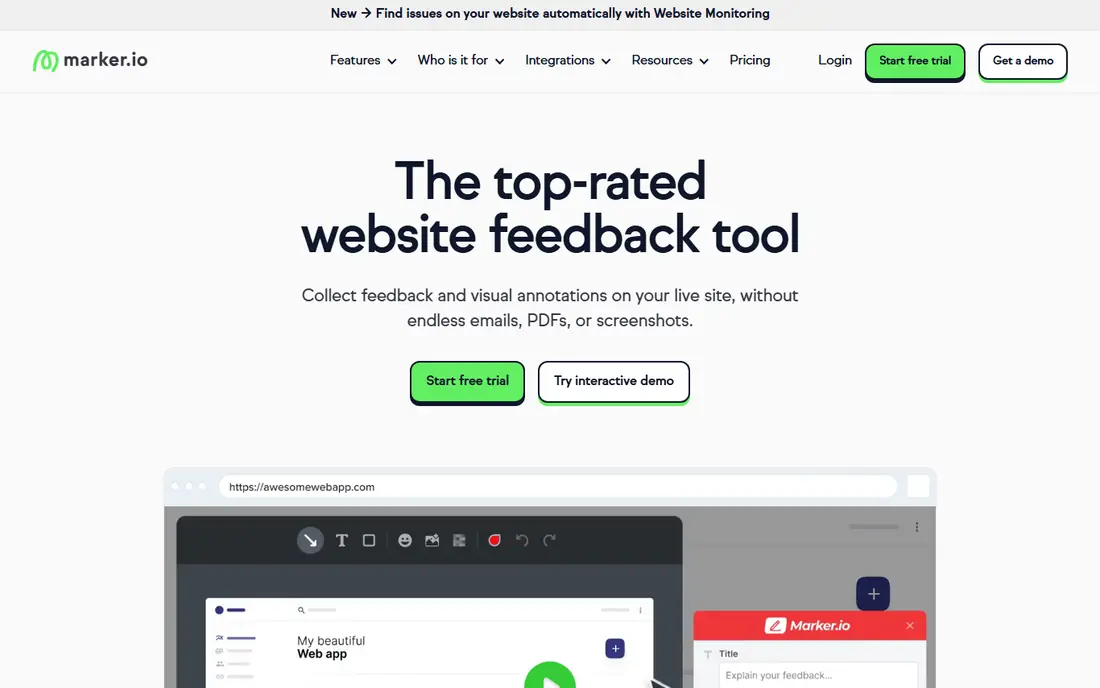
Marker.io is the pick when feedback must become a usable bug report without extra back and forth. A reviewer clicks, annotates, and submits, and the developer receives browser detail, console logs, and a replay alongside the comment. That detail cuts the usual reply of asking which browser, which page, and which steps were taken.
The pricing model needs attention. The entry plan includes a small number of seats and websites, with extra seats charged per month, so a growing team should model the total. Unlimited reporters still help, since clients can submit without a paid seat. For dev led teams, that combination is hard to beat.
- Reports include screenshot, console logs, and session replay
- Strong Jira and Linear links
- Unlimited reporters
- Entry plan limits seats and websites
- Deeper workflow features sit on higher plans
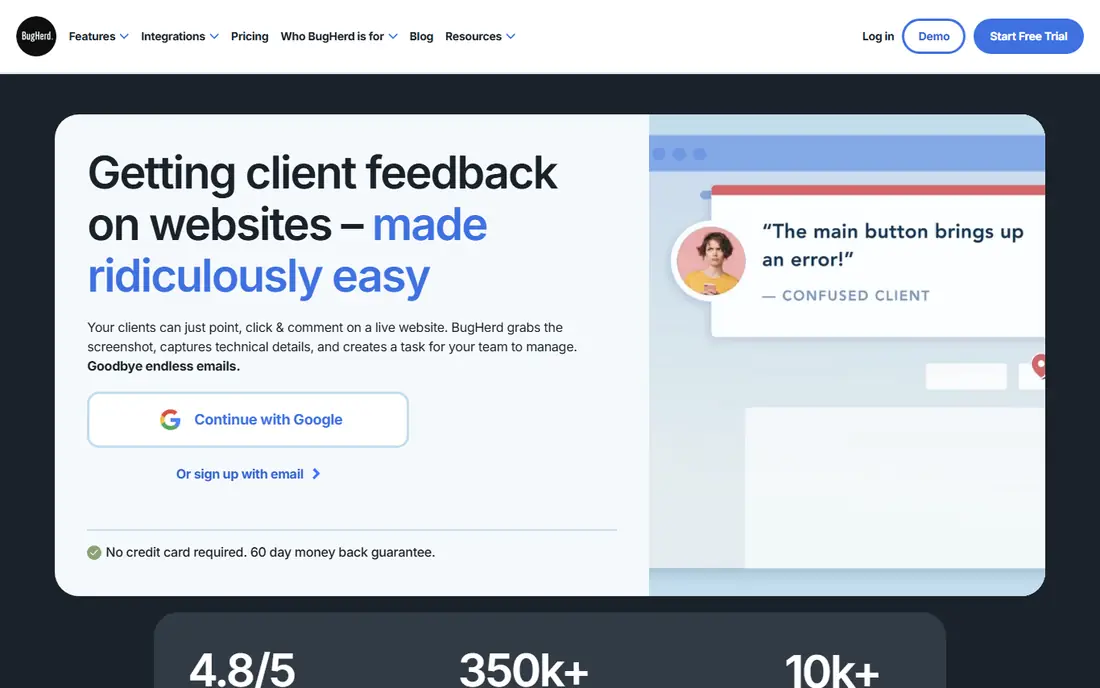
BugHerd was built for web agencies that need clients to point at a problem instead of describing it in an email. Clients click on the live site, leave a note, and the team sees it as a task with a screenshot and page detail. The task board keeps fixes visible, which helps when several clients review at once.
The limit is depth. BugHerd is excellent for client communication, but teams that need console logs and network detail on every report may prefer Marker.io. Pricing also grows with members, so agencies should count internal users carefully. For client facing website work, BugHerd remains a clear and proven choice.
- Simple point and click feedback for clients
- Task board for fixes
- Audit trail on changes
- Less developer detail than Marker.io on entry plans
- Per member pricing can grow
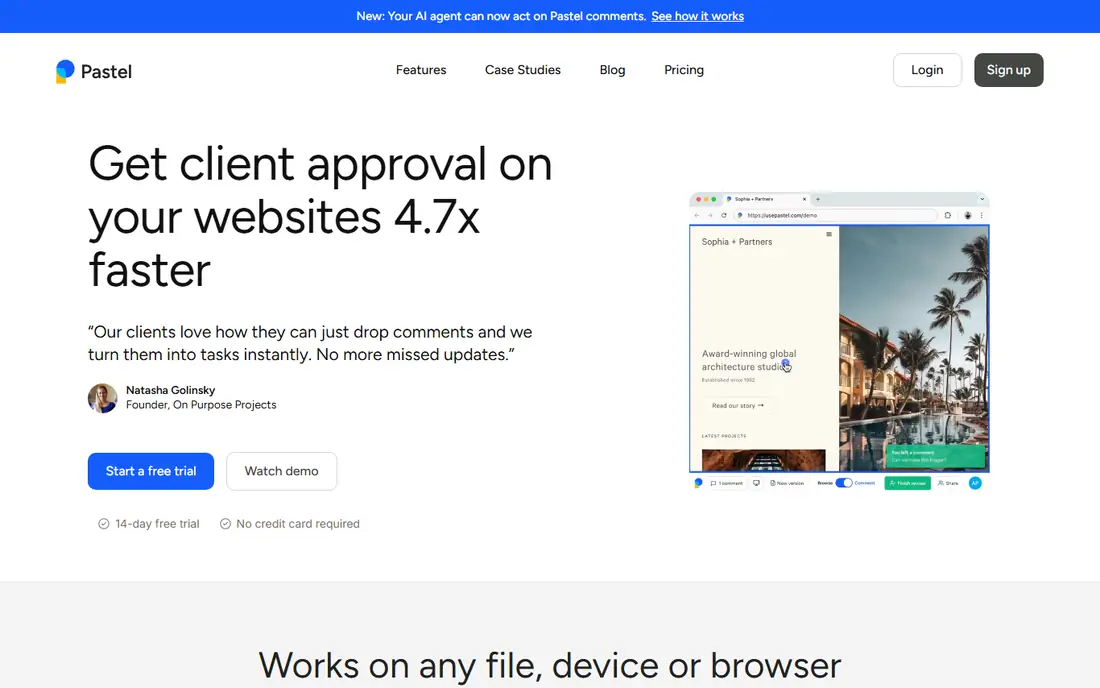
Pastel suits teams that want the simplest possible review loop. Share a link, let the client click and comment, and collect feedback without training or long setup. That simplicity matters when clients are busy, non technical, or reviewing only once. Pastel also handles PDFs and images, so it is not limited to websites alone.
The cost curve is the catch. Team plans add users at a per user rate, so a larger internal team pays more than it would on a flat priced tool. Pastel also offers fewer deep developer integrations. If ease for clients is the top priority, Pastel is worth it. If developer detail is the priority, Marker.io fits better.
- Very easy for clients to use
- Live website and PDF comments
- No account needed for reviewers in many flows
- Paid plans rise quickly with team size
- Fewer developer integrations than Marker.io
Userback covers more than website bugs. Product teams can collect feedback through a widget, run surveys, manage a public roadmap, and route feedback into tools such as Jira and ClickUp. That breadth suits SaaS teams that want one feedback inbox for users, not only a review tool for agencies.
The free plan is limited by time, since feedback is kept for only 7 days, so it works as a trial rather than a long term home. Session replay and developer tools also sit on higher plans. For a product team that needs surveys and roadmaps alongside visual feedback, Userback is a strong all round pick. For pure bug reporting, a more focused tool may be cheaper.
- Feedback widget plus surveys and roadmaps
- Session replay on higher plans
- Many product integrations
- Free plan keeps feedback for only 7 days
- Session replay and API features sit on higher plans
Filestage suits teams that review documents, images, video, and websites under a formal approval process. Reviewers comment in context, versions stay organised, and approvals are tracked rather than buried in email. That structure helps marketing, legal, and compliance heavy teams that need a clear record of who approved what.
The trade off is formality and price clarity. Filestage is heavier than Pastel for a quick one off review, and pricing is not always published in a simple form. Teams that need audit trails and multi stage approvals will value it. Teams that only need fast client comments should start with a simpler tool.
- Review across many file types
- Structured approval workflows
- Version comparison
- Pricing is quote led for many teams
- More formal than a quick client comment tool
Ruttl stands out because reviewers can suggest edits to live website text and styling while they comment, rather than only describing a change. That helps designers and clients agree on wording and layout faster, since the suggestion is visible in place. Ruttl also covers design files and video, so a team can keep several review types in one tool.
Per user pricing is the limit. A team of ten pays considerably more than it would on a flat priced plan, so Ruttl suits small teams best. It also lacks the formal approval depth of Filestage. For small web teams that want fast visual edits, Ruttl is a practical and creative choice.
- Edit live text and styling during review
- Website and design feedback in one place
- Guest reviewer access
- Per user pricing adds up for larger teams
- Less suited to formal approval workflows
Atarim is built for agencies that manage many client sites and need feedback tied to client work. Clients comment visually, the agency tracks tasks, and WordPress workflows keep the loop close to where the site lives. Time tracking on some plans also helps agencies that bill by project or hour.
The pricing grows with team members, so a larger agency should check the total before switching from a flat priced tool. Atarim also focuses more on agency delivery than on deep bug data for developers. For an agency that wants feedback and client work in one place, Atarim is a strong fit.
- Client feedback plus agency workflows
- WordPress friendly
- Time tracking on some plans
- Extra team members add cost
- Less developer detail than Marker.io
Feedbucket appeals to agencies that want predictable pricing. One flat monthly price covers the team, which removes the per seat maths that makes other tools expensive as a team grows. Clients can leave visual feedback, including video, without a complex setup.
The limit is breadth. Feedbucket has a smaller integration set than Marker.io or Userback, and it lacks the product feedback extras such as surveys and roadmaps. For an agency whose main need is simple, predictable client feedback, that focus is a strength. For a product team, Userback or Marker.io will cover more ground.
- Flat monthly price
- Simple client feedback
- Video feedback support
- Smaller integration set than larger tools
- Fewer advanced product feedback features
How we picked these
We compared official product pages, pricing signals, and public comparison guides, and we kept only tools that are live in October 2026 and that support visual feedback on websites or related files. We did not claim hands on testing. We weighed published features, pricing models, reviewer ease, developer detail, and fit for agencies, developers, and product teams.
What to check before you choose
Start with who reviews. If reviewers are clients, ease matters more than developer detail, so test the guest flow without an account. If reviewers are QA staff, console logs, replay, and integration with your issue tracker matter more. A tool that pleases one group can frustrate the other, so test with both.
Next, check where feedback must land. A tool that posts directly into Jira, Linear, Asana, or ClickUp saves copy work and keeps status in sync. Ask whether comments sync both ways, whether attachments carry over, and whether a closed issue notifies the reviewer. Those details decide whether the tool saves time or adds a second inbox.
Finally, model the price at your real size. Count internal seats, websites, projects, and reviewers, and compare flat versus per seat pricing over a year. A low headline price can become the most expensive option once seats are added. Run a trial on a live project, not a demo site, to see whether feedback actually gets fixed faster.
Frequently asked questions
Is Markup.io still live in 2026?
Yes, Markup.io remains listed in 2026 comparison guides as a live visual feedback tool for websites, images, PDFs, and videos, with a Pro plan at $79 per month for unlimited users. Its price rise in 2025 is a common reason teams compare alternatives. Confirm the current plan on the Markup.io pricing page before you decide.
What is the best Markup.io alternative for developers?
Marker.io is the strongest developer pick, because reports include screenshots, console logs, network detail, and session replay, and they post directly into common issue trackers. BugHerd is simpler for clients but gives developers less detail. Choose Marker.io when reproduction speed matters most.
What is the cheapest Markup.io alternative?
Pastel and Userback both offer free plans, and Ruttl offers a free tier, but limits differ. Pastel is best for simple client reviews, while Userback adds surveys and roadmaps. For a paid flat price, Feedbucket at $39 per month is predictable for a growing team. Check free plan limits before relying on them for client work.
Can reviewers comment without an account?
Many of these tools allow guest reviewers through a shared link, which is a key advantage over email feedback. The exact guest flow varies, so test it with a real client style reviewer. If a tool forces every reviewer to create an account, adoption will drop for one off reviews.
Do these tools work for PDFs and video?
Yes, several do, including Markup.io itself, Filestage, Pastel, and Ruttl, with different levels of support. Filestage is strongest for formal approvals across file types. Marker.io and BugHerd focus more on live websites and bug reports. Check the file types you actually review before choosing.
How do I move from Markup.io to another tool?
Export or copy open feedback first, then run the new tool alongside Markup.io on one live project. Invite the same reviewers, compare how fast issues get fixed, and only close the old tool once open items are resolved. A parallel run avoids lost comments during migration.
Sources
- https://marker.io/blog/markup-io-alternatives
- https://marker.io/blog/website-annotation-tools
- https://filestage.io/blog/annotation-tools/
- https://atarim.io/website-feedback-tools/
- https://marker.io
- https://bugherd.com
- https://usepastel.com
- https://userback.io
- https://filestage.io
- https://ruttl.com
- https://atarim.io
- https://feedbucket.io
See where you really rank - block by block
ProMapRanker scans Google Maps across a grid of your service area. Simple monthly plans from $19, white-label on every plan.
Start freeKeep reading
 zyte alternatives
Best Zyte Alternatives in 2026
These zyte alternatives cover managed scraping APIs, proxy networks and no code tools for lawful collection from your own or consented sources only in 2026.
Read → zerto alternatives
Best Zerto Alternatives in 2026
Compare the best zerto alternatives for disaster recovery and replication, with recovery targets, cloud options and honest trade-offs for teams in 2026.
Read → zerofox alternatives
Best ZeroFox Alternatives in 2026
We compared 9 zerofox alternatives for brand protection, phishing takedowns, dark web monitoring, and social impersonation, with clear coverage notes.
Read →