 ProMapRanker
Best ManageEngine Alternatives in 2026

Key takeaways
- No single tool here copies every ManageEngine product at once.
- Monitoring specialists give deeper network and cloud visibility than a general suite.
- Service desk tools focus on tickets, approvals and self service portals.
- Endpoint tools win on patching, remote access and asset detail, but they are not ticket systems.
- Open source options cut licence cost and add setup and maintenance work.
Quick comparison
| Pick | Great for | Pricing starts at | Free tier | |
|---|---|---|---|---|
 Datadog | Cloud and application monitoring | $15 per month | Free trial | Visit |
 PRTG Network Monitor | Simple network monitoring for Windows teams | See website | Free trial | Visit |
 Zabbix | Free open source infrastructure monitoring | Free | Yes | Visit |
 Nagios XI | Established alerting for mixed infrastructure | See website | Free trial | Visit |
 Freshservice | IT service desk and ticketing | $19 per agent per month | Free trial | Visit |
 NinjaOne | Endpoint management for IT teams and MSPs | See website | Free trial | Visit |
 Atera | All in one RMM for small IT teams | See website | Free trial | Visit |
 Lansweeper | Asset discovery and inventory | See website | Free trial | Visit |
 SolarWinds Observability | Hybrid IT monitoring for larger estates | See website | Free trial | Visit |
The best ManageEngine alternatives
ManageEngine covers a wide set of jobs, from network monitoring to service desk tickets and endpoint control, so a single replacement rarely fits every team. The right alternative depends on which part you are replacing, how much control you want over your own servers, and how much setup time your team can spare. We compared tools that cover monitoring, service desk work, asset discovery and endpoint management, and we kept only tools that are live and sold in October 2026.
Our short answer is to split the choice. Pick a monitoring tool for network and infrastructure health, a service desk tool for tickets, and an endpoint tool for patching and remote control, rather than forcing one product to do all three jobs poorly.
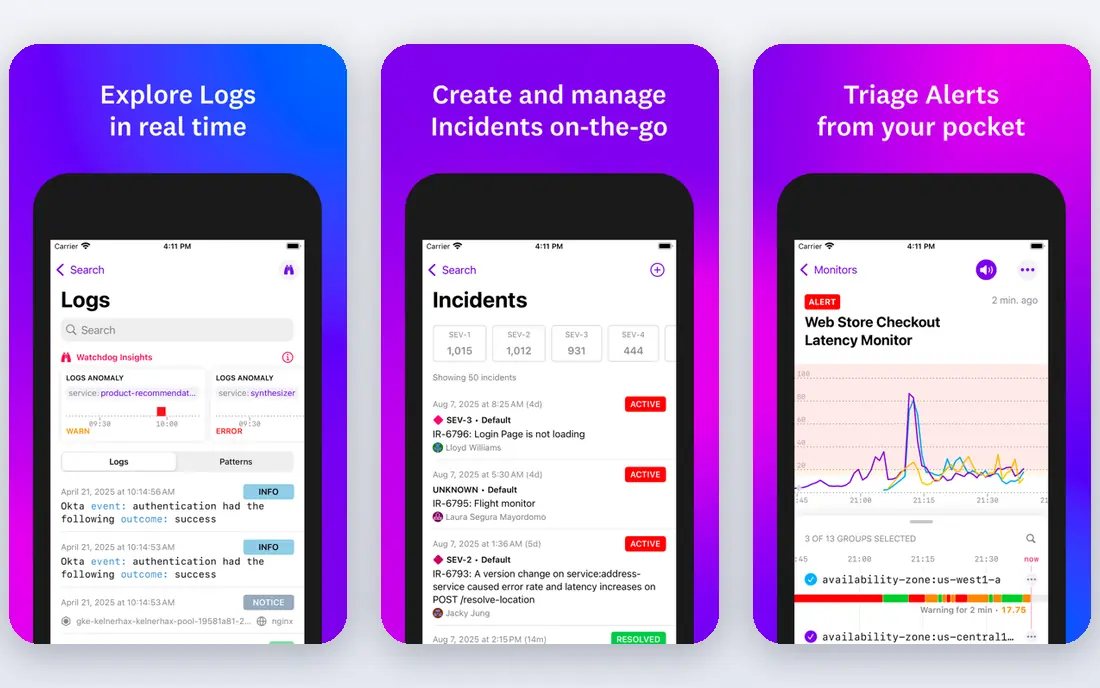
Datadog suits teams that run cloud services and need infrastructure, logs and application traces in one place. Its dashboards and alerts help a small operations team spot a failing service before users report it, and its integrations cover many common cloud and container tools.
The catch is cost control. Each module is billed separately, so a team that adds network, log and application monitoring together can see a much larger bill than the starting price suggests, and careful tagging and usage limits matter from day one.
- Broad cloud, infrastructure and log coverage
- Strong dashboards and alerting
- Large integration set
- Pricing grows with each module and host
- Setup takes time for new teams
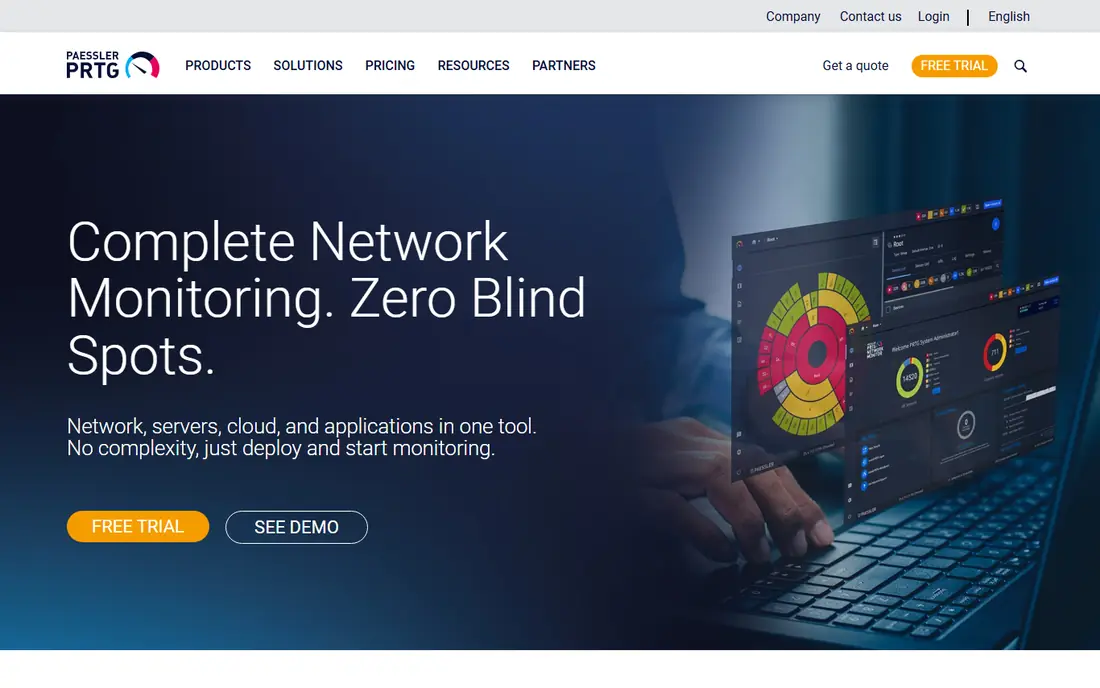
PRTG suits teams that want network monitoring up and running without a long project. Auto discovery finds switches, servers and printers, and sensor based maps make it easy to see which device or link is failing.
The catch is sensor budgeting. Each metric counts as a sensor, so a team that monitors everything in fine detail can run out of sensors fast, and larger estates need a clear plan for which metrics matter most.
- Auto discovery and clear maps
- Sensor based licensing
- Fast setup for common devices
- Windows focused
- Large estates need sensor planning
- Advanced cloud features are limited
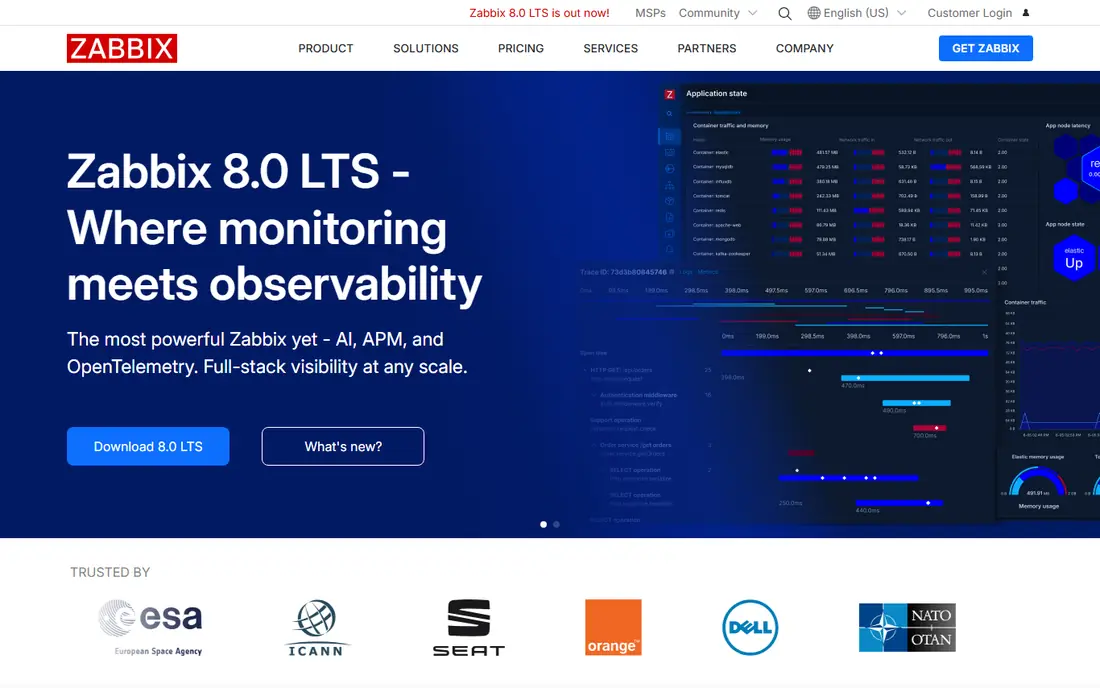
Zabbix suits teams with Linux skill who want full control and no licence fee. It monitors servers, network devices and cloud hosts, and its templates and triggers can be shaped to fit unusual equipment.
The catch is ownership. Your team handles installation, upgrades, backups and tuning, so the saving on licences is paid for in staff time, and small teams should weigh that trade before choosing it.
- No licence cost
- Wide device and server coverage
- Flexible templates and alerting
- Setup and tuning need Linux skill
- Interface feels dated
- Support is paid
Nagios XI suits teams that already use Nagios plugins or that need to monitor unusual systems. Its host and service model is simple to explain, and its plugin library covers many devices and checks that newer tools may miss.
The catch is polish. Configuration and reporting feel older than newer hosted tools, and teams that want a modern dashboard out of the box may need extra work to get the views they want.
- Huge plugin set
- Clear host and service states
- Long track record in operations teams
- Interface feels older
- Configuration takes care
- Pricing is quote based for many buyers
Freshservice suits teams replacing a service desk, since it covers incidents, requests, changes and problems with a portal staff can actually use. Tickets, assets and approvals sit together, which helps a team trace a fault from report to fix.
The catch is plan gating. Useful automation and deeper reporting sit on higher plans, so a team should map its must have workflows to a plan before it signs, rather than assuming the entry plan covers them.
- Clear ticket workflows
- Self service portal
- Asset records beside tickets
- Per agent pricing grows with team size
- Advanced automation sits on higher plans
NinjaOne suits teams that manage many laptops, desktops and servers from one console. Patching, remote access, scripting and monitoring sit together, which cuts the need to jump between separate tools during an incident.
The catch is pricing clarity. Quotes depend on endpoint count and chosen add ons, so small teams should get a written quote for their exact count before comparing it with per technician tools.
- Patching, remote access and monitoring in one console
- Strong automation
- MSP friendly
- Pricing is quote based
- Minimum endpoint counts can suit larger teams better
Atera suits small IT teams and managed providers that want predictable per technician pricing. Unlimited endpoints on a technician plan make it easier to onboard new clients or sites without renegotiating a per device count each time.
The catch is tiering. Some deeper automation and reporting features sit above the entry plan, so a team should trial the exact tier it plans to buy and check that its daily workflows are included.
- Per technician pricing with unlimited endpoints
- Patching and remote access included
- Simple console
- Advanced features need higher tiers
- Reporting depth varies
- Support response can vary by plan
Lansweeper suits teams that need an accurate picture of what they own. Agentless scans find hardware, software and network devices, and the asset records help with audits, licence checks and replacement planning.
The catch is scope. It is an asset and discovery tool first, not a full service desk, so teams that need ticket workflows should pair it with a service desk tool rather than expecting it to replace one.
- Agentless discovery finds hardware and software
- Clear asset records
- Good for audits
- Pricing scales with asset count
- Ticketing is not its main strength
- Setup needs network access planning
SolarWinds Observability suits larger teams with hybrid estates that mix on premises servers, network gear and cloud services. Its network tools help trace a fault across hops and devices, which matters when a slow link is blamed for an application fault.
The catch is complexity. The product range is wide, setup takes planning, and pricing needs a quote, so teams should confirm exactly which modules are included before they judge the total cost.
- Broad on premises and cloud coverage
- Network path tools
- Large device support
- Pricing is quote based
- Setup can be heavy
- Product range can confuse buyers
How we picked these
We compared official feature pages, pricing pages and documentation, and we checked what each product is built to do first. We gave weight to deployment choice, alerting, asset discovery, ticket workflow and patching, and we noted where pricing is quoted rather than published. We did not claim hands-on testing. We excluded tools that were discontinued or that only cover one narrow feature with no fit for IT operations work.
How to choose a ManageEngine alternative
Start with the job you are replacing
List the ManageEngine product you use most, then match that job first. OpManager users should start with monitoring tools. ServiceDesk Plus users should start with service desk tools. Endpoint Central users should start with endpoint tools. A tool that looks cheaper on paper can cost more in migration time if it misses a core workflow.
Check deployment and data control
Some teams need an on premises install for compliance or for networks with limited internet access. Others prefer a hosted service so updates and backups are handled by the vendor. Open source tools give the most control, but they also put upgrades, security patches and backups on your own team.
Test alerting and ticketing before you commit
Run a trial with real devices, real tickets and real alert rules. Check how alerts group, how tickets route, and how hard it is to add a new device or a new request type. Pay attention to pricing units, since some tools charge per agent, some per device and some per endpoint, and those units change the total fast.
Frequently asked questions
Which ManageEngine alternative is best for network monitoring?
PRTG and Zabbix are strong starting points for network monitoring, with Datadog a better fit when cloud and application data must sit beside network data. The choice turns on team size, hosting preference and tolerance for setup work.
Can one tool replace all ManageEngine products?
In most cases, no. ManageEngine is a bundle of separate products, so a monitoring tool, a service desk tool and an endpoint tool usually cover the work better together than any single alternative does alone.
Are open source ManageEngine alternatives safe for business use?
Open source tools such as Zabbix can be safe when they are kept updated, backed up and access controlled, but the security work falls on your team rather than on a vendor support contract.
What does Freshservice replace in ManageEngine?
Freshservice is closest to ServiceDesk Plus, since it covers incident, problem, change and request work, plus asset records and a self service portal for staff.
How much do ManageEngine alternatives cost?
Costs vary widely by pricing unit. Some tools publish per agent or per device prices, while others quote by endpoint volume or by enterprise agreement, so always compare the total for your device and agent count.
Sources
See where you really rank - block by block
ProMapRanker scans Google Maps across a grid of your service area. Simple monthly plans from $19, white-label on every plan.
Start freeKeep reading
 zscaler alternatives
Best Zscaler Alternatives in 2026
Looking for zscaler alternatives? We compare 9 SASE and zero trust platforms on architecture, data protection, pricing, and fit for your network and team.
Read → zapier alternatives free
Best Zapier Alternatives Free in 2026
Nine automation tools for zapier alternatives free in 2026, all with genuinely free tiers, plus free plan limits, starting prices and upgrade paths explained.
Read → which platform is best for online reputation
Which Platform Is Best for Online Reputation in 2026
Wondering which platform is best for online reputation? We compare 8 review, listing, and response tools for small and multi-location businesses and agencies.
Read →