 ProMapRanker
Best Make.com Alternatives in 2026

Key takeaways
- Zapier suits the widest app catalog and a simple trigger-and-action model, while n8n suits developers and self-hosting.
- Power Automate suits Microsoft 365 teams, and Workato suits enterprises that need governance and scale.
- IFTTT and Integrately suit simple personal or beginner automations, while Pipedream and Activepieces suit code-led and open teams.
- Always price a real workflow, with its step count and monthly runs, before judging a headline monthly price.
Quick comparison
| Pick | Great for | Pricing starts at | Free tier | |
|---|---|---|---|---|
 Zapier | Widest app catalog for automation | $19.99 per month | Yes | Visit |
 n8n | Self-hosted automation for developers | $20 per month | Yes | Visit |
 Workato | Enterprise automation and integration | See website | Free trial | Visit |
 Microsoft Power Automate | Automation inside Microsoft 365 | $15 per user per month | Yes | Visit |
 Pipedream | Code-first workflows for developers | See website | Yes | Visit |
 IFTTT | Simple personal automations | $2.99 per month | Yes | Visit |
 Activepieces | Open-source automation for teams | $25 per month | Yes | Visit |
 Integrately | One-click automations for beginners | $19.99 per month | Yes | Visit |
 Pabbly Connect | Budget automation with flat tasks | $19 per month | Yes | Visit |
The best make.com alternatives
Make.com is a visual automation platform where scenarios connect apps with routers, filters, and iterators, and the alternatives below cover the same job from simpler to more technical ends. Some suit beginners who want one-click automations, some suit developers who want code and self-hosting, and some suit enterprises that need governance. We compared official pricing pages, and we left Make.com itself off this list. Billing units differ sharply here, so a task, a credit, an execution, and a step are not the same cost, and a multi-step workflow will price very differently across these tools.
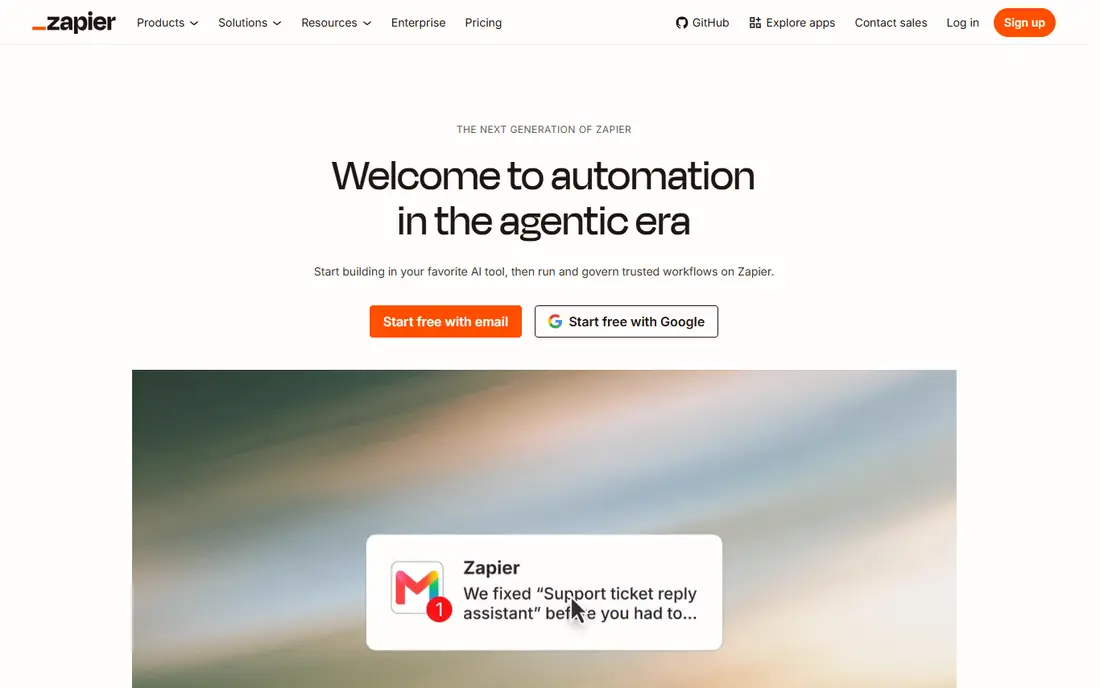
Zapier fits small teams and individuals who want the largest app catalog and a builder they can learn in an afternoon, without writing code. Its Zaps connect a trigger in one app to actions in others, with templates for common flows, and a free plan that covers light use for testing.
The catch is task maths. Every action step can count as a task, so a five-step workflow that runs often costs far more than a two-step one. Price a real workflow, step by step, before comparing Zapier with a credit or execution-based rival.
- Thousands of app integrations
- Simple trigger-and-action builder
- Templates and AI-assisted builds
- Per-task pricing can rise fast with multi-step workflows
- Advanced logic needs higher tiers
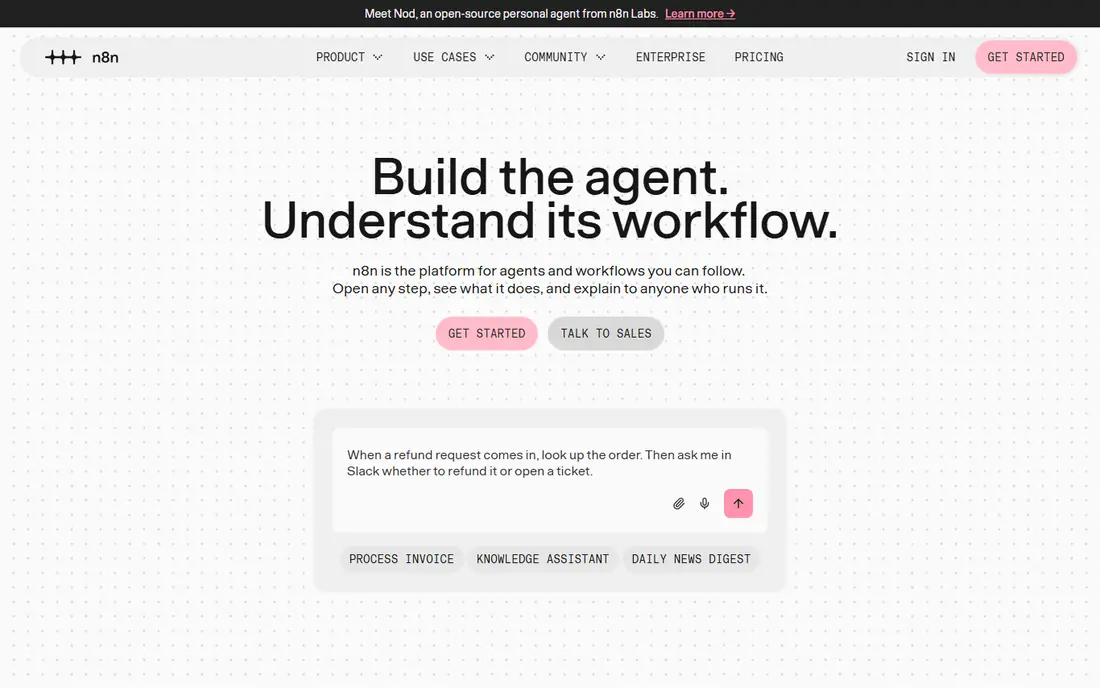
n8n fits developers and technical teams that want to own their automation runtime, add code steps, and pay per workflow execution rather than per step. A multi-step workflow counts as one execution on cloud plans, which makes n8n cheaper than per-task tools for long workflows, and the self-hosted version removes the subscription for teams willing to run servers.
The catch is ownership. Self-hosting shifts cost into servers, upgrades, and monitoring, and the visual builder still rewards technical skill. For a non-technical team, Zapier or Integrately will be faster to adopt, even if n8n is cheaper on paper.
- Open-source self-hosted option
- Code steps in workflows
- Execution-based pricing on cloud
- Cloud pricing is in euros on some pages
- Self-hosting needs server and maintenance work
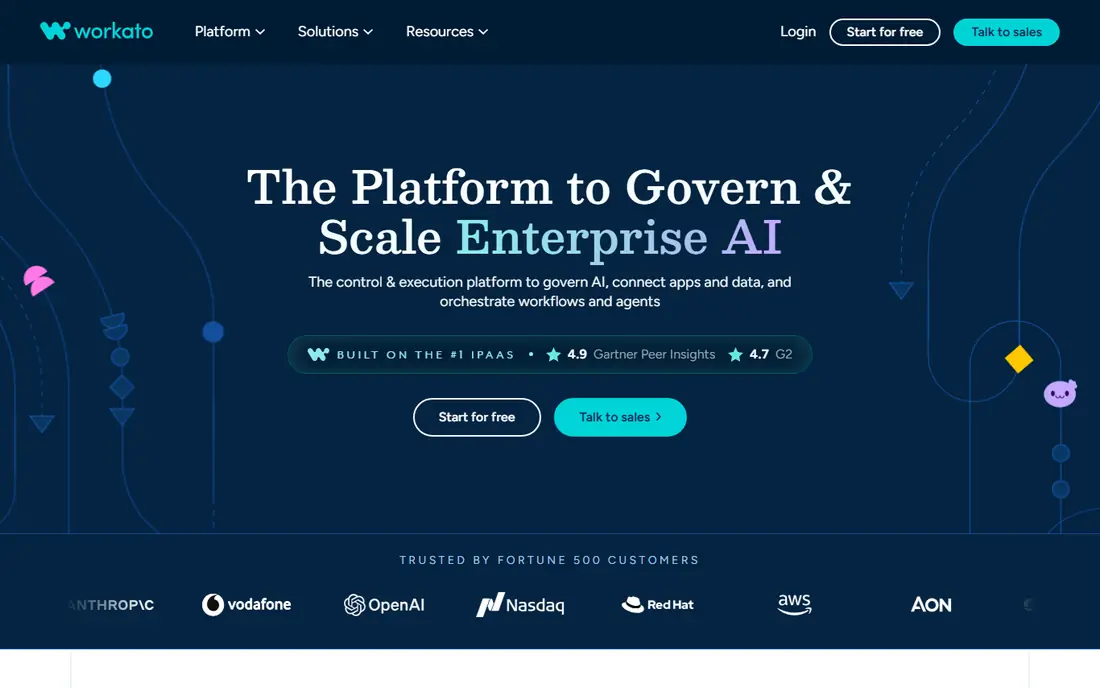
Workato fits larger organisations that need automation with governance, security controls, and IT oversight, across many apps and data sources. Its recipes support complex business processes, with versioning, access controls, and monitoring that suit teams where an automation failure has business consequences.
The catch is scale and sales process. Workato pricing is quoted and aimed at enterprise budgets, so a small team with a handful of flows will find it costly and slow to buy. It earns its place when governance and scale are the deciding factors.
- Enterprise governance and security
- Recipes for business and IT teams
- Broad app and data coverage
- Quote-based pricing at enterprise levels
- Heavy for small teams and simple flows
Microsoft Power Automate fits organisations already on Microsoft 365, where flows should live inside Teams, SharePoint, Outlook, and Dynamics. It offers cloud flows for app-to-app work and desktop flows for robotic process automation on Windows, with many features included in Microsoft 365 plans at a basic level.
The catch is ecosystem fit. Outside Microsoft 365, the value drops, and premium connectors and AI features need a paid per-user plan. Check what your current Microsoft plan already includes before buying Premium, because the answer changes the cost a lot.
- Cloud and desktop flows
- Deep Microsoft 365 and Teams integration
- AI Builder on higher plans
- Best value only inside Microsoft 365
- Non-Microsoft app coverage is narrower than Zapier
Pipedream fits developers who want to write code inside workflows, connect APIs quickly, and run serverless jobs without managing servers. Its components cover many apps and APIs, and code steps let a developer handle edge cases that a no-code builder cannot, with logs and testing built in.
The catch is audience. Pipedream rewards code skill, so a business team without a developer will move slower here than on Zapier or Make-style visual builders. It is a developer tool that happens to automate, not a beginner tool with code added on.
- Code steps in Node.js and Python
- Large app component library
- Serverless execution
- Developer-first design can alienate non-technical users
- Workflow pricing and limits need care
IFTTT fits individuals and households that want simple if-this-then-that automations, such as a smart home trigger, a social post, or a notification. Its applets are quick to create, with a free plan for a couple of applets and a low-cost Pro plan for more, which suits personal use far better than business workflows.
The catch is logic depth. IFTTT handles simple triggers well and complex branching poorly, so a business process with routers, filters, and many steps needs a different tool. Use IFTTT for personal convenience, not for a core business workflow.
- Very simple applet model
- Smart home and personal app coverage
- Low price
- Limited multi-step logic
- Free plan allows only a few applets
- Not built for business scale
Activepieces fits teams that want an open-source automation option with a visual builder, without the enterprise price of larger platforms. It offers cloud plans and a self-hosted version, with pieces for common apps and a builder that non-developers can learn, plus code steps for technical users.
The catch is catalog size. Activepieces covers fewer apps than Zapier, so a team with an unusual app should check coverage before committing. For common apps and a team that values open source, it is a strong and affordable pick.
- Open-source self-hosted option
- Visual builder
- Growing app piece library
- Smaller app catalog than Zapier
- Cloud free tier limits flows
Integrately fits beginners who want an automation running in minutes, by activating a ready-made recipe rather than building a flow from scratch. Its catalog focuses on common app pairs, with one-click setup and support on every plan, which suits a small business owner who does not want to learn a builder.
The catch is customisation. Ready-made automations cover common cases well and unusual cases poorly, and deeper branching or data shaping needs a more flexible tool. For a first automation, Integrately is fast, but for a complex process, look at Zapier, n8n, or Power Automate.
- Ready-made one-click automations
- Live chat support on plans
- Simple setup
- Smaller catalog and less custom logic than Zapier or n8n
- Free plan limits tasks
Pabbly Connect fits budget-conscious teams that want many tasks without per-step surprises, and that may also use Pabbly billing or email tools. Its plans offer generous task allowances compared with per-task rivals, and the bundle can replace several small subscriptions for a small business.
The catch is that generous task counts still have limits, and the interface feels less polished than Zapier for some users. Read the task, app, and workflow limits on the exact plan you intend to buy, especially if a lifetime offer is involved, because limits differ by offer.
- Flat task model on many plans
- Bundle with billing and email tools
- Large app catalog
- Interface and support depth vary by plan
- Lifetime offers need careful reading of limits
How we picked these
We compared official feature pages, pricing pages, and app store listings, and we checked public documentation for each product before including it. We kept only products that exist and work now, that fit the topic directly, and that a reader could sign up for or buy without guessing at the cost. Where a price was not published clearly, we wrote See website instead of filling in a number we could not confirm.
We also weighed the trade-offs that show up after signup, such as limits on the free plan, per-user or per-location billing, and how hard it is to move data out later. A product that looked cheap at first glance did not stay on the list if its limits made it a poor fit for ordinary use. We did not claim hands-on testing that did not happen, and we left out the named product itself from its own alternatives list.
How to choose a Make.com replacement
Start with who will build and maintain the workflows. A beginner needs templates and one-click setup, a business team needs a visual builder with routers and filters, and a developer needs code steps and self-hosting. The wrong builder for the team will stall, even if the price looks right.
Then price a real workflow, not a headline plan. Count steps, runs per month, and data volume, then run those numbers through task, credit, and execution models. A short workflow favours per-task pricing, a long workflow favours execution pricing, and a high-volume workflow favours flat or credit models, so the winner changes with the workflow.
Finally, check app coverage and error handling. A missing app, a weak error alert, or no version history can break a business process at the worst moment. Test the exact apps you use, trigger a failure on purpose, and check how quickly you learn about it before you move a critical workflow.
Frequently asked questions
What are the best alternatives to Make.com?
Zapier suits the widest catalog, n8n suits developers and self-hosting, Power Automate suits Microsoft 365 teams, and Workato suits enterprises. IFTTT and Integrately suit simple flows, while Pipedream and Activepieces suit code-led and open teams.
Is Zapier cheaper than Make.com?
It depends on workflow shape. Zapier bills per task, so multi-step workflows cost more, while Make bills per credit and n8n bills per execution. A short workflow can be cheaper on Zapier, while a long workflow is often cheaper on n8n.
Can I self-host a Make.com alternative?
Yes, n8n and Activepieces both offer self-hosted versions, which remove the subscription but add server, upgrade, and monitoring work. Self-hosting suits technical teams that want control over data and runtime.
Which Make alternative is best for beginners?
Integrately suits beginners who want one-click automations, while Zapier suits beginners who want templates and the largest catalog. IFTTT suits personal use, but it lacks the logic depth for business workflows.
What is the best Make.com alternative for Microsoft 365?
Microsoft Power Automate is the natural pick, because it integrates with Teams, SharePoint, Outlook, and Dynamics, and many features are already included in Microsoft 365 plans. Check Premium needs before buying a separate plan.
Sources
See where you really rank - block by block
ProMapRanker scans Google Maps across a grid of your service area. Simple monthly plans from $19, white-label on every plan.
Start freeKeep reading
 zscaler alternatives
Best Zscaler Alternatives in 2026
Looking for zscaler alternatives? We compare 9 SASE and zero trust platforms on architecture, data protection, pricing, and fit for your network and team.
Read → zapier alternatives free
Best Zapier Alternatives Free in 2026
Nine automation tools for zapier alternatives free in 2026, all with genuinely free tiers, plus free plan limits, starting prices and upgrade paths explained.
Read → which platform is best for online reputation
Which Platform Is Best for Online Reputation in 2026
Wondering which platform is best for online reputation? We compare 8 review, listing, and response tools for small and multi-location businesses and agencies.
Read →