 ProMapRanker
Best MadCap Flare Alternatives in 2026

Key takeaways
- Paligo is our pick for large teams that need structured content reuse and translation at scale.
- GitBook and Archbee suit docs as code teams that review documentation like software.
- Adobe RoboHelp remains the closest desktop style match for enterprise technical writers.
- HelpNDoc gives solo writers and small teams a low cost desktop route to multi format publishing.
- ClickHelp and Document360 suit teams that want a cloud help centre without desktop software.
Quick comparison
| Pick | Great for | Pricing starts at | Free tier | |
|---|---|---|---|---|
 Paligo | Structured content reuse at scale | See website | No | Visit |
 Adobe RoboHelp | Enterprise desktop style authoring | $39.99 per month | Free trial | Visit |
 HelpNDoc | Low cost desktop authoring | See website | Yes | Visit |
 ClickHelp | Cloud help authoring | $185 per month | Free trial | Visit |
 Document360 | Cloud knowledge bases | See website | Free trial | Visit |
 GitBook | Docs as code teams | $65 per month | Yes | Visit |
 Archbee | Collaborative product documentation | $80 per month | Free trial | Visit |
 Heretto | DITA based content operations | See website | No | Visit |
 Author-it | Enterprise component content management | See website | No | Visit |
The best madcap flare alternatives
MadCap Flare is known for topic based authoring, single sourcing, and publishing to web, print, and desktop help from one project. These alternatives cover that ground in different ways, from structured XML platforms to simple cloud knowledge bases.
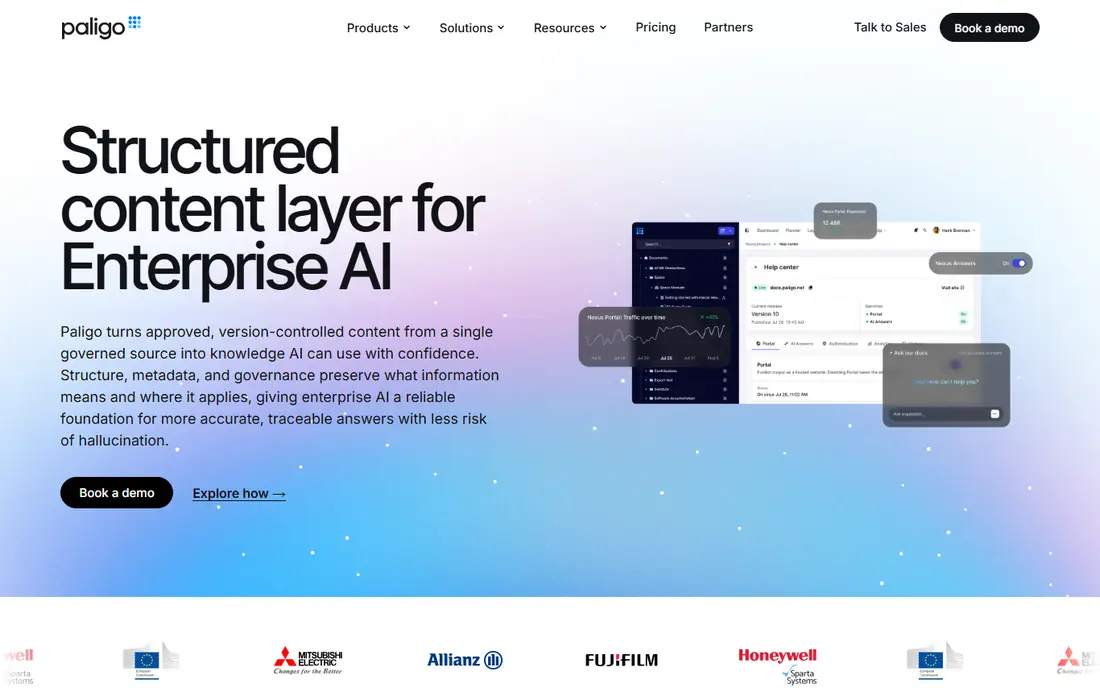
Paligo suits a large documentation team that reuses the same content across products, versions, and languages. Writers work with structured components rather than long single documents, so a change to one snippet updates everywhere it appears. Branching, version control, and translation handling are built for that scale, not added as an afterthought.
The cost and learning curve are real. Paligo is custom priced for enterprise teams, and writers used to word processor style editing need training to work in a structured model. For a small team with one manual, that overhead is too much. For a team with many products and languages, the reuse savings justify it.
- Component level reuse
- Branching and versioning
- Strong translation workflow
- Custom pricing
- Steep learning curve for structured authoring

Adobe RoboHelp is the closest direct match to MadCap Flare for many enterprise writers. It offers topic based authoring, reusable snippets and microcontent, conditional publishing, and output to web help, PDF, and other formats. Teams that already use Adobe tools often find the workflow and file model familiar.
Large projects are the weak point. Reviewers report editor slowdowns as a knowledge base grows past a few hundred topics, even on capable hardware. RoboHelp still fits enterprise teams that want a mature desktop style tool, but teams should test it on a project at their real size before they commit.
- Familiar authoring workflow
- Microcontent and snippets
- Multi format publishing
- Desktop heritage can feel heavy
- Large projects can slow the editor
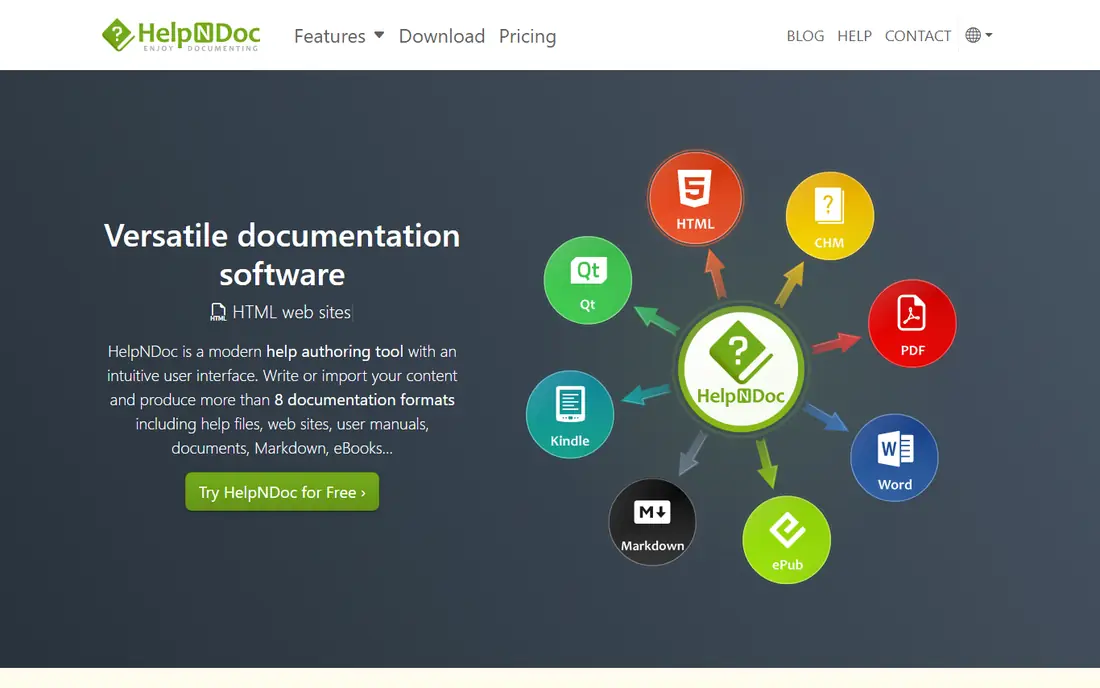
HelpNDoc is the plain, low cost option for a solo writer or a small team. The editor feels like a familiar word processor, and one project can publish to HTML help, responsive websites, PDF, Word, and ebook formats. Variables let you reuse a piece of content in many places by updating it once in the library.
Windows only support is the main limit, so Mac and Linux writers cannot run it directly. HelpNDoc also lacks the deep collaboration, branching, and translation pipeline of Paligo or Heretto. For a single writer producing a manual or a help file, those limits rarely matter.
- Simple visual editor
- Many export formats
- One time licence model on paid tiers
- Windows only
- Less suited to large collaborative teams
ClickHelp moves the traditional help authoring workflow into the cloud. Writers author topics once, reuse content with variables and snippets, and publish to a hosted help centre with search and analytics. Context sensitive help links let a product open the right help topic from inside the application, which is useful for software teams.
The entry price puts ClickHelp out of reach for many solo writers. It is priced for teams, and some advanced features sit on higher tiers. For a team that wants cloud collaboration without desktop installs, and that can justify a team subscription, ClickHelp is a solid Flare replacement.
- Cloud authoring with single sourcing
- Translation workspace
- Context sensitive help
- Entry price is high for a small team
- Some features need higher tiers
Document360 suits teams that want a polished customer help centre quickly. Writers create articles in a simple editor, organise them into categories, manage versions, and publish a searchable site with branding. AI assisted search helps readers find answers without browsing a full manual structure.
It is not a direct structured authoring replacement. Teams that need component level reuse across print, desktop help, and many languages will find Document360 lighter than Paligo or Flare. For a support team that needs a help centre first and a manual second, that lighter model is often the right trade off.
- Easy knowledge base publishing
- AI assisted search
- Category and version management
- Custom pricing on many plans
- Less deep single sourcing than structured tools
GitBook fits teams that already review code through pull requests and want documentation to follow the same flow. Content syncs with GitHub and GitLab, changes move through branches, and publishing happens on merge. The published sites look clean, and the editor is familiar to anyone who writes in Markdown.
The limit is reuse. GitBook uses content blocks rather than a dedicated variables and snippet system, so complex single sourcing across many outputs takes more manual work. It also suits web documentation far better than print manuals. For developer facing docs, those limits are acceptable.
- Git sync and branch based review
- Clean published docs
- Free tier for getting started
- No dedicated variables system
- Less suited to print heavy manuals
Archbee is the middle ground between a simple knowledge base and a structured platform. Its block editor is easy for non technical writers, it syncs with GitHub, and it can hold API docs, product docs, and internal docs in one workspace. That consolidation helps product teams that previously kept documentation in several places.
Advanced reuse, conditional content, and translation depth sit on higher tiers, so a team that needs those features at scale should check the tier that includes them. Archbee still gives a faster start than Paligo for most product teams, with a learning curve close to a modern document editor.
- Block editor that is easy to learn
- GitHub sync
- AI translation and search features
- Deepest reuse and conditional features need higher tiers
- Newer vendor than Flare
Heretto, formerly known as easyDITA, is built for organisations that standardise on DITA, the XML standard for technical content. Writers author structured topics, reuse components under governance rules, and publish to multiple outputs from one source. That discipline suits regulated industries and large enterprises with strict content control needs.
DITA knowledge is required, and pricing is custom, so Heretto is not a casual replacement for a small Flare project. A team should choose it only when DITA is already the standard or when governance and reuse rules demand a true component content system.
- True DITA authoring
- Content governance
- Reuse and publishing controls
- Custom pricing
- Needs DITA knowledge
- No free trial for full use
Author-it has served enterprise technical publication teams for many years, with component based authoring, reuse, and publishing to help, print, web, and training formats. It also covers eLearning output, which suits organisations that publish both manuals and training material from the same content.
Enterprise pricing and implementation effort are the barriers. Author-it needs planning, training, and often a partner to set up well, and smaller teams will find newer cloud tools faster to adopt. For a large organisation with complex publication needs, that investment can still pay off over many years.
- Component based authoring
- Multi channel publishing
- ELearning and training output
- Enterprise pricing
- Implementation takes planning
- Dated feel in parts of the product
How we picked these
We compared official product pages, pricing pages, and current help authoring comparisons, and we kept only tools that are live in October 2026 and that author and publish technical documentation as a core function. We included structured platforms, desktop style tools, and cloud knowledge bases, because Flare users leave for different reasons, from cost to collaboration to Git workflows. Where pricing was custom, we wrote See website rather than repeating an unverified figure.
What to check before you pay
Start with your output list. Write down every format you must publish, from web help and PDF to desktop help, mobile help, and print manuals. Many cloud tools publish beautifully to the web but weakly to print, while desktop tools handle print well but collaborate poorly. A tool that misses one required output will force a second tool later.
Next, test reuse on a real sample. Take a topic that appears in three manuals, a help site, and a training guide, and try to update it once and publish everywhere. That test reveals whether a tool offers true single sourcing or only copy and paste with a nicer name. Finally, check translation and review. If you publish in several languages, confirm the translation workflow, and if engineers review docs, confirm whether Git or in document comments fit their habits.
Frequently asked questions
Can I migrate a MadCap Flare project to another tool?
Migration is possible, but it is rarely one click. Topic based content usually moves more cleanly than complex variables, conditions, and styles. Budget time for cleanup, restyling, and testing outputs, and trial the migration on a small project first.
Do I need DITA to replace Flare?
No. DITA suits large structured teams, but many Flare users move to Markdown based tools, cloud knowledge bases, or desktop tools without DITA. Choose DITA only when your organisation already uses it or when reuse governance demands it.
Is a cloud knowledge base enough for technical writing?
It depends on output needs. A cloud knowledge base is enough for web help and support articles, but it may fall short for print manuals, desktop help, and complex conditional publishing. List your outputs before you decide.
What is single sourcing?
Single sourcing means writing a piece of content once and reusing it in many outputs, such as web help, PDF, and training material. When the source changes, every output that reuses it updates, which reduces errors and duplicate work.
How much should a small team budget for help authoring?
A solo writer can start free or at low cost with HelpNDoc or GitBook, while a small team should budget from about 80 dollars a month for a cloud tool. Enterprise structured platforms are custom priced and usually cost far more, so only choose them when reuse and translation savings justify the price.
Sources
See where you really rank - block by block
ProMapRanker scans Google Maps across a grid of your service area. Simple monthly plans from $19, white-label on every plan.
Start freeKeep reading
 zoro.to alternatives
Best Zoro.to Alternatives in 2026
We compare the best zoro.to alternatives in 2026, listing only legal licensed anime streaming services, from Crunchyroll to free options for fans today.
Read → zip alternatives
Best Zip Alternatives in 2026
We compare the best zip alternatives for buy now, pay later in 2026, covering pay-in-4 plans, fees, spending limits, and credit reporting options today.
Read → yesware alternatives
Best Yesware Alternatives in 2026
Compare the best yesware alternatives for sales email tracking, templates, and sequences, with current pricing and honest tradeoffs for small sales teams.
Read →