 ProMapRanker
Best Lovable.dev Alternatives in 2026

Key takeaways
- Bolt.new is the fastest route to a working prototype in the browser, with token-based pricing.
- v0 is the best fit for React and Next.js interfaces that will ship on Vercel.
- Replit covers building, hosting and deployment in one account, but usage costs need tracking.
- Bubble, Glide and Softr suit non-technical builders who want a production app without writing code.
- Credit and token pricing differ a lot, so compare cost per finished feature, not just the plan price.
Quick comparison
| Pick | Great for | Pricing starts at | Free tier | |
|---|---|---|---|---|
 Bolt.new | Fast browser prototypes | $25 per month | Yes | Visit |
 v0 | React interfaces on Vercel | $20 per month | Yes | Visit |
 Replit | Building and hosting in one place | $20 per month | Yes | Visit |
 Bubble | Full no-code web apps | $29 per month | Free trial | Visit |
 Glide | Apps from spreadsheets | $25 per month | Yes | Visit |
 Softr | Portals from Airtable or Google Sheets | $25 per month | Yes | Visit |
 Base44 | Simple apps from short prompts | $20 per month | Yes | Visit |
 Framer | Design-led marketing sites and apps | See website | Yes | Visit |
 Webflow | Design-led sites with CMS | $14 per month | Yes | Visit |
The best Lovable.dev alternatives
Lovable lets you describe an app in plain language and get a working web app with a backend, hosting and code you can export. People look for alternatives when they want a different pricing model, a stronger design tool, a no-code path that needs no code at all, or a builder tied to a specific stack such as React or Airtable. The tools below cover that range. We compared official pricing pages, feature pages and documentation, and we kept only builders that are live and useful in October 2026.
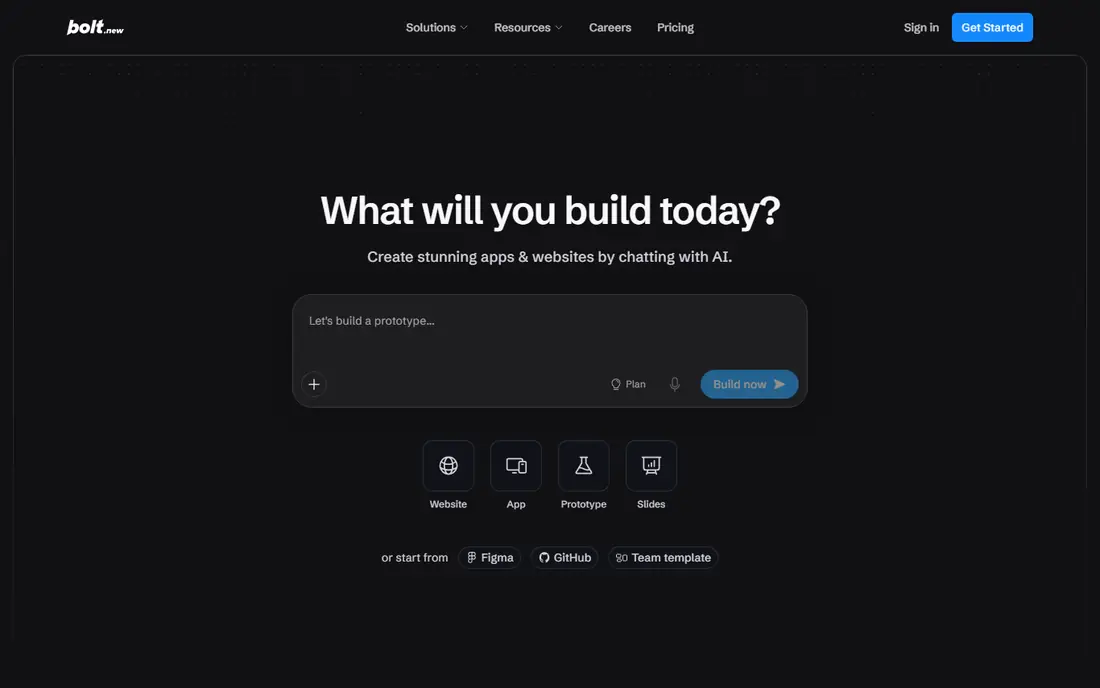
Bolt.new is the closest match if you loved the prompt-to-app speed of Lovable and want it in a browser tab. You describe the app, watch it build, then refine it with follow-up prompts, with a live preview beside the code. It handles front-end, back-end and deployment basics, so a prototype can go from an idea to a shareable link in one session. For hackathons, demos and early validation, that speed is hard to beat.
The cost model is token-based, which means larger projects cost more per prompt because the AI reads more of your codebase each time. The Pro plan is listed at $25 a month with 10 million tokens, and the free tier offers 1 million tokens a month with a daily cap. Bolt fits best for prototypes and small apps where speed matters more than long-term maintenance. For a production app with complex logic, plan for a developer to review the code and tighten security, database rules and error handling.
- Builds full-stack apps in the browser from prompts
- Fast preview and editing
- Code can be exported and hosted elsewhere
- Token costs rise with project size
- Free tier has a daily token cap
- Larger apps still need developer review before production
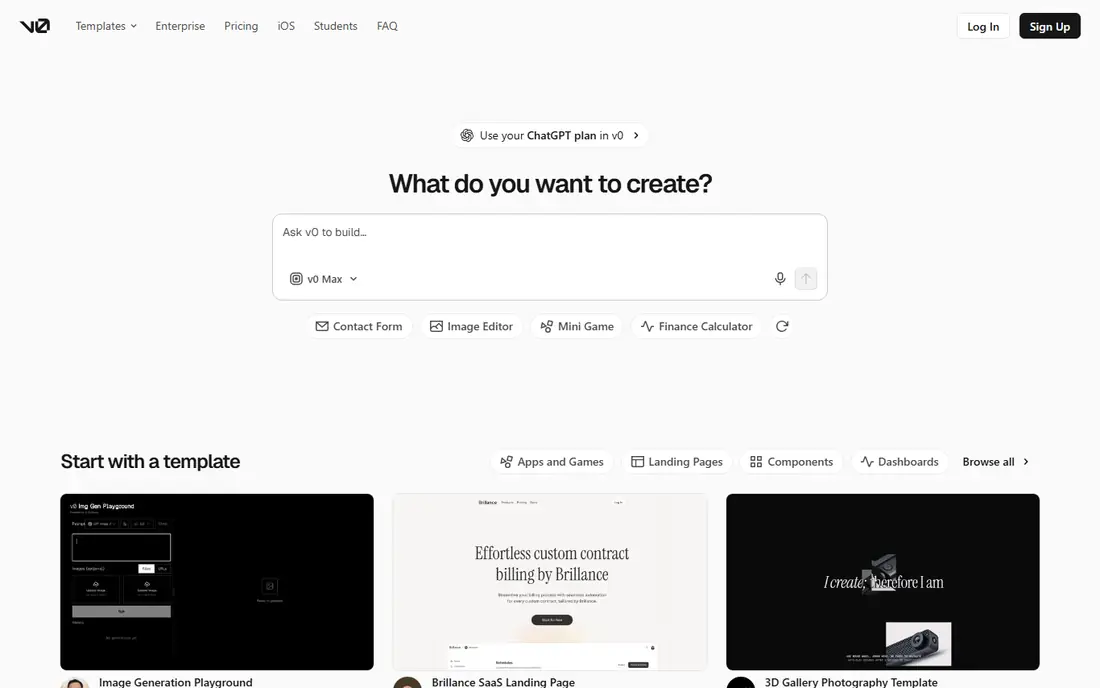
v0 by Vercel turns prompts into React interfaces and full Next.js apps, with a clean path to hosting on Vercel. If your team already builds with React, or you plan to, v0 output feels natural to extend, since it uses familiar components and project structure rather than a closed visual format. Paid plans start around $20 a month in some listings, with Plus at $30 per user a month, and plans include a dollar amount of credits that generations draw down.
The scope is narrower than Lovable in one way: v0 is strongest for interfaces and front-end-led apps, and it shines brightest when you deploy on Vercel. Teams on other stacks or hosts can still use the code, but they lose some of the smooth handoff. Credit use also varies by model and prompt size, so a complex screen can cost more than a small edit. Choose v0 when React is your stack and design quality matters, and pair it with a back-end service if you need heavy server logic.
- Strong React and Next.js output
- Smooth path to Vercel hosting
- Figma import and GitHub sync on paid plans
- Focused mainly on front-end and Next.js work
- Credit costs vary by model and prompt size
- Less suited to non-React stacks
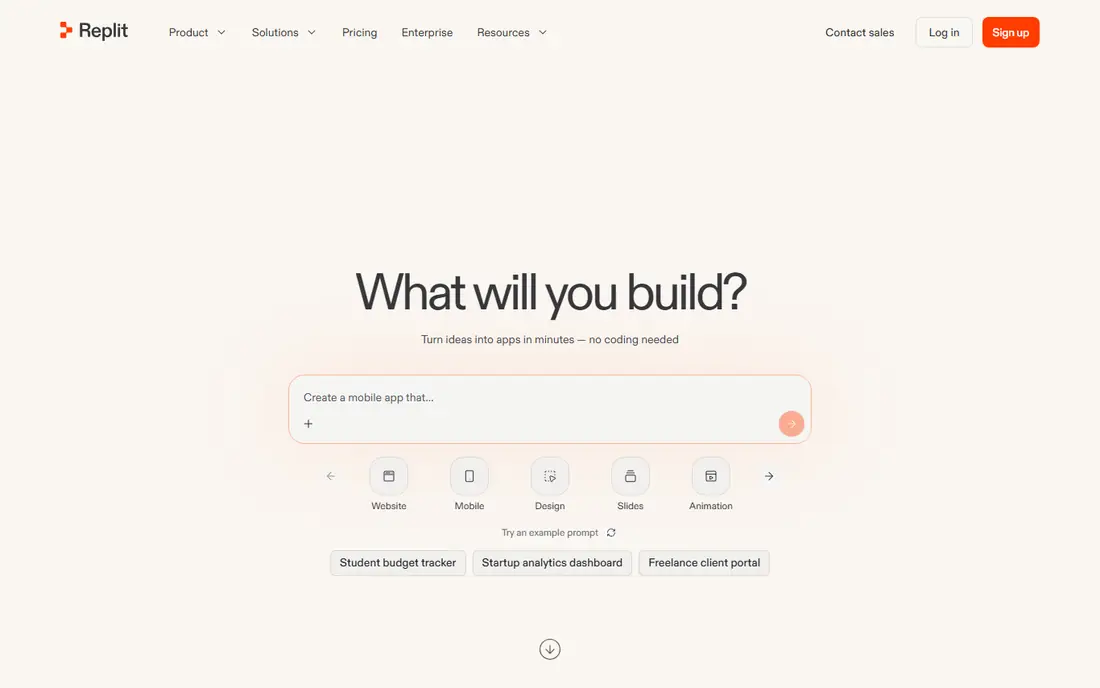
Replit is a full cloud workspace, not just a prompt box. You can write code, ask the Agent to build features, run a database, and deploy an app from the same account, with a public link to share. That all-in-one setup suits builders who want to move from a prototype to a hosted app without setting up local tools or a separate host. Core is listed at $20 a month, or $18 billed annually, with a credit allowance for agent and model use.
The part to watch is usage. The plan price is only part of the bill, since agent work, compute, deployments and bandwidth draw from credits, and heavy use can cost several times the base plan. Free Starter plans offer limited daily agent credits and one published app, which is enough to test the workflow. Replit fits teams that want one account for building and hosting and are willing to track credits. If you want a fixed monthly bill, a flat no-code plan may suit you better.
- Cloud IDE plus AI Agent plus deployment in one account
- Supports many languages
- Databases and custom domains included on paid plans
- Agent and compute usage can push costs above the plan price
- Credit model takes time to learn
- Heavy apps need careful cost tracking
Bubble is the long-standing no-code choice for full web apps. You design pages visually, build a database, set workflows for logic such as signups, payments and notifications, and launch without writing code. That depth is why startups have built marketplaces, dashboards and internal tools on Bubble that would be hard to build in a simpler page builder. The Starter plan is listed at $29 a month, with higher tiers for more workload and features.
The trade-off is complexity and cost at scale. Bubble pricing is workload-based, so an app with heavy database work or many users can cost more than the entry price suggests, and learning the workflow system takes time for a first-time builder. Performance also needs attention on large apps, with database design and workflow choices mattering more as traffic grows. Bubble fits non-technical founders who need a real, custom app and are willing to learn one platform deeply, rather than a quick landing page.
- Visual builder for complex apps with databases and workflows
- Large plugin library
- No code needed for most features
- Workload-based pricing can rise with usage
- Learning curve for complex apps
- Performance needs care at scale
Glide is the fastest route from a spreadsheet to a working app. Connect a sheet, pick a layout, and you get a mobile-friendly app for tasks such as inventory, directories, field work or customer portals, with forms, lists and user sign-in built in. That simplicity makes Glide a favorite for small businesses and internal teams that already keep their data in a sheet and need an app around it this week.
The limit is custom work. Glide is not the best choice for a highly custom public product with complex workflows, payments and bespoke design, where Bubble or a code-based builder fits better. Paid plans start around $25 a month in recent listings, with limits on users, rows and updates by plan. Choose Glide when your app is data-led, your team is small, and speed and simplicity matter more than full design freedom.
- Turns Google Sheets, Excel or Airtable data into apps fast
- Clean mobile-friendly design
- Good for internal tools and directories
- Less suited to highly custom public apps
- Advanced logic needs higher plans
- Data source limits apply by plan
Softr turns Airtable or Google Sheets into client portals, internal tools and membership sites, with sign-in, permissions and page rules that show each user only their own records. That makes it a strong fit for agencies sharing work with clients, teams running a partner portal, or a business that wants a simple member area without building a back end. Templates cover common cases such as directories, dashboards and booking portals.
The catch is the data model. Softr works best when Airtable or Sheets is already your source of truth, and moving to a different database later means rework. Paid plans start around $25 a month, with limits on app users and records by tier. If your data lives in Airtable and your main need is a polished portal with permissions, Softr is a fast, low-code win. If you need a fully custom product, look at Bubble or an AI code builder instead.
- Builds client portals and internal tools from Airtable or Google Sheets
- User permissions and membership features
- Templates for common portals
- Tied closely to Airtable or Sheets as the data source
- Design freedom is narrower than a code builder
- App user limits apply by plan
Base44, now part of Wix, builds apps from short message prompts, with hosting, database and user management included. You describe what you want, refine it in chat, and publish, which makes it a friendly choice for a first MVP or an internal tool where you do not want to manage infrastructure. Starter is listed at $20 a month, or $16 billed annually, with 100 message credits and integration credits on that tier.
The trade-off is depth. Base44 is built for speed and simplicity, so a complex app with custom logic, unusual integrations or strict performance needs may hit its limits sooner than a code-based builder would. Check how message and integration credits work for your use case, since a chatty build session can use credits faster than expected. Base44 fits builders who want a Lovable-like prompt flow with a simple price and a quick path to a hosted app.
- Builds apps from short prompts with hosting included
- Simple credit model for messages
- Good for quick internal apps and MVPs
- Less control than a code editor for complex logic
- Integration credits are separate on some plans
- Smaller ecosystem than larger builders
Framer started as a design tool and has grown into a site builder that suits design-led teams. You get a visual canvas, smooth animations, a CMS for content, and fast hosting, with AI help to generate a first draft site from a prompt. For a marketing site, portfolio or landing page where design quality is the main goal, Framer output often looks more polished out of the box than a generic AI app builder.
Framer is not a full app platform in the Lovable sense. Complex database logic, user workflows and custom back-end work are harder here, and you would pair Framer with other tools for that layer. Pricing is listed on the vendor site by plan and site count, with a free tier for getting started, so confirm the current figure for your site type. Choose Framer when design is the priority and the site is mainly content and marketing, not a complex logged-in app.
- Strong visual design tools with animations and interactions
- Fast hosting and CMS included
- AI site generation for starting points
- Less suited to complex app logic and databases
- Pricing varies by site and features
- Code export is limited compared with a code builder
Webflow gives designers close control over layout, typography, animations and CMS content, without writing code for most marketing sites. You can build a responsive site visually, manage blog and product content in the CMS, and publish to fast hosting. A basic site plan starts at $14 a month in recent listings, with higher plans for CMS, business and ecommerce features, plus workspace plans for teams.
The limit is app logic. Webflow is a site builder first, so a logged-in app with complex workflows, custom databases and user permissions will need extra tools or a different platform. Learning Webflow well also takes time, since its power comes from detailed design controls rather than a simple template picker. Choose Webflow when you want a polished, content-led site with strong design control and you are willing to learn the tool, or when a designer on your team will own the site.
- Precise visual design control with CMS and interactions
- Clean code output for a visual tool
- Large template and community library
- Learning curve for full design control
- App logic and memberships need add-ons or other tools
- Site plan pricing adds up for many sites
How we picked these
We compared official pricing pages, feature pages and documentation for AI prompt builders and no-code platforms that cover the core Lovable job: turning an idea into a working web app or site without a long setup. We kept tools that are live in October 2026 and that let you publish a real app or site.
What to check before you switch
Start with what the app must do, not with the demo. List the must-have features, such as user accounts, payments, a database, file uploads or an admin view, then check each builder against that list before you fall for a pretty generated screen. Next, check code and data ownership. Some builders let you export code or data easily, while others lock you into their platform, which matters if you later hire developers or move hosts.
Frequently asked questions
What is the best Lovable.dev alternative?
Bolt.new is the closest prompt-to-app alternative for fast prototypes, v0 is best for React apps on Vercel, and Replit is best for building and hosting in one account. For no-code apps, Bubble fits complex products, while Glide and Softr fit data-led internal tools and portals. The best choice depends on your stack, your budget and how much code you want to touch.
Are there free alternatives to Lovable.dev?
Yes. Bolt.new, v0, Replit, Glide, Softr, Base44, Framer and Webflow all offer free tiers or free plans with limits. Free tiers usually cap credits, tokens, users, rows or published apps, so they suit testing and small projects best. Check the cap that matters for your app before you build on a free plan.
Which Lovable alternative is best for non-technical founders?
Bubble is the strongest no-code choice for a complex custom app, while Glide and Softr are easier for data-led apps built from sheets or Airtable. Base44 is also friendly for a first MVP from short prompts. Pick Glide or Softr if your data already lives in a sheet, and Bubble if you need custom workflows and logic.
Can I export code from Lovable alternatives?
It depends on the tool. Bolt.new, v0 and Replit are code-based, so you can work with and export code. Bubble, Glide, Softr and Base44 are platform-based, so you can usually export data but not a full codebase to host elsewhere. If code ownership matters to you, favor a code-based builder from the start.
How do credits and tokens work in these builders?
Credits and tokens are units of AI work, and each prompt can use a different amount depending on project size and complexity. A small text edit may cost little, while a large feature or a rewrite of many files can cost much more. Build a test feature in each tool you shortlist, note the unit cost, and budget for revisions, not just the first generation.
Sources
See where you really rank - block by block
ProMapRanker scans Google Maps across a grid of your service area. Simple monthly plans from $19, white-label on every plan.
Start freeKeep reading
 zscaler alternatives
Best Zscaler Alternatives in 2026
Looking for zscaler alternatives? We compare 9 SASE and zero trust platforms on architecture, data protection, pricing, and fit for your network and team.
Read → zapier alternatives free
Best Zapier Alternatives Free in 2026
Nine automation tools for zapier alternatives free in 2026, all with genuinely free tiers, plus free plan limits, starting prices and upgrade paths explained.
Read → which platform is best for online reputation
Which Platform Is Best for Online Reputation in 2026
Wondering which platform is best for online reputation? We compare 8 review, listing, and response tools for small and multi-location businesses and agencies.
Read →