 ProMapRanker
Best Logseq Alternatives in 2026

Key takeaways
- Logseq is an open-source, local-first outliner, so its closest replacements share daily notes and linked blocks.
- Obsidian is the strongest pick for local Markdown files and a large plugin library.
- Notion suits teams and databases, while Anytype and Joplin suit privacy-focused solo users.
- Sync, mobile quality, and export options decide more than the note editor itself.
Quick comparison
| Pick | Great for | Pricing starts at | Free tier | |
|---|---|---|---|---|
 Obsidian | Local Markdown knowledge bases | Free | Yes | Visit |
 Notion | Team wikis and databases | Free | Yes | Visit |
 Anytype | Private, local-first notes | Free | Yes | Visit |
 Joplin | Open-source Markdown notebooks | Free | Yes | Visit |
 Capacities | Notes organised as objects | $9.99 per month | Yes | Visit |
 Tana | Structured notes with supertags | $10 per month | Yes | Visit |
 Roam Research | Linked daily notes and research | $15 per month | No | Visit |
 Craft | Polished docs for Apple users | Free | Yes | Visit |
The best logseq alternatives
Logseq is a free, open-source outliner that centres on daily notes, blocks, and backlinks, with local files and a graph view. The tools below cover the same ground in different ways, from local Markdown vaults to team wikis and structured outliners. None of them is Logseq itself.

Obsidian is our pick for most Logseq users who want local files and long-term control. Notes live as plain Markdown files in a folder on your computer, so they stay readable even if you stop using the app. The plugin library covers daily notes, calendars, spaced repetition, kanban boards, and many other needs that Logseq users already value.
The main gap is collaboration. Obsidian is built for solo work, and two people cannot edit the same note in real time in the way Notion allows. Sync is also paid through Obsidian Sync, though many users sync the vault folder themselves with a cloud drive or Git. For a solo knowledge base, those limits matter little.
- Local Markdown files you own
- Huge community plugin library
- Fast even with large vaults
- No built-in team collaboration
- Sync is a paid add-on unless you use your own method

Notion suits a Logseq user who needs to share notes with a team or build structured databases. Pages, databases, boards, and calendars live in one workspace, and real-time editing makes it easy for several people to work together. The free tier covers solo use well, with paid plans starting at $10 per user per month for teams.
The trade-off is ownership and speed. Notes live on Notion servers, not as local files, and large databases can feel slow. Export to Markdown is possible, but it is less clean than starting with Markdown files in Obsidian or Joplin. Choose Notion for teamwork and structure, not for local-first control.
- Strong team collaboration
- Databases, boards, and wikis in one place
- Generous free tier for solo users
- Cloud-only data
- Can feel slow with large databases
- Export is less clean than Markdown files
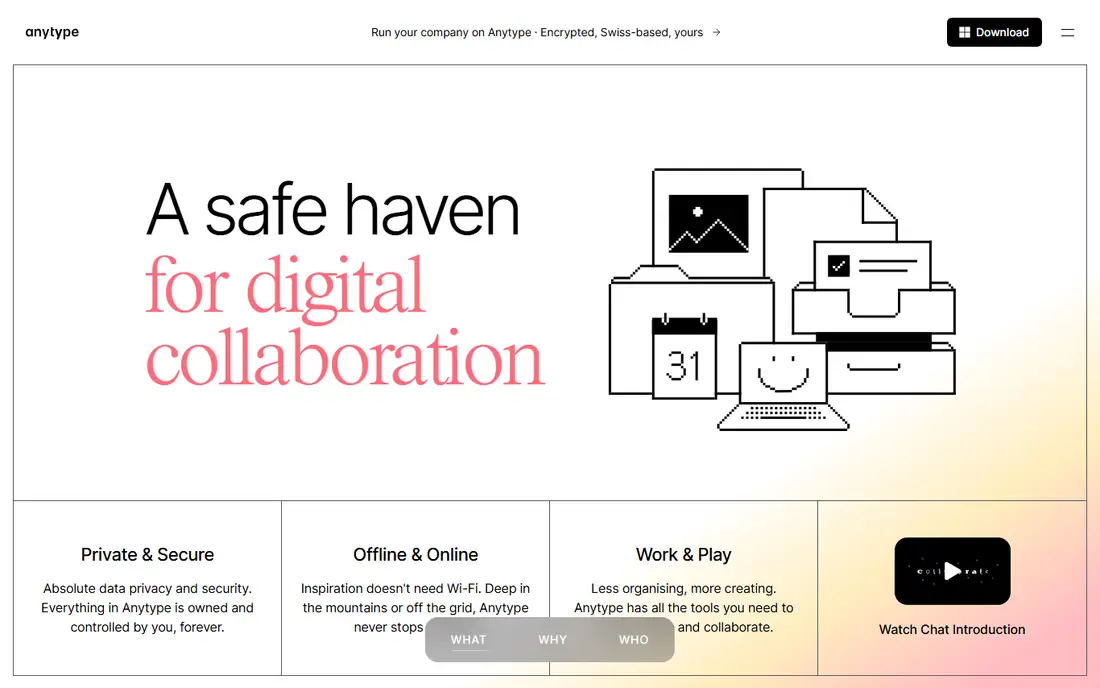
Anytype is the closest privacy-first replacement for Logseq users who value local data and encryption. Notes and objects live locally first, sync is encrypted, and the object model lets users link people, projects, and notes in a structured way. The free tier covers personal use, with paid plans for more remote storage.
Anytype is still maturing, and some features feel less finished than Obsidian or Notion. Its ecosystem is also smaller, so users who rely on many Logseq plugins may need to adjust. For a user who puts privacy and local control first, those limits are worth accepting.
- Local-first with end-to-end encryption
- Objects and relations for structured notes
- Open-source approach
- Still maturing in places
- Smaller plugin ecosystem than Obsidian
Joplin is a straightforward open-source replacement for users who want free Markdown notes without a learning curve. Notebooks, tags, and search cover everyday note-taking, and end-to-end encryption protects synced notes. The app itself is free, with optional Joplin Cloud plans for hosted sync starting at a low monthly price.
The interface is less polished than Obsidian, Capacities, or Craft, and its graph and backlink features are weaker than Logseq. Joplin suits a user who wants a reliable, private notebook and does not need a visual graph or a large plugin library. It is a practical, low-friction choice.
- Free and open source
- Markdown notes with notebooks and tags
- End-to-end encryption for sync
- Interface is functional rather than polished
- Fewer graph and backlink features than Logseq
Capacities treats notes as objects, such as people, books, projects, and meetings, and links them in a clean, visual interface. That model suits a Logseq user who already thinks in linked blocks but wants a more polished daily experience. The free basic plan covers personal use, with Pro at $9.99 per month for more features.
The limit is team use and ecosystem size. Capacities is built mainly for personal knowledge work, not for team wikis, and its integration library is smaller than Notion. A solo user who values design and object linking will like it, while a team should look at Notion or Craft instead.
- Object-based notes with a polished interface
- Clean linking between people, books, and projects
- Good daily notes
- Primarily personal use
- Smaller ecosystem and fewer integrations than Notion
Tana is an AI-native outliner that takes Logseq-style blocks further with supertags, which turn a block into a structured record such as a task, meeting, or person. That structure lets users query notes like a database while still writing in an outliner. The free plan covers basic use, with paid plans from $10 per month.
The learning curve is steep. Supertags, fields, and AI queries take time to learn, and the tool works best for users who enjoy structuring notes as they write. A casual note-taker may find Tana heavy, while a power user who wants structure without leaving the outliner will find it rewarding.
- Supertags add structure to outliner notes
- AI features for queries and summaries
- Strong meeting notes workflow
- Steep learning curve
- Best features depend on AI credits and paid plans
Roam Research pioneered the linked daily notes model that Logseq later made free and open source. Its block references, daily pages, and graph view suit researchers and writers who think in connected ideas rather than folders. The price is $15 per month, or $165 per year, with a trial for new users.
The drawback is value beside free rivals. Logseq offers a similar outliner model for free, and Obsidian offers local files plus plugins for free personal use. Roam still appeals to users who prefer its exact workflow and community, but a price-sensitive user will get most of the same ideas elsewhere for less.
- Pioneer of block backlinks and daily notes
- Strong for research and long-form thinking
- Graph view included
- No free plan beyond a trial
- Higher price than most rivals
- Interface has changed little
Craft suits a Logseq user who wants attractive, shareable documents more than a graph view. Its block editor produces clean pages, collaboration works well for small teams, and export options help users move documents out. The free plan covers personal use, with paid plans for more storage and features.
Craft is less powerful for graph-style knowledge work than Obsidian or Logseq, and its best experience sits on Apple devices, though web and other platforms exist. A user who values design and sharing over plugins and graphs will like Craft, while a user who wants deep linking should stay with Obsidian or Tana.
- Beautiful documents with a block editor
- Good collaboration and sharing
- Strong export options
- Best experience on Apple devices
- Less powerful for graph-style knowledge work than Obsidian
How we picked these
We compared official pricing pages, feature pages, and public documentation for note tools that were operating in October 2026. We kept only tools with a real, current product, and we used published prices where available. Where a price varied by billing period, we used the monthly figure tied to annual billing where that was the stated starting point, and we noted free tiers separately.
We also weighed the core Logseq workflow, not just general note-taking. Daily notes, blocks, backlinks, and local files mattered more than generic document editing, which is why this list favours outliners and linked-note tools over simple notepads. Team tools appear only where they offer a clear reason to switch, such as databases or collaboration.
How to choose a Logseq replacement without losing your notes
Start by exporting a sample of your Logseq notes and importing it into two finalists. Check whether daily notes, block links, tags, and attachments survive, and note what breaks. A tool that imports cleanly will save hours later, while a tool that mangles links will cost time on every old note you bring across.
Next, test the daily workflow for a week, not just the demo. Write morning notes, link a project, add a task, and search for it three days later on both desktop and phone. Mobile quality matters here, since Logseq mobile has drawn criticism, and a replacement should feel better on the phone you actually carry, not just on a desktop.
Finally, decide how much you care about local files. If you want notes that stay readable without any app, choose Obsidian, Joplin, or Anytype. If you value team editing and databases more than file ownership, choose Notion or Craft. That single choice narrows the list faster than comparing dozens of minor features.
Frequently asked questions
Is Obsidian really free?
Yes, Obsidian is free for personal use, including commercial use by individuals in many cases, with paid add-ons for sync and publishing. The core app, local Markdown files, and community plugins are free, which makes it a strong Logseq replacement. Teams should check the current commercial terms on the Obsidian site before deploying it widely.
Can I import Logseq notes into Obsidian?
Yes, in most cases, because Logseq and Obsidian both use Markdown files. Copy the Logseq folder into an Obsidian vault, then check daily notes, links, and tags, since some Logseq-specific syntax may need cleanup. Test with a copy first, not with your only copy of the notes.
Is Notion a good Logseq alternative for solo users?
Notion can work for solo users, especially those who want databases and templates, but it is cloud-only and slower with large workspaces. Solo users who value local files and speed usually prefer Obsidian, Anytype, or Joplin. Solo users who value structure and templates may still prefer Notion.
What is the difference between Logseq and Roam Research?
Logseq is free and open source, with local-first files and an outliner model similar to Roam. Roam Research pioneered that model but charges $15 per month and stores data in the cloud. Many users moved from Roam to Logseq for price and local control, while Roam retains users who prefer its exact workflow.
Do these tools work offline?
Obsidian, Anytype, and Joplin work offline with local files, while Notion, Tana, and Craft need a connection for full sync and collaboration, though some offline reading is possible. If offline work matters, choose a local-first tool and test sync on your own devices before committing.
Which Logseq alternative is best for privacy?
Anytype and Joplin lead on privacy, with local-first storage and end-to-end encryption for sync. Obsidian also keeps notes as local files, which gives strong control, though sync method decides how private the synced copy is. Avoid a cloud-only tool if privacy is the main reason for leaving Logseq.
Sources
See where you really rank - block by block
ProMapRanker scans Google Maps across a grid of your service area. Simple monthly plans from $19, white-label on every plan.
Start freeKeep reading
 zoro.to alternatives
Best Zoro.to Alternatives in 2026
We compare the best zoro.to alternatives in 2026, listing only legal licensed anime streaming services, from Crunchyroll to free options for fans today.
Read → zip alternatives
Best Zip Alternatives in 2026
We compare the best zip alternatives for buy now, pay later in 2026, covering pay-in-4 plans, fees, spending limits, and credit reporting options today.
Read → yesware alternatives
Best Yesware Alternatives in 2026
Compare the best yesware alternatives for sales email tracking, templates, and sequences, with current pricing and honest tradeoffs for small sales teams.
Read →