 ProMapRanker
Best LogMeIn Resolve GoToAssist Alternatives in 2026

Key takeaways
- Zoho Assist and Splashtop give small support teams a lower entry price than the big enterprise names on this list.
- TeamViewer and AnyDesk suit teams that need broad device coverage and a free tier for personal use.
- ConnectWise ScreenConnect and BeyondTrust fit managed service providers and larger help desks that need control and audit trails.
- If you mainly reach your own machines, RemotePC and RealVNC Connect are simpler and cheaper than a full help desk suite.
Quick comparison
| Pick | Great for | Pricing starts at | Free tier | |
|---|---|---|---|---|
 TeamViewer | Broad device coverage | $24.90 per month | Yes | Visit |
 AnyDesk | Fast low-latency sessions | $22.90 per month | Yes | Visit |
 Splashtop | Support teams on a budget | $22 per month | Free trial | Visit |
 Zoho Assist | Small help desks | $12 per technician per month | Yes | Visit |
 ConnectWise ScreenConnect | Managed service providers | $27 per month | Yes | Visit |
 BeyondTrust Remote Support | Regulated enterprise support | See website | No | Visit |
 ISL Online | Privacy-focused support | $16.90 per month | Free trial | Visit |
 RealVNC Connect | Lightweight cross-platform access | $8.25 per month | Free trial | Visit |
 RemotePC | Low-cost unattended access | $2.95 per month | Free trial | Visit |
The best LogMeIn Resolve GoToAssist alternatives
These tools cover attended support, unattended access, and help desk work without tying you to LogMeIn Resolve or GoToAssist. We compared official pricing pages, feature pages, and public plan details.
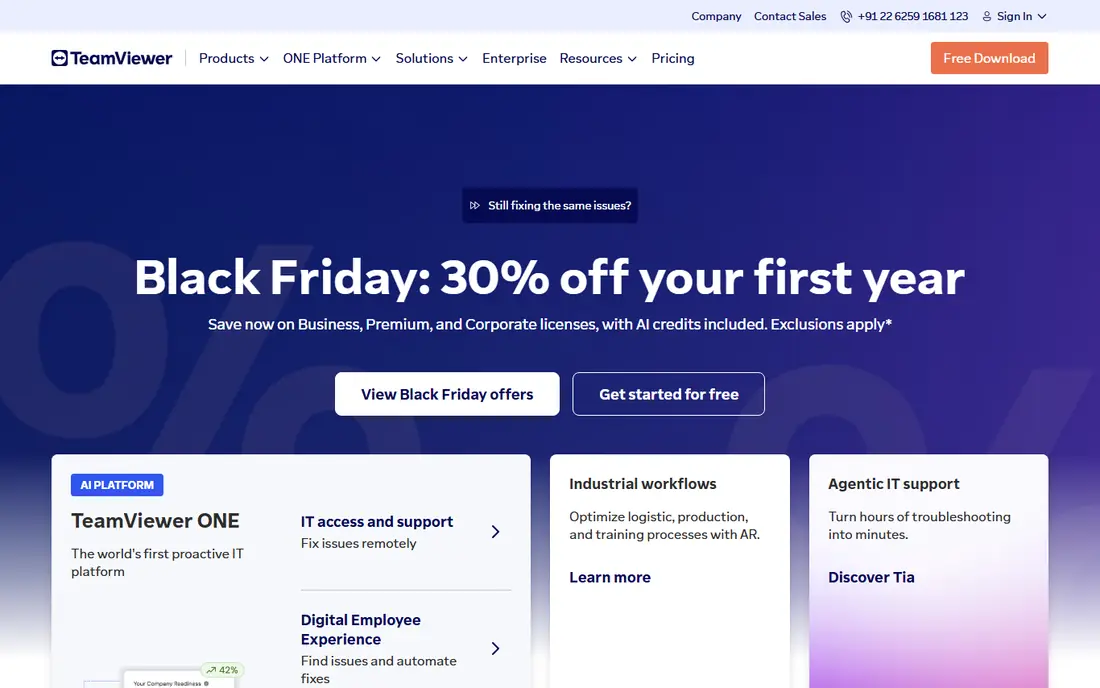
TeamViewer is the safe first pick for a team that supports a mixed set of Windows, Mac, mobile, and Linux devices. Most end users have seen it before, so the join step is usually short and the session tools feel familiar. File transfer, multi-monitor viewing, and unattended access cover the daily work of a small help desk. The catch is price and licensing. The free tier is for personal, non-commercial use, so a business must pay, and the cost rises as you add users and managed devices. Check the current plan limits before you buy, because a solo plan may not cover the number of devices your team supports.
- Wide platform support
- Strong file transfer and session tools
- Well known to end users
- Paid plans can feel costly for a solo technician
- Commercial use detection can interrupt free accounts
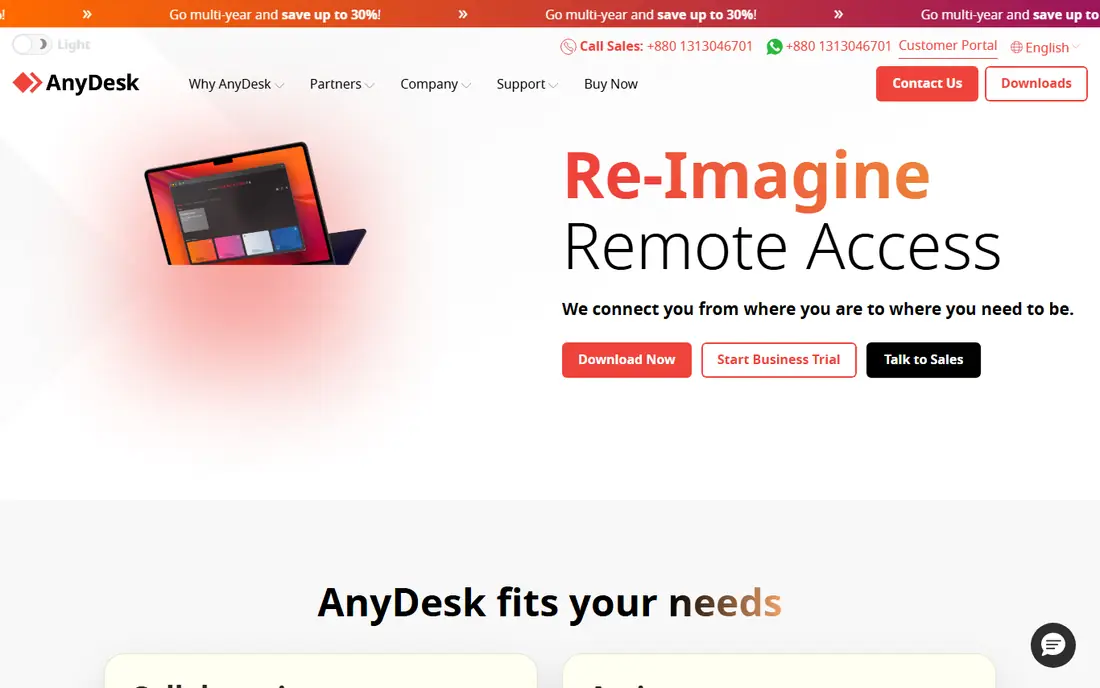
AnyDesk appeals to technicians who value speed above a large feature list. The client is small, installs quickly, and sessions tend to stay responsive even when the network is not ideal. For a technician who jumps between short fixes all day, that speed saves real time. Its limits show up when you need deeper help desk structure. Advanced reporting, custom branding, and some session controls require higher plans, so compare the plan table against your ticket workflow. Personal use is free, but commercial support work needs a paid licence.
- Lightweight client
- Responsive sessions on weaker connections
- Simple address-based joining
- Business features sit behind paid plans
- Session recording is not on every plan
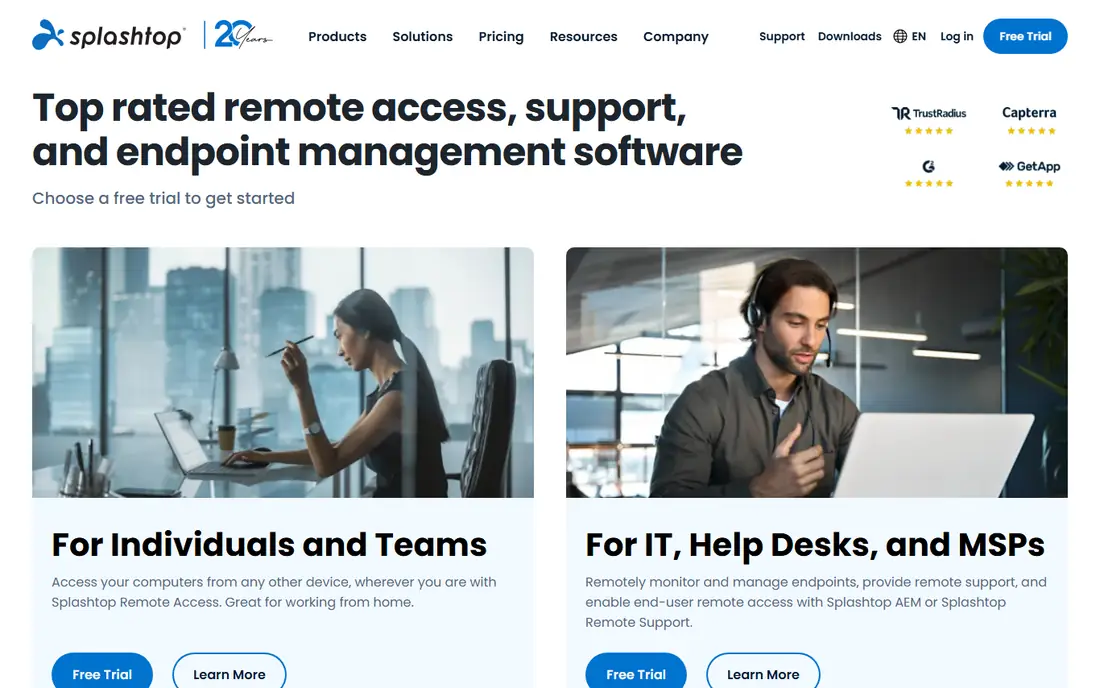
Splashtop SOS is built for support work rather than for reaching your own office computer. Technicians can start a session with a short code, view multiple monitors, and transfer files without a long setup on the customer side. That focus makes it a strong value pick for small teams. The main trade-off is tiering. Entry support plans cover the core session work, while deeper management and integration features sit higher up. If your team relies on a specific ticketing integration, confirm it is included on the plan you intend to buy.
- Clear per-technician support pricing
- Good multi-monitor support
- Broad platform coverage
- Some advanced features need higher tiers
- Mobile control can feel less precise than desktop control
Zoho Assist is our pick for a small team that wants per-technician pricing without enterprise complexity. The free plan covers one technician and a small set of unattended computers, which is enough to test real support work before paying. Paid plans add more technicians, departments, and session controls. Zoho users get an extra benefit, because Assist fits with other Zoho tools, but it also works on its own. The weakness is polish at scale. Larger teams may miss the deeper automation and reporting found in tools built for managed service providers.
- Low starting price
- Free plan for a single technician
- Unattended access and reboot support
- Advanced session reporting needs higher plans
- Interface can feel busy for new technicians
ScreenConnect is aimed at IT providers who run support as a service. It handles attended and unattended sessions, lets several technicians work together, and connects with ticketing and automation tools that providers already use. That depth is why many managed service providers standardise on it. For a one-person shop, that depth can be more than you need. The setup and admin screens reward a little planning, and you should model the cost by concurrent technicians rather than by total staff. Once configured, though, it scales cleanly from a small team to a larger provider.
- Strong multi-technician support
- Flexible deployment options
- Useful automation and integrations
- Setup takes more care than simpler tools
- Pricing rises with concurrent technicians
BeyondTrust Remote Support suits organisations where support sessions must be controlled, recorded, and audited. It is designed for internal help desks, vendors, and privileged users who need access without handing out broad network credentials. That control matters in finance, health care, and government work. The trade-off is effort and cost. Pricing is quote-based, so you cannot budget from a public list price alone, and implementation needs security review. Small teams will find simpler tools faster to deploy, but regulated teams will value the audit trail and permission model.
- Strong access controls and session auditing
- Vendor and privileged access support
- Enterprise deployment options
- Quote-based pricing
- Heavier setup than consumer-grade tools
ISL Online is a solid choice for teams that want a dependable support tool with a clear privacy story. Sessions start quickly from a browser or a small client, and the product covers attended support, unattended access, and mobile devices. European hosting options help teams with data location questions. Its smaller ecosystem is the honest limit. If you need a long list of native ticketing integrations, check each one before you switch. For direct support work, however, ISL Online covers the core job well at a mid-range price.
- European hosting options
- Unattended access and mobile support
- Straightforward session joining
- Smaller integration ecosystem than the largest vendors
- Less brand recognition with end users
RealVNC Connect comes from the VNC tradition, and it shows in its focus on direct, reliable remote control. It is light on system resources, works across the major desktop and mobile platforms, and is easy to explain to a non-technical user. Teams that mainly need control, file transfer, and unattended access will find it sufficient. It is not a full help desk platform. Session queuing, ticketing links, and team reporting are thinner than in ScreenConnect or BeyondTrust. Pick RealVNC when control quality matters more than a large support workflow.
- Long track record
- Works across desktop and mobile platforms
- Low resource use
- Help desk features are thinner than dedicated support suites
- Advanced management needs higher plans
RemotePC is best understood as access to your own machines, not as a full customer support suite. You install it on the computers you own, then reach them from another device, transfer files, and keep working. The entry price is hard to beat for that job. Attended support for outside customers is more basic here. A technician can help a client, but the workflow is simpler than in Splashtop or Zoho Assist. If your main need is your own office and home computers, RemotePC is a practical, low-cost pick.
- Very low entry price
- Simple unattended setup
- Good for reaching your own computers
- Attended support features are basic
- Higher tiers needed for team management
How we picked these
We compared official feature pages, pricing pages, and plan details for remote support tools that work in October 2026. We kept tools that support attended sessions, unattended access, or both, and we left out tools that are no longer maintained or that only offer screen sharing without remote control. Prices shown are starting prices from vendor or reputable pricing summaries, and we wrote See website where a vendor only gives quote-based pricing.
What to check before you switch
Start with the session type you run most often. Attended support needs a fast join step for the customer, while unattended work needs reliable wake, reboot, and reconnect behaviour. Test both on the devices your customers actually use, including phones, because desktop-only testing hides mobile problems. Next, count technicians, concurrent sessions, and unattended machines separately. Some vendors price by technician, some by device, and some by concurrent session, so a cheap headline price can rise fast under your real workload. Also confirm security basics: two-factor sign-in, session audit logs, permission controls, and a clear way to end a session and remove access. Finally, trial the tool on a real ticket, not just a demo call. Ask the customer how easy the join step felt, check file transfer and multi-monitor behaviour, and confirm that session notes or recordings land where your team can find them later.
Frequently asked questions
Can I use these tools for unattended access?
Yes, most tools on this list support unattended access, including TeamViewer, AnyDesk, Zoho Assist, ScreenConnect, and RemotePC. You install an agent on the target machine once, then connect later without someone present. Check whether unattended machines count toward your plan limit.
Which LogMeIn Resolve GoToAssist alternative is cheapest for a small team?
Zoho Assist and RemotePC are the cheapest starting points here, but they serve different jobs. Zoho Assist fits customer support work, while RemotePC fits reaching your own computers. Compare per-technician and per-device pricing before choosing on headline price alone.
Do I need a paid plan for business use?
Yes, for business support work you need a paid plan even when a vendor offers a free tier for personal use. Free tiers from TeamViewer and AnyDesk are for personal, non-commercial use, and commercial detection can interrupt sessions. Buy the plan that matches your technician count.
Is BeyondTrust worth it for a small business?
Usually not, unless you have audit, vendor access, or regulatory requirements. BeyondTrust is strong for controlled enterprise support, but its quote-based pricing and setup effort suit larger organisations. Smaller teams get faster value from Splashtop, Zoho Assist, or ScreenConnect.
Can these tools replace a ticketing system?
No, they complement one, but they do not replace it. Remote support tools handle the live session, while a ticketing system tracks requests, history, and follow-up. Some tools integrate with ticketing products, so check that integration if your team already uses one.
Sources
See where you really rank - block by block
ProMapRanker scans Google Maps across a grid of your service area. Simple monthly plans from $19, white-label on every plan.
Start freeKeep reading
 zoro.to alternatives
Best Zoro.to Alternatives in 2026
We compare the best zoro.to alternatives in 2026, listing only legal licensed anime streaming services, from Crunchyroll to free options for fans today.
Read → zip alternatives
Best Zip Alternatives in 2026
We compare the best zip alternatives for buy now, pay later in 2026, covering pay-in-4 plans, fees, spending limits, and credit reporting options today.
Read → yesware alternatives
Best Yesware Alternatives in 2026
Compare the best yesware alternatives for sales email tracking, templates, and sequences, with current pricing and honest tradeoffs for small sales teams.
Read →