 ProMapRanker
Best LogMeIn Alternatives in 2026


General remote access · Pricing starts at: $24.90 per user per month
Key takeaways
- TeamViewer and AnyDesk are the best-known general replacements, with broad platform coverage and support features.
- Splashtop and RemotePC offer strong value for teams that mainly need unattended access to their own machines.
- Zoho Assist and ConnectWise ScreenConnect suit helpdesks and managed service providers, with per-technician pricing.
- Chrome Remote Desktop covers free personal access, while RustDesk covers open, self-hosted access.
- Decide first whether you need personal access, on-demand support, or fleet management, since pricing follows that use case.
Quick comparison
| Pick | Great for | Pricing starts at | Free tier | |
|---|---|---|---|---|
| TeamViewer | General remote access | $24.90 per user per month | Yes | Visit |
 AnyDesk | Speed-first remote sessions | See website | Yes | Visit |
 Splashtop | Affordable team remote access | $5 per user per month | Free trial | Visit |
 RemotePC | Budget unattended access | See website | Free trial | Visit |
 Zoho Assist | Helpdesk remote support | $12 per technician per month | Yes | Visit |
 ConnectWise ScreenConnect | MSP and IT-team support | See website | Yes | Visit |
 Chrome Remote Desktop | Free personal access | Free | Yes | Visit |
 RealVNC Connect | Cross-platform VNC access | See website | Free trial | Visit |
 RustDesk | Open self-hosted access | Free | Yes | Visit |
 Parsec | Low-latency creative access | $9.99 per user per month | Yes | Visit |
The best LogMeIn alternatives
Remote access tools split into three jobs: reaching your own computers, supporting someone else's computer, and managing many machines for clients. We kept all three in this list, and we note which job each tool serves best.
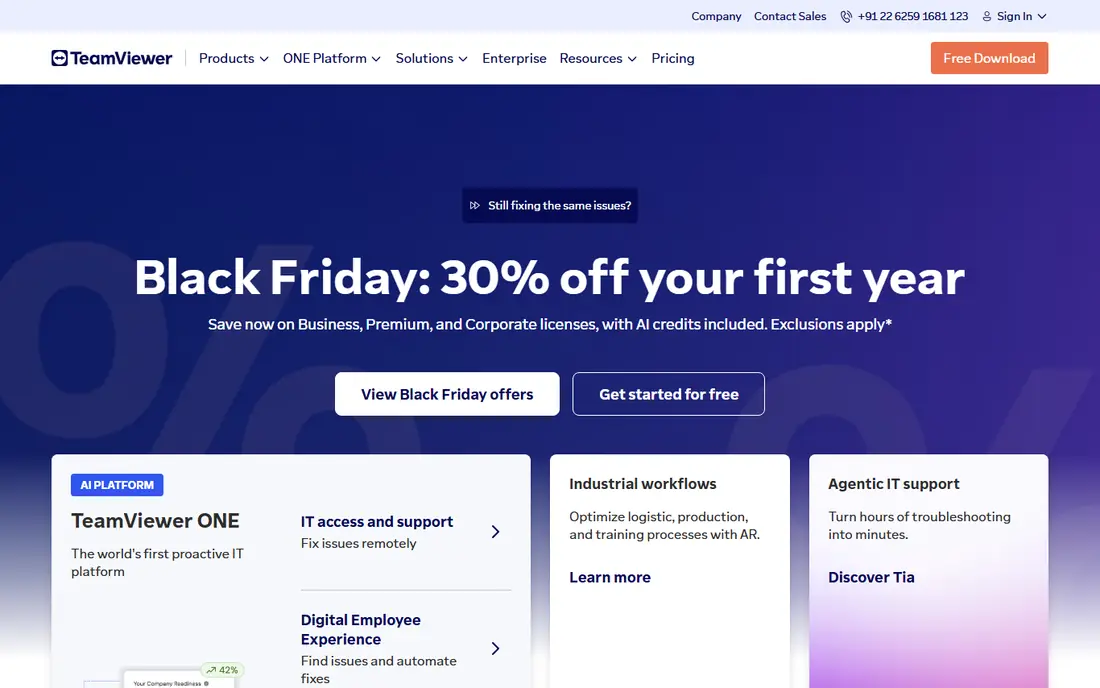
TeamViewer is the best-known remote access tool, and that familiarity helps when clients and staff already know how it works. It covers Windows, Mac, Linux, and mobile platforms, with file transfer, multi-monitor support, and session controls that suit both personal access and support work. Compliance and security features also help larger teams that need audit trails.
Price is the main drawback. TeamViewer costs more than Splashtop or RemotePC for basic unattended access, and its free tier is for personal use only, so business use needs a paid plan. Teams that need a widely recognized tool with strong compliance features will find the price justified. Teams that only need cheap access to their own machines should compare Splashtop first.
- Broad platform coverage
- Compliance and security features
- Well-known support workflow
- Higher price than budget rivals
- Free use is limited to personal, non-commercial use
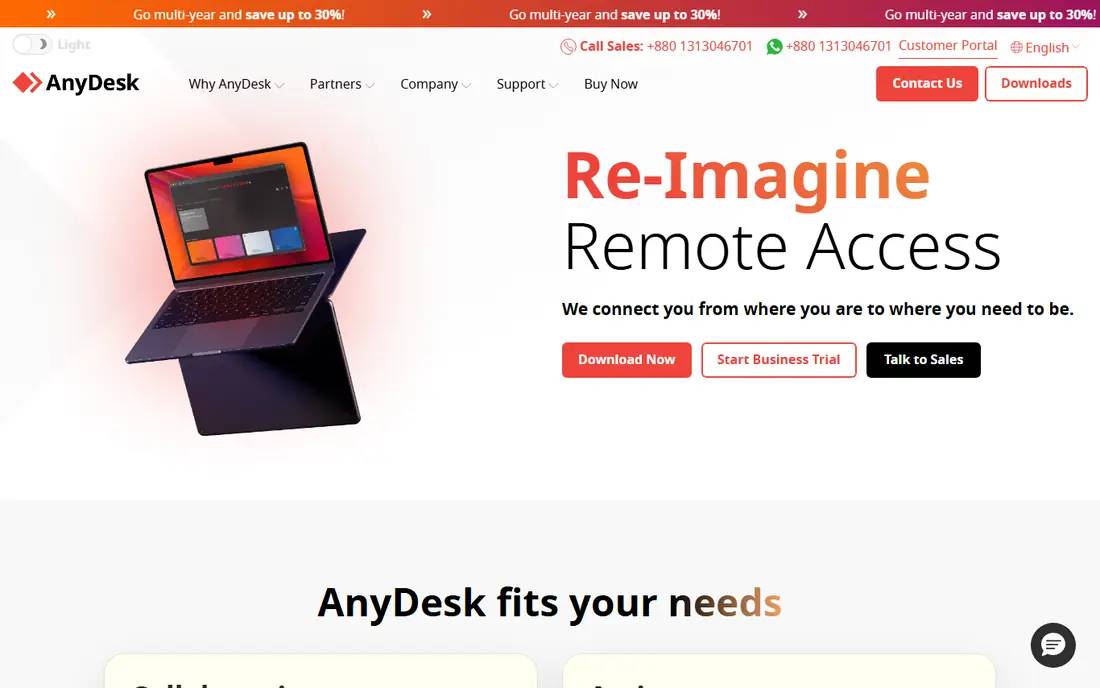
AnyDesk is built around speed, with low-latency connections that feel responsive even on weaker networks. The download is small, setup is quick, and cross-platform support covers the systems most teams use. Freelancers and small support teams often pick AnyDesk when a session needs to feel close to local, not laggy and remote.
Pricing clarity is weaker than we would like, since published starting prices have varied across sources and plans in 2026, so confirm the current Solo price before budgeting. Advanced features, including session recording, also sit on higher tiers. For speed-first work, AnyDesk remains a strong LogMeIn replacement despite that pricing step.
- Fast, low-latency connections
- Small download
- Cross-platform support
- Published starting prices have varied across sources
- Advanced features sit on higher tiers
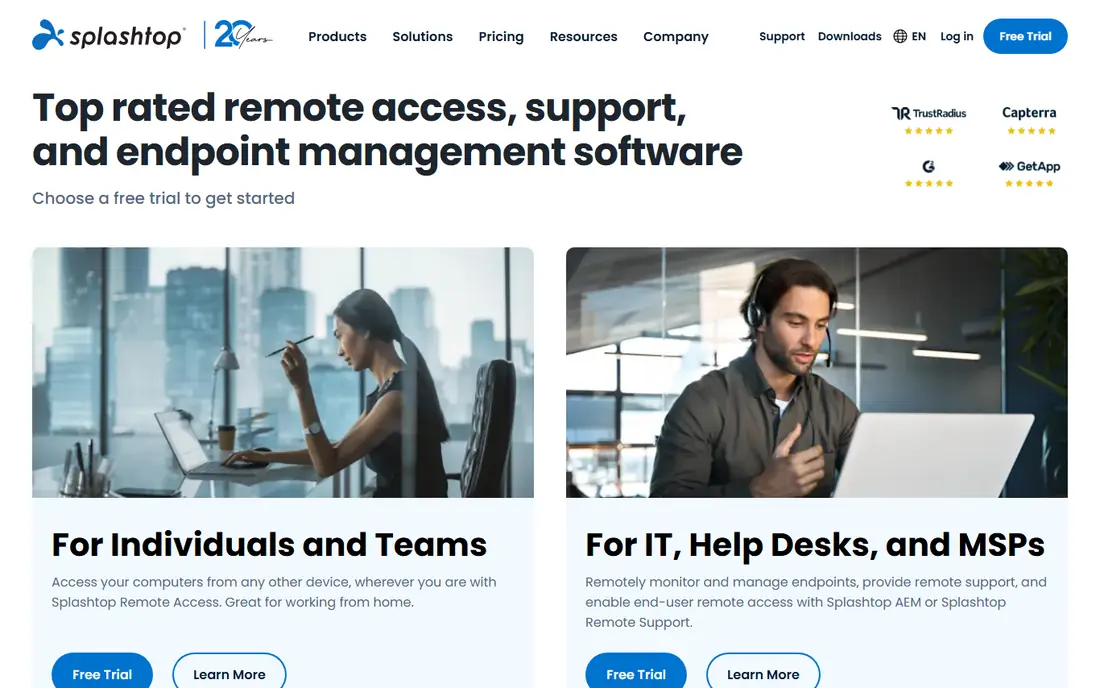
Splashtop offers one of the lowest entry prices for business remote access, which makes it attractive to small teams and schools. Performance is strong for everyday office work, and separate plans cover unattended access and on-demand support, so a team can buy the job it actually needs. Session recording, file transfer, and multi-monitor support are available on relevant plans.
Plan choice needs care, since access and support plans differ and the cheapest figure does not cover every use case. There is also no permanent free tier, only a trial. Teams that check which plan matches their job, and that want low cost without giving up performance, will find Splashtop a good value pick.
- Low entry price for business access
- Strong performance
- Support and access plans available
- Different plans for access and support can confuse buyers
- Trial only, no permanent free tier
RemotePC is the budget pick for reaching your own computers unattended. It covers Windows, Mac, Linux, and mobile systems, with web access that lets you connect without installing a full client on every device you use. For a home office or a small business with a few machines, that simplicity and low cost are appealing.
Pricing figures in reviews have varied widely, from a few dollars a month to higher team prices, so use See website thinking here and confirm the current plan for your computer count. Support features are also thinner than in Zoho Assist or ScreenConnect, so helpdesk teams should look elsewhere. For personal and small-team unattended access, RemotePC is hard to beat on price.
- Low-cost unattended access
- Web access
- Multi-platform support
- Published prices have varied widely across sources
- Support features are thinner than helpdesk tools
Zoho Assist suits helpdesks and small support teams, with per-technician pricing that matches how support work is actually staffed. Remote support sessions, unattended access, and mobile support are included, and teams already using Zoho products get integration benefits. A free tier covers a single technician and a few computers, which helps a tiny team start.
Tier placement matters. Session recording and some advanced features sit on higher plans, so a team should check the plan table against its support workflow. Zoho Assist is less suited to pure personal access than Splashtop or RemotePC, since its strength is support. For helpdesk use, its pricing and workflow are a strong fit.
- Per-technician pricing for support teams
- Unattended access
- Zoho ecosystem integration
- Some features, including session recording, sit on higher tiers
- Free tier is limited
ConnectWise ScreenConnect, formerly known as ConnectWise Control, is built for managed service providers and IT departments that support many clients. It handles unattended access, on-demand support sessions, and fleet management in one system, with tools for organizing clients, technicians, and machines. That depth is why MSPs choose it over simpler personal-access tools.
It is more tool than a solo user needs, and pricing requires a current quote rather than a single public starting figure. Small teams that only need to reach their own machines should choose a cheaper, simpler option. IT teams that manage client fleets will find ScreenConnect's management depth worth the extra step.
- Built for MSPs and multi-tech teams
- Unattended and on-demand support
- Strong management tools
- Pricing needs a quote for a firm total
- More tool than a solo user needs
Chrome Remote Desktop is the simplest free replacement for personal use. Setup runs through the browser, it works across Windows, Mac, Linux, and ChromeOS, and there is no subscription to manage. For reaching your own home or office computer from a laptop or phone, it covers the core job well.
Team and helpdesk features are missing. There is no per-technician management, no client fleet view, and no support workflow, so businesses that support others should not rely on it. A Google account is also required. For free personal access, it is the obvious first try before paying for anything else.
- Completely free
- Simple browser-based setup
- Cross-platform
- No helpdesk features
- Limited management for teams
- Needs a Google account
RealVNC Connect is built on the VNC standard, with broad platform coverage including Windows, Mac, Linux, Raspberry Pi, and mobile systems. It offers both cloud-mediated and direct connections, which suits technical users who want control over how a session connects. That openness appeals to engineers and hobbyists as well as IT teams.
The interface feels more technical than TeamViewer or Splashtop, and published starting prices have varied across sources, so confirm the current plan before budgeting. There is a trial, but no permanent free tier for business use. Teams that value the VNC standard and Raspberry Pi support will like RealVNC; teams that want the simplest setup should start elsewhere.
- VNC standard with broad platform support
- Cloud and direct connections
- Raspberry Pi support
- Starting prices have varied across sources
- Interface feels more technical than rivals
RustDesk is an open source remote desktop tool that can run with its public relay or on a self-hosted server. That self-hosting option appeals to privacy-minded users and teams that want control over their connection path. The basic software is free, and paid options exist for users who want hosted convenience and extra features.
Self-hosting is not free in effort, since setup, updates, and security become your job, and support features are thinner than in TeamViewer or ScreenConnect. RustDesk is best for technical users, open source fans, and teams that specifically want self-hosting. Less technical teams should choose a managed tool instead.
- Open source
- Self-hosting option
- Free for personal and basic use
- Self-hosting adds setup work
- Support and management features are thinner than commercial rivals
Parsec stands out for low-latency access, which matters for video editing, design, and gaming workloads where lag ruins the work. Video quality and responsiveness are strong, and a free tier covers personal use, so a creative worker can test it on a real project before paying. Teams plans add management for shared workstations.
General IT support is not its main strength. Helpdesk features, fleet management, and unattended access workflows are thinner than in ScreenConnect or Zoho Assist, so support teams should not pick Parsec as their main tool. Creative teams that need a remote workstation to feel local will find it a strong, focused choice.
- Very low latency for creative and gaming workloads
- Good video quality
- Free tier for personal use
- Less suited to general IT support workflows
- Team features sit on paid plans
How we picked these
We compared official product pages, pricing pages, and public reviews for remote access tools that work in October 2026. We kept a mix of general access, helpdesk support, free personal, and self-hosted options, since LogMeIn users need different jobs. Where published prices conflicted across sources, we wrote See website instead of repeating a figure that may be out of date.
What to check before you switch
First, name your job: personal access to your own machines, on-demand support for others, or fleet management for clients. That choice narrows the list fast, since a cheap personal tool will frustrate a helpdesk, and a helpdesk tool will overcharge a solo user. Next, test performance on your real network, including high-resolution displays, since compression and lag vary more than feature lists suggest. Finally, check security features, including two-factor authentication, session logging, and access controls, before you grant remote access to any machine.
Security steps that matter for every pick
Turn on two-factor authentication on the remote access account, and use a strong, unique password for it. Limit unattended access to machines that truly need it, and review the access list when staff leave. Keep session logs where your plan provides them, and test the lock and disconnect controls during a trial, so a lost device does not leave a machine open.
Frequently asked questions
What are the best LogMeIn alternatives?
TeamViewer and AnyDesk are the best-known general LogMeIn alternatives, Splashtop and RemotePC offer the best value for unattended access, and Zoho Assist and ScreenConnect suit helpdesk teams. Chrome Remote Desktop covers free personal access, while RustDesk covers self-hosted access. The best pick depends on whether you need personal access, support, or fleet management.
What are alternatives to LogMeIn for remote access?
Alternatives to LogMeIn include TeamViewer, AnyDesk, Splashtop, RemotePC, Zoho Assist, ScreenConnect, Chrome Remote Desktop, RealVNC Connect, RustDesk, and Parsec. Each serves a different job, from free personal access to MSP fleet management, so match the tool to your use case rather than picking by brand alone.
Which LogMeIn alternative is the cheapest?
RemotePC and Splashtop are among the cheapest paid options for unattended access, while Chrome Remote Desktop and RustDesk are free for personal and basic use. Exact prices vary by computer count and plan, so confirm the current price for your setup. A free tool that lacks the support features you need is not cheaper in practice.
Is TeamViewer a good LogMeIn alternative?
Yes, TeamViewer is a good LogMeIn alternative for general remote access and support, with broad platform coverage and compliance features. It costs more than budget rivals, and its free tier is for personal use only, so business users need a paid plan. Teams that value recognition and compliance will find it a safe choice.
Can I use a LogMeIn alternative for free?
Yes. Chrome Remote Desktop is free, RustDesk offers a free open source option, and TeamViewer, AnyDesk, Zoho Assist, ScreenConnect, and Parsec offer free tiers for personal or limited use. Business use usually needs a paid plan, so check the license terms for your situation before relying on a free tier.
Which LogMeIn alternative is best for IT support teams?
Zoho Assist suits small support teams with per-technician pricing, while ConnectWise ScreenConnect suits MSPs and larger IT departments that manage many clients. Both offer unattended and on-demand support, but ScreenConnect adds deeper fleet management. Trial both with a real support session before choosing.
Sources
See where you really rank - block by block
ProMapRanker scans Google Maps across a grid of your service area. Simple monthly plans from $19, white-label on every plan.
Start freeKeep reading
 zscaler alternatives
Best Zscaler Alternatives in 2026
Looking for zscaler alternatives? We compare 9 SASE and zero trust platforms on architecture, data protection, pricing, and fit for your network and team.
Read → zapier alternatives free
Best Zapier Alternatives Free in 2026
Nine automation tools for zapier alternatives free in 2026, all with genuinely free tiers, plus free plan limits, starting prices and upgrade paths explained.
Read → which platform is best for online reputation
Which Platform Is Best for Online Reputation in 2026
Wondering which platform is best for online reputation? We compare 8 review, listing, and response tools for small and multi-location businesses and agencies.
Read →