 ProMapRanker
Best LivePerson Alternatives in 2026


In-app support and AI agent Fin · Pricing starts at: $29 per seat per month
Key takeaways
- LivePerson is an enterprise conversational platform, so replacements range from simple live chat to full AI agent platforms.
- Intercom and Zendesk lead for product-led and enterprise support teams, for different reasons.
- AI pricing varies sharply, from per-resolution charges to flat add-ons per agent.
- Small teams should start with a free or low-cost plan and add AI only after measuring real deflection.
Quick comparison
| Pick | Great for | Pricing starts at | Free tier | |
|---|---|---|---|---|
| Intercom | In-app support and AI agent Fin | $29 per seat per month | Free trial | Visit |
 Zendesk | Enterprise ticketing and messaging | $55 per agent per month | Free trial | Visit |
 Freshdesk | Structured ticketing and self-service | $19 per agent per month | Yes | Visit |
 Help Scout | Inbox-centred service teams | Free | Yes | Visit |
 LiveChat | Live chat for sales and support teams | $19 per user per month | Free trial | Visit |
 Tidio | Small stores using chat and automation | See website | Yes | Visit |
 Crisp | Flat-priced chat for small teams | See website | Yes | Visit |
 Drift | B2B sales conversations and routing | See website | No | Visit |
The best liveperson alternatives
LivePerson provides conversational AI, messaging, and live chat for large brands, with a focus on automating customer conversations across web, mobile, and messaging channels. The options below cover live chat, ticketing, and conversational AI for teams of different sizes, and we note where AI pricing is usage-based.
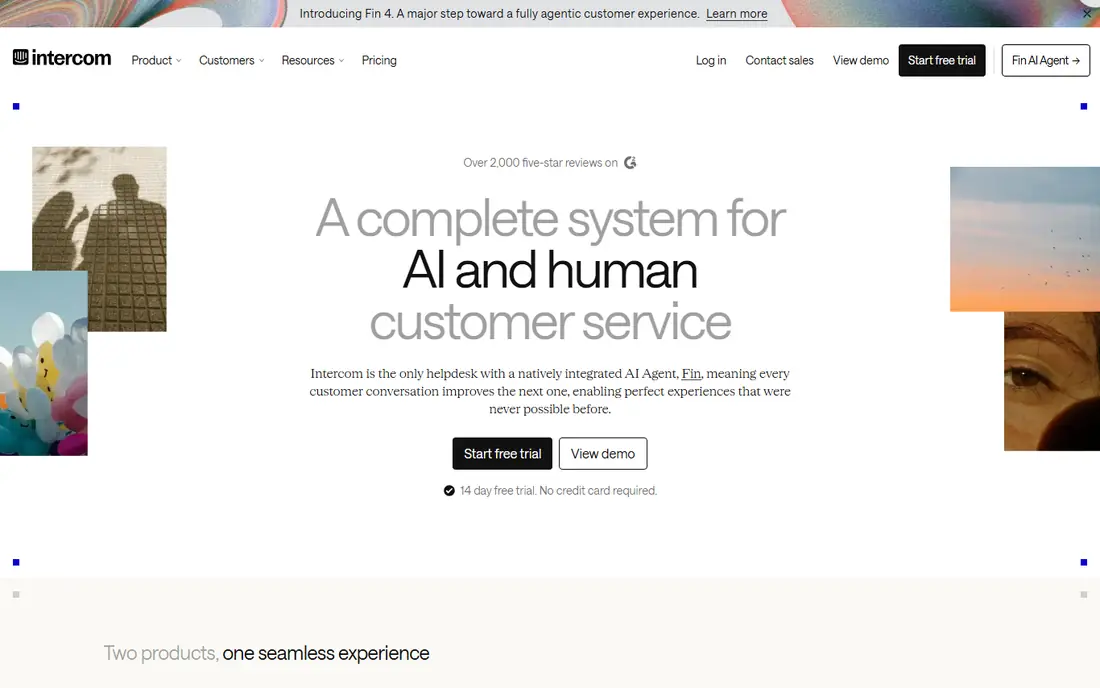
Intercom is the closest product-led replacement for a team that wants messaging inside its own app or website, plus an AI agent that resolves common questions. Its messenger, shared inbox, and tickets cover the full support workflow, and Fin answers from help centre content before routing complex cases to a human. That mix suits SaaS teams that want support close to the product.
The watch point is total cost. Seats start at $29 per month on annual billing, while Fin charges $0.99 per resolution on top, so a high-volume team must forecast AI resolutions, not just seats. A team with many simple, repeatable questions will still benefit, but it should model a month of resolutions before committing.
- Strong in-app messenger
- Fin AI agent with per-resolution pricing
- Shared inbox and tickets in one place
- AI costs can rise with volume
- Pricing layers seats, AI, and add-ons together
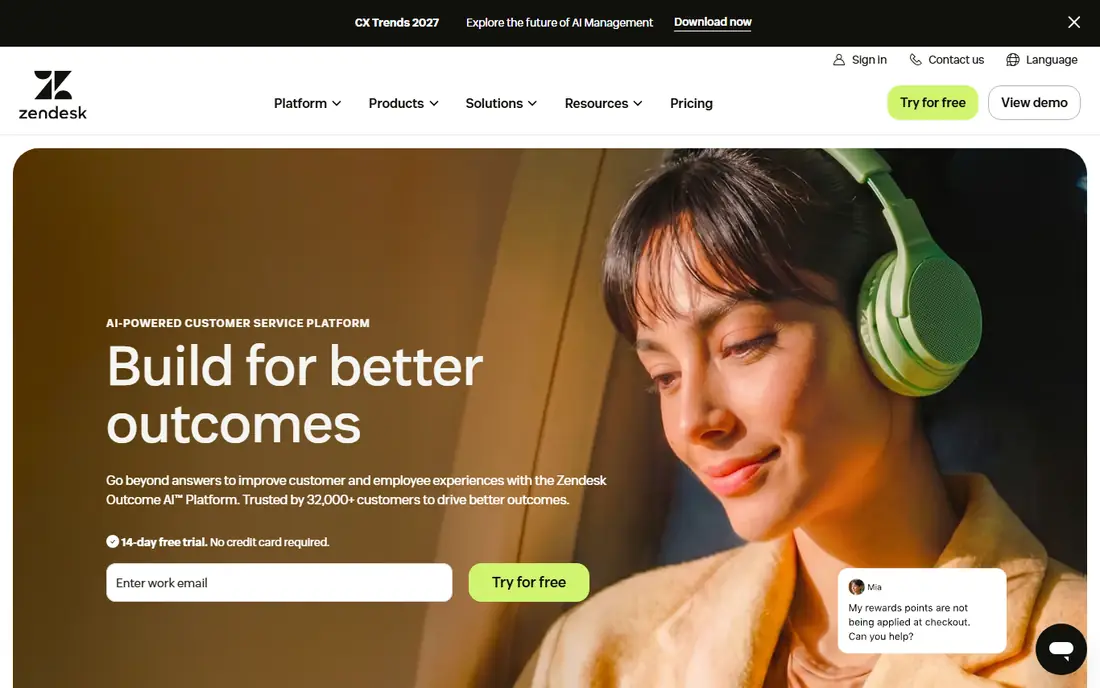
Zendesk suits a support team that needs a full helpdesk, not just a chat widget. Its Suite Team plan starts at $55 per agent per month on annual billing and bundles ticketing, messaging, and live chat, with routing, reporting, and self-service tools. That breadth helps a larger team manage email, chat, social, and phone cases in one queue.
The cost is higher than simpler chat tools, and AI features such as Copilot add $50 per agent per month on some plans, which changes the total quickly. A small team that only needs live chat may find Zendesk heavy, while an established team with complex workflows will value the ticketing depth and reporting.
- Full ticketing suite with messaging
- Strong reporting and routing
- Large integration library
- Higher entry price
- AI add-on costs extra per agent on some plans
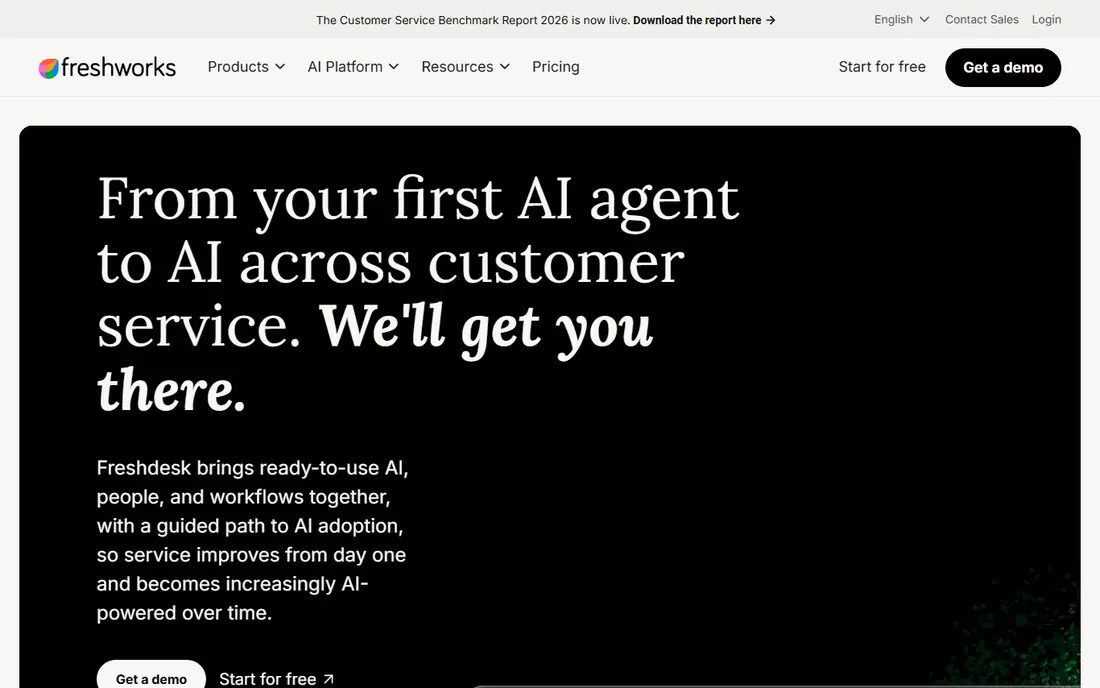
Freshdesk, from Freshworks, offers a structured alternative for teams that want ticketing without enterprise pricing. Its entry plan starts at $19 per agent per month on annual billing, and a free plan covers a small team getting started. Ticket workflows, self-service, and reporting cover the core support workload well.
Live chat and AI packaging need checking. Freshdesk Omni packaging governs chat in some plans, and AI copilot features are paid add-ons on higher plans, so a team that wants chat plus AI should confirm the exact plan before buying. As a ticketing-first tool, though, Freshdesk offers strong value for its price.
- Lower entry price than Zendesk
- Clear ticket workflows
- Free plan for small teams
- Live chat packaging varies by plan
- AI features often need paid add-ons
Help Scout fits a team that thinks in conversations, not tickets. Its shared inbox keeps email and messaging together, and its interface stays simple for agents who handle many cases per day. A free plan covers a small team, which makes it easy to start without a sales call or a credit card.
The limits are chat and AI costs. Live chat and social messaging through Beacon need a paid plan, and AI Answers charges $0.75 per resolution after its trial, on a paid plan. A team that mainly handles email will get the most value, while a chat-heavy team should compare Help Scout paid plans with LiveChat or Intercom.
- Free plan for small teams
- Clean shared inbox
- Beacon chat widget on paid plans
- Live chat needs a paid plan
- AI Answers charges per resolution after its trial
LiveChat is a focused chat tool for teams that sell or support through website chat. Its entry plan starts at $19 per user per month on annual billing, with live chat, ticketing rules, and workflow features that suit ecommerce teams. AI resolutions are packaged, with extra packages priced separately, which helps a team forecast AI costs.
Ticketing depth is the trade-off. LiveChat handles chat-led support well, but a team with complex email ticketing, service level agreements, and deep reporting may still need Zendesk or Freshdesk alongside it. For a chat-first team, that focus is a strength, not a weakness.
- Focused live chat product
- Ecommerce integrations
- AI resolutions with clear package pricing
- Ticketing is more limited than Zendesk
- Advanced routing sits on higher plans
Tidio suits a small online store that needs website chat, ticketing, and basic automation without enterprise cost. Its free plan covers a small number of conversations per month, and its Lyro AI agent answers common store questions such as order status and shipping. Shopify and WooCommerce integrations give agents order context inside the chat.
Pricing needs careful reading, since tiers and conversation meters interact, and Lyro conversations are packaged separately from the base plan. A store with low chat volume will find good value, while a store with high volume should model total cost on a real month of chats before choosing a tier.
- Free plan for small stores
- Lyro AI agent for common questions
- Shopify and WooCommerce integrations
- Pricing mixes tiers and conversation meters
- AI conversations are packaged separately
Crisp appeals to small teams that dislike per-seat pricing. Its flat per-workspace model means adding an agent does not always add the same cost as a per-seat tool, and its free plan covers two seats for a tiny team. Chat, shared inbox, and knowledge base tools cover the core needs of a small support operation.
The limits are plan gating and depth. WhatsApp and some AI features sit behind higher plans, and ticketing is less structured than Zendesk or Freshdesk. A small team that wants simple, predictable chat pricing will like Crisp, while a larger team with complex workflows should test its limits early.
- Flat pricing per workspace
- Free plan for two seats
- Chat, email, and knowledge base in one tool
- Some channels and AI features are plan-gated
- Less ticketing depth than Zendesk
Drift, now part of Salesloft, is the sales-led pick on this list. It focuses on turning website visitors into qualified sales conversations, routing them to the right rep, and using playbooks to qualify interest. That focus suits B2B teams where chat is a revenue channel, not just a support channel.
Support teams should note the fit. Drift is less suited to general ticketing, email support, and service workflows than Zendesk, Freshdesk, or Help Scout. Pricing is also quote-based, so a team must talk to sales to learn cost. For a B2B sales team, that trade-off is worth it; for a support team, it is not.
- Built for B2B sales conversations
- Intelligent routing to sales reps
- Playbooks for qualification
- Quote-based pricing
- Less suited to general support ticketing than Zendesk or Intercom
How we picked these
We compared official pricing pages, feature pages, and recent comparison research for live chat, messaging, and conversational AI platforms operating in October 2026. We kept only platforms with a real, current product, and we wrote See website where pricing is quote-based or tiered in a way that a single figure would mislead. AI pricing was noted separately, since it often sits outside the base seat price.
We also weighed team size and use case, not just AI claims. A small store, a SaaS support team, an enterprise helpdesk, and a B2B sales team need different tools, even though all of them use chat. That is why this list mixes chat-first, ticketing-first, and sales-first platforms.
How to choose a LivePerson replacement without overpaying for AI
Start with the conversations you actually handle. Tag a month of chats by topic, and count how many are simple and repeatable, such as order status, password resets, and opening hours. Those are the cases an AI agent can deflect, while complex, emotional, or high-value cases will still need a human. That count decides whether AI pricing will help or hurt.
Next, test AI on real content, not on a demo script. Load your own help centre articles, run the AI against twenty real customer questions, and check how many answers are correct, complete, and safe. A high deflection rate on a demo does not prove value on your own content, and a low rate on real questions may mean the help centre needs work before AI can help.
Finally, model total cost for three months, including seats, AI resolutions, and add-ons. A low seat price with high per-resolution AI charges can cost more than a higher seat price with a flat AI add-on, depending on volume. Compare both models on your own volume, and keep a human fallback that is easy to reach, since a blocked customer costs more than a saved AI resolution.
Frequently asked questions
Is Intercom a direct LivePerson replacement?
Intercom can replace LivePerson for many SaaS and product-led teams, especially where in-app messaging and an AI agent matter. LivePerson remains stronger for some large enterprise messaging deployments, while Intercom offers a simpler product-led setup. The better pick depends on channels, volume, and whether support sits inside a product or across many brand channels.
How much does AI chat pricing really cost?
It depends on the model. Intercom Fin charges $0.99 per resolution, Help Scout AI Answers charges $0.75 per resolution after its trial, and Zendesk AI Copilot adds a flat fee per agent on some plans. A team should forecast resolutions from real chat volume, since per-resolution costs rise with volume while flat add-ons stay fixed.
Can a small business use these tools for free?
Yes, in some cases. Help Scout, Freshdesk, Tidio, and Crisp all offer free plans with limits on seats, conversations, or features. Those plans suit a tiny team getting started, but a growing team will usually need a paid plan for chat, AI, or reporting. Check limits carefully before relying on a free plan for customer support.
Do these tools support WhatsApp and other messaging channels?
Most of them support WhatsApp, Messenger, and other channels, though packaging varies. Intercom, Zendesk, Tidio, and Crisp all list WhatsApp support, often behind a plan gate or a usage charge. Confirm the exact channel, cost, and setup for each platform before promising customers a channel you cannot yet staff.
What is the difference between live chat and conversational AI?
Live chat connects a customer to a human agent in real time, while conversational AI uses language models to understand questions, answer from help content, and complete tasks before handing off to a human. Many platforms now combine both, with AI handling simple cases and humans handling complex ones. The best setup uses AI for deflection and humans for judgment.
Should I replace LivePerson all at once?
No, a phased move is safer for most teams. Start with one channel or one team, run the new tool alongside LivePerson, and compare resolution time, customer satisfaction, and AI deflection. Move the next channel only after the first one meets its targets, and keep LivePerson running until the new setup proves itself on real traffic.
Sources
See where you really rank - block by block
ProMapRanker scans Google Maps across a grid of your service area. Simple monthly plans from $19, white-label on every plan.
Start freeKeep reading
 zoro.to alternatives
Best Zoro.to Alternatives in 2026
We compare the best zoro.to alternatives in 2026, listing only legal licensed anime streaming services, from Crunchyroll to free options for fans today.
Read → zip alternatives
Best Zip Alternatives in 2026
We compare the best zip alternatives for buy now, pay later in 2026, covering pay-in-4 plans, fees, spending limits, and credit reporting options today.
Read → yesware alternatives
Best Yesware Alternatives in 2026
Compare the best yesware alternatives for sales email tracking, templates, and sequences, with current pricing and honest tradeoffs for small sales teams.
Read →