 ProMapRanker
LiveChat Alternatives in 2026

Key takeaways
- Intercom suits SaaS and scaling teams that want AI-first support, but AI resolution fees can grow fast.
- Zendesk suits teams that need chat inside a full omnichannel service platform.
- Freshchat and HubSpot offer the strongest free starting points for small teams.
- Tidio and Crisp suit small ecommerce and startup teams that want focused chat at a lower cost.
- tawk.to is the only serious free option with unlimited agents, though branding and automation are limited.
Quick comparison
| Pick | Great for | Pricing starts at | Free tier | |
|---|---|---|---|---|
 Intercom | AI-first support teams | $29 per seat per month | Free trial (14 days) | Visit |
 Zendesk | Full omnichannel service | $55 per agent per month | Free trial (14 days) | Visit |
 Freshchat | Small teams wanting a free plan | $19 per agent per month | Yes | Visit |
 Tidio | Small ecommerce stores | $29 per month | Yes | Visit |
 Crisp | Flat workspace pricing | $45 per workspace per month | Yes | Visit |
 HubSpot Live Chat | HubSpot CRM teams | Free | Yes | Visit |
 Zoho SalesIQ | Zoho-centered teams | See website | Yes | Visit |
 tawk.to | Free unlimited-agent chat | Free | Yes | Visit |
The best LiveChat alternatives
LiveChat alternatives differ in whether chat is the whole product or one channel inside a larger support system. We compared official pricing pages, feature pages, and public comparisons for tools that offer live chat, team inboxes, chatbots, and AI agents for websites and apps. LiveChat itself is not listed here, since this article covers alternatives to it.
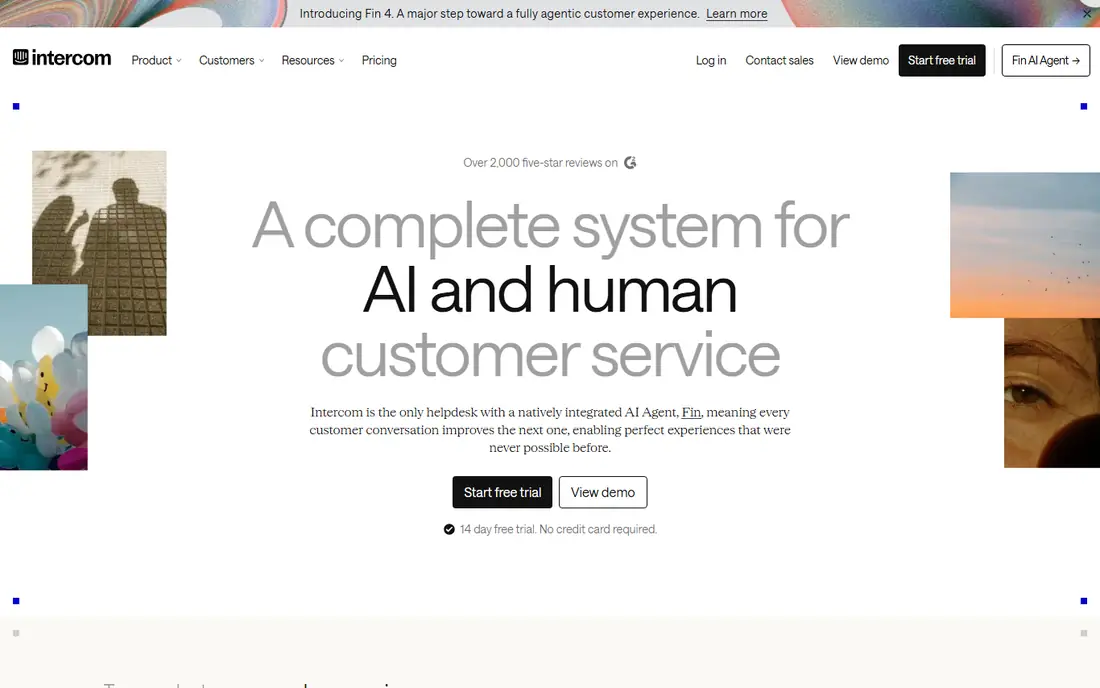
Intercom is the most complete AI-first support platform on this list. Its Fin AI agent can resolve many common questions on its own, while human agents work in a shared inbox with customer context, help center content, and product tours in the same system. For SaaS teams with high chat volume, that combination can reduce response time and repetitive work.
Cost is the main watch point. Seats start at $29 per month on annual billing, and Fin bills per resolved conversation, so a high-volume team can see costs climb even with a small team. Intercom is also more system than a simple chat widget. If you mainly need a chat box on a brochure site, a lighter tool will cost less. If support is core to your product, Intercom is a strong pick.
- Strong Fin AI agent
- Shared inbox plus knowledge base
- Deep product messaging
- Per-seat plus per-resolution pricing can grow fast
- More than small teams need
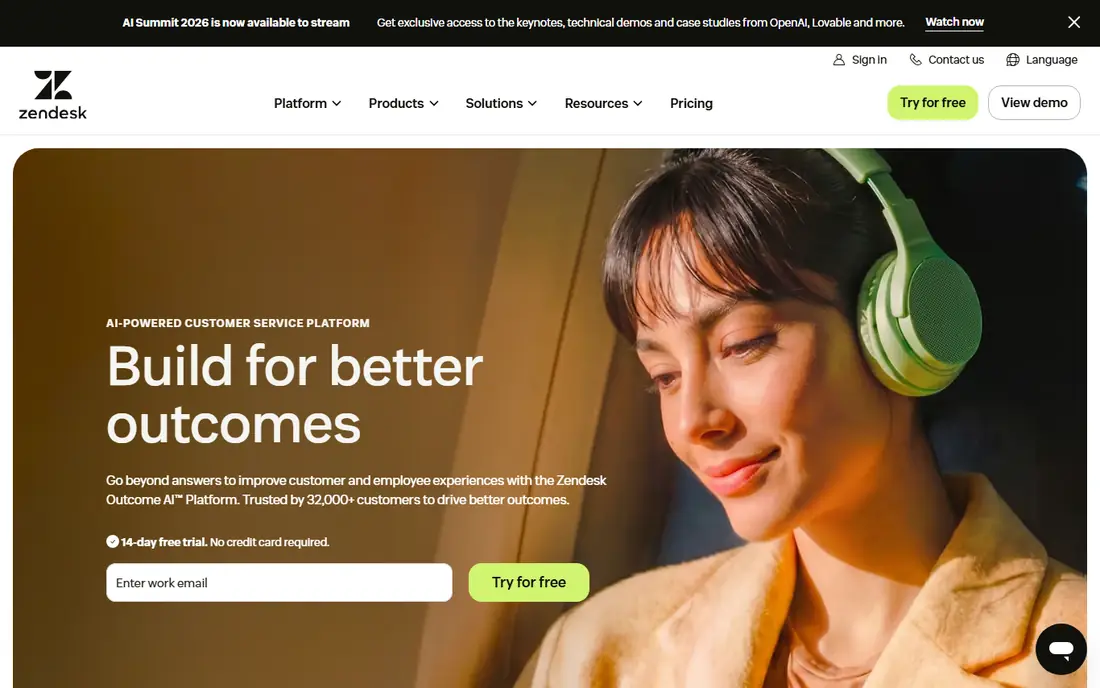
Zendesk suits teams that need chat as part of email, phone, social, and self-service support, not as a standalone widget. Messaging and live chat are included in Suite Team, which also adds ticketing, omnichannel routing, and AI tools. That breadth helps larger support teams keep every conversation in one queue with consistent reporting.
The price and complexity reflect that breadth. The $19 support plan does not include chat, so teams must budget for Suite Team to get messaging. Setup, workflows, and reporting also take more time than with Tidio or Crisp. If your team already uses Zendesk or plans to scale omnichannel support, Zendesk is a logical alternative. If you only need chat, it may be more than required.
- Mature ticketing and omnichannel routing
- Strong AI and reporting
- Large app marketplace
- Chat sits in Suite Team, not the cheapest support plan
- Setup can feel heavy
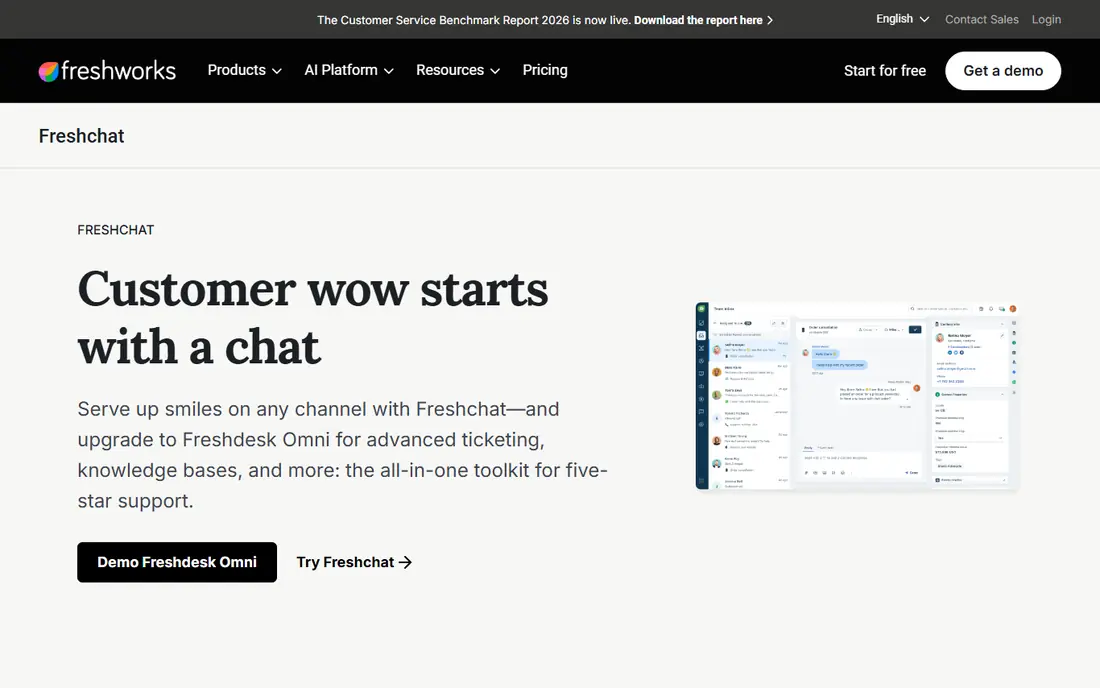
Freshchat is a strong pick for small teams that want a free start without a credit card. The free plan covers up to 10 agents, which is generous compared with most rivals, and paid plans add growth features, bots, and integrations. Teams already using Freshdesk or Freshsales get a natural fit, since chats, tickets, and customer records connect.
The limits appear as you scale. Social channels, advanced routing, and multiple service-level rules sit on higher tiers, so check the plan that matches your channel mix. Freshchat is also less focused on AI-first support than Intercom. For a small team that wants reliable chat plus a path to a full Freshworks suite, it is a practical choice.
- Free plan for up to 10 agents
- Native Freshdesk integration
- Chatbot tools
- Best value inside Freshworks
- Advanced routing sits on higher tiers
Tidio suits small ecommerce stores that want chat, chatbots, and email ticketing in one simple tool. Setup is fast, product recommendations and order context help agents answer buying questions, and the AI agent can handle common store questions. The free plan lets a new store test chat before paying.
Conversation limits are the main catch. Lower tiers cap billable conversations, and higher volume moves you to more expensive plans. That makes Tidio less predictable than flat-priced Crisp for a store with spiky traffic. If your store is small, your chat volume is modest, and you want AI help quickly, Tidio is a good fit.
- Fast setup for stores
- AI agent and chatbot tools
- Shopify and WooCommerce integrations
- Conversation limits on lower tiers
- Price jumps for higher volume
Crisp stands out because it charges per workspace rather than per agent on its main paid plan. That makes budgeting easier for teams with many agents, since adding a teammate does not automatically raise the bill in the same way as per-seat tools. It also offers an omnichannel inbox, chatbots, a knowledge base, and CRM-style contact views.
Advanced automation, routing, and ticketing features sit on higher tiers, so check which plan includes the workflows you need. Crisp is also less suited to very large enterprise support operations than Zendesk or Intercom. For startups, agencies, and small teams that want predictable pricing, Crisp is one of the best values in this list.
- Flat workspace price instead of per-seat billing
- Omnichannel inbox
- Free plan for small teams
- Advanced automation sits on higher tiers
- Enterprise controls are lighter than Zendesk
HubSpot Live Chat is the easiest choice for teams already using HubSpot CRM. The free live chat tool adds a chat widget, conversations linked to CRM contacts, and a no-code chatbot builder without a separate subscription. That keeps customer history in one place and avoids another vendor for basic chat.
The free version has limits, including HubSpot branding, and advanced service features such as AI agents, advanced reporting, and automation require paid Service Hub plans. If you already pay for HubSpot, adding chat is low friction. If you do not use HubSpot, a standalone chat tool such as Tidio or Crisp will be simpler and more focused.
- Free live chat
- Native CRM records
- No-code chatbot builder
- Advanced AI and service features need paid HubSpot plans
- Free chat carries HubSpot branding
Zoho SalesIQ suits businesses already using Zoho CRM, Desk, or other Zoho apps. It combines live chat with visitor tracking, so agents can see which pages a visitor viewed before starting a chat. That context helps sales and support teams answer with more relevance, and Zoho integration keeps records connected.
The free tier caps monthly chats, so higher-traffic sites will need a paid plan. Pricing and plan details also vary, so confirm the current plan that matches your agent count and chat volume. Outside Zoho, SalesIQ is still usable, but its main advantage is the ecosystem fit. For Zoho teams, it is a natural LiveChat alternative.
- Free tier for small sites
- Visitor tracking
- Native Zoho CRM integration
- Chat limits on free tier
- Best value inside Zoho ecosystem
tawk.to is the only tool on this list that offers a serious free chat product with unlimited agents and chats. Small businesses, nonprofits, and new sites can add live chat without a monthly fee, using a widget, team inbox, and mobile apps. That makes it a good first chat tool when budget is the main constraint.
The trade-offs are branding and depth. The free version shows tawk.to branding, and removing it costs extra. Automation, AI agents, and advanced routing are also thinner than Intercom, Zendesk, or Tidio. If you need a polished, AI-assisted support system, a paid tool will serve you better. If you need reliable free chat now, tawk.to is hard to beat.
- Free core chat
- Unlimited agents
- Simple widget and mobile apps
- Branding stays unless you pay
- Automation and AI tools are thinner than paid rivals
How we picked these
We compared official pricing pages, feature pages, and public comparisons for live chat and messaging tools that offer website chat, team inboxes, and automation. We focused on starting prices, free plans, AI agents, ecommerce integrations, and whether chat is standalone or part of a larger suite. We did not claim hands-on testing. Where pricing varies by seat, workspace, or conversation volume, we used the vendor figure shown in recent pricing pages.
Choosing a LiveChat alternative
Start with the job chat must do. A sales chat tool needs product context and fast replies, while a support chat tool needs ticketing, knowledge, and routing. An ecommerce store needs order data, while a SaaS team needs in-app messaging and AI deflection. Choosing by that job prevents paying for a full suite when a widget would do, or buying a widget when you need a suite.
Check AI pricing, not just AI claims
Many tools now advertise AI agents, but pricing models differ. Some include a set number of AI resolutions, some charge per resolution, and some sell AI as a separate package. Model AI cost at your real monthly conversation volume, not just at the included allowance. A tool with a low seat price can become expensive if every AI resolution adds a fee.
Test the agent experience, not just the widget
The visitor widget is only half the product. Test the agent inbox, canned replies, assignment, internal notes, and mobile app during a trial, since agents live in that inbox all day. Check how chats become tickets, how history follows a customer across channels, and how easily a manager can see response times. A pretty widget with a clumsy inbox will slow your team down.
Confirm channels, branding, and data control
Check which channels are included, whether branding can be removed, and how chat data, transcripts, and customer records are stored. If you need WhatsApp, Messenger, or SMS, confirm they are included in your plan rather than assuming chat means every channel. Also confirm data retention, privacy controls, and export options before you migrate years of conversations.
Frequently asked questions
What are the best LiveChat alternatives?
Intercom and Zendesk are the strongest full-platform picks, while Freshchat, Tidio, and Crisp suit smaller teams. The best LiveChat alternatives depend on whether you need AI support, omnichannel ticketing, ecommerce tools, or simply a low-cost chat widget.
What are the best live chat alternatives for small businesses?
Freshchat, Tidio, Crisp, HubSpot Live Chat, and tawk.to are good small-business options. Freshchat and HubSpot offer strong free tiers, Crisp offers flat workspace pricing, Tidio suits ecommerce stores, and tawk.to is free with unlimited agents.
Is there a free alternative to LiveChat?
Yes. tawk.to offers free chat with unlimited agents, HubSpot Live Chat is free for basic use, and Freshchat, Tidio, Crisp, and Zoho SalesIQ offer free tiers with limits. Free plans usually include branding or conversation limits, so check those details before you rely on them.
Which LiveChat alternative is best for ecommerce?
Tidio is a strong ecommerce pick because of its store integrations, product context, and AI agent tools. Crisp and HubSpot also work well for stores, while Zendesk suits larger ecommerce support teams that need omnichannel ticketing alongside chat.
Can I migrate chat history from LiveChat?
Many tools offer import help, but history migration varies by tool and plan. Export transcripts and customer records from LiveChat first, ask the new vendor what it can import, and keep the old export as a backup until the new system is tested with real conversations.
Sources
See where you really rank - block by block
ProMapRanker scans Google Maps across a grid of your service area. Simple monthly plans from $19, white-label on every plan.
Start freeKeep reading
 who has the best home internet service
Who Has the Best Home Internet Service in 2026
Who has the best home internet service in 2026? Compare fiber, cable, and 5G providers on speed, price, data caps, and availability at your address today.
Read → visio alternatives
Best Visio Alternatives in 2026
Compare 9 Visio alternatives for flowcharts, org charts, and network diagrams, with free plans, pricing, and the best pick for teams and solo users in 2026.
Read → top 10 logistics software
Top 10 Logistics Software in 2026
We compared the top 10 logistics software tools for transport, warehousing, visibility and shipping, for shippers, carriers and 3PL teams in 2026 today.
Read →