 ProMapRanker
Best Live Chat Tools for Customer Service Best Practices in 2026


AI-assisted support at scale · Pricing starts at: $29 per seat per month
Key takeaways
- Good live chat is mostly about speed, clear routing, and honest handoffs to a human when a bot cannot help.
- Canned replies and chatbots save time only when they are kept current and easy to escape from.
- The best tools pair chat with transcripts, ratings, and analytics so a team can see what is slow or confusing.
- Free plans work for a small site, but larger teams usually need paid routing, reporting, and integrations.
Quick comparison
| Pick | Great for | Pricing starts at | Free tier | |
|---|---|---|---|---|
| Intercom | AI-assisted support at scale | $29 per seat per month | Free trial | Visit |
 Zendesk | Full omnichannel support teams | $19 per agent per month | Free trial | Visit |
 LiveChat | Dedicated live chat teams | $20 per agent per month | Free trial | Visit |
 Tidio | Small online stores | Free | Yes | Visit |
 Crisp | Startups on a tight budget | Free | Yes | Visit |
 Freshchat | Small teams starting free | Free | Yes | Visit |
 Help Scout | Human, email-like support | $25 per user per month | Free trial | Visit |
 HubSpot Service Hub | Teams already using HubSpot CRM | Free | Yes | Visit |
 tawk.to | Free chat for any small site | Free | Yes | Visit |
The best live chat tools for customer service best practices
This article is not a list of abstract tips alone. It looks at the live chat tools and services that put best practices into action, through speed, routing, canned replies, chatbots, and analytics. We compared official feature pages, pricing pages, app store listings, and public reviews. Our pick for most teams is a tool that makes a fast first reply, a clean handoff, and a usable transcript easy.
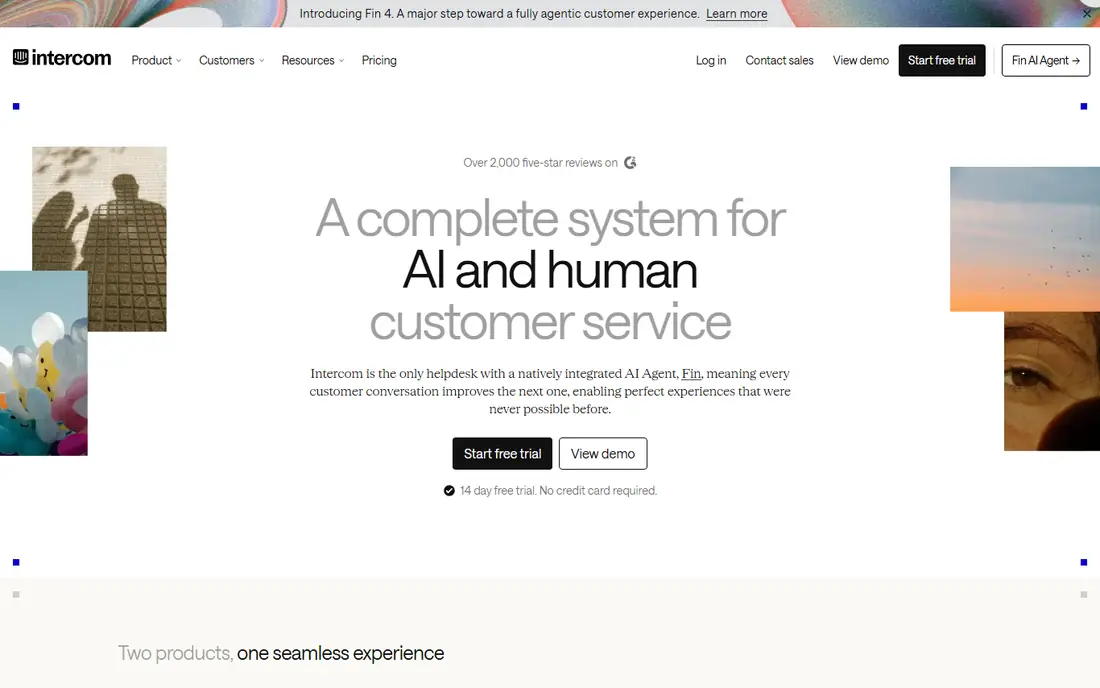
Intercom suits teams that want chat, email, and AI answers in one inbox, with routing rules that send each conversation to the right person. Its AI assistant can answer common questions and hand over to a human with context, which matches the best practice of never making a customer repeat the problem. Reporting shows response times and resolution patterns, so managers can fix slow queues rather than guess.
The catch is cost control. Seat pricing plus per-resolution AI charges can grow fast, so a small team should test with a narrow set of automated answers first. Teams that keep their help articles current get far more from the AI than teams that let content go stale.
- Strong automation and AI answers
- Clear routing and shared inbox
- Wide integration range
- Costs rise with seats and AI resolutions
- Setup takes care for larger teams
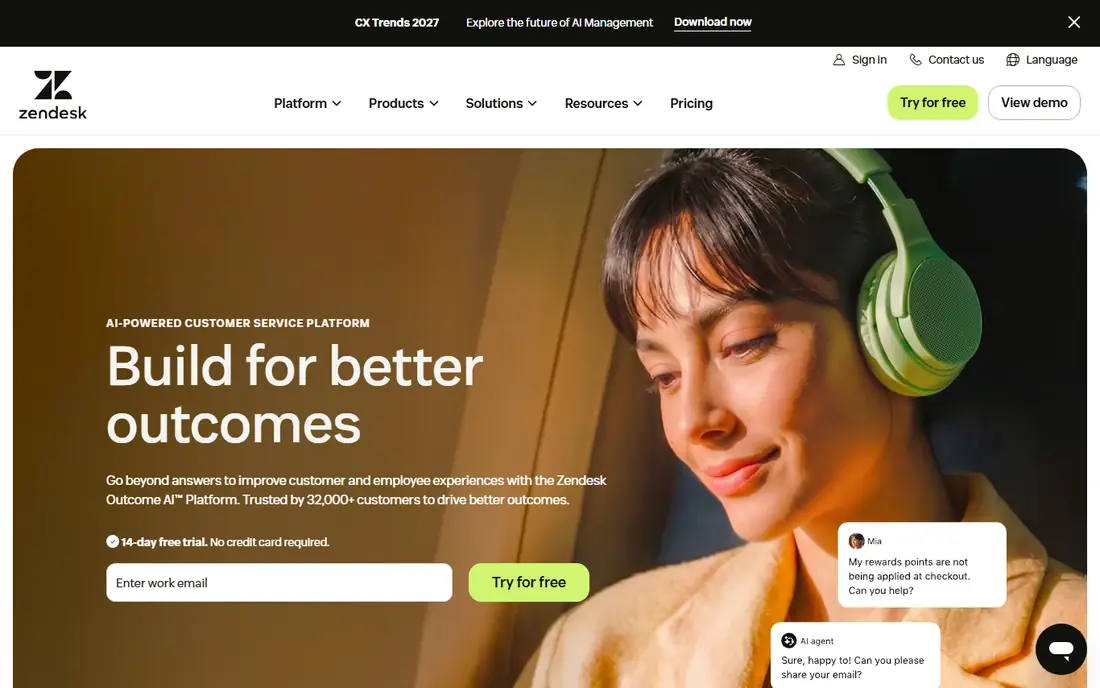
Zendesk fits support teams that need live chat to feed into proper tickets, with service levels, routing, and follow-up in one system. Agents see customer history beside the chat, which helps them answer with context instead of asking for order numbers again. Its analytics cover wait times, satisfaction, and agent workload, all useful for coaching and staffing.
The honest weakness is complexity. A team that only wants a simple chat widget may find the wider suite more than it needs, and the higher suite tiers cost much more. It works best when one person owns the setup and keeps macros, triggers, and routing rules tidy.
- Deep ticketing, routing, and reporting
- Chat plus email, phone, and social in one place
- Large integration library
- Entry chat features sit inside larger suites
- Setup can feel heavy for a tiny team
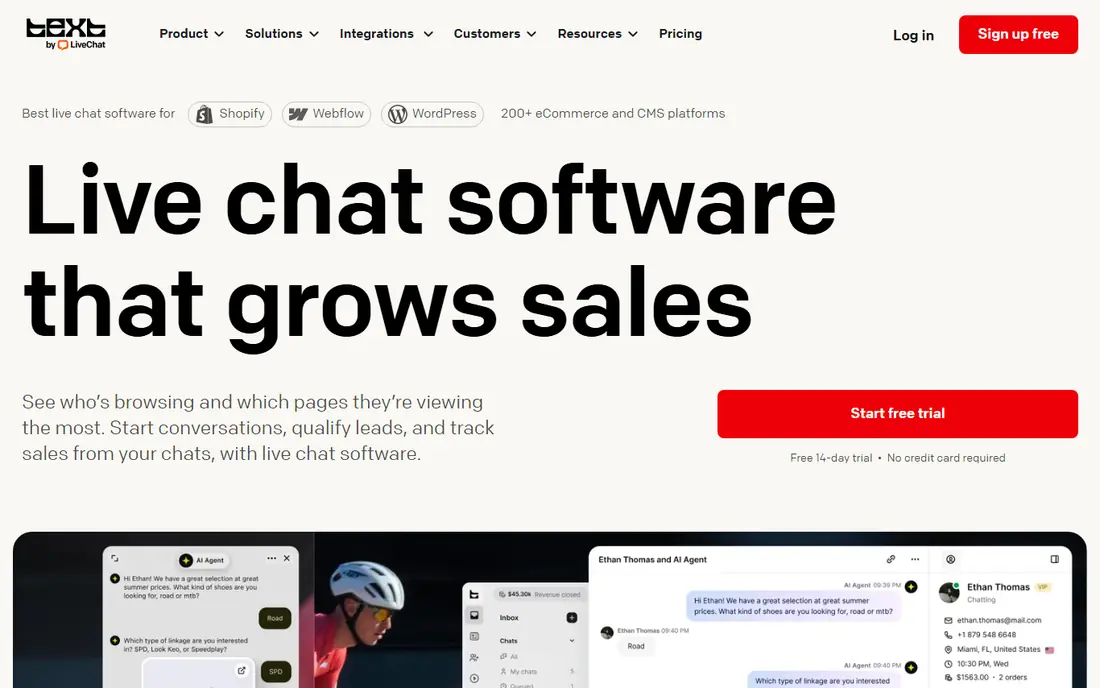
LiveChat is a good fit when chat is the main channel and the team wants a polished, fast agent workspace. Canned responses help agents answer repeat questions consistently, while chat ratings and transcripts give managers a simple quality check. Availability controls and routing keep customers from waiting in a queue with no agent online.
The trade-off is breadth. Teams that also need deep ticketing or AI agents may need extra products, which raises the total bill. For a chat-first team, though, that focus is a strength, since there is less clutter between an agent and the customer.
- Focused chat agent app
- Canned responses and chat ratings
- Clear agent availability and routing
- AI and ticketing are separate products in some plans
- Per-agent cost adds up
Tidio works well for small stores that want chat plus simple automation without a large monthly commitment. Its chatbot can greet visitors, answer delivery questions, and collect contact details outside office hours, which follows the best practice of setting clear expectations. Visitor tracking helps agents see which page a customer is on before replying.
The limit to watch is conversation volume. A store with a busy sale week can move into a higher tier quickly, so check how conversations are counted before launch. Keep bot flows short, and always offer a clear path to a person.
- Free plan to start
- Chatbot flows and visitor tracking
- Email, Messenger, and Instagram in one inbox
- Paid plans are priced by conversations
- AI answers are billed separately in some plans
Crisp appeals to startups because the free plan covers basic chat and the paid plans charge per workspace, not per agent. That pricing makes it easier to add occasional responders without a bill surprise. The shared inbox keeps chat, email, and social messages together, which helps a small team avoid missed replies.
The weakness is depth. Larger teams that need complex routing, workforce tools, or deep CRM workflows may outgrow it. For a team of a few people who want fast, friendly chat and clear ownership of each conversation, it is a strong, low-cost start.
- Free plan with a shared inbox
- Workspace pricing rather than per-agent pricing on paid plans
- Chat plus email and social channels
- Some advanced automation sits on higher tiers
- Smaller integration range than the largest suites
Freshchat gives a small team a free way to add chat, with bots that can answer routine questions and route harder chats to people. Its link to Freshdesk means a chat can become a ticket when the issue needs follow-up, which avoids lost context. The interface is friendly for new agents, and canned replies keep tone consistent.
The catch is that the most useful reporting and AI help sit behind paid tiers. Teams should start with a small set of bot answers, measure how often they resolve the chat, and only expand automation where the data supports it. That discipline keeps the free plan useful instead of noisy.
- Free plan for small teams
- Chatbot and routing tools
- Ties into Freshdesk ticketing
- Some AI and reporting features need paid plans
- Pricing has changed in recent years, so check the current page
Help Scout suits teams that want chat to feel personal rather than scripted, with email and chat handled in one calm inbox. Agents can use saved replies, internal notes, and customer history without jumping between tools. Its docs product lets teams publish help articles that both customers and chatbots can point to, which cuts repeat questions.
The limit is scale. Very large teams with complex routing, voice queues, and workforce planning will likely need a bigger suite. For a customer-first team of modest size, the clarity and speed of learning make up for that narrower scope.
- Clean shared inbox for chat and email
- Helpful docs and knowledge base
- Simple to learn
- Less suited to very large contact centers
- Some AI features cost extra
HubSpot Service Hub makes sense when sales, marketing, and support already live in HubSpot, because chat conversations attach to the same customer record. Agents see past purchases, tickets, and notes, which supports the best practice of answering with context. The free tools cover live chat, a shared inbox, and basic tickets, so a small team can start without a new vendor.
The weakness is lock-in by value. A team that does not use HubSpot elsewhere may find other chat tools cheaper or simpler. Inside HubSpot, though, the shared record removes a lot of copy work and missed handoffs between teams.
- Free live chat and shared inbox
- Tickets tied to full CRM records
- Good reporting as teams grow
- Stronger paid features need higher tiers
- Best value only for teams already in HubSpot
tawk.to is the simplest way to put live chat on a site at no cost, with unlimited agents, visitor monitoring, and canned shortcuts for common answers. Small businesses can answer in real time, set office hours, and take messages when offline, which covers the core best practices without a budget. Paid add-ons cover branding removal, video and voice, and hired agents.
The honest limit is depth. Reporting, ticketing, and automation are thinner than in paid help desks, so growing teams may later move to a suite. As a first step, though, it proves whether customers even want chat before a team pays for a larger platform.
- Free for unlimited agents and chats
- Visitor monitoring and canned shortcuts
- Optional paid add-ons
- Branding removal and some extras cost extra
- Fewer built-in ticketing and reporting tools than paid suites
How we picked these
We compared official feature pages, pricing pages, app store listings, privacy policies, and public reviews for tools that are live and working in October 2026. We favored tools that support fast first replies, clear routing, canned replies, chatbot handoffs, transcripts, ratings, and analytics, since those features turn best practices into daily habits. We left out tools that no longer operate or that do not offer a real live chat product, and we used See website or the published price where pricing was unclear.
What to set up before you go live
Start with availability, routing, and expectations. Publish chat hours, set an offline message that says when a reply will come, and route chats by topic or language where possible. Write short canned replies for the ten most common questions, and review them monthly so outdated answers do not spread. Train agents to greet the customer by context, confirm the issue in one sentence, and summarize the next step before closing.
Measure a small set of numbers each week: first response time, resolution time, chat rating, and the share of chats that needed a second contact. Use transcripts to find confusing pages or policies, and fix the source page rather than only coaching agents. When a chatbot is used, keep its answers narrow, test it with real customer wording, and make the move to a human obvious in every flow.
Frequently asked questions
What is the first live chat best practice to get right?
Answer in one line first: reply fast and set expectations. A greeting, a realistic wait time, and an offline message do more for trust than a long list of features. Speed without a clear next step still leaves customers guessing.
How do canned replies help without sounding robotic?
Use them as a starting draft, not a final script. Agents should adjust names, order details, and tone, and add one personal sentence when the case is unusual. Review saved replies regularly and remove any that promise a timeline the team cannot meet.
When should a chatbot hand over to a human?
Hand over as soon as the customer repeats a question, asks for a refund or exception, or uses frustrated language. The bot should pass the full transcript, so the agent does not ask for the same details again. A handoff that loses context feels worse than no bot at all.
How many agents does a small site need for live chat?
Start with the hours customers actually message, not with round-the-clock coverage. One or two trained agents during peak hours, plus a clear offline form, often beats a large team with no routing. Add hours only when missed chats and wait times show a real gap.
What should we measure each week?
Track first response time, average handling time, satisfaction ratings, and repeat contacts on the same issue. Pair the numbers with a sample of transcripts to learn why chats took long. Fixing a confusing checkout page can cut chat volume more than adding agents.
Do we need AI chat to follow best practices?
No. Good routing, canned replies, transcripts, and ratings deliver most of the benefit. AI helps most when a team has clean help articles and a high volume of repeat questions. Start with the basics, then add AI where it clearly saves time.
Sources
See where you really rank - block by block
ProMapRanker scans Google Maps across a grid of your service area. Simple monthly plans from $19, white-label on every plan.
Start freeKeep reading
 worlds best local seo company
8 Worlds Best Local SEO Companies for Map Pack Growth in 2026
Compare the worlds best local seo company options for Google Business Profile work, citations, reviews, and multi-location rankings and reporting in 2026.
Read → world's best web hosting company
World's Best Web Hosting Company in 2026
Searching for the world's best web hosting company? We compared 10 hosts on price, renewal rates, speed, and support to help you choose well today in 2026.
Read → who's got the best nanny tax services
Who's Got the Best Nanny Tax Services in 2026
We answer who's got the best nanny tax services, comparing full filing, back taxes, software, and pricing so families can handle nanny taxes correctly.
Read →