 ProMapRanker
Best Lansweeper Alternatives in 2026

Key takeaways
- Snipe-IT and GLPI give small teams a free self-hosted starting point, while paid tools add discovery, automation, and support.
- ManageEngine AssetExplorer and InvGate Asset Management suit teams that need network discovery, license tracking, and lifecycle records.
- Freshservice and SysAid combine asset tracking with help desk work, which suits IT teams that handle tickets and assets together.
- Device42 and Oomnitza fit larger, complex environments where discovery across cloud, network, and apps matters most.
- Asset Panda suits teams that need simple, visual tracking for equipment and stock without a full IT service desk.
Quick comparison
| Pick | Great for | Pricing starts at | Free tier | |
|---|---|---|---|---|
 Snipe-IT | Free self-hosted asset tracking | Free | Yes | Visit |
 ManageEngine AssetExplorer | Discovery and license tracking | $115 per month | Free trial | Visit |
 InvGate Asset Management | Lifecycle and contract tracking | $1,499 per year | Free trial | Visit |
 GLPI | Free open source IT management | Free | Yes | Visit |
 Freshservice | Assets plus help desk | See website | Free trial | Visit |
 Device42 | Complex infrastructure discovery | See website | No | Visit |
 Asset Panda | Simple visual asset tracking | See website | Free trial | Visit |
 Oomnitza | Enterprise asset workflows | See website | No | Visit |
 SysAid | IT service and asset management | See website | Free trial | Visit |
The best lansweeper alternatives
These tools find, track, and manage hardware, software, and licenses. We compared them on discovery, license handling, lifecycle records, help desk integration, and price clarity for small and large IT teams.
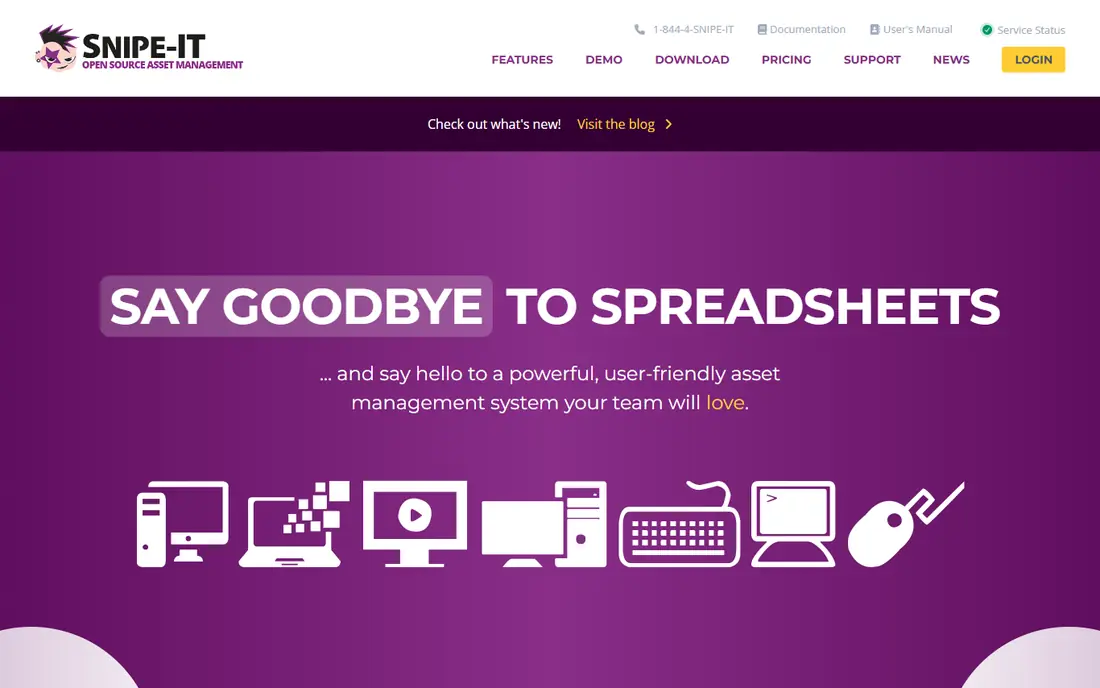
Snipe-IT is the budget pick for teams that mainly need to know what they own, where it is, and who has it. The open source version is free to self-host, with unlimited users and assets in that setup, and it covers checkout, audit history, depreciation, and custom fields. Non-technical staff often pick it up quickly, which helps when asset updates fall to a small team.
The main gap is discovery. Snipe-IT does not scan your network for you, so records depend on imports and manual updates. That is fine for a small, stable inventory, but it becomes work as device counts grow. If you can host it and keep records updated, it is a strong, low-cost replacement.
- Free open source self-hosted version
- Custom fields and API
- Simple checkout and audit records
- No built-in network discovery
- Hosted plans start at $39.99 per month
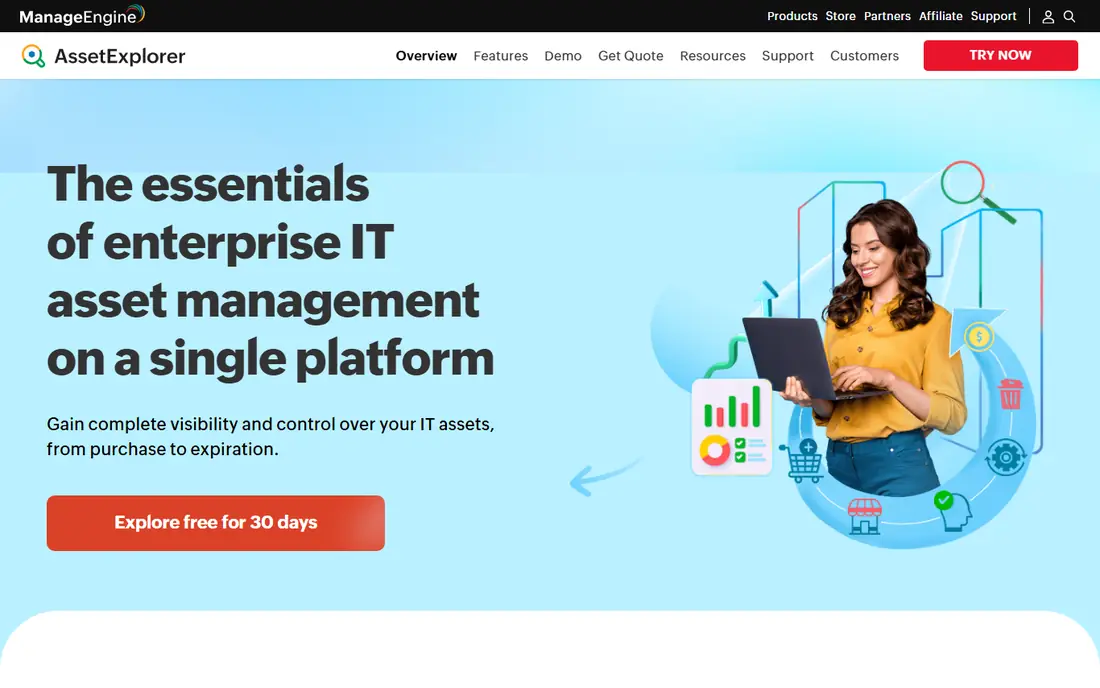
ManageEngine AssetExplorer is closer to Lansweeper in scope. It scans the network to find hardware and software, tracks licenses and renewals, and links assets to purchase orders and contracts. That automation saves the manual entry that Snipe-IT requires, and the audit trail for logins, hardware changes, and installs is useful for compliance work.
The trade-off is complexity. The interface is dense, and new teams should allow time for setup and customization. Public listings put the starting price at $115 per month, which is a step up from free tools but fair for the discovery and license depth. It suits mid-size and larger IT shops with dedicated staff.
- Automated network discovery
- Software license tracking
- Purchase order and contract modules
- Interface feels dense
- Setup and customization take time
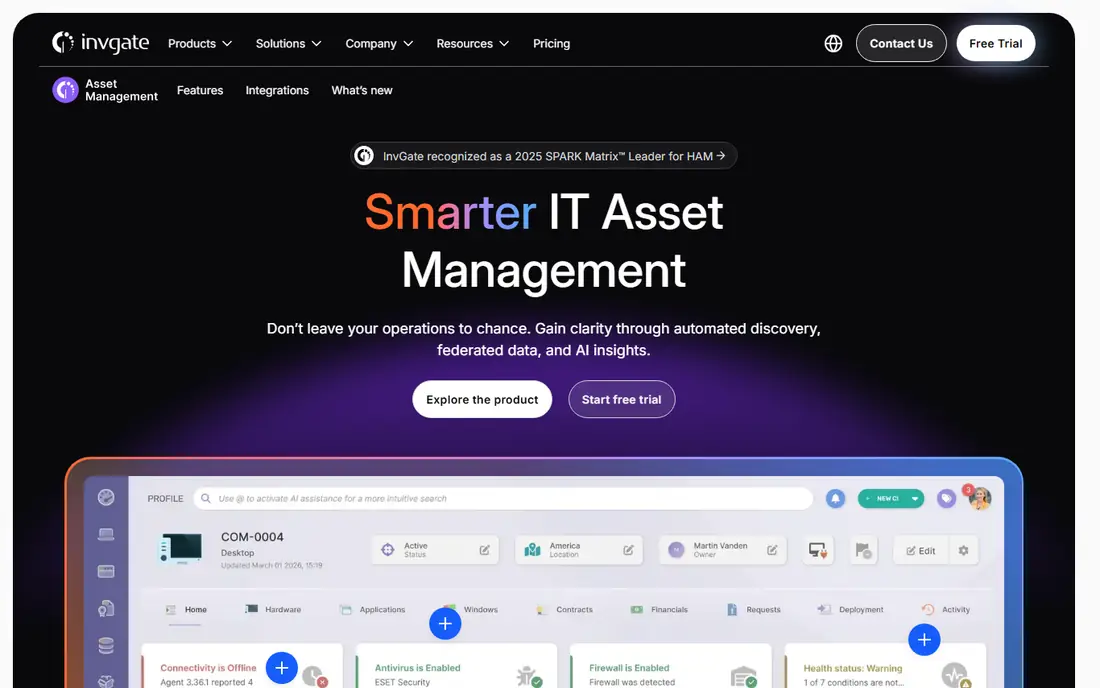
InvGate Asset Management fills in lifecycle details that many tools leave blank. It syncs warranty dates for Dell, Lenovo, and IBM devices, links contracts to the assets they cover, and runs straight-line depreciation by asset type. Every assignment and status change is recorded, so audit questions have a clear history to check.
Pricing is published per IP device, with Starter at $1,499 per year for 500 IP devices in public listings, and each IP device including two non-IP devices at no extra cost. That model is clear, but teams should count devices carefully before buying. It suits IT teams that want lifecycle and contract work in one place.
- Warranty sync for major vendors
- Contract and depreciation records
- 30-day free trial
- Priced per IP device
- Larger environments move into higher tiers quickly
GLPI is a free, open source IT asset and service management tool with a long history. The Community edition is free to self-host, and plugins extend it for inventory, tickets, and reporting. A new version, GLPI 12, was published in October 2026, which shows the project is still active.
The limit is discovery setup. Discovery depends on the GLPI Agent running on machines in the network, with no simple server-side scan, and plugin management can feel clunky. Paid GLPI Network subscriptions add support and cloud options, with cloud pricing in euros. For a team comfortable with open source, GLPI is a flexible, no-license-cost option.
- Free Community edition
- Asset, ticket, and inventory plugins
- Active open source development
- Discovery needs the GLPI Agent
- Plugin updates can break between versions
Freshservice suits IT teams that handle tickets and assets as one job. Agents can link a ticket to a device, check its history, and update its status without switching tools. Automation rules can route tickets, send alerts, and track service levels, which helps small IT teams stay organized.
The trade-off is asset depth. Freshservice covers asset records well, but it is not a discovery-first tool like Lansweeper or AssetExplorer. Teams that need deep network scanning should pair it with a discovery tool or pick a different option. Teams that need a clean help desk with solid asset records will find it a practical fit.
- Help desk and asset management in one tool
- Automation and workflows
- Cloud setup with no server work
- Pricing varies by plan and agent count
- Asset depth is lower than discovery-first tools
Device42 is built for environments where the hard part is knowing what depends on what. It discovers servers, network gear, cloud resources, and applications, then maps dependencies between them. That view helps with migrations, audits, and outage work in data centers and hybrid setups.
The cost is enterprise-grade and quoted, and setup benefits from a team that knows its infrastructure. Small offices with a few dozen laptops will find it more than they need. Larger IT and infrastructure teams, especially those managing data centers, will get the most value from its depth.
- Discovery across network, cloud, and apps
- Dependency mapping
- Data center and infrastructure views
- Pricing is quote-based
- Implementation suits larger teams
Asset Panda takes a simpler path. It focuses on tracking equipment, tools, and stock with barcodes, mobile scanning, and customizable fields, rather than on deep network discovery. Field teams can check items in and out from a phone, which suits schools, warehouses, construction firms, and other teams with physical assets.
The limit is IT depth. Asset Panda will not replace a network scanner or a license compliance tool for a large IT estate. But for teams that need a clear, visual record of physical assets, with photos and locations, it is easier to adopt than a full IT service platform. Ask for a quote based on user count and asset volume.
- Barcode and mobile tracking
- Customizable fields
- Cloud access for field teams
- Pricing is quote-based
- Network discovery is not the focus
Oomnitza is aimed at larger organizations that need asset data to flow into workflows. It connects to IT, security, and business tools, automates lifecycle steps such as onboarding, offboarding, and refresh, and gives teams a governed view of assets across departments. That automation can cut manual work in large, fast-changing environments.
The trade-off is implementation effort. Oomnitza is not a quick install for a small team, and pricing is quoted. Teams with complex approval chains, many integrations, and strict audit needs will benefit most. Smaller teams should start with Snipe-IT or GLPI and move up only when manual workflows become a bottleneck.
- Workflow automation for asset lifecycle
- Integrations with many IT and security tools
- Enterprise controls
- Pricing is quote-based
- Setup needs planning and integration work
SysAid combines help desk, asset management, and related IT tools in one suite. It lets teams track assets, manage tickets, automate routine tasks, and handle patching and monitoring in a single console. That breadth suits mid-size IT departments that want fewer vendors and one place for day-to-day service work.
The downside is the same breadth. Initial setup takes time, and pricing is quoted rather than listed, so budget planning needs a sales conversation. For a team that already uses a separate help desk and only needs asset discovery, a focused tool may be simpler. For a team that wants service and assets together, SysAid is worth a trial.
- Help desk, asset, and patch tools in one suite
- Automation
- Cloud and on-premises options
- Pricing is quote-based
- Breadth can make initial setup longer
How we picked these
We compared official product pages, pricing pages, and public documentation for asset tools that track hardware, software, or licenses. We kept tools that are live in October 2026 and that offer discovery, inventory, or lifecycle features. We left out pure help desk tools with no asset records, retired tools, and tools that only track non-IT assets with no IT use case.
What to check before you switch
Start with a device count. Count laptops, desktops, servers, network gear, phones, and software licenses, and note which ones change often. That count will settle pricing for per-device tools and will show whether you need automated discovery or whether manual records will hold up.
Next, test discovery on a small network segment. Run a scan, check how many devices are found, and see how clean the data is. A tool that finds devices but mislabels them will create cleanup work. A tool that misses devices will leave blind spots in audits and security checks.
Then check license and contract handling. Confirm how the tool tracks license counts, renewal dates, and contract links, and how it alerts you before a renewal. For many teams, license compliance is the reason to buy, so test it with a real software title you already use.
Finally, confirm export and integration. Check that you can export asset data, connect to your help desk, and feed data to security tools. A tool that locks data inside its own dashboard will slow down audits and reporting, even if its own interface looks clean.
Frequently asked questions
What are the best lansweeper alternatives?
For free tracking, Snipe-IT and GLPI are strong picks. For discovery and license work, ManageEngine AssetExplorer and InvGate Asset Management are close matches. For help desk plus assets, Freshservice and SysAid work well, while Device42 and Oomnitza suit larger, complex environments.
Is there a free lansweeper alternative?
Yes. Snipe-IT and GLPI both offer free self-hosted versions. Snipe-IT also offers hosted plans from $39.99 per month if you do not want to run a server. Free tools need more manual updates, because they lack the full automated discovery of paid tools.
Which lansweeper alternative is best for small business?
Snipe-IT is usually the best first pick for a small business, because it is free to self-host, simple to learn, and covers checkout, audits, and depreciation. Asset Panda is a good pick if your assets are mainly physical equipment rather than network devices.
Do lansweeper alternatives scan the network?
Some do, including ManageEngine AssetExplorer, InvGate Asset Management, and Device42. Snipe-IT does not offer built-in network discovery, and GLPI needs its agent on machines. Check discovery method before you buy, because it affects setup and data quality.
How much do lansweeper alternatives cost?
Costs range from free to enterprise quotes. Snipe-IT hosted plans start at $39.99 per month, ManageEngine AssetExplorer starts at $115 per month in public listings, and InvGate Asset Management starts at $1,499 per year for 500 IP devices. Other tools here are priced by quote.
Can I import data from Lansweeper?
Most tools support CSV import, and some offer direct migration help. Export your asset list, custom fields, and license records first, clean duplicates, and test the import with a small batch before moving the full inventory.
Sources
See where you really rank - block by block
ProMapRanker scans Google Maps across a grid of your service area. Simple monthly plans from $19, white-label on every plan.
Start freeKeep reading
 zoro.to alternatives
Best Zoro.to Alternatives in 2026
We compare the best zoro.to alternatives in 2026, listing only legal licensed anime streaming services, from Crunchyroll to free options for fans today.
Read → zip alternatives
Best Zip Alternatives in 2026
We compare the best zip alternatives for buy now, pay later in 2026, covering pay-in-4 plans, fees, spending limits, and credit reporting options today.
Read → yesware alternatives
Best Yesware Alternatives in 2026
Compare the best yesware alternatives for sales email tracking, templates, and sequences, with current pricing and honest tradeoffs for small sales teams.
Read →