 ProMapRanker
Best LambdaTest Alternatives in 2026


Large scale browser and device testing · Pricing starts at: $29 per month
Key takeaways
- BrowserStack and Sauce Labs are the most direct large scale replacements, with deep real device coverage.
- TestingBot offers a lower cost cloud option with real devices, live testing, and automation in one place.
- Browserling suits quick manual checks, while CrossBrowserTesting suits teams already in the SmartBear ecosystem.
- Kobiton and AWS Device Farm suit mobile first teams, with real device testing as the core job.
- Playwright and Applitools cover different angles: free local automation, and visual testing across browsers.
Quick comparison
| Pick | Great for | Pricing starts at | Free tier | |
|---|---|---|---|---|
| BrowserStack | Large scale browser and device testing | $29 per month | Free trial | Visit |
 Sauce Labs | Enterprise test cloud | $39 per month | Free trial | Visit |
 TestingBot | Lower cost cloud testing | See website | Yes | Visit |
 Browserling | Quick manual browser checks | $19 per month | Yes | Visit |
 CrossBrowserTesting | Manual and automated testing | $29 per month | Free trial | Visit |
 Kobiton | Mobile device testing | See website | Free trial | Visit |
 Applitools | Visual testing | See website | Yes | Visit |
 Playwright | Free local automation | Free | Yes | Visit |
 AWS Device Farm | Pay per use device testing | See website | Free trial | Visit |
The best lambdatest alternatives
LambdaTest, now branded TestMu AI, offers live testing, automation, and real devices in one cloud. The tools below cover the same jobs, but pricing shapes differ a lot: some charge per user, some per parallel session, and some per device minute. Compare the plan that matches your actual testing, not just the headline price.
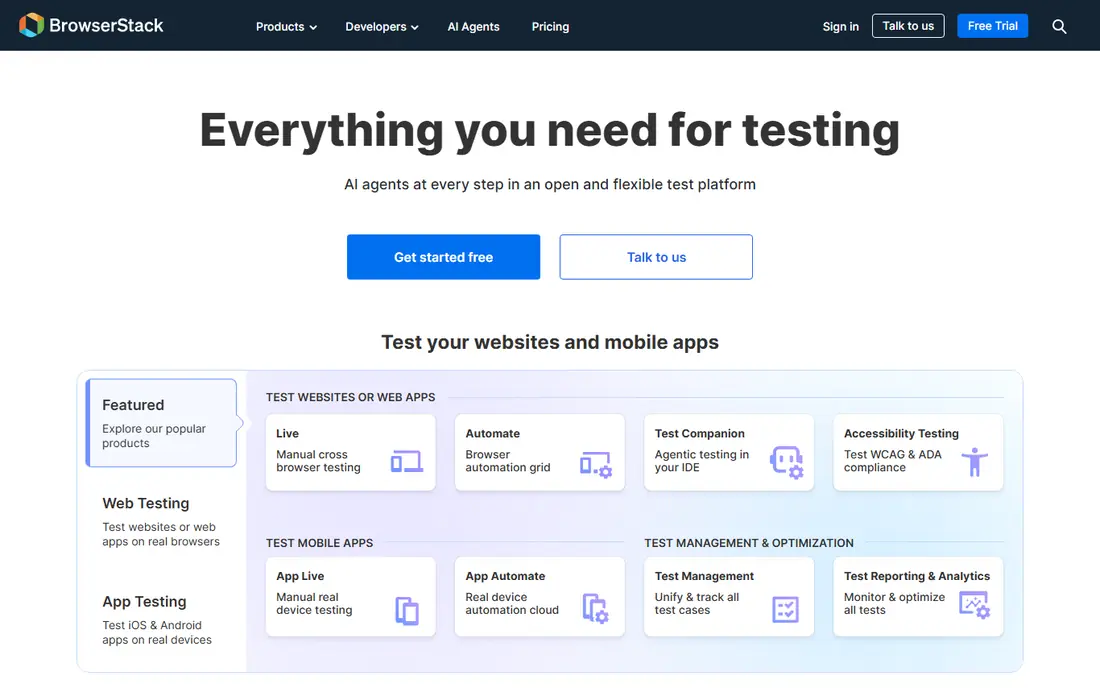
BrowserStack is the best known test cloud, with thousands of real devices and browsers for live and automated testing. Teams can run Selenium, Playwright, Cypress, and Appium tests against its grid, and live testing lets a tester open a real browser and device combination in minutes. Integrations with common CI tools keep testing inside the normal release flow.
Pricing is the main drawback. Live plans start around $29 per month, while automation plans with real devices cost much more per parallel session. Small teams may find that steep. For teams that need broad coverage and stable performance at scale, BrowserStack remains the benchmark other clouds are judged against.
- Very wide real device and browser coverage
- Reliable performance
- Strong CI integrations
- Higher pricing than smaller clouds
- Free options are trial only
Sauce Labs offers live testing, virtual device cloud, and real device cloud options, with analytics to track test results over time. It supports the main automation frameworks and integrates with CI pipelines, which suits enterprise teams with large test suites. Its device coverage is broad, including many current phones and tablets.
Live testing starts around $39 per month, but automation with real devices costs more, so the headline price does not tell the full story. Smaller teams should check the exact plan they need before comparing. For enterprise teams that want a mature cloud with strong reporting, Sauce Labs is a solid choice.
- Broad device and browser cloud
- Strong analytics
- Enterprise support
- Higher pricing
- Real device automation sits on higher plans
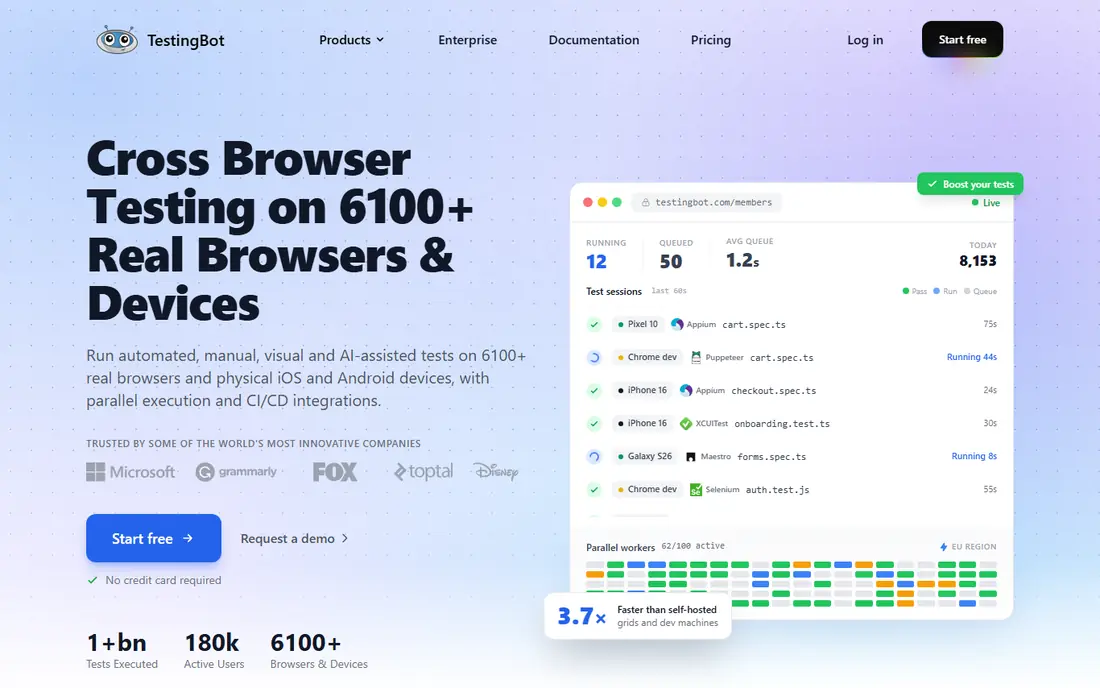
TestingBot offers live and automated testing across desktop browsers and real mobile devices, with support for Selenium, Appium, Playwright, and Cypress. New accounts include free minutes to evaluate the platform, and real devices are included in standard plans rather than billed as a separate tier. That pricing shape can make budgeting simpler than clouds that split virtual and real device plans.
The device range is narrower than the biggest clouds, and support resources are smaller. For teams that need solid coverage without enterprise pricing, TestingBot is a practical middle ground. Test your most important device combinations during the free minutes before committing.
- Real devices included in standard plans
- Flat style pricing
- Free minutes to start
- Smaller brand than BrowserStack
- Device range is narrower
Browserling is the simplest tool here: open a browser version in the cloud, check a page, and close it. That speed suits quick compatibility checks, client demos, and small teams that do not run large automated suites. A free limited plan lets users try it without a card, and paid plans start around $19 per month.
It is not a full automation cloud. Mobile testing is limited, automation support is basic, and parallel testing is not offered. Teams that need automated CI testing should pick a cloud above. Teams that mainly need fast manual checks will find Browserling refreshingly simple.
- Very simple to use
- Quick setup
- Free limited plan
- Limited mobile testing
- Basic automation
- No parallel testing
CrossBrowserTesting, part of SmartBear, offers live testing, automated testing, screenshots, and visual comparisons across browsers and devices. Its range covers thousands of combinations, and it integrates with SmartBear test tools. That makes it a natural pick for teams already using SmartBear products.
The interface feels older than newer clouds, and the free trial has limits. Pricing starts around $29 per month for basic plans. For teams that want manual and automated testing in one place without moving to the biggest clouds, CrossBrowserTesting covers the core jobs well.
- Live and automated testing
- Large browser and device range
- SmartBear integrations
- Interface feels dated to some users
- Free trial limits apply
Kobiton focuses on real mobile devices, offering manual and automated testing for iOS and Android apps. Teams can test on real phones and tablets, manage device access, and run Appium based automation. That mobile focus suits app teams whose main risk is device specific bugs rather than desktop browser differences.
Desktop browser testing is not its core strength, so web only teams should look elsewhere. Pricing is also quote based on some plans, which makes early comparison harder. For mobile app teams, Kobiton is a focused and credible alternative.
- Real mobile device focus
- Manual and automated mobile testing
- Good device management
- Less suited to desktop browser testing
- Pricing is quote based on some plans
Applitools specialises in visual testing: comparing screenshots across browsers, devices, and screen sizes to catch layout breaks that functional tests miss. It integrates with Selenium, Playwright, Cypress, and other frameworks, and it can run alongside a device cloud rather than replacing one. A free tier lets small teams try visual checks.
It is not a standalone replacement for a full test cloud, since device access usually comes through an integration. Larger team pricing is custom. For teams whose main pain is visual regressions, Applitools adds a layer that general clouds do not cover as deeply.
- Strong visual comparison
- AI assisted checks
- Works with many frameworks
- Not a full device cloud on its own
- Pricing is custom for larger teams
Playwright is a free, open source automation framework, not a hosted cloud. It lets teams write tests in common languages and run them across Chromium, Firefox, and WebKit, locally or in CI. That makes it a strong alternative for teams that want automation without a cloud subscription, and it pairs well with a cloud when real devices are needed.
It does not provide hosted real phones or a large device farm on its own. Teams need coding skill to build and maintain tests, and device coverage depends on local machines or a cloud integration. For teams with developers who can maintain tests, Playwright is an excellent free foundation.
- Free and open source
- Fast and reliable automation
- Runs locally and in CI
- No hosted real device cloud
- Setup needs coding skill
AWS Device Farm lets teams test apps on real devices in the AWS cloud, paying per device minute rather than a flat monthly plan. That suits teams with irregular testing needs, or AWS based teams that already manage infrastructure in AWS. It supports common mobile test frameworks and manual remote access sessions.
Heavy, continuous use can cost more than a flat plan, and setup is more technical than a simple test cloud. Teams that test in bursts, or that need real devices for occasional releases, will like the pay per use model. Teams that test all day every day should compare flat cloud plans first.
- Pay per use pricing
- Real devices
- Fits AWS based teams
- Per minute costs add up for heavy use
- Setup is more technical
How we picked these
We compared official pricing pages, device coverage, and framework support for tools that are live in October 2026 and cover cross browser or cross device testing. We included large clouds, lower cost clouds, a mobile specialist, a visual testing tool, and a free framework, since LambdaTest users have different needs. Where pricing was per parallel session or quote based, we wrote See website or gave the live plan starting point from vendor pages, rather than inventing a single figure.
How to choose a test cloud
Start with your real test load, not the vendor's headline price. Count how many parallel sessions you need, how many tests run per day, and whether you need real devices or just desktop browsers. Next, run the same test suite on two clouds during trials and compare speed, flakiness, and result reporting. Finally, check the total cost: parallel sessions, device minutes, visual testing add ons, and user seats can each change the bill. A cloud that looks cheap for live testing can cost far more once automation is added.
Frequently asked questions
What are the top LambdaTest alternatives?
BrowserStack, Sauce Labs, and TestingBot are the most direct cloud alternatives, with Browserling for quick manual checks and CrossBrowserTesting for combined manual and automated work. Kobiton suits mobile teams, Applitools suits visual testing, and Playwright suits free local automation. The best pick depends on device needs and budget.
Is there a free LambdaTest alternative?
Playwright is free and open source for local automation, Browserling offers a limited free plan, and TestingBot and Applitools offer free tiers or free minutes. Free options cover basic testing well, but large scale real device automation usually needs a paid cloud plan. Use free tiers to test your real suite before paying.
Which alternative is cheapest for small teams?
TestingBot and Browserling tend to cost less than BrowserStack and Sauce Labs for basic live testing, while Playwright costs nothing for local automation. The cheapest option depends on whether you need real devices, automation, or just manual checks. Compare the plan that includes your actual needs, not the lowest headline price.
Do these tools support Selenium and Playwright?
Most clouds here support Selenium, Playwright, Cypress, and Appium, though exact support varies by plan. BrowserStack, Sauce Labs, TestingBot, and CrossBrowserTesting all cover the main frameworks. Check the vendor docs for your exact framework version before committing, since support can differ between desktop and real device plans.
Can I test on real iOS and Android devices?
Yes, through BrowserStack, Sauce Labs, TestingBot, Kobiton, and AWS Device Farm, among others. Real device access often sits on higher plans than desktop browser testing, so check whether your chosen plan includes real devices or only emulators. For mobile apps, confirm the exact device models you need are available.
Sources
See where you really rank - block by block
ProMapRanker scans Google Maps across a grid of your service area. Simple monthly plans from $19, white-label on every plan.
Start freeKeep reading
 zscaler alternatives
Best Zscaler Alternatives in 2026
Looking for zscaler alternatives? We compare 9 SASE and zero trust platforms on architecture, data protection, pricing, and fit for your network and team.
Read → zapier alternatives free
Best Zapier Alternatives Free in 2026
Nine automation tools for zapier alternatives free in 2026, all with genuinely free tiers, plus free plan limits, starting prices and upgrade paths explained.
Read → which platform is best for online reputation
Which Platform Is Best for Online Reputation in 2026
Wondering which platform is best for online reputation? We compare 8 review, listing, and response tools for small and multi-location businesses and agencies.
Read →