 ProMapRanker
Best Kubecost Alternatives in 2026

Key takeaways
- OpenCost is our pick for teams that want a free, open source allocation layer without a vendor contract.
- Cast AI and ScaleOps suit teams that want automation, not just reports, with rightsizing and node optimisation built in.
- CloudZero, Finout, and Harness suit FinOps teams that need unit economics, shared cost allocation, and broader cloud spend in one view.
- Vantage suits small and mid-size teams that want flat, predictable FinOps pricing tied to tracked spend.
- StormForge and Densify suit teams that want focused rightsizing advice based on observed workload behaviour.
Quick comparison
| Pick | Great for | Pricing starts at | Free tier | |
|---|---|---|---|---|
 OpenCost | Free open source allocation | Free | Yes | Visit |
 Cast AI | Automated Kubernetes optimisation | See website | Free trial | Visit |
 Finout | Enterprise FinOps and allocation | See website | Free trial | Visit |
 Harness Cloud Cost Management | Cost control inside a delivery platform | See website | Yes | Visit |
 CloudZero | Unit economics and FinOps | See website | Free trial | Visit |
 Vantage | Predictable FinOps pricing | $30 per month | Yes | Visit |
 ScaleOps | Automated pod rightsizing | See website | Free trial | Visit |
 StormForge | Machine learning rightsizing | See website | Free trial | Visit |
 Densify | Predictive workload rightsizing | See website | Free trial | Visit |
The best kubecost alternatives
Kubecost is known for Kubernetes cost allocation and optimisation. The tools below cover that job in different ways, from free allocation to automated rightsizing and full FinOps platforms.
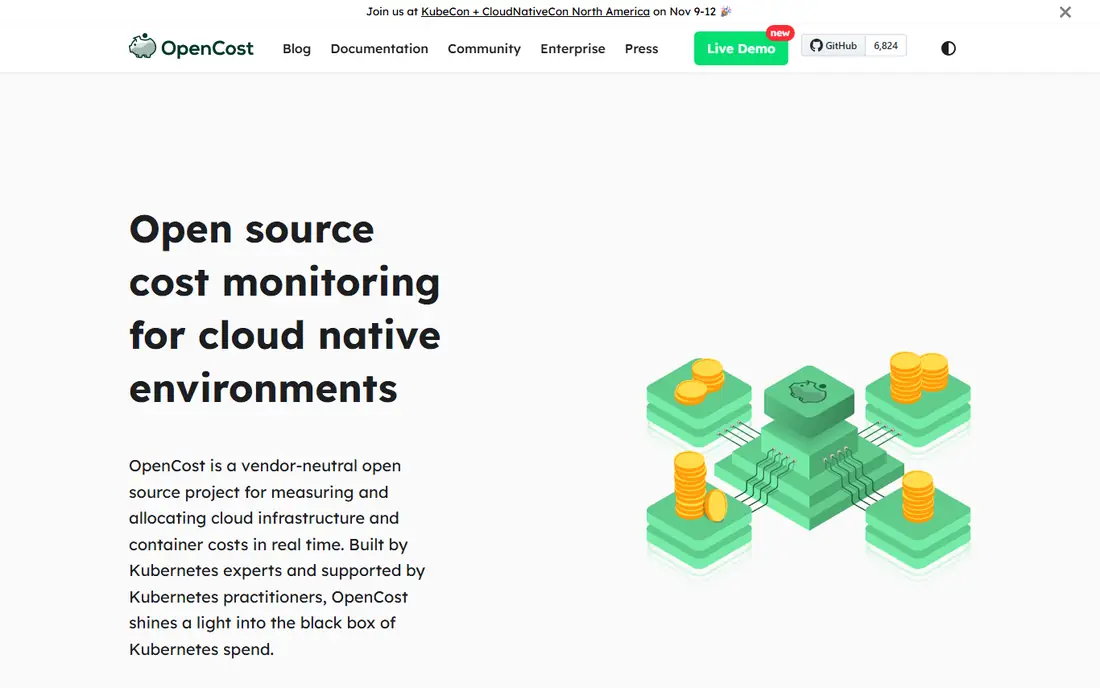
OpenCost is a CNCF open source project that allocates Kubernetes costs down to containers, including GPU, persistent volumes, and out-of-cluster costs where configured. It pulls pricing from cloud billing APIs and supports custom pricing for on-premises clusters, which helps teams that run a mix of cloud and private infrastructure. A Prometheus export lets you build dashboards in Grafana and combine cost data with other metrics. For a platform team that wants vendor-neutral cost truth, OpenCost is a strong foundation.
The limit is action. OpenCost measures and allocates, but savings still require your team to resize workloads, turn down namespaces, or change node pools. You also need to run and maintain it in your clusters. If you want a free allocation layer and you are happy to act on reports yourself, OpenCost is the best starting point in this list, and it is also the upstream project behind some commercial tools.
- Free and open source
- Container-level allocation
- Prometheus export and cloud billing data
- Reports costs but does not automate savings
- Needs your team to act on findings
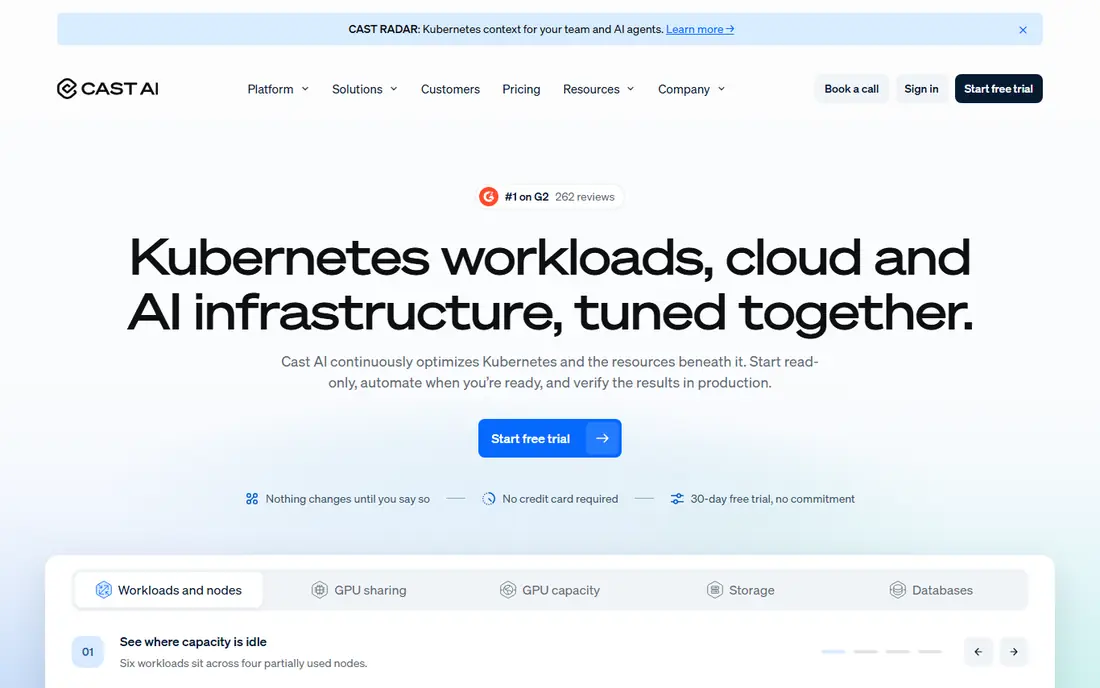
Cast AI moves beyond reporting by automating Kubernetes optimisation. It sets CPU and memory requests from observed usage, bin-packs pods onto fewer nodes, and moves eligible workloads to Spot instances within policies you set. It supports EKS, GKE, AKS, and other clusters, including on-premises setups. Cost monitoring is free to start, while automation is priced by quote. That model suits teams that know waste exists but lack time to chase it manually.
Automation also needs governance. Start in read-only mode, review recommendations, and enable automation gradually for non-critical workloads first. Spot use and bin packing can affect availability if policies are too aggressive, so test with real workloads and set guardrails. For Kubernetes-heavy teams that want action rather than another dashboard, Cast AI is a leading alternative.
- Automated node provisioning and bin packing
- Spot management
- Workload autoscaling
- Automation needs careful policy setup
- Pricing is quoted for full automation
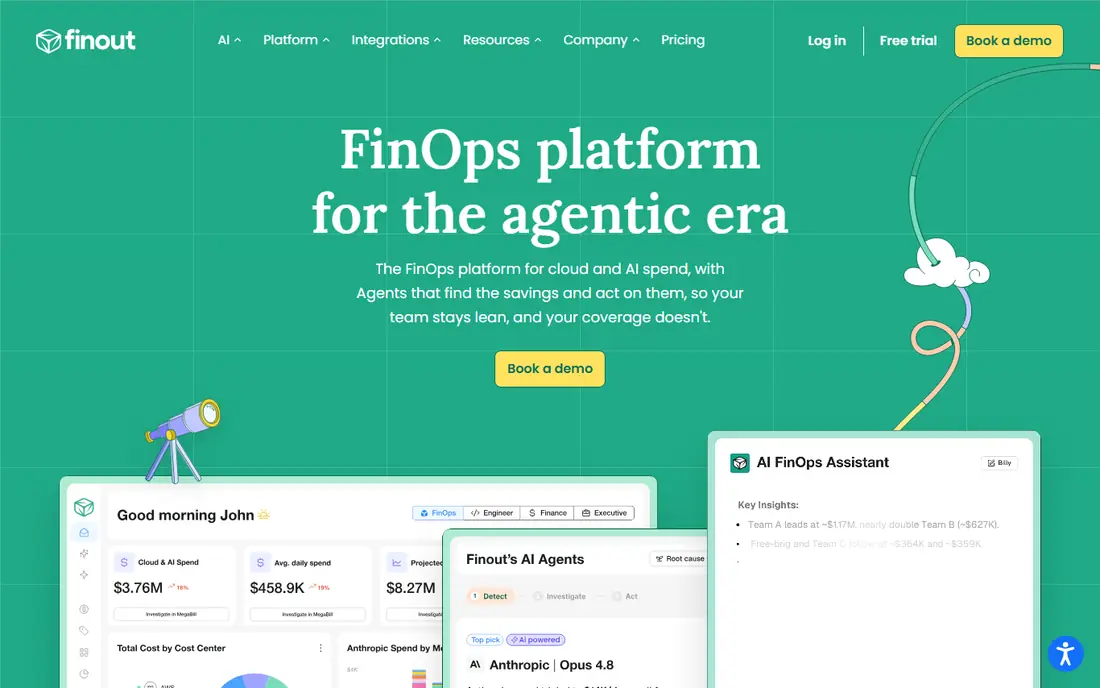
Finout is an enterprise FinOps platform that covers cloud and AI spend, with Kubernetes cost allocation down to the pod across major cloud providers. Virtual tags and shared cost features help allocate costs that do not belong to a single team, such as shared services or idle capacity. Rightsizing recommendations for EKS and GKE workloads flow through governed workflows, so finance and engineering can agree on actions. Pricing is fixed and quote-based, without savings fees in the vendor description.
That breadth suits FinOps teams that need one view of Kubernetes, cloud, and AI spend, but it may be more than a small platform team needs for cluster costs alone. Check whether your main need is Kubernetes allocation or full FinOps, because Finout pricing reflects the larger scope. For organisations that want allocation, rightsizing, and FinOps reporting together, Finout is a coherent alternative.
- Pod-level costs across EKS, GKE, and AKS
- Shared cost allocation
- Rightsizing workflows
- Quote-based pricing
- Broader FinOps scope may be more than a small team needs
Harness Cloud Cost Management splits cluster costs into utilised, idle, and unallocated portions, which helps teams see waste rather than just totals. AutoStopping can stop idle non-production resources, and commitment orchestration helps manage reserved capacity. A free plan is available, with enterprise plans priced by quote. For teams already using Harness for delivery, cost data sits alongside pipelines and deployments, which makes it easier to link spend to releases.
The main caveat is fit. If you do not use Harness for delivery, you should compare Harness cost tools on their own merits against a dedicated FinOps platform. AutoStopping also focuses mainly on development, staging, and test environments, so production savings still rely on rightsizing and commitments. For Harness users and for teams that want cost control near delivery workflows, this is a practical alternative.
- Cluster to pod cost split
- AutoStopping for idle resources
- Commitment orchestration
- Best value inside the wider Harness platform
- Enterprise pricing needs a quote
CloudZero is a FinOps platform built around unit economics, such as cost per customer, per feature, or per team, across cloud and Kubernetes spend. It allocates costs by code, tags, and accounts, and it supports Kubernetes alongside broader cloud services. A single subscription with unlimited users suits large organisations where finance, engineering, and product teams all need access to cost data. That focus on business metrics sets CloudZero apart from tools that only report cluster totals.
Pricing is quoted, and the platform is aimed at enterprises rather than a single small cluster. Teams should check whether unit economics is a real need or a future goal, because a simpler tool may be enough for basic allocation. If your leadership asks what each customer or feature costs, CloudZero offers a structured way to answer that question.
- Unit economics such as cost per customer
- Multi-cloud allocation
- Unlimited users on a subscription
- Quote-based pricing
- Enterprise focus may be heavy for a single cluster
Vantage is a cloud cost platform that covers many providers, including AWS, Azure, Google Cloud, and Kubernetes, with flat monthly pricing tied to tracked spend. A free tier covers small monthly spend, and Pro starts at $30 per month, which makes budgeting predictable for small and mid-size teams. Reports, budgets, and alerts help finance and engineering track spend without a complex enterprise contract. That simplicity is the main appeal.
Vantage is a cloud-bill-first platform, so Kubernetes allocation depth differs from a Kubernetes-native tool. Teams that need detailed pod-level optimisation may still need a specialised tool alongside Vantage. For organisations that want one FinOps view across cloud services with clear monthly pricing, Vantage is an accessible and transparent alternative.
- Flat monthly tiers by tracked spend
- Multi-cloud cost reports
- Free tier for small spend
- Kubernetes depth is less specialised than Kubecost
- Higher spend tiers cost more
ScaleOps focuses on automated pod rightsizing, adjusting CPU and memory requests based on observed usage while working alongside horizontal autoscalers, KEDA, and Karpenter. Costs are shown by cluster, namespace, label, team, and application, using cloud billing exports, which helps platform teams show where spend sits. A free trial lets you test recommendations before committing, while full pricing is quoted. That automation focus suits teams with many workloads that drift out of size over time.
As with any automation tool, rollout should be gradual. Review rightsizing changes for critical workloads, set limits for how much a request can change at once, and watch performance after each change. ScaleOps will not fix node-level waste alone, so pair it with node optimisation if that is a major cost driver. For pod rightsizing at scale, ScaleOps is a focused and practical alternative.
- Automated pod rightsizing
- Works with autoscalers and Karpenter
- Cost by cluster, namespace, and team
- Quoted pricing
- Automation needs review before full rollout
StormForge, now part of CloudBolt, uses machine learning to recommend CPU and memory requests and limits based on observed workload behaviour. It works alongside horizontal autoscalers and Karpenter, so rightsizing does not replace scaling, it complements it. A trial on one cluster lets a team test recommendations before expanding, and pricing is confirmed through CloudBolt. That focused scope suits teams that know rightsizing is their main waste problem.
StormForge does not aim to be a full FinOps platform, so teams that also need unit economics, shared cost allocation, or multi-cloud billing will need another tool. Rightsizing recommendations also need human review for workloads with spiky or seasonal patterns. If your cluster costs come mainly from oversized requests, StormForge offers a targeted and evidence-based way to fix them.
- Machine learning based CPU and memory rightsizing
- Works with autoscalers
- Trial on one cluster
- Focused on rightsizing rather than full FinOps
- Pricing through CloudBolt should be confirmed
Densify analyses workload behaviour over time and recommends rightsizing that balances performance and cost, rather than simply cutting requests to the lowest observed use. It covers Kubernetes and cloud workloads, which helps teams that run a mix of containers and virtual machines. Predictive analysis aims to avoid performance problems from aggressive downsizing, which is a common fear when teams start optimisation. Pricing is quoted, and a trial or demo is the usual starting point.
Densify suits enterprises with many workloads and a need for governed, performance-aware optimisation. Smaller teams may find the setup and data collection period longer than a simpler report tool requires. Check how long it takes to produce reliable recommendations for your workloads, and whether the platform covers your specific cloud and cluster setup. For predictive rightsizing at scale, Densify is a credible alternative.
- Predictive analysis of workload behaviour
- Rightsizing for Kubernetes and cloud
- Focus on performance and cost balance
- Quoted pricing
- Enterprise focus
- Setup and data collection take time to show full value
How we picked these
We compared official product pages, pricing pages, and published FinOps guides for tools that allocate, report, or optimise Kubernetes costs and are live in October 2026. We favoured tools that cover a distinct need, from free allocation to automation and full FinOps, and that publish a clear pricing or trial model. We did not claim hands-on testing. Where a vendor did not publish a starting price, we wrote See website rather than inventing a figure.
How to choose between reporting and automation
Start by asking whether your team acts on reports today. If reports sit unread, an automation tool such as Cast AI or ScaleOps will likely save more than another dashboard, provided you set policies and roll out gradually. If your team already acts on reports but lacks a shared cost view, a FinOps platform such as CloudZero, Finout, or Vantage may help more, because it links Kubernetes costs to teams, customers, and budgets.
Next, test with one cluster and one namespace. Compare allocation accuracy against your cloud bill, check whether idle and shared costs are shown clearly, and review rightsizing recommendations for a workload you know well. Check data retention, access controls, and how the tool handles GPU, storage, and out-of-cluster costs. A tool that matches your bill and your team structure will be trusted, while a tool that only looks good in a demo will be ignored.
Frequently asked questions
Is OpenCost a full replacement for Kubecost?
OpenCost replaces the allocation part of Kubecost, because it provides container-level cost allocation as an open source project. It does not replace commercial features such as supported dashboards, long-term retention, or automated optimisation in the same package. Teams that want free allocation can use OpenCost, while teams that want support and automation may pair it with a commercial tool or choose a commercial alternative.
Which Kubecost alternative automates savings?
Cast AI and ScaleOps are the strongest automation picks here, because both adjust requests, nodes, or Spot use based on observed behaviour. StormForge and Densify focus on rightsizing recommendations, which still need approval or automation settings to take effect. Always start automation in a limited scope and review changes before expanding to production workloads.
Do I need a FinOps platform if I only run one cluster?
Probably not. OpenCost or a free tier from a cost tool is usually enough for one cluster, because the main job is allocation and basic rightsizing. A FinOps platform becomes useful when you have several clusters, multiple clouds, shared costs, or a need for unit economics by customer or team. Match the tool scope to your actual spend and team size.
How do these tools handle shared and idle costs?
Most tools here split costs into utilised, idle, and unallocated, or offer shared cost allocation through tags and rules. Check how each tool treats shared services, system namespaces, and idle node capacity, because those costs can be a large share of a cluster bill. A tool that hides idle cost will make teams look cheaper than they are, while a tool that shows it clearly helps you fix the real waste.
Can I try these tools before paying?
Yes, in most cases. OpenCost is free and open source, Vantage offers a free tier, Harness offers a free plan, and Cast AI, ScaleOps, StormForge, and others offer trials. Use the trial on a real cluster, compare the tool output with your cloud bill, and check rightsizing recommendations for workloads you understand well before signing a contract.
Sources
See where you really rank - block by block
ProMapRanker scans Google Maps across a grid of your service area. Simple monthly plans from $19, white-label on every plan.
Start freeKeep reading
 zoro.to alternatives
Best Zoro.to Alternatives in 2026
We compare the best zoro.to alternatives in 2026, listing only legal licensed anime streaming services, from Crunchyroll to free options for fans today.
Read → zip alternatives
Best Zip Alternatives in 2026
We compare the best zip alternatives for buy now, pay later in 2026, covering pay-in-4 plans, fees, spending limits, and credit reporting options today.
Read → yesware alternatives
Best Yesware Alternatives in 2026
Compare the best yesware alternatives for sales email tracking, templates, and sequences, with current pricing and honest tradeoffs for small sales teams.
Read →