 ProMapRanker
Best Kombo Alternatives in 2026

Key takeaways
- Merge and Apideck suit teams that need broad coverage beyond HR, while Finch suits teams focused only on employment data.
- Nango is the clear low-cost starting point, with a free tier for 10 connections, but it asks more of your developers.
- Pricing models differ sharply, so compare per linked account, per connection and per consumer before you commit.
- If you need European HR coverage, check the provider catalog for your exact systems, because counts vary by country and vendor.
Quick comparison
| Pick | Great for | Pricing starts at | Free tier | |
|---|---|---|---|---|
 Merge | Broad B2B integration coverage | $650 per month | No | Visit |
 Apideck | Real-time customer-facing integrations | $599 per month | No | Visit |
 Finch | US employment and payroll data | $65 per month | No | Visit |
 Unified.to | Usage-based multi-category integrations | $750 per month | No | Visit |
 Knit | Webhook-first HR integrations | $499 per month | No | Visit |
 Nango | Developer-controlled integrations | $50 per month | Yes | Visit |
 Paragon | Embedded integration workflows | See website | No | Visit |
 StackOne | HR and ATS integrations at scale | See website | No | Visit |
The best unified HR APIs for Kombo users
Kombo focuses on HR, payroll, ATS and learning systems, so the closest replacements are unified APIs that normalise the same messy provider data. We compared official feature pages, pricing pages, app listings and public reviews to find options that cover HRIS and ATS work in practice, not just on a marketing page.
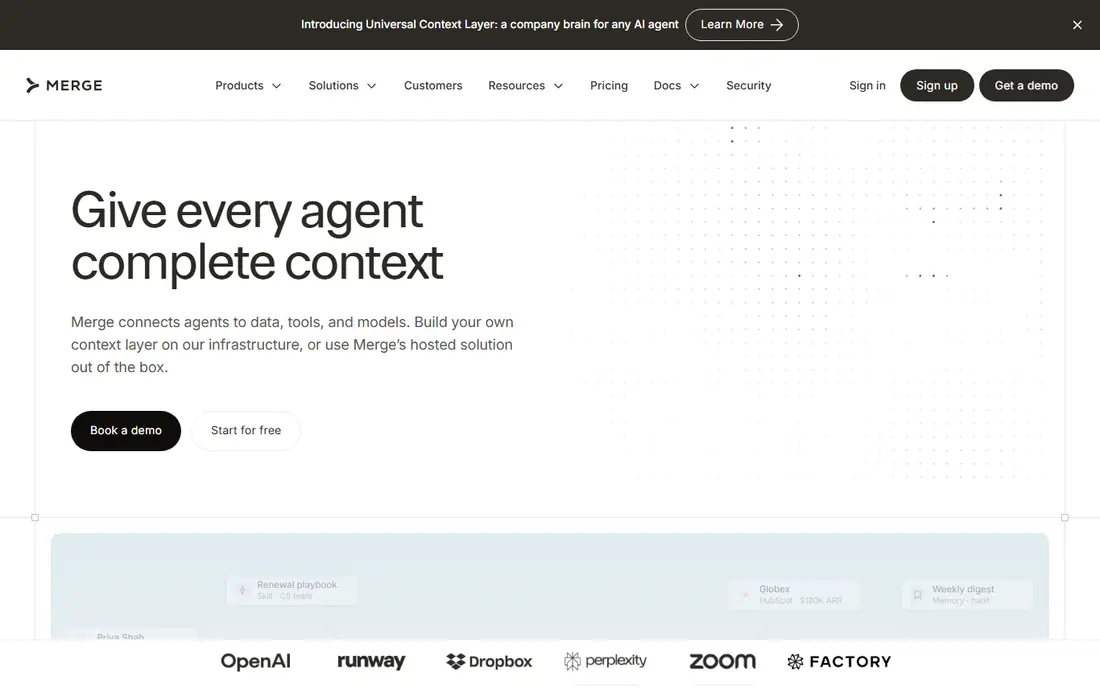
Merge is the broadest pick in this list, and that breadth is the point. If your product needs HR data today and CRM or accounting data next quarter, one vendor and one data model can save repeated integration work. Its HRIS and ATS coverage is built for product teams that want managed connections, field mappings and linked account handling without building each provider link themselves.
The trade-off is cost and control. The entry plan is priced for funded product teams, not side projects, and teams that only need HR data may pay for categories they never use. Still, for a team planning several integration categories, Merge is a strong first shortlist candidate.
- Broad category coverage
- Normalised HRIS, ATS, CRM and accounting objects
- Integration observability and issue tools
- High starting price for small teams
- Some advanced features sit on higher plans
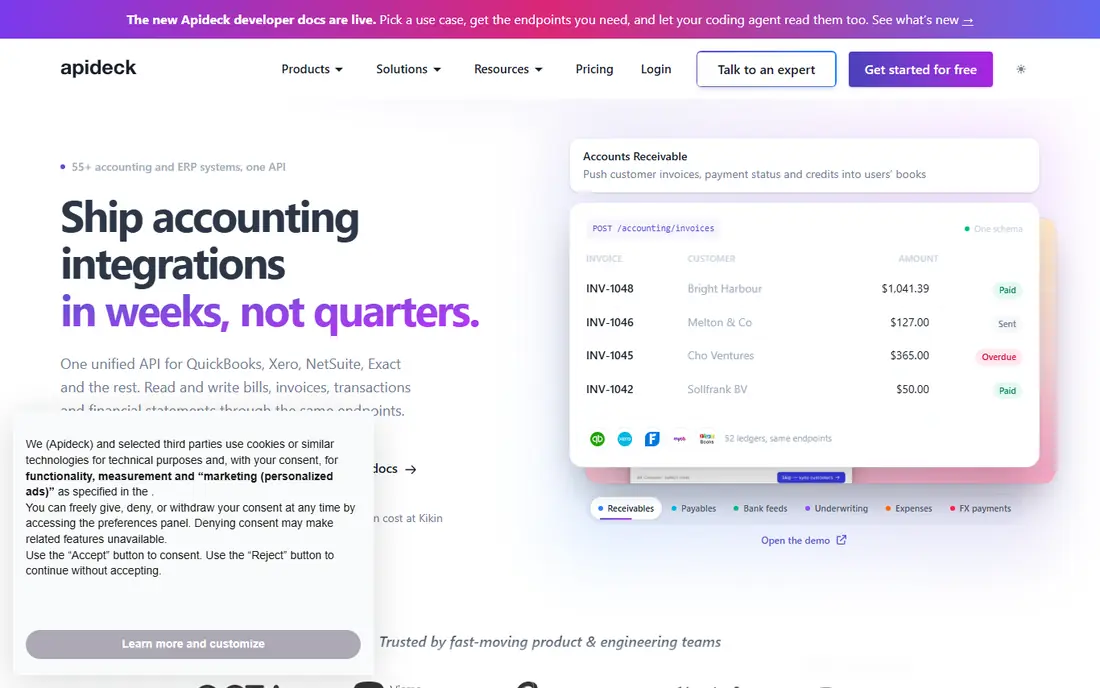
Apideck stands out when fresh data matters more than a stored copy. Its pass-through model returns live data from the source system, which suits customer-facing features where a stale record would cause confusion. The Vault gives end users a familiar way to connect their accounts, and that part of the experience is often what product teams underestimate.
The catch is tiering. A single-category entry plan may not cover both HRIS and ATS, so read the plan table against your exact category list. If you only need one category, the price is easier to defend. If you need several, ask for a quote that matches your consumer count.
- Real-time pass-through data
- Prebuilt Vault for customer authentication
- Unified APIs across several categories
- HRIS plus ATS needs a higher tier
- Pricing rises with consumer count
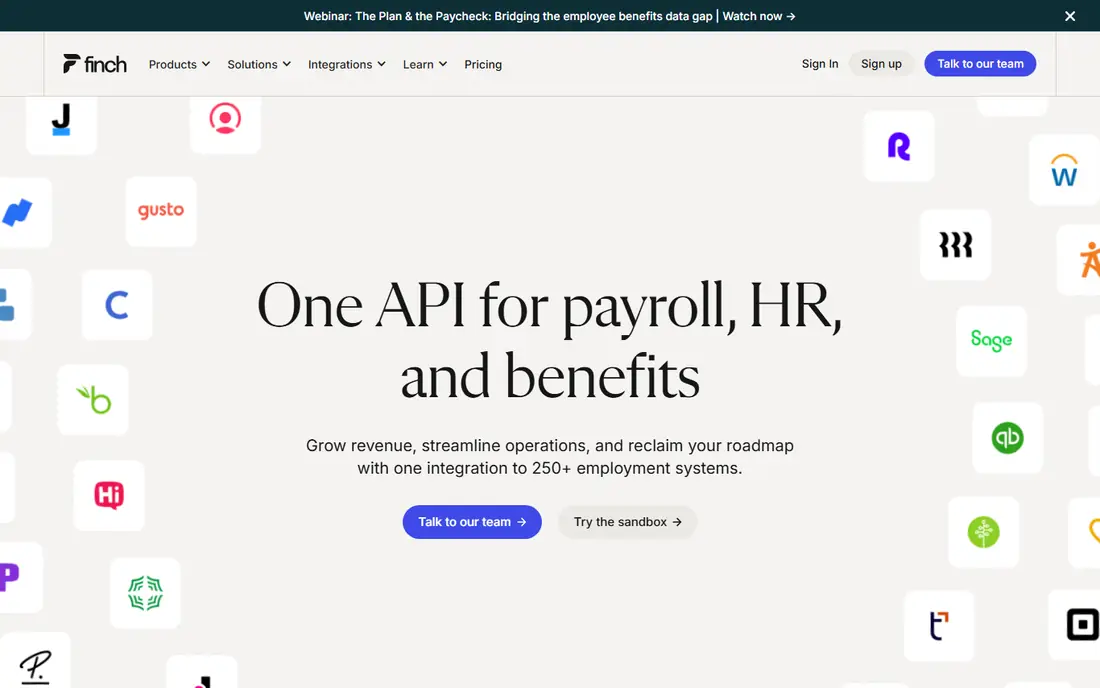
Finch does one job and does it with focus. It connects HRIS, payroll and benefits systems and standardises employment data for HR tech, payroll and benefits products. That narrow scope means less distraction, clearer docs for employment use cases, and pricing that is easy to model per connection.
The limit is scope. Finch will not help with CRM, ticketing or general SaaS integrations, so it fits best when employment data is the whole job. Also note that the starter plan is read-only, so teams that need write access should price the higher plan from the start.
- Deep employment data focus
- Read and write support for deductions on higher plans
- Clear per-connection pricing
- Limited to employment systems
- Starter plan is read-only
Unified.to is a good fit for teams that want many categories without paying per customer connection. Its model is based on API request volume, which can suit products with many small customers and light usage. Native and virtual webhooks also help teams react to changes without constant polling.
The risk is usage forecasting. If your product syncs often or handles large data volumes, request counts can grow faster than expected. Model a busy month, not an average month, and check how webhook events are counted before you sign.
- Many integration categories
- Live pass-through plus webhooks
- Unlimited customer connections on the entry tier described in reviews
- Usage is counted in API requests
- Webhook events can add to usage
Knit appeals to teams that want events, not just scheduled syncs. Webhook-first delivery helps keep records current, and custom mapping helps when provider fields do not line up neatly. Its security posture, including a zero retention option, will also matter to teams handling sensitive HR data.
The downside is that sync speed and some features are tier-gated, so the entry plan may feel slower than the marketing suggests. Check the sync frequency for your exact providers, and test with a provider that has awkward custom fields before you commit.
- Real-time webhooks
- Zero data retention option described by the vendor
- Custom field mapping
- Faster syncs sit on higher tiers
- Smaller catalog than the broadest vendors
Nango is the pick for developers who want control and a low starting cost. The free tier lets a small team prove an integration before paying, and the code-first model makes custom fields, proxy access and unusual provider behaviour easier to handle. A self-hosted option also gives teams more say over where integration code runs.
That control comes with responsibility. You will do more of the work that managed vendors handle for you, from sync logic to edge cases. For a lean engineering team with clear requirements, that trade is worth it. For a team that wants integrations to just work, a managed option may be better.
- Free tier with 10 connections
- Self-hosted option
- Code-first custom sync logic
- More developer work than managed vendors
- Support and scale features need higher plans
Paragon suits product teams that care as much about the end-user experience as the API itself. A white-labelled portal lets customers connect tools inside your product, which can lift adoption compared with a bare OAuth flow. Workflow tools also help teams trigger actions after a connection is made, rather than only reading data.
The main drawback is transparency. With no clear entry price, small teams must go through sales to get a number, which slows comparison. It is also a general embedded integration platform, so HR-specific depth should be checked provider by provider.
- White-labelled Connect Portal
- Managed sync plus workflow tools
- ActionKit for product actions
- Pricing is not published on the entry page
- Less HR-specific than Finch or Kombo
StackOne is worth a look when HR and hiring data are central and scale is a real concern. It focuses on the HR stack rather than trying to cover every SaaS category, which keeps the data model closer to hiring and people workflows. Larger teams will also value the security and permission controls that come with an enterprise integration layer.
The drawback is the sales-led pricing, which makes quick budget comparison hard. Ask for pricing tied to your connected customer count and your top 10 providers, and run a pilot on the providers that matter most to your users.
- HR, ATS and payroll focus
- Real-time and batch options described by the vendor
- Enterprise security controls
- Pricing is sales-led
- Catalog strength varies by provider
How we picked these
We compared official feature pages, pricing pages, provider catalogs, app store listings where relevant, privacy and security pages, and public reviews. We kept only vendors that offer a live unified API for HRIS, ATS or payroll data in October 2026, and we left out tools that only offer generic automation without a normalised HR data model. Where a price could not be verified on the vendor site, we wrote See website rather than guessing.
What to check before you switch
Start with your provider list, not the vendor catalog headline. A catalog count can hide gaps in your exact country, your exact HR system version, or a specific object such as time off, benefits or custom fields. Ask each vendor to confirm support for your top 10 providers and the objects you actually read or write.
Next, test the data model with real records. Check how the vendor handles custom fields, terminated employees, part-time workers, contractors and payroll deductions. These edge cases are where HR integrations usually break, and they are hard to see in a demo with clean sample data.
Finally, model total cost on a busy month. Compare per linked account, per connection, per consumer and per API request models side by side, and include any charges for webhooks, write access or faster syncs. A cheaper entry plan can become the expensive option once usage, sync frequency and support needs are included.
Frequently asked questions
Is Kombo still a good choice, or should I switch?
Kombo remains a focused HR integration vendor, so switching makes sense mainly when you need broader categories, a different pricing model, or deeper control over sync logic. If HR and ATS are your only needs and your current setup works, a move may add migration risk without a clear gain.
Which Kombo alternative is cheapest to start with?
Nango has the lowest verified entry point in this list, with a free tier for 10 connections and paid plans from $50 per month. Finch is also affordable per connection, but its cost grows with each provider connection you add.
Do these tools store my customers HR data?
It depends on the vendor. Some store a synced copy, some pass data through live, and some offer a zero retention option. Read the data handling and security pages for your shortlist, and check where data is hosted, especially for European customers.
Can I write data back to HR systems with these APIs?
Some vendors support write access for selected objects and providers, while others are read-only on entry plans. Confirm write support for your exact objects, such as deductions, time off or candidate status, before you promise that feature to customers.
How long does a migration usually take?
A simple read-only HRIS integration can take weeks, while a multi-provider migration with custom fields, webhooks and write access can take much longer. Run providers in parallel where possible, and keep the old integration live until the new one passes tests on real data.
Should I choose a broad unified API or an HR-only API?
Choose a broad API if your roadmap includes CRM, accounting or ticketing integrations. Choose an HR-only API if employment data is your core product and you want deeper payroll and benefits handling without paying for categories you will not use.
Sources
See where you really rank - block by block
ProMapRanker scans Google Maps across a grid of your service area. Simple monthly plans from $19, white-label on every plan.
Start freeKeep reading
 zyte alternatives
Best Zyte Alternatives in 2026
These zyte alternatives cover managed scraping APIs, proxy networks and no code tools for lawful collection from your own or consented sources only in 2026.
Read → zerto alternatives
Best Zerto Alternatives in 2026
Compare the best zerto alternatives for disaster recovery and replication, with recovery targets, cloud options and honest trade-offs for teams in 2026.
Read → zerofox alternatives
Best ZeroFox Alternatives in 2026
We compared 9 zerofox alternatives for brand protection, phishing takedowns, dark web monitoring, and social impersonation, with clear coverage notes.
Read →