 ProMapRanker
Kodi Alternatives in 2026

Key takeaways
- Plex and Emby offer the most polished server experience, while Jellyfin gives you the same core idea free and open source.
- Stremio and Infuse work best as front ends for playback, with different strengths on TV and Apple devices.
- Universal Media Server and Serviio suit older TVs and simple DLNA playback with little setup.
- Channels is the strongest pick here for live TV and DVR when you have a tuner or TV source that it supports.
Quick comparison
| Pick | Great for | Pricing starts at | Free tier | |
|---|---|---|---|---|
 Plex | Polished home media server | $6.99 per month | Yes | Visit |
 Jellyfin | Free open source media server | Free | Yes | Visit |
 Emby | Plex style server with lifetime option | $4.99 per month | Yes | Visit |
 Stremio | Simple streaming hub and library | Free | Yes | Visit |
 Infuse | Apple device playback for server files | See website | Free trial | Visit |
 MrMC | TV focused player for local files | See website | No | Visit |
 Universal Media Server | Simple DLNA streaming to TVs | Free | Yes | Visit |
 Serviio | Lightweight DLNA server | Free | Yes | Visit |
 Channels | Live TV and DVR for your own sources | See website | No | Visit |
The best Kodi alternatives
We compared legal media centers and players that organize your own files or licensed streams, without piracy add-ons or services. The list below covers servers, TV players, and simple DLNA options, so you can match the pick to your household and your hardware.
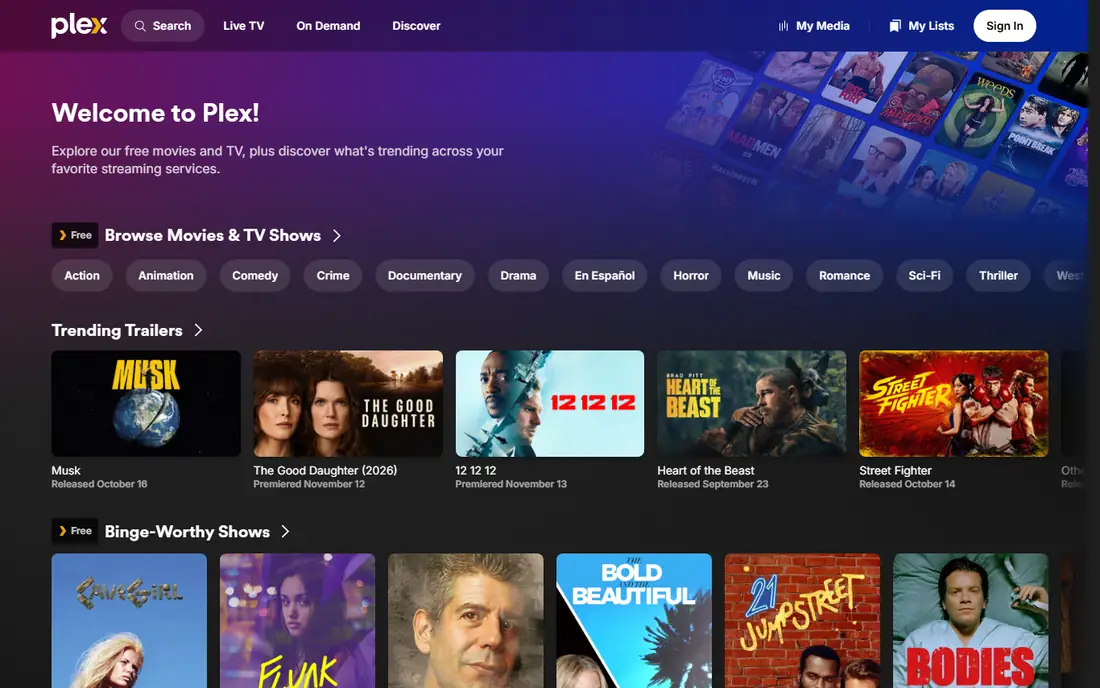
Plex turns a computer or NAS into a media server with posters, cast details, and watch progress across phones, TVs, and browsers. It is the easiest server on this list for a household that wants a tidy library without learning server administration. Families often like the shared libraries and parental controls, while the free tier still covers local playback for many homes.
For day to day use, the fit comes down to how you watch, listen, or work with the tool, and how much setup you are willing to do before the first session. Plex suits polished home media server, and it is worth checking device support and file or account needs on its official pages before you commit.
The honest catch is usually the same across this category: the free tier covers the basics, and the paid tier adds convenience, extra devices, or deeper controls. With Plex, weigh that trade against your budget and your patience for setup.
- Wide device support
- Strong metadata and library presentation
- Optional live TV and DVR with a paid pass
- Remote playback and several premium features need a paid pass
- Account sign in runs through Plex
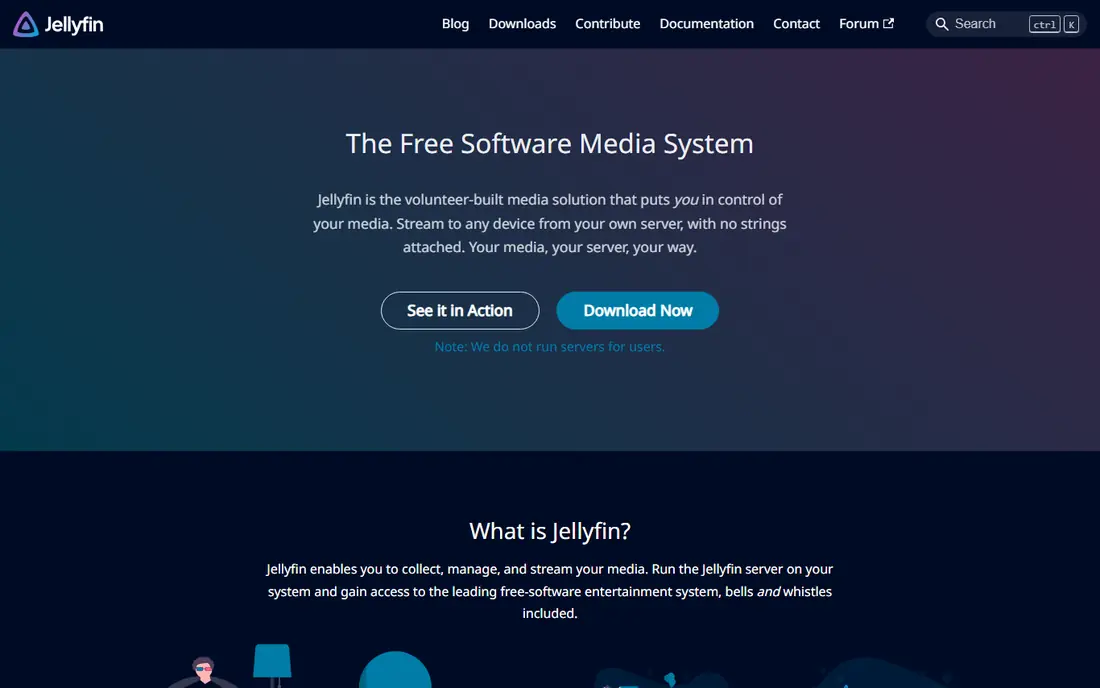
Jellyfin is a free and open source media server that organizes movies, shows, music, and photos from your own collection. It keeps every feature in the free version, including hardware transcoding and remote access that you set up yourself. It suits people who want full control and no subscription, and who are comfortable with a little manual setup.
The practical question is not only what Jellyfin can do, but how it behaves on the devices you already own. It is built for free open source media server, so test it on your main screen or phone first, and check whether the parts you need sit in the free tier or in a paid plan.
Before you settle, compare Jellyfin with one or two others on this list on the same task, using the same files, route, or event. Pick the one that stays out of your way on a normal day.
- Fully free with no paid tier
- Hardware transcoding included
- No mandatory vendor account
- Setup takes more work
- Client apps vary in polish by platform
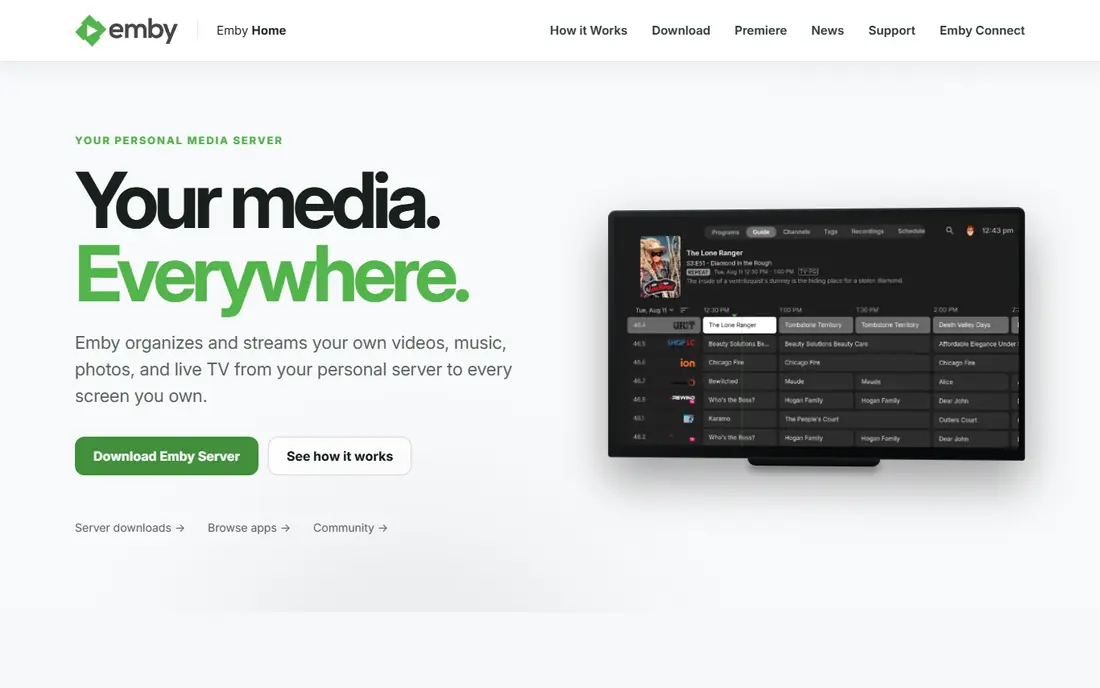
Emby sits close to Plex in feel, with a server that scans your folders and presents them in a modern app on TV, mobile, and web. The free core covers local playback, while Emby Premiere adds DVR, hardware transcoding, and offline downloads. It is a good middle ground for users who want a commercial server without a Plex Pass.
We would start by matching Emby to one clear job rather than trying to use every feature at once. As a choice for plex style server with lifetime option, it works best when that job is the one you repeat most often.
Our view is simple: choose Emby when its best fit matches your main use, and skip it when you need a different strength, such as lower cost, simpler setup, or wider device support.
- Clean server apps
- Live TV and DVR with Premiere
- Lifetime purchase option
- Hardware transcoding, DVR, and downloads need Premiere
- Some clients feel less polished than Plex
Stremio gathers catalogs, watchlists, and playback into one clean app, and it syncs your library across devices. Its basic plan is free, and it works on desktop, mobile, and many TVs. Use only official and legal add-ons, and check what each add-on actually streams before you rely on it for a household library.
What matters most here is the balance between control and effort. Stremio gives you a clear route for simple streaming hub and library, but that route may ask for more setup than a ready made service.
A final check helps here. Confirm that Stremio still supports your device and your region, and that the price shown on the vendor site matches what you expect to pay.
- Free basic plan
- Clean library and calendar
- Wide platform support
- It does not host content itself
- Add-on quality varies
- Some features need a paid Supporter plan
Infuse is a player, not a server, and it shines for Apple households that already store media on a NAS, server, or cloud folder. It plays a wide range of formats, fetches artwork, and keeps playback smooth on Apple TV, iPhone, iPad, and Mac. Pair it with Jellyfin, Emby, or Plex for the library, and use Infuse for the watching experience.
For day to day use, the fit comes down to how you watch, listen, or work with the tool, and how much setup you are willing to do before the first session. Infuse suits apple device playback for server files, and it is worth checking device support and file or account needs on its official pages before you commit.
The honest catch is usually the same across this category: the free tier covers the basics, and the paid tier adds convenience, extra devices, or deeper controls. With Infuse, weigh that trade against your budget and your patience for setup.
- Excellent playback on Apple TV and iOS
- Plays many formats without conversion
- Connects to servers and cloud folders
- Apple only
- Full features need a Pro subscription
- No built in server of its own
MrMC is a media player built for the TV screen, with a remote friendly layout and support for local files and server libraries. It grew from the same open source roots as Kodi, but it is sold as a standalone player without add-on stores for piracy. It suits a living room setup where playback quality and a simple remote matter more than server management.
The practical question is not only what MrMC can do, but how it behaves on the devices you already own. It is built for tV focused player for local files, so test it on your main screen or phone first, and check whether the parts you need sit in the free tier or in a paid plan.
Before you settle, compare MrMC with one or two others on this list on the same task, using the same files, route, or event. Pick the one that stays out of your way on a normal day.
- TV friendly interface
- Strong local playback
- Works with server libraries
- Paid app
- Smaller community than larger servers
- No server features built in
Universal Media Server streams files from your computer to DLNA devices such as TVs, consoles, and media players on your home network. There is no account to create and no subscription to manage, which makes it a calm choice for an older TV or a spare computer. It will not match Plex for artwork and apps, but for simple playback in one home it does the job.
We would start by matching Universal Media Server to one clear job rather than trying to use every feature at once. As a choice for simple DLNA streaming to TVs, it works best when that job is the one you repeat most often.
Our view is simple: choose Universal Media Server when its best fit matches your main use, and skip it when you need a different strength, such as lower cost, simpler setup, or wider device support.
- Free and open source
- No account needed
- Broad DLNA device support
- Interface is basic
- No polished library apps on every platform
- Transcoding depends on your computer
Serviio is a lightweight media server that streams to DLNA devices with profiles matched to each TV or player. It runs well on modest hardware and keeps setup short, which helps when a full server feels like too much. The free version covers home streaming, while Pro adds remote access and a web based media browser.
What matters most here is the balance between control and effort. Serviio gives you a clear route for lightweight DLNA server, but that route may ask for more setup than a ready made service.
A final check helps here. Confirm that Serviio still supports your device and your region, and that the price shown on the vendor site matches what you expect to pay.
- Light footprint
- Automatic device profiles
- Free core version
- Paid Pro adds web access and media browser
- Library presentation is plain
Channels focuses on live TV and recording rather than a general file library. It pairs with a tuner or a supported TV source, then gives you a guide, recordings, and playback across TV and mobile apps. It is the pick here for viewers who want to keep live TV habits while moving away from a cable box.
For day to day use, the fit comes down to how you watch, listen, or work with the tool, and how much setup you are willing to do before the first session. Channels suits live TV and DVR for your own sources, and it is worth checking device support and file or account needs on its official pages before you commit.
The honest catch is usually the same across this category: the free tier covers the basics, and the paid tier adds convenience, extra devices, or deeper controls. With Channels, weigh that trade against your budget and your patience for setup.
- Strong DVR and live TV guide
- Clean TV apps
- Works with tuners and supported sources
- Paid subscription
- Needs a compatible TV source
- Setup is more involved than a basic player
How we picked these
We compared official feature pages, pricing pages, and app store listings for each option, and we kept only legal media centers, servers, and players that work in October 2026. We checked whether each tool organizes your own files, streams licensed content, or both, and we excluded any add-on or service built for piracy. Price notes come from vendor pages or are marked as See website where the vendor does not publish a simple starting price.
Choosing the right Kodi alternative
Start with your source. If your media lives in folders on a computer or NAS, a server such as Plex, Jellyfin, or Emby makes sense. If you mainly want a player for files you already have, Infuse or MrMC may be enough, and a DLNA tool such as Universal Media Server may cover an older TV.
Next, check the TV in the room where you watch most. A server with a native app for that TV will feel better than casting from a phone every night. Also check whether remote viewing, DVR, or offline downloads matter to you, since those are the features most often kept behind a paid tier.
Finally, keep your setup legal and simple. Use your own files or licensed services, keep backups of your library, and avoid add-ons that promise paid channels for free. A clean setup is easier to fix, easier to share with family, and far less likely to break after an update.
Frequently asked questions
What are the best alternatives to Kodi?
Plex, Jellyfin, and Emby are the closest server replacements, while Stremio, Infuse, and MrMC work well as players. The right choice depends on whether you need a server, a player, or live TV and DVR, and on the devices in your home.
Is Jellyfin really free?
Yes, Jellyfin is free and open source, with no paid tier holding back features such as hardware transcoding. You still need your own computer or NAS to run it, and you set up remote access yourself.
Do I need a paid plan for Plex or Emby?
No for basic local playback, but DVR, hardware transcoding, and some mobile and remote features need Plex Pass or Emby Premiere. Check the current pricing page before you buy, since paid tiers have changed in recent years.
Can I use these options legally?
Yes, when you play your own legally owned files or licensed streams. Avoid add-ons or services that offer paid channels or new releases for free, since those are not part of the legal options on this list.
Which option is best for Apple TV?
Infuse is a strong player choice on Apple TV, and it pairs well with a Jellyfin, Emby, or Plex server. If you want one app for server and playback, check the native Plex or Emby app on your model first.
Sources
See where you really rank - block by block
ProMapRanker scans Google Maps across a grid of your service area. Simple monthly plans from $19, white-label on every plan.
Start freeKeep reading
 zoho inventory alternatives
6 Alternatives to Zoho Inventory, Compared on Price and Fit
Zoho Inventory alternatives: 6 tools compared on price, free plans and fit. Katana leads the list for manufacturers. Fit and flaws are laid out for each entry.
Read → zoho crm alternatives
Best Zoho CRM Alternatives (2026)
Need Zoho CRM alternatives? We compare 7 tools on cost, free access and who each suits. Every pick gets a straight assessment. Built for quick decisions.
Read → zelle alternatives
Best Zelle Alternatives in 2026
Compare the best Zelle alternatives for sending money to friends, paying sellers and moving funds abroad, with honest notes on fees, speed and safety in 2026.
Read →