 ProMapRanker
Best Kixie Alternatives in 2026


All-in-one calling and SMS · Pricing starts at: $29 per user per month
Key takeaways
- JustCall and CloudTalk offer the best balance of price and features for small to mid-sized outbound teams.
- PhoneBurner, Orum, and Nooks target higher-volume dialing, with prices that rise steeply for parallel and predictive modes.
- Aircall and Dialpad suit teams that split time between sales calls and support, since both are full phone systems first.
- Dialing alone does not fix bad data or weak consent practices, so check compliance tools before choosing on speed alone.
Quick comparison
| Pick | Great for | Pricing starts at | Free tier | |
|---|---|---|---|---|
| JustCall | All-in-one calling and SMS | $29 per user per month | Free trial | Visit |
 Aircall | Shared sales and support phone | $30 per user per month | Free trial | Visit |
 CloudTalk | International outbound teams | $19 per user per month | Free trial | Visit |
 Dialpad | AI coaching plus phone system | $39 per user per month | Free trial | Visit |
 PhoneBurner | Single-line power dialing | $140 per user per month | Free trial | Visit |
 Orum | Parallel dialing at scale | See website | No | Visit |
 Nooks | Virtual sales floor dialing | See website | No | Visit |
 Close | CRM plus built-in dialer | $49 per user per month | Free trial | Visit |
 Ringover | Affordable cloud calling | See website | Free trial | Visit |
The best Kixie alternatives
Kixie is known for multi-line power dialing tied closely to a CRM, plus SMS and local presence numbers. The tools below cover the same ground in different ways, from budget cloud phones to premium parallel dialers built for large SDR teams.
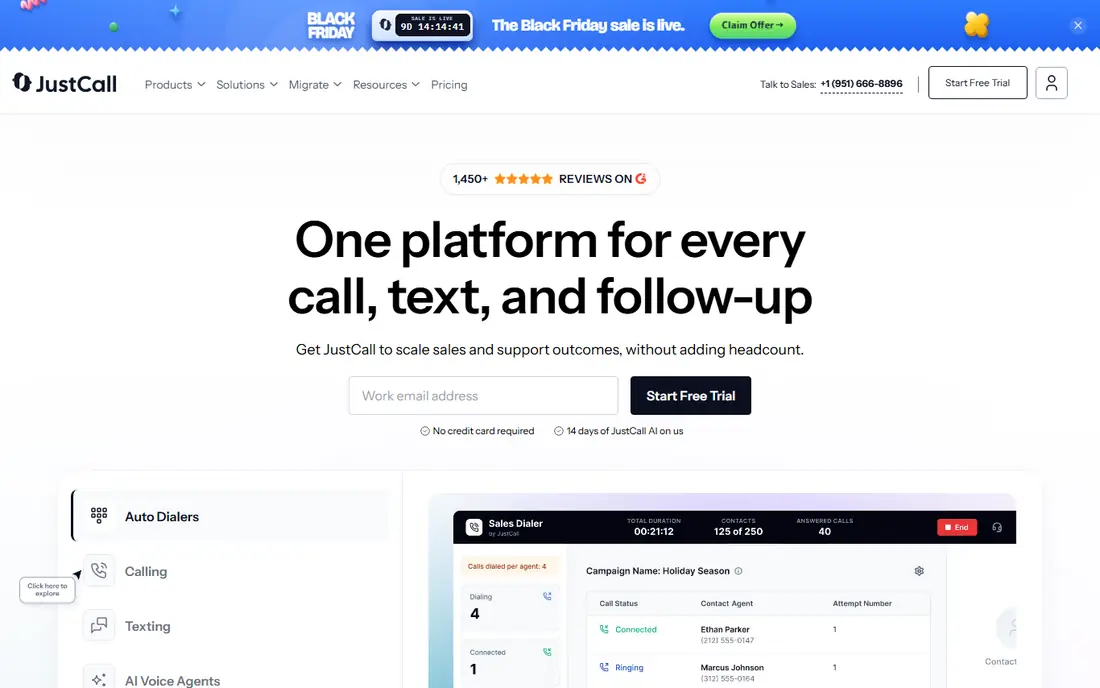
JustCall is the broadest replacement for teams that want more than a dialer. Calling, texting, and WhatsApp sit on one record, and AI coaching features help managers spot coaching moments without listening to every call. Its integration library covers the major CRMs, so call logs and notes land where reps already work.
The trade-off is raw dialing speed. JustCall is strong across channels, but a team whose whole job is maximising connects per hour may prefer a dialer-first tool. For most small to mid-sized outbound teams, the channel breadth wins.
- Calling, SMS, and WhatsApp in one tool
- AI coaching and sentiment analysis
- Wide CRM integration library
- Multi-line throughput is less focused than Kixie PowerDialer
- Advanced AI features sit on higher tiers
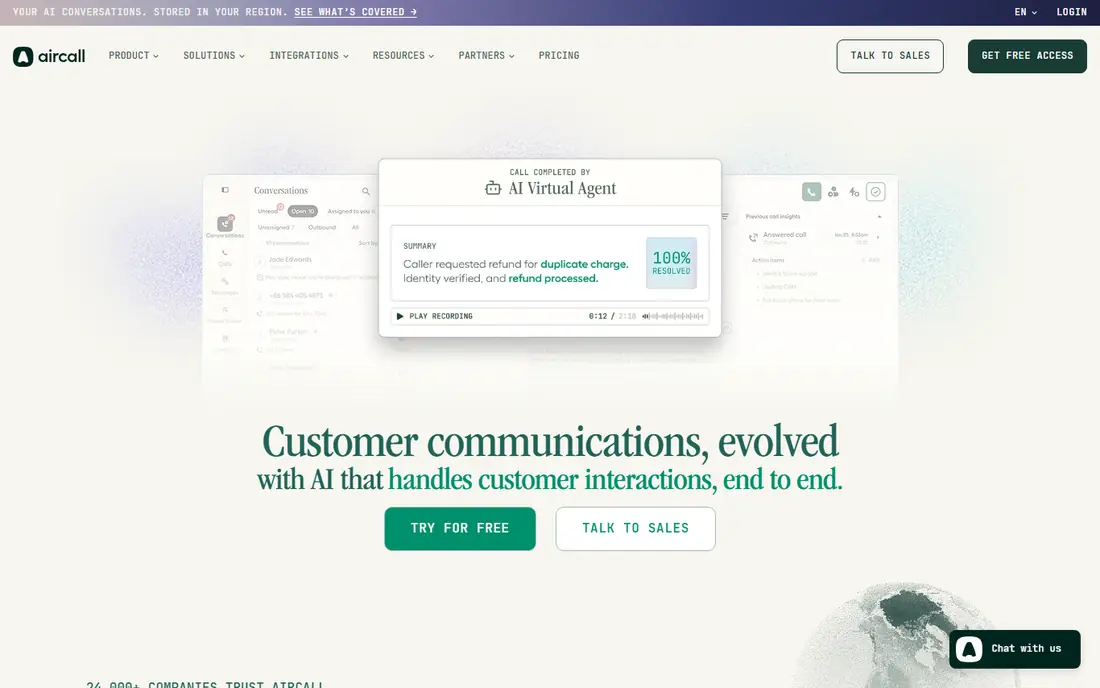
Aircall works best when sales and support share the same phone system. Its shared inbox style lets teams see who handled a call, transfer context, and keep notes in one place, and its helpdesk integrations with tools such as Zendesk are a genuine strength. Setup is quick, with a three-license minimum on entry plans.
Teams that need aggressive outbound dialing should look elsewhere, since Aircall is a phone system first. Add-ons for analytics and AI also push the real cost above the headline price. For blended teams, though, it is a tidy, well-supported choice.
- Shared call inbox for teams
- Deep helpdesk integrations
- Easy number setup
- Power dialing is less central
- Add-ons can raise the real per-seat cost
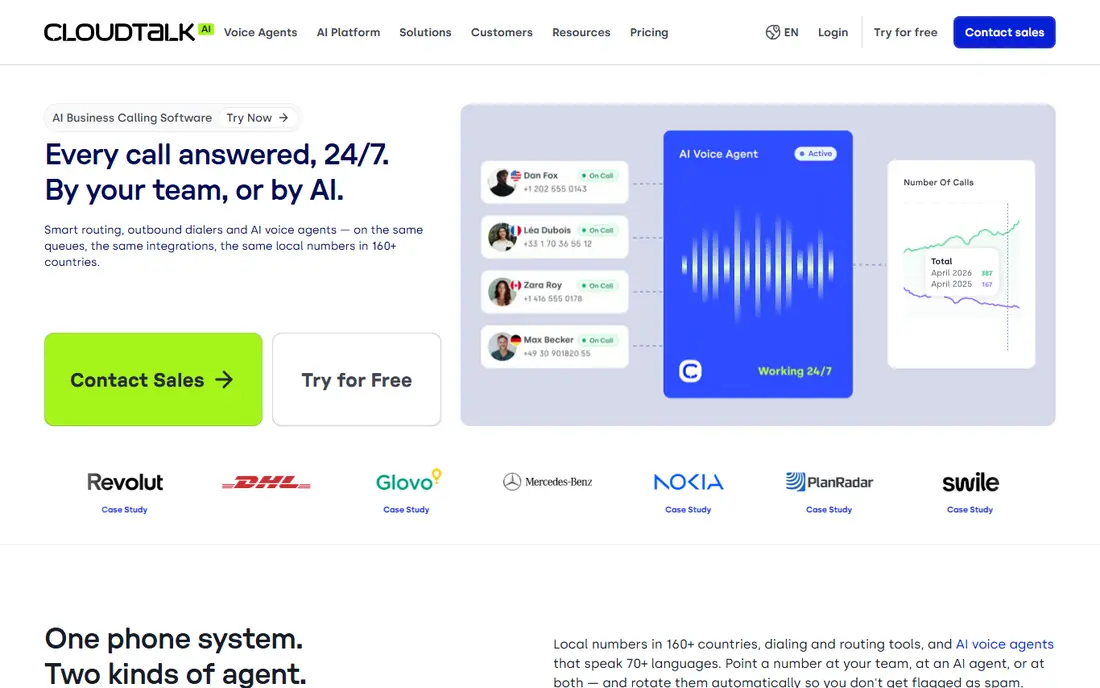
CloudTalk suits teams calling across countries on a budget. Local numbers in many regions help answer rates, and the platform covers both inbound and outbound work. The entry price is among the lowest here, which makes a trial easy to justify.
The catch is tiering. Smart dialing and parallel options sit on higher plans or as add-ons, so the entry price does not tell the full story for high-volume teams. Price the plan that actually includes your dialing mode before comparing it with Kixie.
- Wide local and toll-free number coverage
- Smart dialer on higher tiers
- Competitive entry price
- Best dialer features require higher plans
- Parallel dialing is an add-on
Dialpad stands out for AI inside the call itself. Live summaries, transcription, and coaching cues help managers support reps in real time, and the same system handles everyday business calling. That combination suits teams that want coaching data without buying a separate conversation intelligence tool.
It is not a pure parallel dialer, and the sales plans that include the best outbound features cost more than the basic business phone price often quoted. For teams that value call quality and coaching over sheer dial volume, Dialpad is a strong pick.
- Built-in AI call summaries and live coaching cues
- Full phone system plus sales tools
- Strong transcription
- Sales-specific plans cost more than basic phone plans
- Not a dedicated parallel dialer
PhoneBurner takes the opposite approach from parallel dialers: one line, dialled well, with a tight follow-up loop. Reps move through lists quickly, log dispositions, and trigger follow-up emails or texts without leaving the dialer. Many users praise its clean workflow for solo reps and small teams.
The price is the obvious barrier, at well above budget dialers, and single-line dialing caps raw throughput. For teams that value call quality, clean data, and follow-up over volume, it can still pay for itself. For volume-first teams, parallel options will look better.
- Clean power dialing workflow
- Strong follow-up and lead distribution tools
- No multi-line complexity
- High per-seat price
- Single-line only, so no parallel dialing
Orum is built for SDR organisations whose entire motion is high-volume outbound. Parallel dialing lets reps work several lines at once, and AI detection helps filter voicemails and bad connections so reps spend time on live conversations. For funded teams with large lists, that throughput is the point.
Small teams should steer clear. Pricing is quote-led, seat minimums apply, and the total cost is far above budget dialers. Orum only makes sense when dial volume is the bottleneck and the team is large enough to use it fully.
- Parallel dialing across multiple lines
- AI conversation detection
- Built for large SDR teams
- Quote-led pricing with seat minimums
- Overkill and overpriced for small teams
Nooks pairs parallel dialing with a virtual sales floor, where remote reps can hear each other, get live coaching, and stay motivated through shared sessions. That social layer is its real difference from other parallel dialers, and remote-first teams often cite it as the reason they stay.
Like Orum, it is priced for larger organisations, with quotes rather than public plans. A small team will find cheaper dialers that cover the core job. For a remote SDR floor that needs energy and coaching as well as speed, Nooks is worth a demo.
- AI parallel dialer plus virtual sales floor
- Coaching and collaboration features
- Strong for remote SDR teams
- Quote-led enterprise pricing
- Requires a larger team to justify the cost
Close suits teams that want to simplify their stack. Instead of a CRM plus a separate dialer, Close bundles both, with calling, SMS, and email built in. Small sales teams can start quickly, and call logs stay attached to leads without integration work.
The compromise is dialing depth. Dedicated dialers offer more modes and compliance tooling, and teams already settled on another CRM may not want a second one. If your CRM is due for replacement anyway, Close is an efficient two-in-one choice.
- CRM and dialer in one tool
- Built-in calling, SMS, and email
- Fast setup for small sales teams
- Less dialing depth than dedicated dialers
- CRM features may duplicate an existing system
Ringover is the budget cloud phone on this list, and it covers the basics well: calling, SMS, and team messaging in a simple interface. Small teams that need a reliable phone system with some outbound features, without paying for a premium dialer, will find it easy to adopt.
Its dialing tools are lighter than Kixie, Orum, or PhoneBurner, so high-volume outbound teams should test it against a dedicated dialer first. For general sales calling at a low cost, it is a sensible starting point.
- Low entry cost for cloud calling
- Calling plus SMS and video options
- Quick setup
- Dialer features are lighter than Kixie
- International per-minute costs need checking
How we picked these
We compared official feature pages, pricing pages, app store listings, and public reviews for each tool, and we checked that each one was actively offered as a sales dialer or cloud phone system in October 2026. We favoured tools with CRM integration, SMS support, and a clear dialing mode, and we noted where pricing is quote-led rather than repeating unverified estimates.
What to check before you switch
Start with compliance, not speed. Confirm that the tool supports do-not-call scrubbing, consent tracking, and opt-out handling, and check how it handles caller ID reputation, since spam labelling can undo a good dialer. US telemarketing rules carry serious penalties, so this step is not optional.
Next, test the dialer with your own CRM and list size. Multi-line and parallel modes behave differently with real data, and minute caps or overage charges can change the total cost. Finally, trial the tool with a few reps for at least a week, since dialer fit shows up in daily use far more than in a demo.
Frequently asked questions
Which Kixie alternative is cheapest?
CloudTalk and Ringover have the lowest entry points here, with JustCall close behind. Dedicated parallel dialers such as Orum and Nooks cost far more, so match the dialing mode to your volume before comparing headline prices.
Do I need a parallel dialer?
Only if reps regularly make more than 100 calls a day and list quality is already strong. Below that volume, a power dialer or a good cloud phone system is usually enough, and it costs far less.
Can these dialers work with my CRM?
Most of them integrate with HubSpot, Salesforce, Pipedrive, and Zoho, with call logging and click-to-call. Check your exact CRM and plan tier, since some integrations sit on higher plans.
Is cold calling still compliant in 2026?
It can be, with proper consent handling, do-not-call scrubbing, and prompt opt-out processing. Rules vary by region and call type, so get legal advice for your specific campaigns rather than relying on a vendor claim alone.
What is the difference between power and parallel dialing?
Power dialing calls one number at a time in sequence, while parallel dialing calls several numbers at once and connects the rep to the first live answer. Parallel dialing is faster but needs more care around abandonment and compliance.
Sources
- https://www.justcall.io
- https://www.aircall.io
- https://www.cloudtalk.io
- https://www.dialpad.com
- https://www.phoneburner.com
- https://www.orum.com
- https://www.nooks.ai
- https://www.close.com
- https://www.ringover.com
- https://justcall.io/blog/best-sales-dialer-software.html
- https://ecommerceparadise.com/kixie-alternatives/
See where you really rank - block by block
ProMapRanker scans Google Maps across a grid of your service area. Simple monthly plans from $19, white-label on every plan.
Start freeKeep reading
 zyte alternatives
Best Zyte Alternatives in 2026
These zyte alternatives cover managed scraping APIs, proxy networks and no code tools for lawful collection from your own or consented sources only in 2026.
Read → zerto alternatives
Best Zerto Alternatives in 2026
Compare the best zerto alternatives for disaster recovery and replication, with recovery targets, cloud options and honest trade-offs for teams in 2026.
Read → zerofox alternatives
Best ZeroFox Alternatives in 2026
We compared 9 zerofox alternatives for brand protection, phishing takedowns, dark web monitoring, and social impersonation, with clear coverage notes.
Read →