 ProMapRanker
Best Kinsta Alternatives in 2026

Key takeaways
- Cloudways is the best fit for agencies that host many quiet client sites on one sized server, rather than paying per site.
- WP Engine and Rocket.net are the closest premium replacements, with managed WordPress tooling, staging, and strong support.
- SiteGround and Hostinger cut the entry price sharply, but you must model renewal pricing, not just the first-term rate.
- Nexcess and Pressable are worth a close look for stores and Automattic-focused sites, where platform fit matters more than the lowest price.
Quick comparison
| Pick | Great for | Pricing starts at | Free tier | |
|---|---|---|---|---|
 WP Engine | Premium managed WordPress | $30 per month | No | Visit |
 Cloudways | Many sites on one server | $11 per month | No | Visit |
 Rocket.net | Speed with edge caching | $25 per month | No | Visit |
 SiteGround | Beginners on a budget | $2.99 per month | No | Visit |
 Hostinger | Lowest entry price | $2.99 per month | No | Visit |
 Bluehost | First-time WordPress owners | See website | No | Visit |
 DreamHost | Managed WordPress with flexibility | See website | No | Visit |
 Nexcess | WooCommerce stores | $21 per month | No | Visit |
 Pressable | Automattic ecosystem sites | $25 per month | No | Visit |
The best Kinsta alternatives
People leave Kinsta for different reasons: per-site pricing that grows with every client, visit caps, missing email hosting, or simply a bill that no longer fits. We compared official pricing pages, plan limits, and public host comparisons for each option below, and we focused on the total cost over two years, not the headline first-month rate.
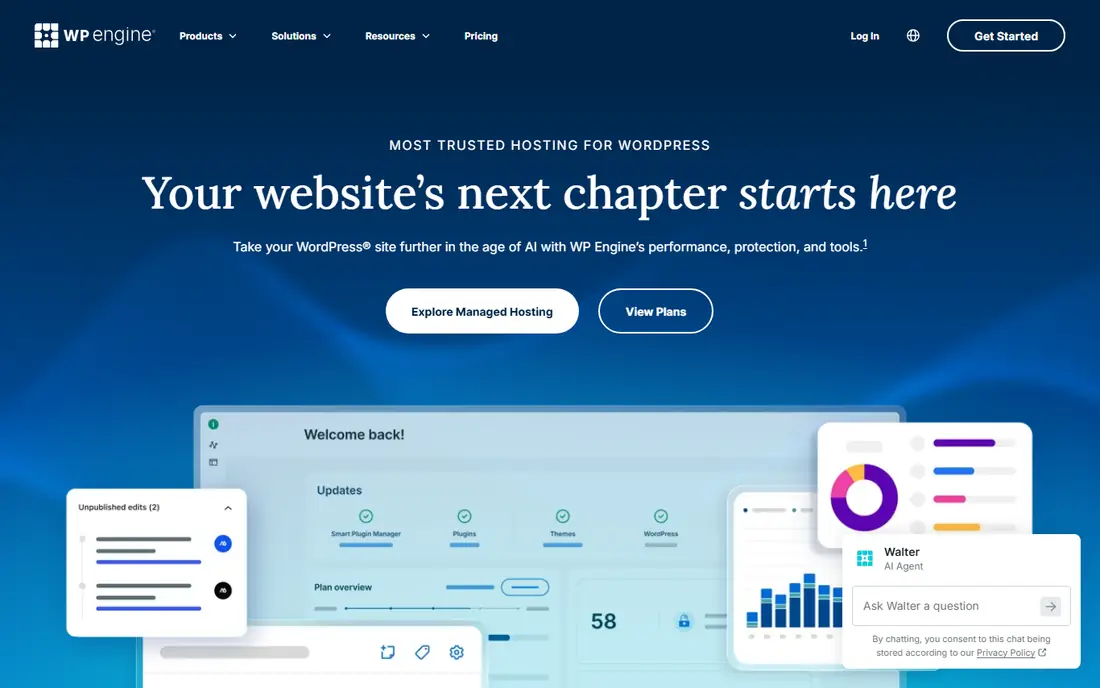
WP Engine is the most direct premium swap. You get managed updates, staging, backups, and a platform tuned for WordPress, plus agency tools that make client handoffs easier. Support is a real strength here, with staff who work on WordPress problems all day, rather than general hosting tickets that bounce between teams.
The trade is that you are swapping one premium bill for another. WP Engine will not solve a budget problem on its own, and you still need a separate email provider for most plans. Choose it when you want premium managed WordPress and a different plan shape, not when your only goal is a lower bill.
- Managed WordPress tooling and staging
- Strong support
- Security and hack-fix help on many plans
- Still a premium price
- No bundled email hosting
- Visit limits need checking on larger sites

Cloudways changes the billing model, which is why agencies like it. Instead of paying per WordPress install, you pay for a sized cloud server and host several sites on it. That makes quiet brochure sites far cheaper per site, and you can scale the server up when traffic grows. You also get a choice of underlying cloud providers, which suits teams with a preferred infrastructure.
The catch is that Cloudways is managed cloud hosting, not the same fully managed WordPress service as Kinsta. You will handle more setup choices yourself, and features like email hosting are not bundled in the same way. If you are comfortable with server sizing and want flexibility, the savings are real. If you want everything done for you, a premium WordPress host is a better fit.
- One server can host many apps
- Choice of cloud providers
- Scalable server sizes
- More hands-on than fully managed WordPress
- Email and some add-ons cost extra

Rocket.net is built around speed at the edge. Its included Cloudflare Enterprise caching puts content close to visitors, which helps global sites and image-heavy pages load quickly without a long list of plugins. Plans are straightforward, backups and staging are part of the package, and renewal pricing is presented as stable rather than a sharp jump after year one.
The downside is narrower scale than WP Engine for very large agency portfolios, and the price is still premium compared with budget hosts. For a flagship site where speed and uptime matter more than squeezing the monthly bill, Rocket.net is one of the strongest Kinsta replacements. For a portfolio of low-traffic sites, Cloudways will usually cost less.
- Cloudflare Enterprise edge caching included
- Fast global delivery
- Simple plan structure
- Fewer agency tiers than the largest hosts
- Still a premium monthly price
SiteGround solves two common Kinsta complaints at once: price and email. Entry plans include email accounts, daily backups, and caching tools, and the control panel is friendly for owners who do not want to manage a server. Support is widely praised for WordPress help, and the platform runs on Google Cloud infrastructure on many plans.
The number to watch is renewal. An intro rate near $2.99 per month can rise to around $17.99 per month at renewal, so a two-year view is essential. Entry plans also have tighter storage and visit limits than premium hosts. SiteGround is a good pick for a first business site or a small portfolio, provided you budget for year two.
- Bundled email hosting
- Daily backups
- Beginner-friendly tools and support
- Low intro rate rises sharply at renewal
- Resource limits on entry plans
Hostinger is the cheapest way in, and for a new site that is a valid reason to choose it. You get a WordPress installer, email on many plans, and a control panel that does not assume technical skill. For a hobby site, a test project, or a first business page, that low entry cost removes a barrier.
The limits show up as you grow. Renewal rates rise, lower tiers share resources more heavily, and backups and support depth depend on the plan you pick. Hostinger is not a like-for-like Kinsta replacement for a high-traffic business site. It is a budget starting point, and you should plan a move to a managed host if traffic or revenue grows.
- Very low entry price
- Email and domain options on many plans
- Simple setup for new owners
- Renewal price is higher than the intro rate
- Support and performance vary by plan tier
Bluehost has long been a default choice for first-time WordPress owners, and its onboarding reflects that. You can register a domain, install WordPress, and get a basic site live without touching server settings. That simplicity is valuable for owners who want to focus on content, not hosting panels.
The honest limits are renewal cost and tier differences. Entry shared plans are not the same as managed WordPress plans, and backup tools on some tiers cost extra. Bluehost fits a new site with modest traffic. For a busy store or a site where speed directly affects revenue, a managed host higher on this list is a safer long-term home.
- WordPress.org recommended host
- Simple onboarding
- Domain and email options available
- Renewal pricing needs checking
- Performance depends on tier
- Some backups are paid add-ons
DreamHost offers a managed WordPress service called DreamPress, alongside standard shared hosting, which gives owners a clear upgrade path. Managed plans handle updates, caching, and backups, and the company is known for a generous refund window on many plans. That makes it easier to try the platform without a long lock-in.
The panel takes a little learning if you are used to cPanel, and entry shared plans will not match premium managed performance under heavy load. DreamHost is a solid middle option: more managed than budget shared hosting, less premium-priced than Kinsta, and flexible enough for owners who want to grow on one provider.
- Fully managed WordPress plans
- Long money-back window on many plans
- Email options available
- Control panel differs from cPanel hosts
- Higher tiers needed for heavy traffic
Nexcess, part of Liquid Web, is tuned for stores rather than generic brochure sites. Its managed WordPress and WooCommerce plans include caching, staging, and tools that help with product pages, checkout, and traffic spikes. Email hosting is included, which removes one of the extra bills Kinsta users often face.
The trade-off is familiarity. Nexcess is less of a household name than Bluehost or SiteGround, and its panel will feel new at first. For a store owner, that learning curve is worth it, because store-specific performance and support matter more than brand recognition. For a simple blog, a cheaper general host may be enough.
- Strong WooCommerce tuning
- Bundled email
- Staging and backups for stores
- Less well known to beginners
- Interface takes time to learn
Pressable is owned by Automattic, the company behind WordPress.com and WooCommerce, and that shows in its platform choices. Managed plans include staging, backups, and collaboration features that suit agencies and teams working on WordPress every day. Sites that use Jetpack and other Automattic tools often fit well here.
The price is premium, starting near $25 per month on many listings, so it is not a budget play. It is a fit play: if your work lives inside the Automattic ecosystem and you want managed WordPress without Kinsta pricing, Pressable deserves a trial. If price is the main driver, Cloudways or SiteGround will be cheaper.
- Automattic-owned managed WordPress
- Staging and collaboration tools
- Jetpack-related integration
- Premium price for the entry tier
- Fewer budget tiers than general hosts
How we picked these
We compared official pricing pages and public host comparisons from 2026, and we checked that each host still offers managed or WordPress-tuned hosting with staging, backups, and caching. We favored hosts with a clear reason to switch, such as a different billing model, bundled email, store tuning, or premium managed tooling. We did not list Kinsta itself, since this article is about alternatives to it.
What to check before you switch
Model two years of cost, including renewal rates, overage charges, and any email or backup add-ons. Check visit caps, PHP worker limits, and storage on the exact tier you would buy, not the headline plan. Ask about migration help, staging, and backup restore before you move a live site, and keep the old host live until the new site is tested on its real domain.
Frequently asked questions
What are the best Kinsta alternatives?
WP Engine and Rocket.net are the closest premium replacements, Cloudways is the best choice for many sites on one server, and SiteGround is a strong budget option with email included. The best pick depends on whether you want premium service, lower cost, or a different billing model.
What is the cheapest alternative to Kinsta?
Hostinger and SiteGround have the lowest intro rates, near $2.99 per month on entry plans. Both rise at renewal, so compare the second-year price before you decide. Cloudways can be cheaper per site for agencies that host many sites on one server.
Is Cloudways better than Kinsta?
Cloudways is better for agencies that want flexible server sizing and per-server pricing. Kinsta is better for owners who want a fully managed WordPress service with less server work. The right choice depends on how much hosting work your team wants to handle.
Do Kinsta alternatives include email hosting?
Some do and some do not. SiteGround, Hostinger, Nexcess, and DreamHost include email options on many plans, while Kinsta, WP Engine, and Rocket.net generally do not bundle email. If email matters, confirm it on the exact plan before you buy.
How hard is it to migrate from Kinsta?
Most hosts on this list offer free or assisted migration, and WordPress migration plugins can also move a site. Keep backups, test staging first, and do not cancel Kinsta until the new site works on its live domain and email is confirmed.
Sources
See where you really rank - block by block
ProMapRanker scans Google Maps across a grid of your service area. Simple monthly plans from $19, white-label on every plan.
Start freeKeep reading
 zscaler alternatives
Best Zscaler Alternatives in 2026
Looking for zscaler alternatives? We compare 9 SASE and zero trust platforms on architecture, data protection, pricing, and fit for your network and team.
Read → zapier alternatives free
Best Zapier Alternatives Free in 2026
Nine automation tools for zapier alternatives free in 2026, all with genuinely free tiers, plus free plan limits, starting prices and upgrade paths explained.
Read → which platform is best for online reputation
Which Platform Is Best for Online Reputation in 2026
Wondering which platform is best for online reputation? We compare 8 review, listing, and response tools for small and multi-location businesses and agencies.
Read →