 ProMapRanker
Kaspersky Alternatives in 2026

Key takeaways
- Bitdefender and Norton offer the broadest home suites, with malware protection plus VPN, password tools and parental controls on higher tiers.
- ESET suits older PCs and users who want light performance impact and detailed controls.
- Avast and AVG offer free tiers for basic protection, while Malwarebytes works well as an extra scanner alongside another antivirus.
- McAfee, Trend Micro and Sophos Home suit families and multi-device homes that want one subscription for many devices.
- Our pick for most homes is Bitdefender Total Security, because it pairs strong protection with a wide feature set at a clear family price.
Quick comparison
| Pick | Great for | Pricing starts at | Free tier | |
|---|---|---|---|---|
 Bitdefender | Most homes and families | See website | Free trial | Visit |
 Norton | All-round home security | See website | Free trial | Visit |
 ESET | Light performance impact | See website | Free trial | Visit |
 McAfee | Multi-device households | See website | Free trial | Visit |
 Avast | Free basic protection | Free | Yes | Visit |
 AVG | Free basic protection | Free | Yes | Visit |
 Malwarebytes | Extra malware scanning | See website | Yes | Visit |
 Trend Micro | Simple family protection | See website | Free trial | Visit |
 Sophos Home | Easy family device cover | See website | Free trial | Visit |
The best Kaspersky alternatives
Antivirus choice often comes down to trust, performance and price, not just detection. Some users move away from Kaspersky over jurisdiction and trust questions, while others simply want a suite that fits their devices better. We compared official product and pricing pages for tools that work today on Windows, Mac and mobile, and we focused on home use rather than enterprise endpoint suites.
Bitdefender is our pick for most homes because it covers the basics well and adds useful extras without a confusing setup. Total Security includes malware and ransomware protection, web protection, a firewall and parental controls, with higher tiers adding VPN and identity features. Multi-device plans make it easy to cover Windows, Mac, Android and iOS under one subscription.
The interface can feel busy once you open every feature panel, and VPN data limits on lower tiers may frustrate heavy VPN users. Check the current plan details before buying, since feature lists change by tier. For a family that wants one suite for several devices, Bitdefender is a strong, well-rounded replacement.
- Strong malware and ransomware protection
- Wide suite features
- Good multi-device plans
- Higher tiers add cost
- VPN limits apply on some plans

Norton 360 is the other broad suite that competes directly on features. It pairs antivirus with a VPN, password manager, parental controls and cloud backup on many plans, so a household can replace several separate subscriptions. That bundle appeals to users who want one account for security, privacy and backup basics.
Watch renewal pricing carefully, since first-year offers often differ from later years. Norton is also a full suite, so users who want a light, minimal antivirus may prefer ESET or a free tier instead. If you want breadth and a familiar brand, Norton is a credible alternative with a long track record.
- Strong malware protection
- Password manager and VPN included on many plans
- Cloud backup options
- Renewal pricing can be higher than the first-year price
- Suite can feel large
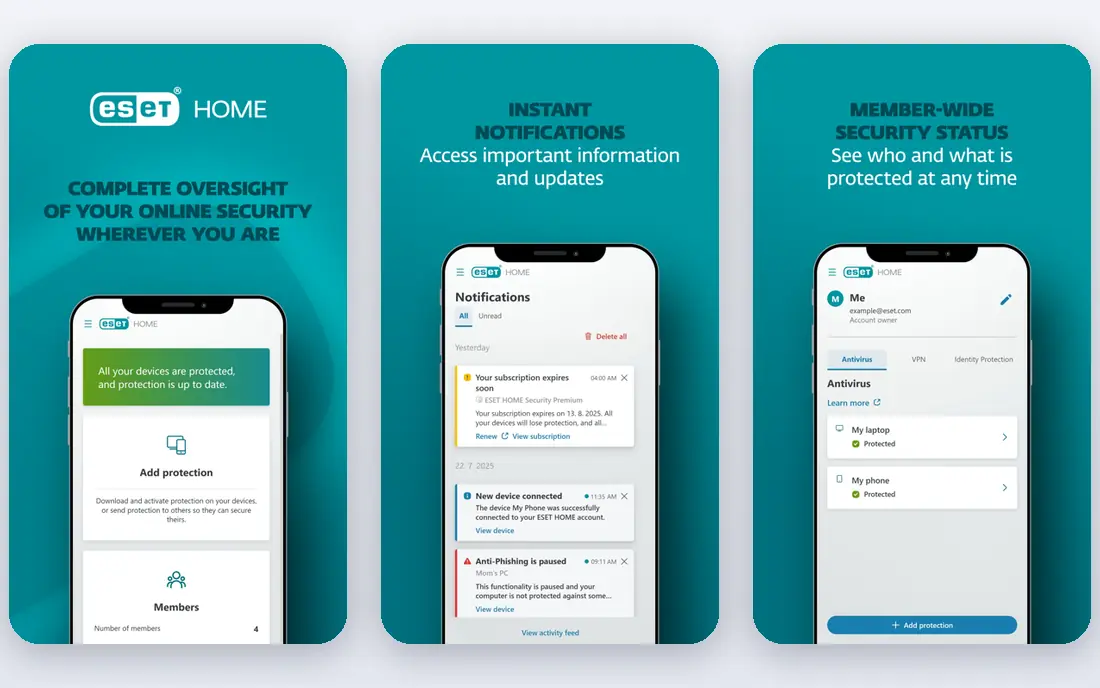
ESET has a long reputation for low system impact, which matters on older laptops or work PCs that already run many programs. Its antivirus and internet security products focus on malware, phishing and exploit protection, with clear scan options and advanced settings for users who like control. It does not push as many bundled extras, and some users see that as a benefit.
The trade-off is that families wanting VPN, identity monitoring and parental controls in one box may need separate tools or a higher ESET tier. ESET also assumes a little more confidence than Norton or Bitdefender. For a fast, quiet antivirus that stays out of the way, it remains a strong pick.
- Very light on system resources
- Fast scans
- Detailed settings for advanced users
- Fewer bundled extras than Bitdefender or Norton
- Interface favours confident users
McAfee Total Protection suits households with many devices, since some plans cover an unlimited number of devices in one home. It includes malware protection, web protection, a VPN and identity monitoring on higher tiers, plus parental controls for family devices. That device flexibility is its clearest advantage over per-device pricing.
Some users find the app prompts and renewal pricing frustrating, so read plan terms and set a renewal reminder. Performance impact is also higher than ESET on some systems, though modern PCs usually handle it well. For a large household that wants one subscription for phones, laptops and tablets, McAfee is worth comparing.
- Unlimited device options on some plans
- Identity and VPN features
- Family controls
- Interface and upsell prompts can annoy
- Pricing varies by plan and renewal
Avast Free Antivirus gives basic malware and web protection at no cost, which suits a second PC, a student laptop or a user who only needs core cover. Setup is quick, and the free product covers the main platforms. Paid Premium plans add ransomware protection, a firewall and extra privacy tools for users who want more.
Free antivirus always involves trade-offs, including fewer features and prompts to upgrade. Avast has also faced privacy criticism in the past over data practices, so users who prioritise privacy should read its current privacy policy before installing. For basic free protection with an easy upgrade path, Avast remains widely used.
- Free tier for basic antivirus
- Easy setup
- Covers Windows, Mac and mobile
- Free tier lacks many suite features
- Paid upsells appear in the free product
AVG AntiVirus Free offers core malware and web protection in a simple package, and it shares a corporate family with Avast, so the underlying approach will feel familiar. It suits users who want a free, straightforward antivirus without a complex suite. Paid Internet Security plans add firewall, ransomware and payment protection.
As with Avast, the free tier does not include the full suite, and users should read the privacy policy and upgrade prompts with care. AVG is best viewed as a basic layer, not a replacement for a full security suite for high-risk use. For a low-cost start, it does the core job clearly.
- Free tier for core protection
- Simple interface
- Same core engine family as Avast
- Free tier is basic
- Paid features needed for full suite cover
Malwarebytes is best known for cleaning up machines that already have a problem, and that strength still matters. The free version scans on demand and removes many threats, while Premium adds real-time protection, web blocking and ransomware layers. Many users run Premium alongside Windows Defender or another antivirus for a second opinion.
Do not rely on the free tier alone for continuous protection, since it does not provide real-time cover. Malwarebytes also offers fewer bundled extras than Bitdefender or Norton. As a focused anti-malware tool, especially for cleanup and extra scanning, it is a useful alternative and a good second layer.
- Strong on-demand malware removal
- Light scanner
- Useful alongside another antivirus
- Free tier is on-demand only, not full real-time cover
- Full protection needs a paid plan
Trend Micro Maximum Security aims for simplicity, with malware protection, web threat blocking, parental controls and device cover in one understandable package. It suits families and less technical users who want solid protection without digging into advanced settings. Phishing and scam web protection are particular strengths for everyday browsing and email.
Advanced users may miss the granular controls ESET offers, and some extras depend on the tier you choose. Trend Micro also tends to focus on the home rather than offering the widest identity bundle. For a simple, family-friendly suite, it is a dependable alternative.
- Clear, simple interface
- Strong web and phishing protection
- Family device plans
- Fewer advanced controls than ESET
- VPN and extras vary by plan
Sophos Home brings a business security background to home use, with a central web dashboard where you can manage protection for family computers from one place. That remote view helps parents or household managers check devices, run scans and adjust settings without sitting at each machine. Malware and web protection are solid, and the setup is straightforward.
Sophos Home does not bundle as many consumer extras as Norton or Bitdefender, such as broad identity monitoring or cloud backup. Its interface also feels more functional than polished in places. For a household that values central control over bundle size, it is a quiet, capable alternative.
- Central web dashboard for family devices
- Strong malware protection
- Simple remote management
- Fewer consumer extras than larger suites
- Business-grade roots show in the interface
How we picked these
We compared official product pages, pricing pages and platform support for home antivirus tools that work today, and we favoured a mix of full suites, light options and free tiers. We noted where pricing is custom or changes by tier instead of inventing a figure, and we did not claim hands-on testing. We left out enterprise-only endpoint products, since this list is for home users choosing a replacement.
How to switch safely
Uninstall your old antivirus fully before installing a new one, since two real-time engines can conflict and slow a machine. Use the old vendor removal tool if one is offered, restart, then install the new product and run a full scan. Check that real-time protection is on, that updates are automatic and that your browser extensions, if any, come from the new vendor.
Check what your plan actually covers
Count your devices and platforms before you buy, including phones and tablets, since per-device pricing adds up fast. Confirm whether VPN data, password manager seats and parental controls are included or capped on your tier. A cheaper plan that leaves a phone unprotected is not a saving.
Keep basic habits alongside any antivirus
No antivirus blocks every threat, so keep your operating system and browsers updated, use unique passwords with a password manager, and treat unexpected attachments and payment links with care. Turn on two-factor authentication for email and banking where offered. Those habits reduce risk more than any single suite feature.
Frequently asked questions
What are alternatives to Kaspersky?
Alternatives to Kaspersky include Bitdefender, Norton, ESET, McAfee, Avast, AVG, Malwarebytes, Trend Micro and Sophos Home. Each offers malware protection for home users, with different mixes of VPN, parental controls and multi-device pricing. The best choice depends on your devices, budget and how much bundled extra you want.
Is it safe to switch from Kaspersky to another antivirus?
Yes, switching is straightforward if you remove the old product fully before installing the new one. Restart after removal, install the replacement, update it and run a full scan. Avoid running two real-time antivirus products at once, since they can conflict.
Which Kaspersky alternative is best for older PCs?
ESET is often the best pick for older PCs because of its low system impact and fast scans. Bitdefender and Trend Micro also run well on most modern machines. If a PC is very old, try a trial first and check boot time and scan speed before buying.
Are free antivirus tools enough?
Free tiers from Avast, AVG and Malwarebytes cover basic scanning, but they lack full real-time protection or suite features in some cases. For low-risk use on a secondary device, a free tier plus Windows or Mac built-in protection may be enough. For banking, work and family devices, a paid suite usually gives broader cover.
Do these alternatives work on Mac and mobile?
Yes, most tools on this list cover Windows, Mac, Android and iOS, though feature lists vary by platform. Mobile apps often focus on web protection, anti-theft and privacy tools rather than full desktop scanning. Check the plan page for your exact devices before buying.
Should I use Malwarebytes instead of a full antivirus?
Malwarebytes Premium can serve as a main anti-malware tool, but many users pair it with another antivirus or built-in protection for broader cover. The free version is on-demand only, so it does not replace real-time protection on its own. Read the plan details to see what real-time features are included.
Sources
See where you really rank - block by block
ProMapRanker scans Google Maps across a grid of your service area. Simple monthly plans from $19, white-label on every plan.
Start freeKeep reading
 zscaler alternatives
Best Zscaler Alternatives in 2026
Looking for zscaler alternatives? We compare 9 SASE and zero trust platforms on architecture, data protection, pricing, and fit for your network and team.
Read → zapier alternatives free
Best Zapier Alternatives Free in 2026
Nine automation tools for zapier alternatives free in 2026, all with genuinely free tiers, plus free plan limits, starting prices and upgrade paths explained.
Read → which platform is best for online reputation
Which Platform Is Best for Online Reputation in 2026
Wondering which platform is best for online reputation? We compare 8 review, listing, and response tools for small and multi-location businesses and agencies.
Read →