 ProMapRanker
Best JustCall Alternatives in 2026


Support and sales in one phone · Pricing starts at: $30 per user per month
Key takeaways
- CloudTalk, Aircall and Dialpad cover the core sales and support phone jobs at different price points.
- Power and predictive dialers sit on higher tiers, so price the dialer tier, not the entry tier.
- Quo suits small teams that share numbers, while PhoneBurner suits high-volume outbound work.
- Seat minimums change the real cost for tiny teams, so check them before you shortlist.
- CRM logging matters more than dialer speed when follow-up and reporting drive revenue.
Quick comparison
| Pick | Great for | Pricing starts at | Free tier | |
|---|---|---|---|---|
| Aircall | Support and sales in one phone | $30 per user per month | No | Visit |
 CloudTalk | Global numbers and CRM sync | $25 per user per month | No | Visit |
 Dialpad | AI transcripts and coaching | $15 per user per month | No | Visit |
 RingCentral | Phone, video and messaging together | $20 per user per month | No | Visit |
 Nextiva | Phone, SMS and video on one bill | $15 per user per month | No | Visit |
 Quo | Small teams sharing numbers | $15 per user per month | No | Visit |
 Kixie | High-volume outbound dialing | See website | No | Visit |
 Close | CRM plus dialer in one login | $19 per user per month | No | Visit |
 PhoneBurner | Compliance-first power dialing | $149 per month | No | Visit |
The best justcall alternatives
These nine tools cover cloud calling, SMS, dialers and CRM logging for sales and support teams, and we compared their published pricing, seat rules and dialer tiers.
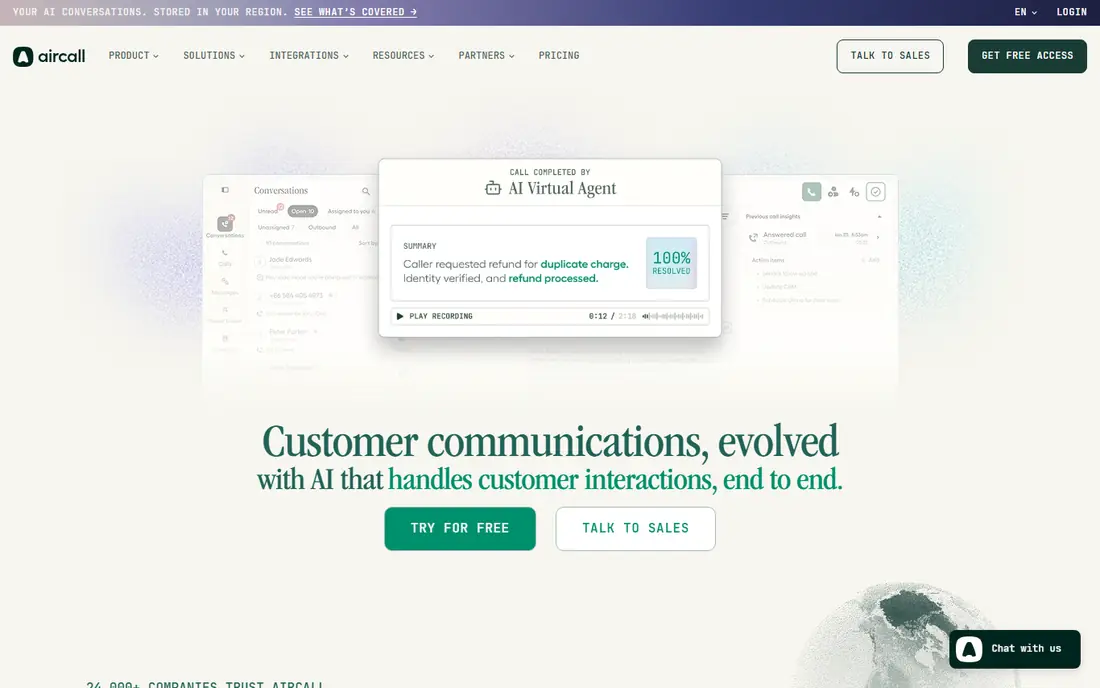
Aircall is the calm choice for a team that splits its day between support calls and sales calls. Setup is quick, numbers and routing are easy to manage, and integrations log calls to HubSpot, Salesforce, Zendesk and other tools. Shared numbers, call queues and analytics help a small support team stay organised without a contact center platform.
The limits are seat count and dialer tier. Aircall asks for at least three licences on entry plans, which raises the floor for a solo user or a two-person team. Power dialing also sits on the Professional tier, so outbound teams must price that tier, not the entry tier. For a team of three or more that values simplicity, Aircall is a strong and dependable pick.
- Fast setup and clear interface
- Strong CRM and help desk integrations
- Call routing and analytics for shared teams
- Three-licence minimum on entry plans
- Power dialer needs a higher Professional tier
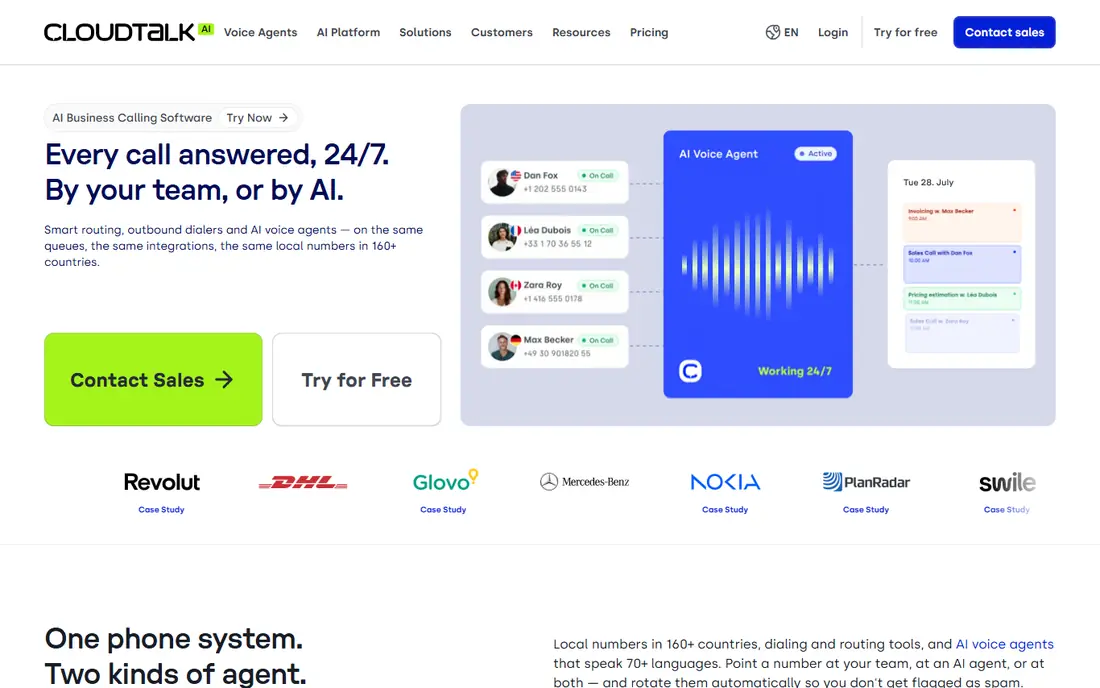
CloudTalk suits sales and support teams that call customers abroad. Local numbers in a wide range of countries help answer rates, and CRM sync keeps calls, texts and notes on the contact record. The platform also offers AI voice agents and receptionist tools for teams that want after-hours cover.
Dialer depth is tiered. Preview, power, smart and parallel dialing options sit across Starter and Expert plans, and Expert has a higher seat rule in some listings. A team that wants the strongest dialer should price Expert and check its seat rule first. For global calling with tidy CRM logging, CloudTalk is one of the best fits in this list.
- Local numbers in many countries
- Single-seat plans
- CRM sync that logs calls and SMS
- Power and smart dialers need higher tiers
- Expert plan has a three-user rule in some listings
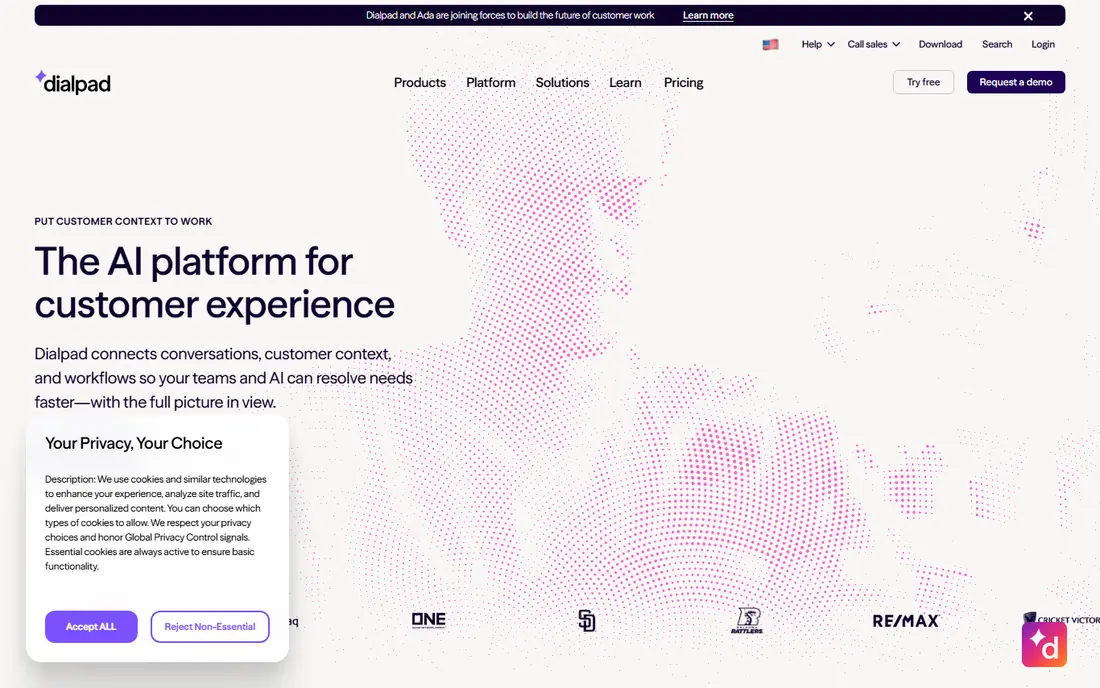
Dialpad appeals to managers who coach reps from call records rather than from guesswork. Transcripts, summaries and sentiment cues turn each call into a reviewable record, and live coaching prompts help new reps handle objections in the moment. The base plan already covers calling, messaging and meetings, which keeps the entry cost low.
Outbound teams should check the sales tiers. Dialpad Sell plans add deeper dialer and coaching tools, and those plans cost more than the base phone plan. For a team that values call quality and coaching over raw dial volume, Dialpad gives a clear advantage. For a team that lives on power dialing, CloudTalk or Kixie may fit better.
- Built-in transcription and call summaries
- Real-time coaching prompts
- Simple desktop and mobile apps
- Sales dialer depth sits above the base plan
- Some CRM links need higher tiers
RingCentral suits a business that wants one vendor for company-wide communication, not just a sales dialer. Staff can call, message and meet in one app, and managers can route calls across departments and sites. Integrations with CRM tools help log calls, and analytics show volume and answer rates.
It is not a pure dialer at the entry price. Advanced contact center and dialer features sit on RingCX or higher tiers, so a high-volume outbound team should price those tiers. For a mixed sales and support team that also needs meetings and messaging, RingCentral gives breadth that a narrow dialer cannot match.
- Calling, video and team messaging in one app
- Broad integrations
- Department routing and analytics
- Contact center dialer strength needs RingCX or higher tiers
- Add-ons raise the bill
Nextiva is a practical pick for a small office that needs reliable calls, SMS and video without a complex setup. The core plan covers unlimited domestic calling, voicemail, auto attendant and team messaging, and higher tiers add recording, analytics and contact center tools. That ladder lets a business start small and grow without changing vendors.
The limit for sales teams is dialer depth. Small-business plans do not include a power dialer, so a team that dials lists all day should look at CloudTalk, Kixie or PhoneBurner instead. For support-led teams and general office calling, Nextiva offers good value and a clear upgrade path.
- Low entry price
- Bundled messaging and video
- Useful analytics and recording options
- No power dialer on small-business plans
- Full contact center tools need higher tiers
Quo, formerly OpenPhone, is the simplest tool in this list to set up and run. Small teams can share one number, split calls and texts in a collaborative inbox, and keep contact history in one place. Unlimited SMS and MMS to the US and Canada on paid plans help teams that text customers as much as they call them.
It is not a dialer platform. There is no power dialer for list-based outbound work, and admin controls are lighter than RingCentral or 8x8. For a startup, agency or small support team that wants clean shared calling and texting, Quo is excellent. For a high-volume outbound team, it will feel too light.
- Simple setup
- Shared numbers and collaborative inbox
- Strong SMS and MMS for US and Canada
- No power dialer
- Lighter enterprise admin than larger platforms
Kixie is built for sales development teams that dial lists all day. Multi-line power dialing, local presence numbers and AI voice detection help reps reach more people per hour, and CRM links log calls and outcomes without manual entry. That focus makes it a direct fit for outbound teams that found a general phone tool too slow.
The drawback is pricing transparency. Kixie uses quotes rather than a simple public entry price, so a buyer must talk to sales and check the tier that includes the dialer depth they need. It is also less suited as a general office phone for reception and support. For pure outbound volume, though, Kixie is one of the strongest picks here.
- Multi-line power dialing
- AI voice detection
- Deep HubSpot, Salesforce, Pipedrive and Zoho links
- Pricing is quote-led, so comparison takes a sales call
- Built for outbound, less suited as a general office phone
Close removes a common friction: the gap between a CRM and a dialer. Calls, SMS, emails and pipeline live in one login, so reps dial from the lead record and every outcome is logged at once. Power dialing on Growth helps small sales teams work lists faster, and reporting ties calls to pipeline movement.
The trade-off is CRM lock-in. A team already committed to HubSpot or Salesforce may prefer a dialer that logs to that CRM, rather than moving pipeline into Close. Predictive dialing also sits on the higher Scale tier. For a small sales team that wants one tool for pipeline and calling, Close is a tidy and focused choice.
- Built-in CRM with calling and SMS
- Power dialer on Growth
- Pipeline and call logging in one place
- Less suited if you already love another CRM
- Predictive dialing needs the higher Scale tier
PhoneBurner suits teams that value call quality and compliance over raw multi-line speed. Its single-line power dialer, lead management and CRM sync help reps work lists in a steady, trackable way, and its design stresses clean calling practices. That approach suits real estate, finance and other teams where call quality and records matter.
Pricing needs a careful read, because the entry figure is a monthly account price rather than a simple per-user seat. Teams should check how many users and minutes are included, and what extra seats cost. For inbound support, a general phone system will fit better. For outbound list work with a compliance focus, PhoneBurner is a credible specialist.
- Single-line power dialing with call quality focus
- Lead management and CRM sync
- Compliance-minded design
- Monthly price is per account, not per user, so compare carefully
- Less suited for inbound support queues
How we picked these
We compared official pricing pages, dialer tiers, seat minimums and CRM integrations for cloud phone and dialer tools, and we kept only tools that are sold and supported in October 2026. We favoured tools that cover calling, SMS, call logging and routing, and we noted where a power or predictive dialer sits above the entry plan.
We did not claim hands-on testing. Our comparison rests on vendor documentation, pricing pages and public reviews, and we treated quoted prices as starting points before taxes and fees. Dialer pricing changes often, so we suggest confirming the tier that includes your dialer mode before you sign.
How to choose a dialer without overpaying
Start with your dialing style. Inbound support needs queues, shared numbers and CRM context. Outbound sales needs power or predictive dialing, local numbers and fast CRM logging. A tool that excels at one style may be weak at the other, so match the tool to the job your team does most each day.
Next, price the dialer tier, not the entry tier. Many vendors list a low phone price, then place power dialing, AI tools and advanced reporting on higher plans. Add seat minimums, extra numbers and SMS costs, and compare the monthly total for your real team size. A trial with a real list will show whether dialer speed, call quality and CRM logging actually help your reps.
Finally, check compliance and call quality. Confirm caller ID rules, do-not-call handling, recording consent in your state, and how the vendor handles spam labelling. Test calls to mobile and landline numbers, and check how quickly calls log to your CRM. The best dialer is the one that helps reps reach people, log outcomes cleanly and stay within the rules.
Frequently asked questions
What is the difference between a power dialer and a predictive dialer?
A power dialer calls one number at a time per agent, or a small set of lines, and moves to the next lead when a call ends. A predictive dialer uses an algorithm to call ahead and connect agents only when a person answers, which can raise volume but needs careful tuning to avoid silent calls.
Do I need a dialer if my team only takes inbound calls?
No, an inbound team usually needs queues, shared numbers, routing and CRM context more than dialer speed. A general cloud phone system or contact center tool will often fit better and cost less than a dialer platform.
Can I keep my numbers when I switch phone tools?
In most cases yes, through number porting, but timing varies by carrier and number type. Confirm each number with the new vendor, and keep the old service active until porting is complete.
How important is CRM logging for a dialer?
Very important, because unlogged calls create follow-up gaps and weak reporting. Choose a dialer that logs calls, texts, notes and outcomes to your CRM automatically, and test that logging during a trial.
Should a small team buy a predictive dialer?
Only if call volume and list size justify it. Predictive dialers suit larger teams with high volume, while power dialers and click-to-dial suit small teams that need control and call quality.
What should I check about SMS with a phone tool?
Check SMS limits per user or account, MMS support, toll-free verification, and whether texts log to the CRM. SMS caps and verification delays can slow a team that texts customers as part of sales or support.
Sources
See where you really rank - block by block
ProMapRanker scans Google Maps across a grid of your service area. Simple monthly plans from $19, white-label on every plan.
Start freeKeep reading
 zyte alternatives
Best Zyte Alternatives in 2026
These zyte alternatives cover managed scraping APIs, proxy networks and no code tools for lawful collection from your own or consented sources only in 2026.
Read → zerto alternatives
Best Zerto Alternatives in 2026
Compare the best zerto alternatives for disaster recovery and replication, with recovery targets, cloud options and honest trade-offs for teams in 2026.
Read → zerofox alternatives
Best ZeroFox Alternatives in 2026
We compared 9 zerofox alternatives for brand protection, phishing takedowns, dark web monitoring, and social impersonation, with clear coverage notes.
Read →