 ProMapRanker
Best Juro Alternatives in 2026

Key takeaways
- Ironclad, DocuSign CLM, and Agiloft suit legal-led teams with complex approvals, while PandaDoc suits sales-led teams that need speed.
- Concord, Oneflow, and Zoho Contracts publish clearer prices, which makes budgeting easier than quote-only enterprise tools.
- SpotDraft and LinkSquares focus on AI review and post-signature analysis, so they fit teams with large existing contract piles.
- E-signature alone is not contract management: check templates, approvals, renewal alerts, and search before you buy.
- AI drafting and review can speed work, but high-stakes agreements still need review by qualified counsel.
Quick comparison
| Pick | Great for | Pricing starts at | Free tier | |
|---|---|---|---|---|
 Ironclad | Enterprise contract lifecycle | See website | No | Visit |
 PandaDoc | Sales proposals and contracts | $19 per user per month | Yes | Visit |
 DocuSign CLM | DocuSign users needing lifecycle | See website | No | Visit |
 Agiloft | Custom no-code contract workflows | See website | Free trial | Visit |
 Concord | Simple CLM with published pricing | See website | Free trial | Visit |
 SpotDraft | AI review for legal teams | See website | No | Visit |
 LinkSquares | Post-signature analysis | See website | No | Visit |
 Oneflow | Approvals and signing order | See website | Free trial | Visit |
 Zoho Contracts | Budget CLM for Zoho users | See website | Yes | Visit |
The best Juro alternatives
Juro is a browser-based contract platform for in-house legal teams, with templates, workflows, AI review, and e-signature in one place. The tools below cover the same ground from different angles, from sales documents to enterprise lifecycle management.
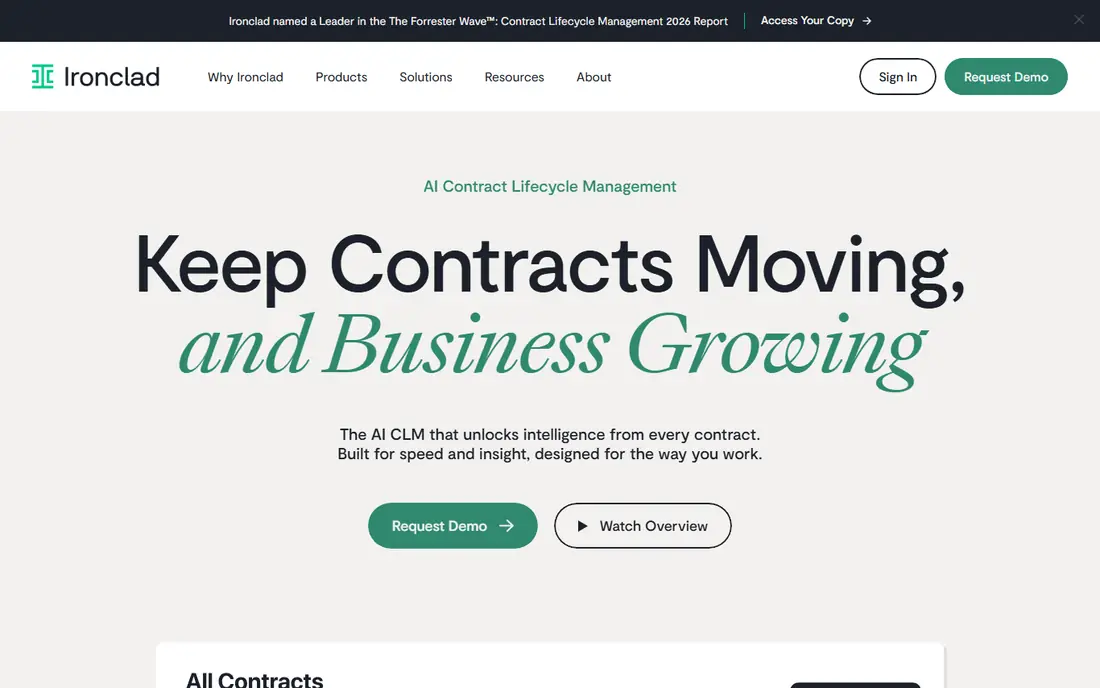
Ironclad is the enterprise pick for legal teams that run high volumes of contracts through formal approvals. You can build templates with approved clauses, route redlines through set approvers, and keep a searchable repository of signed agreements with key terms extracted. Its AI tools help reviewers spot non-standard language and pull dates, values, and obligations from uploaded contracts.
That depth comes with cost and setup time. Pricing is quoted, and a full rollout can take months of process design. For a small team sending standard agreements, Ironclad is likely more than you need. For a legal team that owns contracting across sales, procurement, and HR, it is one of the most complete options here.
- Strong workflow automation and clause library
- AI extraction and review tools
- Deep Salesforce and system integrations
- Quote-only pricing
- Implementation can take months
- More platform than a small team needs
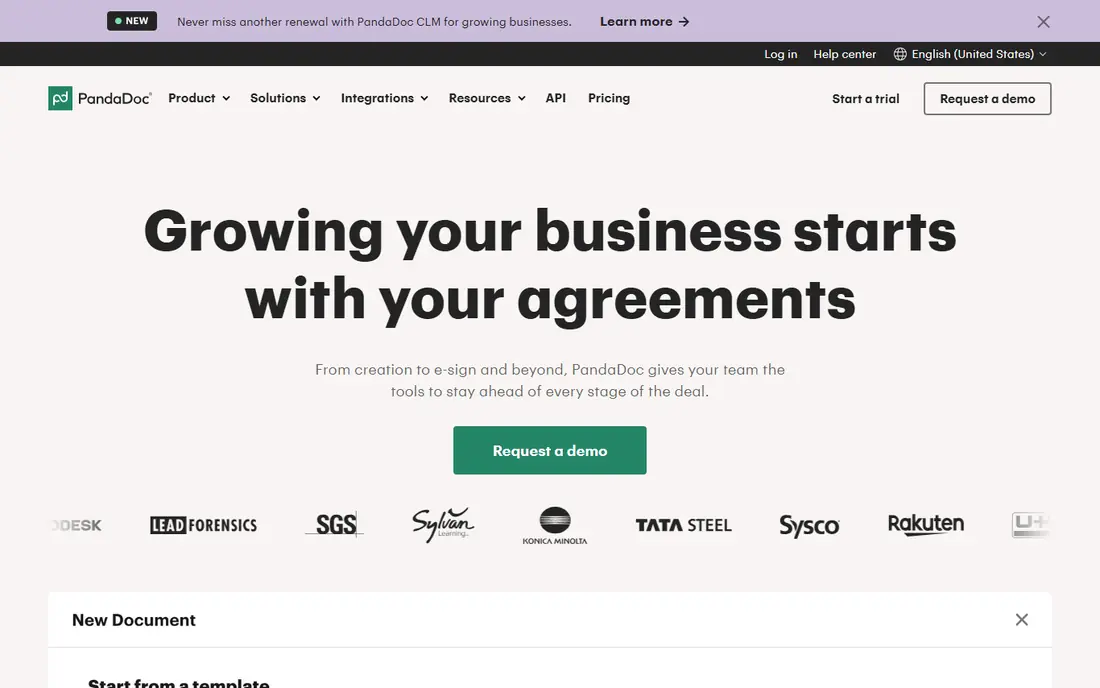
PandaDoc fits sales-led teams first. You build proposals, quotes, and contracts from templates, pull pricing from your CRM, and send for signature in the same flow. That speed matters when a deal stalls on paperwork: reps can generate a clean document without waiting for legal to draft from scratch each time.
It is not a full legal lifecycle platform. Clause management, complex approvals, and post-signature obligation tracking are thinner than in Ironclad or Agiloft. If sales documents are your main volume and legal only needs to approve templates, PandaDoc is a good value pick. If legal owns complex contracting, look at the enterprise tools instead.
- Fast proposal and quote creation from CRM data
- Built-in e-signature
- Low entry price for small teams
- Contract lifecycle depth is lighter than Ironclad or Agiloft
- Advanced approvals need higher tiers
- AI features are still developing
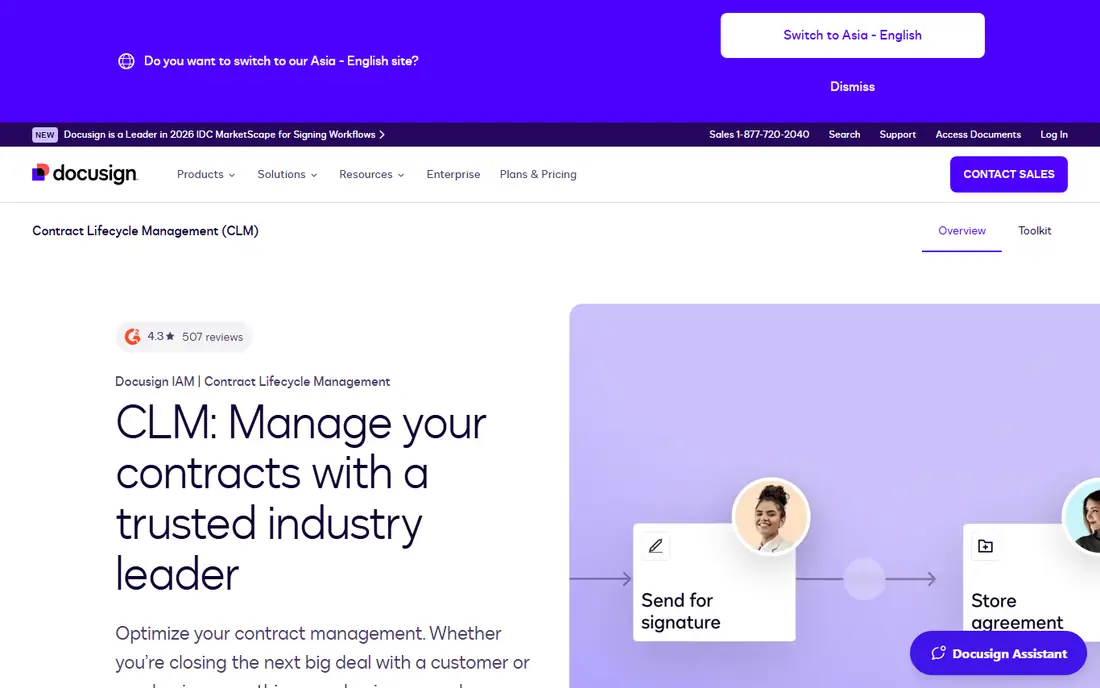
DocuSign CLM extends the signature product most teams already know into full lifecycle management. You can generate contracts from templates, run approvals and negotiation, sign, and then store agreements with extracted terms for renewal and obligation tracking. Its AI tools assist with review, summarization, and search across the repository.
The main catch is that CLM pricing is quoted and setup takes time, especially for custom workflows. Teams already paying for DocuSign e-signature get the clearest benefit, because signing, storage, and lifecycle stay in one vendor. Teams starting fresh should compare total cost with Ironclad and Agiloft before choosing on brand alone.
- Contract generation and workflow on a familiar signature backbone
- AI-assisted review and extraction
- Strong agreement management
- Quote-only CLM pricing
- Implementation can be long
- Best value if you already use DocuSign e-signature
Agiloft suits organizations with contract processes that do not fit a standard template. Its no-code builder lets you model approvals, clause rules, notifications, and integrations without custom code, which helps legal operations teams that own unusual workflows across departments. AI tools assist with review, analysis, and asking questions about contract terms.
Flexibility has a cost in setup time. You will need someone to design and maintain the workflows, and simple teams may find the admin surface heavy. If your contracts follow one standard path, a simpler tool will be faster. If your workflows vary by contract type, region, or risk level, Agiloft is a strong fit.
- Flexible no-code workflow builder
- Strong rules engine for approvals
- AI review and contract analysis tools
- Quote-only pricing
- Configuration takes effort
- Interface can feel dense for simple use
Concord is a good middle ground for small and mid-sized teams that want real contract management without an enterprise sales cycle. You draft from templates, negotiate in the browser with tracked changes, sign, and store contracts with renewal reminders. Published pricing makes it easier to budget than quote-only rivals, and unlimited signatures remove per-envelope surprises.
It will not match Ironclad on AI review or complex workflow rules. Advanced approvals sit on higher tiers, and teams with heavy customization needs may hit limits. For standard sales, HR, and vendor agreements, Concord covers the core job at a predictable price.
- Clear published pricing for planning
- Unlimited e-signatures on paid plans
- Straightforward drafting, negotiation, and storage
- AI and advanced workflow depth trail enterprise tools
- Higher tiers needed for advanced approvals
- Smaller integration set
SpotDraft is built for legal teams drowning in routine contract requests. Its intake tools collect requests in one queue, its AI review tool flags issues and suggests redlines, and its repository keeps signed contracts searchable. That combination helps a small legal team handle more volume without adding headcount for every standard agreement.
Pricing is quoted and sales run through demos, so budgeting takes a call. Teams that mainly need signing or proposals will find simpler tools cheaper. Teams where legal review is the bottleneck, especially on routine sales and vendor contracts, should put SpotDraft on the shortlist.
- AI contract review and redlining tools
- Legal intake for routine requests
- Clean repository and workflow tools
- Quote-only pricing
- Demo-led sales process
- Smaller brand footprint than DocuSign or Ironclad
LinkSquares shines after signature. Upload your existing contracts and it extracts key terms, dates, and obligations, then alerts you before renewals and deadlines. That makes it valuable for teams that inherited a messy drive full of PDFs and need to know what they already agreed to. AI search lets you ask across the whole repository instead of opening files one by one.
It is less of a drafting-first tool than Juro or Ironclad, so teams that need heavy template and negotiation workflows should pair it with a drafting tool or choose a fuller lifecycle platform. If your pain is finding and tracking what is already signed, LinkSquares is the specialist pick.
- Strong extraction of terms from signed contracts
- Obligation and renewal tracking
- Useful AI search across the repository
- Quote-only pricing
- Less focused on pre-signature drafting than Ironclad
- Implementation needs a clean contract set
Oneflow suits European and international teams that need contracts to move through approvals and signing in a set order, with data flowing back to CRM and finance systems. You can draft, send, track, and sign in the browser, and AI tools summarize and extract key terms. Its contract data model helps teams treat signed terms as usable data, not just stored files.
Per-user pricing means a large rollout needs careful counting, and US teams may find fewer local references than with DocuSign. For mid-market teams that value approval control and connected data, Oneflow is a credible Juro alternative with a modern interface.
- Clear approval and signing-order controls
- AI review, summary, and extraction
- Connected contract data across CRM and finance
- Pricing is per-user and can add up for large teams
- Smaller US footprint than DocuSign
- Advanced features need higher tiers
Zoho Contracts is the budget pick for teams already using Zoho apps. It covers templates, approvals, e-signature, a searchable repository, and renewal alerts at a price well below enterprise CLM tools. A free tier for up to three users lets a very small team start without a purchase, which is rare in this category.
Expect simpler workflows and lighter AI than Ironclad, SpotDraft, or LinkSquares. Teams outside Zoho will get less from its integrations, though it still works as a standalone repository. If cost is the main constraint and your contracts are standard, Zoho Contracts is a sensible place to start.
- Low-cost entry with a free tier for small teams
- Templates, approvals, and renewal alerts
- Fits Zoho CRM and app users
- Depth trails enterprise CLM tools
- AI features are more limited
- Best value inside the Zoho ecosystem
How we picked these
We compared official feature and pricing pages, plus public contract software comparisons, to check that each tool still offers contract drafting, approval, signature, or repository features in October 2026. We favored tools with a live CLM or contract product, a clear owner (legal, sales, or operations), and a distinct strength. We left out pure e-signature tools that do not manage templates, approvals, and renewals, because they do not replace Juro on their own.
What to check before you pay
Start by naming the owner and the contract types. Legal-led teams need clause libraries, approval matrices, and redlining. Sales-led teams need CRM data, fast templates, and signing. Operations teams need renewal alerts and a searchable repository. The wrong owner choice is the most common reason a CLM purchase becomes shelfware.
Next, run a pilot on your real contracts, not demo samples. Upload a messy set of signed PDFs, test extraction and search, and run one full cycle from template to signature with your actual approvers. That pilot reveals migration effort, which often matters more than feature lists. Ask vendors to price migration, implementation, and training separately so the first-year total is clear.
Finally, check AI claims carefully. Ask which terms the AI extracts reliably for your contract types, how it handles non-standard clauses, and whether a human must approve AI redlines. AI can speed review, but it does not replace legal judgment, and high-stakes agreements still need qualified counsel.
Frequently asked questions
Is Juro still available in 2026?
Yes, Juro remains a live contract platform for in-house legal teams, with plans sold by quote and billed annually. Teams look for alternatives mainly because Juro publishes no prices, requires annual billing, and may offer more platform than a small team needs.
What is the cheapest Juro alternative?
Zoho Contracts is the cheapest starting point here, with a free tier for small teams and low-cost paid plans. PandaDoc is the next value pick for sales-led teams, starting at $19 per user per month. Concord is also worth pricing, because its published plans and unlimited signatures make totals predictable.
Can contract software replace a lawyer?
No. Contract software speeds drafting, review, storage, and renewal tracking, and AI can flag risky language, but it supports rather than replaces legal judgment. Templates and high-stakes agreements should be reviewed by qualified counsel, and AI-generated clauses should be verified before use.
How long does CLM implementation take?
Repository-first tools can go live in one to four weeks, including migration of existing contracts. Workflow CLM tools such as Ironclad, DocuSign CLM, and Agiloft often take two to six months, because approval rules and templates need process design. Migration quality usually decides the timeline more than software features.
Do all these tools include e-signature?
Most do, including PandaDoc, Concord, Oneflow, Zoho Contracts, and DocuSign CLM. Check signature limits and envelope pricing on your plan, because unlimited-signature plans and per-envelope pricing lead to very different annual costs at volume.
Sources
See where you really rank - block by block
ProMapRanker scans Google Maps across a grid of your service area. Simple monthly plans from $19, white-label on every plan.
Start freeKeep reading
 zoro.to alternatives
Best Zoro.to Alternatives in 2026
We compare the best zoro.to alternatives in 2026, listing only legal licensed anime streaming services, from Crunchyroll to free options for fans today.
Read → zip alternatives
Best Zip Alternatives in 2026
We compare the best zip alternatives for buy now, pay later in 2026, covering pay-in-4 plans, fees, spending limits, and credit reporting options today.
Read → yesware alternatives
Best Yesware Alternatives in 2026
Compare the best yesware alternatives for sales email tracking, templates, and sequences, with current pricing and honest tradeoffs for small sales teams.
Read →