 ProMapRanker
Best Jupyter Notebook Alternatives in 2026

Key takeaways
- Google Colab and Kaggle Notebooks are the easiest free starting points when you want hosted notebooks with accelerator access and little setup.
- Deepnote and Hex suit teams that need shared workspaces, data connections, and a path from a notebook to a shared report or app.
- marimo, VS Code, and Spyder suit people who want local control, offline work, and a plain code workflow without a hosted platform.
- Apache Zeppelin and Datalore suit mixed-language or JetBrains-centred work, but check their setup and pricing before you commit a team.
- The best choice depends on where your data lives, how you share results, and how much setup you are willing to maintain.
Quick comparison
| Pick | Great for | Pricing starts at | Free tier | |
|---|---|---|---|---|
 Google Colab | Quick cloud experiments | Free | Yes | Visit |
 Deepnote | Team data work | Free | Yes | Visit |
 Hex | Data apps and reports | Free | Yes | Visit |
 Kaggle Notebooks | Competitions and public data | Free | Yes | Visit |
 Datalore | JetBrains users and teams | See website | Yes | Visit |
 Apache Zeppelin | Multi-language big data work | Free | Yes | Visit |
 marimo | Reproducible local notebooks | Free | Yes | Visit |
 Visual Studio Code | Local coding with notebooks | Free | Yes | Visit |
 Spyder | Scientific Python on the desktop | Free | Yes | Visit |
The best Jupyter Notebook alternatives
We compared hosted notebooks, team workspaces, and local tools that cover the same core job: running code in cells, showing results inline, and sharing the work. This list leaves Jupyter Notebook itself out, as requested, and focuses on what each option adds or removes.

Colab is the closest thing to a notebook you can open and use in a browser within minutes. You write Python in cells, run code, and see charts and tables inline, much like a local notebook, but Google hosts the runtime. That makes it a strong pick for classes, short experiments, and trying an idea before you set up a local environment.
The catch is control. Free sessions end after idle time, files in the session do not persist unless you connect Drive or another store, and heavy or long-running work can hit usage limits. If your work needs stable schedules, private data handling, or team permissions, a team workspace further down this list will fit better.
- No local setup
- Hosted Python notebooks
- Accelerator access on paid tiers
- Sessions can time out
- Storage is temporary by default
- Collaboration is basic
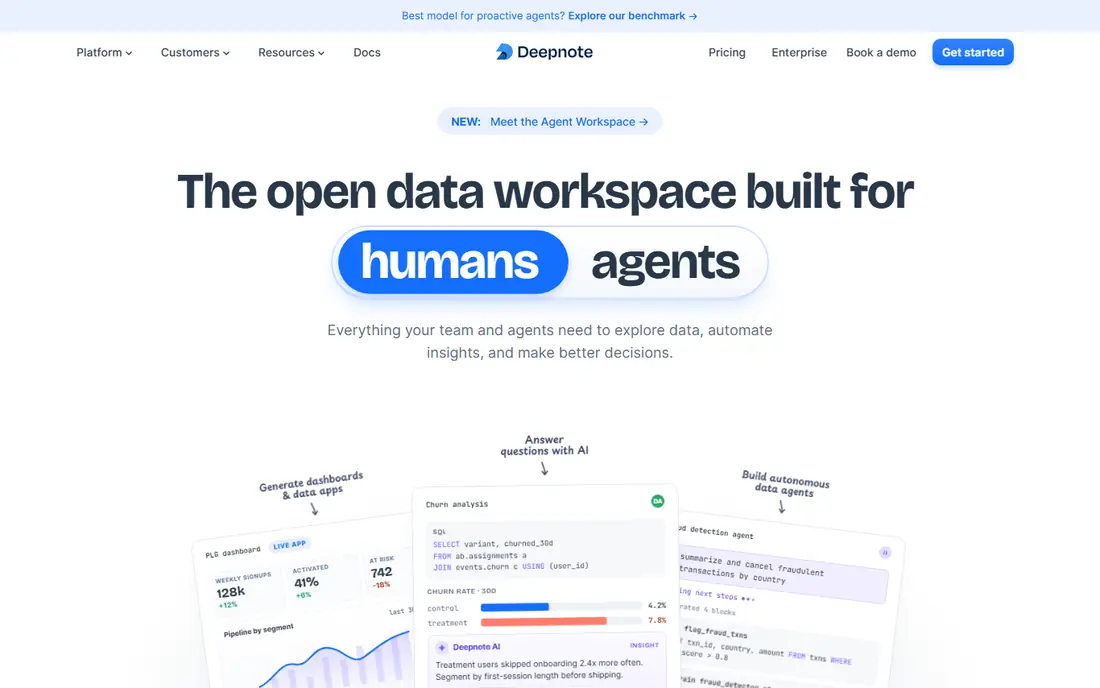
Deepnote gives a team a shared home for notebooks, data connections, and environments, rather than a set of files passed around by email. Multiple editors can work in the same project, connect to common data sources, and keep notebooks, files, and results in one place. That structure helps when several people touch the same analysis.
The free tier covers small projects, with limits on editors and projects, while the Team plan adds premium integrations, background execution, and schedules. Check the current pricing page before you budget for a team, since the per-editor cost grows with every person who edits. For solo work, the free tier is often enough to test whether the workspace style suits you.
- Real-time collaboration
- Managed projects and integrations
- Scheduled runs on paid plans
- Paid Team plan is priced per editor
- Compute credits can add cost
- Offline use is limited
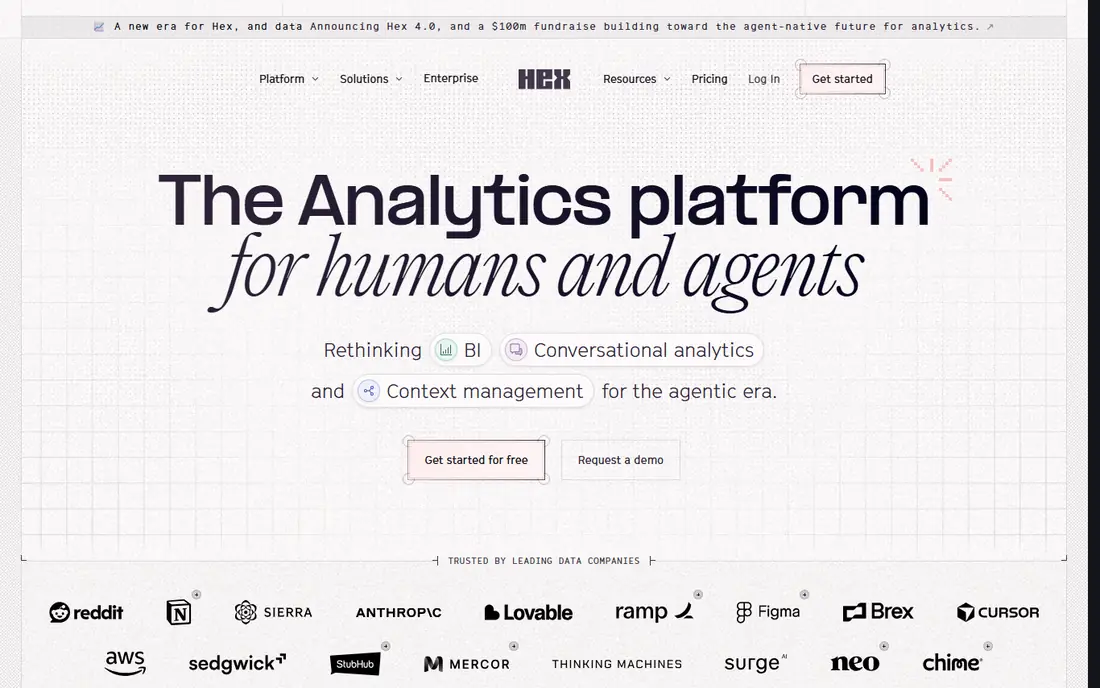
Hex starts as a notebook and ends as something a colleague can actually use. Analysts mix SQL and Python, build charts, and then publish the result as an interactive app or report that others can explore without editing code. That makes it useful when the audience is a manager or a client, not another analyst.
The trade-off is scope and price. Hex fits best when data already sits in a warehouse and the main output is an answer, a report, or an internal app. The free Community tier covers small personal use, while paid plans are priced per editor and rise quickly for teams. If you mainly need a local notebook for experiments, a free local tool will cost less.
- Notebook to app workflow
- SQL and Python in one place
- Sharing for non-technical readers
- Team pricing is high
- Best for warehouse data
- Less suited to local model training
Kaggle Notebooks suit anyone learning machine learning, entering a competition, or exploring a public dataset. Notebooks run in the browser, datasets are close at hand, and you can fork public work to see how others approached a problem. For practice and portfolio work, that combination is hard to beat at no cost.
It is less useful as a private team platform. Work lives inside Kaggle, usage limits apply to accelerators, and companies with private data or strict access rules will usually prefer a managed workspace or a local setup. Use Kaggle for learning and public work, and keep client or company analysis elsewhere.
- Free accelerator access with limits
- Large public dataset library
- Competition workflow built in
- Tied to the Kaggle platform
- Session and usage limits apply
- Not a general team workspace
Datalore is the notebook option that feels most natural if you already use JetBrains tools. It offers collaborative, Jupyter-compatible notebooks with SQL and Python support, reports, and environment controls, plus coding assistance in the JetBrains style. Teams that already live in that ecosystem will spend less time learning a new interface.
The main drawback is fit. If your team does not use JetBrains products, the benefit narrows, and you should compare its current plans with Deepnote and Hex before choosing. Datalore still earns a place here for its clean notebook experience and its focus on shared, reproducible team work in the browser.
- Jupyter-compatible notebooks
- SQL and Python support
- JetBrains coding assistance
- Pricing and limits need checking for teams
- Smaller community than Colab
- Cloud-first workflow
Apache Zeppelin is an open source, web-based notebook that supports several languages through interpreters, including Python, SQL, Scala, and R. It shines in big data settings, where a notebook needs to talk to Spark or another cluster rather than run everything on one laptop. Data engineers and analysts working with large datasets often prefer that model.
Setup is the price of that power. You need to install and configure Zeppelin and its interpreters, and the interface is more functional than polished. If you want a notebook that just opens in a browser with no maintenance, Colab or Kaggle will feel easier. If you want a free, multi-language notebook you control, Zeppelin is a solid pick.
- Open source
- Multiple language interpreters
- Built for Spark and big data workflows
- Setup takes effort
- Interface feels dated
- Collaboration is weaker than hosted team tools
marimo takes a different approach to notebooks: cells react to changes, so when you edit a value, dependent cells update on their own. That reduces a common notebook problem, where results on screen no longer match the code above them. Notebooks are stored as plain Python files, which makes version control with Git simpler and review easier.
The limits are clear. marimo runs locally, so there is no built-in cloud hosting, GPU access, or team workspace. It suits personal projects, teaching, and reproducible analysis where you value clean execution order over sharing features. If you need to share a live app, you can export or deploy it, but that takes extra work.
- Reactive cells that update when inputs change
- Open source
- Notebooks stored as plain Python files
- Local use only by default
- Smaller ecosystem
- No hosted GPU or team features
Visual Studio Code is not a notebook service, but it is one of the most practical notebook alternatives for people who already code in an editor. With the Jupyter extension, you can open, run, and edit notebooks inside VS Code, use its debugger, and manage code with Git in the same window. That keeps notebooks close to the rest of a project.
The trade-off is that you manage the environment yourself. You install Python, kernels, and extensions, and you handle sharing through files, Git, or a hosted service. For solo developers and data scientists who want one tool for code and notebooks, that control is a benefit. For non-technical teammates, a hosted workspace will be easier to share.
- Free editor
- Notebook support with extensions
- Strong debugging and Git integration
- Requires setup and extensions
- No hosted runtime by default
- Sharing needs files or Git
Spyder is a scientific Python development environment that many researchers use as a notebook alternative, because it pairs an editor with a console, a variable explorer, and plots in one desktop window. It suits people who want to inspect data structures, run scripts step by step, and keep their work local. Students and researchers often find its layout easier to follow than a bare editor.
It is not a direct notebook clone. You work with scripts and consoles rather than a hosted cell document, and sharing means sending files or using version control. If your main need is interactive, shareable notebooks in a browser, pick a hosted option above. If your main need is a free desktop workspace for scientific Python, Spyder remains a dependable choice.
- Free and open source
- Variable explorer
- Built for scientific Python workflows
- Notebook support is through plugins and files
- Interface is desktop only
- Less suited to sharing apps
How we picked these
We compared official feature pages, pricing pages, and app listings, and we kept only tools that exist and work in October 2026 and truly cover notebook-style work. We looked for hosted and local options, free and paid tiers, solo and team use, and a range of languages and data sources. We did not claim hands-on testing, and we left out tools that were only a code editor without notebook support or only a dashboard tool without cell-based work.
What to check before you switch
Match the tool to where your data lives
Start with data location, not features. If data sits in a warehouse, Hex and Deepnote make sharing easier. If data sits on your laptop or in a private cluster, a local tool or Zeppelin gives you more control. Moving data to fit a tool is usually more work than picking a tool that already connects to your data.
Check sharing, cost, and limits early
Test sharing with one colleague before you move a whole project. Check who can view, who can edit, and what happens when a free tier runs out. For paid team tools, count editors, not viewers, since editors drive the bill. For free hosted tools, check session limits and whether results persist after a session ends.
Keep a local copy of important work
Export notebooks and data on a regular schedule, even when a hosted tool feels stable. Plain Python files, as marimo produces, and Git repositories make that easy. A local backup protects you if a platform changes its pricing, limits, or terms, and it makes moving to another tool far less painful.
Frequently asked questions
What is the best free Jupyter Notebook alternative?
For most people, Google Colab is the easiest free start, because it runs in a browser with little setup. Kaggle Notebooks is a close second for learning and competitions, while marimo, VS Code, and Spyder are stronger free choices for local, offline work.
Can I use Jupyter alternatives for SQL as well as Python?
Yes, several options on this list support both. Deepnote and Hex mix SQL and Python in the same workspace, Datalore supports SQL and Python notebooks, and Zeppelin supports multiple languages through interpreters. Check the exact language support on the vendor page for the version you plan to use.
Which Jupyter alternative is best for teams?
Deepnote suits teams that need shared projects, integrations, and schedules. Hex suits teams whose main output is a report or an internal app for non-technical readers. For small teams on a tight budget, start with the free tier of either tool and test real collaboration before paying per editor.
Do these alternatives work offline?
Local tools work offline once installed, including marimo, VS Code, and Spyder, though package installs and data downloads still need a connection at first. Hosted tools such as Colab, Deepnote, Hex, Kaggle, and Datalore need a browser connection to run and share work.
How do I move notebooks from Jupyter to an alternative?
Most hosted tools can open standard notebook files, and local tools can open them through the Jupyter extension or by importing the file. Test one notebook first, especially if it uses extensions, widgets, or local file paths, since those parts may need changes in the new tool.
Sources
See where you really rank - block by block
ProMapRanker scans Google Maps across a grid of your service area. Simple monthly plans from $19, white-label on every plan.
Start freeKeep reading
 zscaler alternatives
Best Zscaler Alternatives in 2026
Looking for zscaler alternatives? We compare 9 SASE and zero trust platforms on architecture, data protection, pricing, and fit for your network and team.
Read → zapier alternatives free
Best Zapier Alternatives Free in 2026
Nine automation tools for zapier alternatives free in 2026, all with genuinely free tiers, plus free plan limits, starting prices and upgrade paths explained.
Read → which platform is best for online reputation
Which Platform Is Best for Online Reputation in 2026
Wondering which platform is best for online reputation? We compare 8 review, listing, and response tools for small and multi-location businesses and agencies.
Read →