 ProMapRanker
Is It Best AI for Customer Service in Software in 2026


Large, multichannel support teams · Pricing starts at: $19 per agent per month
Key takeaways
- There is no single best AI customer service tool for every team, because price depends on seats, tickets, and AI usage together.
- Zendesk and Freshdesk suit teams that need a full ticket queue across email, chat, and phone.
- Intercom and Help Scout suit teams that want AI to answer first in a messenger or shared inbox.
- Gorgias and Tidio are strong starting points for online stores and small teams with tight budgets.
- Always price a realistic month of AI resolutions before signing an annual plan.
Quick comparison
| Pick | Great for | Pricing starts at | Free tier | |
|---|---|---|---|---|
| Zendesk | Large, multichannel support teams | $19 per agent per month | Free trial | Visit |
 Intercom | In-product messaging and AI-first support | $29 per seat per month | Free trial | Visit |
 Freshdesk | Budget-minded ticket teams | $19 per agent per month | Free trial | Visit |
 HubSpot Service Hub | Teams already using HubSpot CRM | Free | Yes | Visit |
 Gorgias | Shopify and ecommerce support teams | $10 per month | Free trial | Visit |
 Tidio | Small businesses starting with chat AI | Free | Yes | Visit |
 Help Scout | Small, human-first support teams | $25 per user per month | Free trial | Visit |
 Ada | High-volume enterprise automation | See website | Free trial | Visit |
The best AI customer service software tools
Short answer: the best choice depends on where your customers contact you and how much work you want AI to resolve without an agent. We compared official feature pages, pricing pages, and public help documentation for eight tools that are live in October 2026.
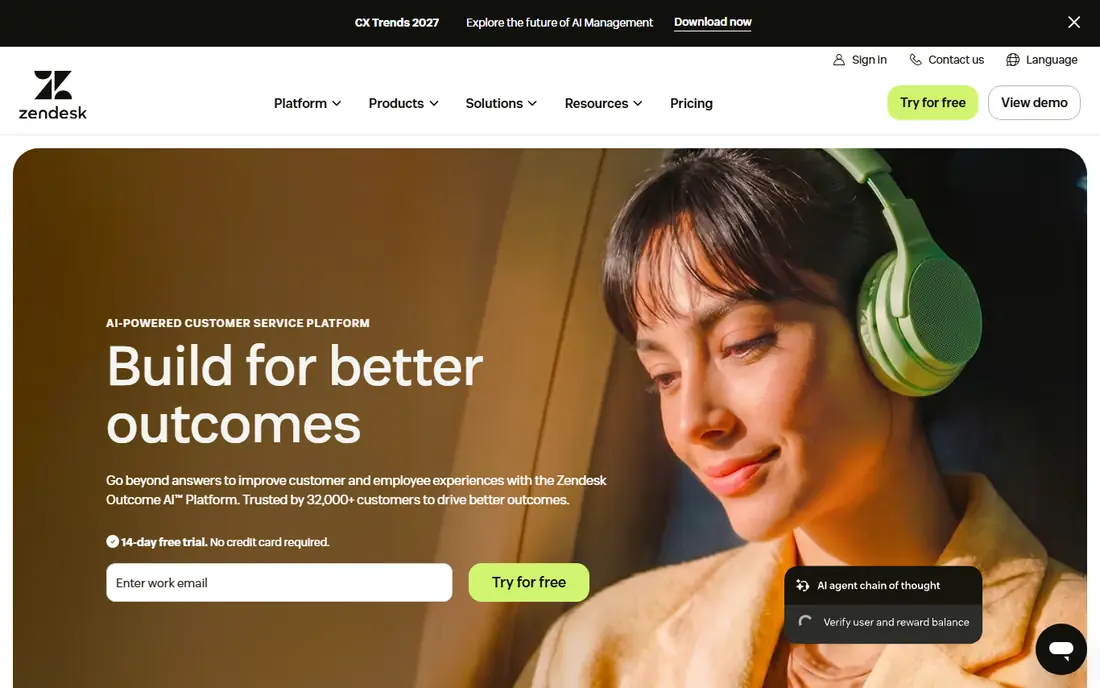
Zendesk gives a team one ticket queue for email, messaging, live chat, and phone, with AI agents that can answer common questions and hand over to a person when needed. That structure helps when support volume is high and requests arrive from several places at once. Its knowledge base, automation, and reporting tools also make it easier to spot repeat questions and fix the root cause.
The catch is the bill. Entry seat prices look modest, but AI resolutions are charged separately, and advanced features sit on higher plans. A small team may pay for depth it never uses, while a large team needs to model AI usage carefully. We suggest starting with a trial and a clear list of the top twenty questions AI should handle.
- Wide channel coverage
- Strong ticketing and routing
- AI agents plus agent copilot tools
- AI resolutions add cost on top of seats
- Higher tiers get expensive fast
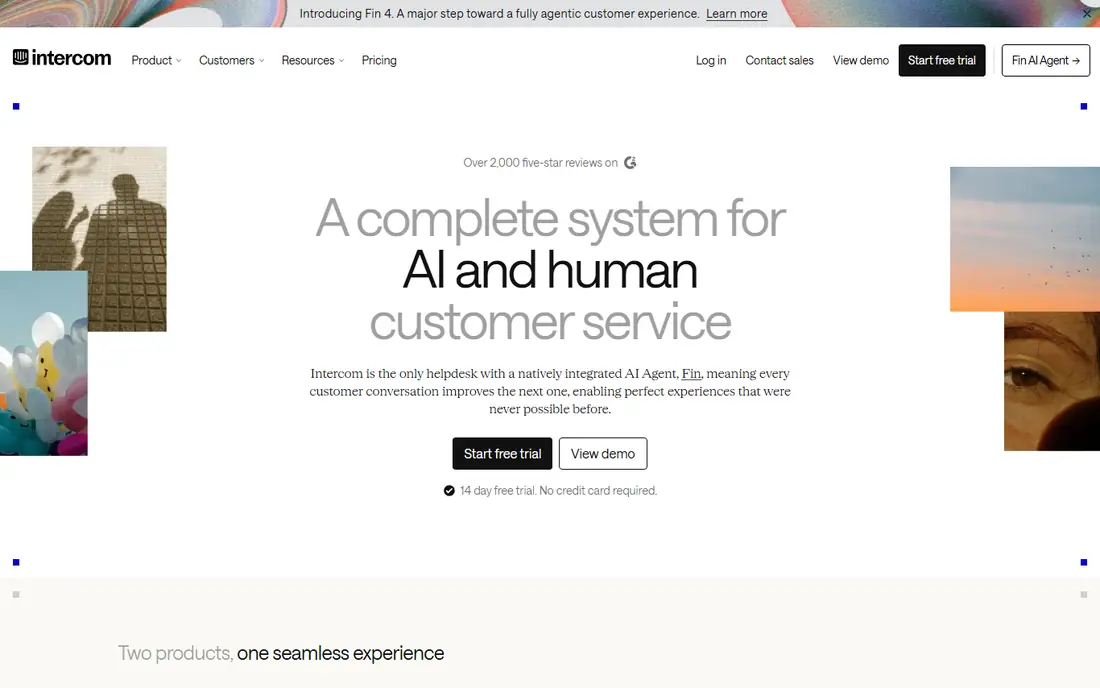
Intercom puts support inside the product, where customers already are, and its Fin AI agent is built to resolve questions before a human gets involved. That approach fits software and subscription businesses that get many similar questions about billing, setup, and account access. The shared inbox, help center, and outbound messages sit in the same workspace, so follow-up stays in context.
Pricing needs care, because seat costs and Fin resolutions are separate lines. At a published rate near one dollar per resolution, heavy AI use adds up, even if it still costs less than a full agent hour. Teams should test Fin on real help content first and check which questions it resolves cleanly.
- Fin AI agent answers in the messenger
- Clear per-resolution pricing
- Strong help center tools
- AI resolutions are billed separately
- Advanced workflows need higher plans
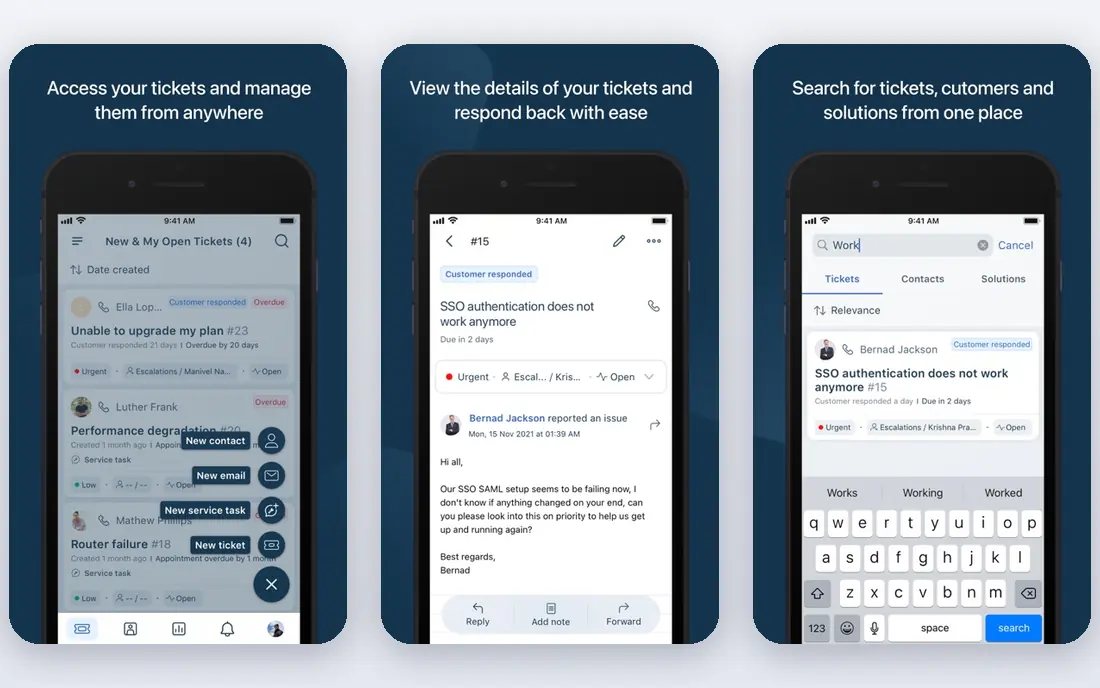
Freshdesk is a straightforward ticket system with Freddy AI layered on top for customer-facing answers and agent help. Agents get suggested replies, ticket summaries, and routing help, while customers can find answers in a knowledge base before they write in. For a team moving from shared email to a real queue, that structure is a genuine step up.
The honest limit is that the best AI features are not all in the entry plan. Freddy AI Copilot is an add-on, and extra AI agent sessions are billed in packs. That is still workable for many small teams, but the total price should be calculated with AI included, not just the base seat price.
- Clear ticket workflow
- Freddy AI for agents and customers
- Broad integration marketplace
- AI copilot and extra sessions cost extra
- Phone needs an add-on on lower tiers
HubSpot Service Hub makes most sense when customer records, deals, and past conversations already live in HubSpot. Agents see that context on the ticket, which cuts down on repeated questions about orders and accounts. The free tier covers a shared inbox and basic ticketing, so a very small team can start without a subscription.
AI features in HubSpot work on a credit model on paid plans, so costs vary with use. Teams outside HubSpot may find the setup heavier than a standalone help desk. For a HubSpot shop, though, the shared data is a real advantage that a separate tool would need integrations to copy.
- Free starting tier
- CRM context on every ticket
- Customer portal and feedback tools
- AI credits and advanced automation need paid tiers
- Best value stays inside HubSpot
Gorgias is built around online stores, and that focus shows in the ticket view, where order details sit next to the conversation. Agents can handle refunds, shipping questions, and returns without switching tools, and the AI agent can resolve routine store questions. Pricing by ticket volume, rather than by seat, suits stores with seasonal help or part-time agents.
The trade-off is scope. A software company with complex technical tickets may want deeper case workflows than Gorgias offers. For a store, though, the combination of order context and ticket pricing is hard to beat at the entry price.
- Ticket-based pricing with no seat fees on entry plans
- Strong Shopify order context
- AI agent included on plans
- Best fit is ecommerce
- Smaller ticket allowance on the cheapest plan
Tidio is the easiest low-cost entry point in this list. A small business can add live chat to a website, set up Lyro AI to answer frequent questions, and hand over to a person when the question gets complicated. That covers the most common small-business needs: opening hours, delivery, pricing, and order status.
As volume grows, conversation limits and AI add-ons become the real price. Tidio is not a replacement for a large enterprise ticket system, and teams with complex routing may outgrow it. For a first AI support tool, however, the free plan makes it cheap to learn what customers actually ask.
- Free plan for basic chat
- Lyro AI agent for common questions
- Simple setup for small sites
- Paid AI tiers add cost as conversations grow
- Less depth for large ticket queues
Help Scout keeps support feeling personal, with a shared inbox that reads more like email than a ticket grid. AI Answers can resolve simple questions from help docs, and Beacon chat and docs give customers a way to help themselves. Small teams often like the calm interface and the short learning curve.
The limit is scale and metering. AI Answers usage is charged beyond included amounts, and growing teams need to watch inbox and user limits. Help Scout suits teams that want AI to assist, not replace, human replies, and that value a tidy inbox over complex automation.
- Clean shared inbox
- AI Answers for self-service
- Docs and live chat in one place
- AI resolutions billed separately
- User limits and extra inboxes add cost
Ada targets companies with very high contact volume, where even a small rise in automated resolution saves many agent hours. Its AI agent works across chat, email, and voice, and it offers tools to measure resolution quality and coach the agent over time. That focus matters when support is a cost center at scale.
For a small team, Ada is likely too much. Pricing is custom, onboarding takes work, and the value only shows at volume. Enterprises with strict quality checks and large queues, though, will find the measurement tools more useful than a simple chatbot builder.
- Enterprise-grade AI agent across chat, email, and voice
- Strong automation and reasoning tools
- Coaching and analytics for AI performance
- Custom pricing makes budgeting harder
- More setup than small teams need
How we picked these
We compared official pricing pages, feature pages, and help documentation for tools that offer AI customer service in October 2026. We kept only products that are live, that offer a real support workflow rather than a demo, and that publish enough pricing detail to compare fairly. We did not run hands-on tests, and we did not invent ratings, user counts, or resolution rates. Where a price depends on seats, tickets, or AI usage, we say so in the product notes.
What to check before you buy
Start with your top questions, not the feature list. Pull the twenty most common support topics from your inbox and ask each vendor, on a trial, how many of them AI resolves without an agent. That test tells you more than any demo script.
Next, build a full monthly cost. Add seat prices, AI resolution or session charges, phone costs, and any add-ons for copilot tools. A tool that looks cheap per seat can cost more once AI use is counted, and a tool with higher seats can cost less if AI resolves more work.
Check channels and handover quality. AI should pass full context to an agent, including what the customer already tried, so the customer does not repeat the story. Test that handover yourself, on mobile and desktop, before you commit.
Finally, check data and control. Confirm where conversation data is stored, how long it is kept, and how you can edit AI answers when they go wrong. A good AI tool makes corrections easy, because early answers will need fixing.
Frequently asked questions
Is it best ai for customer service in software, or does the best tool depend on team size?
It depends on team size, channels, and volume. Small teams often do well with Tidio, Gorgias, or Help Scout, while large multichannel teams usually need Zendesk, Intercom, or Ada.
Is it best ai customer service software for a small business on a budget?
Tidio and HubSpot Service Hub are strong budget starts because both offer a free tier. Gorgias is also low cost for stores, with entry pricing from $10 per month, though ticket limits apply.
Is it best ai software for customer service if most questions arrive by email?
Freshdesk and Zendesk are strong email-first choices, because both are built around tickets, routing, and knowledge bases. Intercom and Help Scout also handle email, but their strengths sit in messaging and shared inboxes.
Is it best rated ai customer service software the same as the cheapest option?
No. A highly regarded tool can still be the wrong fit if its pricing model charges heavily for your AI volume or if it lacks a channel your customers use. Compare total monthly cost and resolution quality, not seat price alone.
Is it best ai tools for customer service safe for customer data?
Reputable vendors publish privacy and security pages, data retention terms, and controls for AI answers. Read those pages, check where data is processed, and confirm you can review and correct AI replies before they reach customers at scale.
Sources
See where you really rank - block by block
ProMapRanker scans Google Maps across a grid of your service area. Simple monthly plans from $19, white-label on every plan.
Start freeKeep reading
 zscaler alternatives
Best Zscaler Alternatives in 2026
Looking for zscaler alternatives? We compare 9 SASE and zero trust platforms on architecture, data protection, pricing, and fit for your network and team.
Read → zapier alternatives free
Best Zapier Alternatives Free in 2026
Nine automation tools for zapier alternatives free in 2026, all with genuinely free tiers, plus free plan limits, starting prices and upgrade paths explained.
Read → which platform is best for online reputation
Which Platform Is Best for Online Reputation in 2026
Wondering which platform is best for online reputation? We compare 8 review, listing, and response tools for small and multi-location businesses and agencies.
Read →