 ProMapRanker
Best IPVanish Alternatives in 2026


Feature-rich VPN for most households · Pricing starts at: $3.49 per month
Key takeaways
- Proton VPN is the strongest free starting point, with unlimited data on its free plan and one device at a time.
- NordVPN and Surfshark give the broadest feature sets for households, with 10 devices on NordVPN and unlimited devices on Surfshark.
- Mullvad stands out for people who want flat pricing, no email account, and no renewal price jump.
- TunnelBear and Windscribe are the easiest low-pressure options for beginners who want a small free allowance first.
- No VPN makes a user untraceable to carriers or law enforcement, and these tools are for lawful use only.
Quick comparison
| Pick | Great for | Pricing starts at | Free tier | |
|---|---|---|---|---|
| NordVPN | Feature-rich VPN for most households | $3.49 per month | No | Visit |
 ExpressVPN | Simple premium VPN with easy apps | $2.99 per month | No | Visit |
 Surfshark | Unlimited devices on a budget | $2.49 per month | No | Visit |
 Proton VPN | Privacy with a usable free plan | Free | Yes | Visit |
 Mullvad | Flat pricing and minimal personal data | €5 per month | No | Visit |
 Private Internet Access | Custom settings for advanced users | $2.03 per month | No | Visit |
 CyberGhost | Streaming profiles and beginners | See website | No | Visit |
 Windscribe | Flexible free plan and build-your-own options | Free | Yes | Visit |
 TunnelBear | Simplest VPN for first-time users | Free | Yes | Visit |
The best ipvanish alternatives
These nine options cover the main reasons people leave a VPN: price, privacy controls, device limits, streaming, and app simplicity. We compared official pricing pages, privacy policies, app store listings, and public reviews, and we did not claim hands-on testing we did not do.
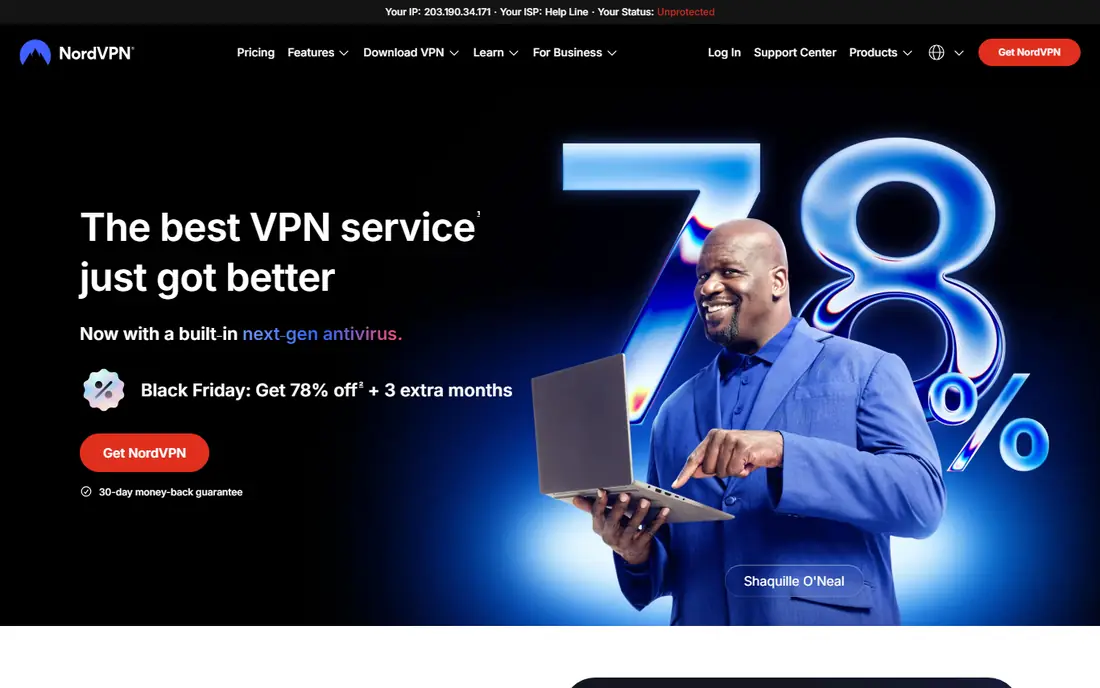
NordVPN is our pick for most people who want one VPN to cover a household. The apps are polished, the server list is wide, and the extra tools for blocking trackers and checking for leaked data sit inside the same subscription on higher plans. For everyday browsing, video, and public Wi-Fi, that breadth is hard to beat at the long-term price.
The catch is the renewal bill. The first-term price looks low, then the standard annual rate takes over, so set a reminder before renewal and check the price in your account. If you only need a VPN for a short trip or a single device, a monthly plan or a free option may cost less in total.
- Large server network
- 10 devices at once
- Audited no-logs policy
- Renewal price rises sharply after the first term
- Monthly plan is costly
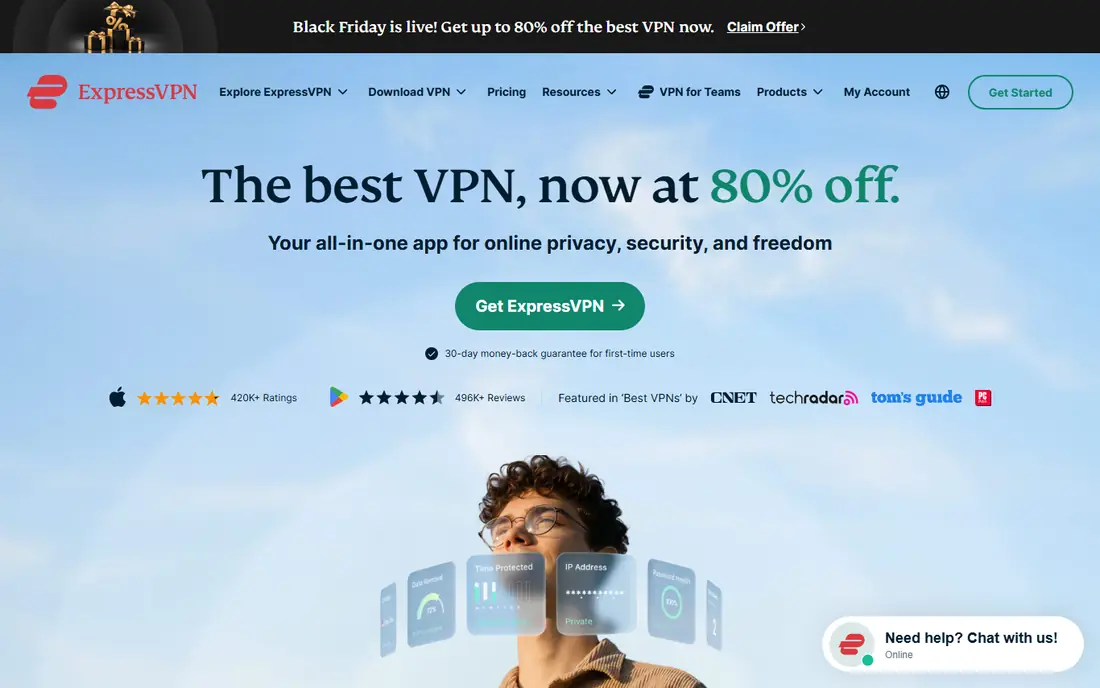
ExpressVPN wins on simplicity. Setup takes minutes, the interface stays out of the way, and the service has a long record of working with major streaming services. People who dislike fiddly settings will appreciate that the defaults are sensible and the support pages are clear.
Price is the trade-off. ExpressVPN costs more than several rivals once the first term ends, and there is no free tier for testing it over weeks. A short mobile trial and a 30-day money-back guarantee help, but check the renewal rate at checkout before you commit to a long term.
- Very easy apps
- Strong reputation for streaming
- RAM-only servers
- No free plan
- Renewal price is higher than the first term
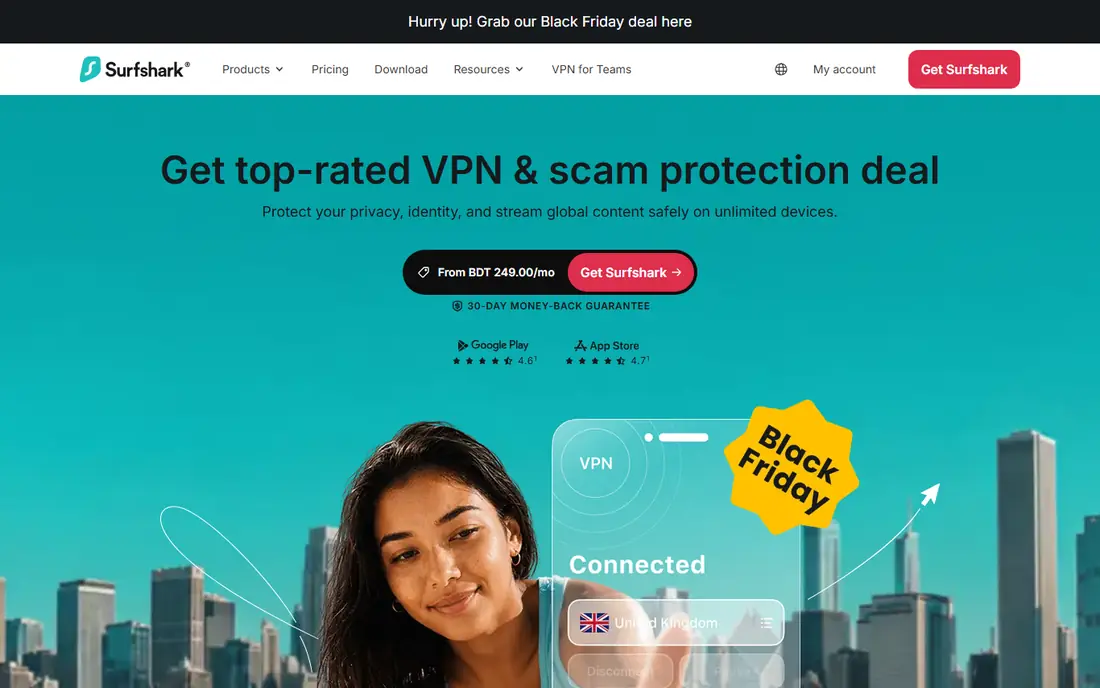
Surfshark is the value pick for a house full of phones, laptops, and TVs. One account covers unlimited devices, so a family does not need to count connections or buy a second plan. CleanWeb blocks ads and trackers, and the apps cover the major platforms with a consistent layout.
The first-term price is low, but the renewal rate is much higher, so the long-term cost needs a second look. Surfshark also bundles antivirus and identity tools on higher plans, which some buyers will value and others will never open. If you only want a VPN, the Starter plan keeps the bill and the feature list simpler.
- Unlimited simultaneous connections
- Low long-term price
- Built-in ad blocking
- Renewal price rises after the first term
- Support can feel less personal
Proton VPN is the rare free VPN we can recommend without a long list of warnings. The free plan has no data cap and no ads, and Proton publishes a no-logs policy backed by audits. Paid Plus adds the full server network, faster speeds, streaming support, and 10 devices, which makes the upgrade path clear.
The free plan does have limits that matter. You get one device at a time, medium speeds, and servers in a small set of countries chosen for you. That is fine for coffee-shop Wi-Fi and basic browsing, but households and streamers will need Plus. Still, for a first VPN, Proton Free is the safest free test in this list.
- Free plan with unlimited data
- Open-source apps
- Swiss jurisdiction
- Free plan covers one device and fewer locations
- Paid streaming needs Plus
Mullvad takes a different approach to almost everything. You get an account number instead of an email login, you pay the same flat rate for a month or a year, and you can pay with cash or cryptocurrency. That simplicity appeals to privacy-minded buyers who dislike long contracts and renewal surprises.
The downside is scale. Mullvad has fewer servers and locations than NordVPN or Proton VPN, and there is no free tier to try before paying. Support is by email rather than live chat, so answers take longer. If you value predictable pricing and minimal data collection over the largest network, Mullvad is a strong pick.
- Same price at any term
- No email required
- Cash and crypto payments accepted
- No free plan
- Smaller server network than the big brands
Private Internet Access
Great for: Custom settings for advanced users
Private Internet Access, often called PIA, is built for people who like to tune their VPN. You can adjust encryption levels, split tunneling, port forwarding on selected servers, and DNS settings in detail. Unlimited devices make it a good fit for large households and for users with many gadgets.
Beginners may find all those options distracting at first, and the app design is more functional than polished. The lowest price also requires a long commitment, while the monthly rate is much higher. For a confident user who wants control and a low long-term price, PIA is hard to beat.
- Unlimited devices
- Deep customization
- Audited no-logs policy
- Interface can feel busy for beginners
- Long-term plan needed for the lowest price
CyberGhost sorts its servers by purpose, which helps new users a lot. Instead of guessing which server works for a streaming service or for file sharing, you pick a labelled profile and connect. The apps are friendly, and the long-plan money-back period is longer than the industry standard.
That friendliness comes with a price warning. The monthly plan is costly, so CyberGhost only makes sense on a longer term. Speeds can also vary more than with the top two in this list, so try the money-back period with your usual activities before settling in. For a beginner who mainly streams, the labelled servers are a real advantage.
- Servers labelled for streaming and torrenting
- 7 devices
- Long money-back period on long plans
- Monthly plan is expensive
- Speeds vary by server
Windscribe gives free users a monthly data allowance and unlimited devices, which is unusual. You can also build a custom plan by paying for only the locations you need, starting at a low monthly amount per location. That flexibility suits a light user who only needs one or two countries.
The trade-offs are clear in the fine print. The refund window is short and tied to data use, so the free plan is the better trial. Paid users get more data and locations, but the service does not feel as polished as NordVPN or ExpressVPN. For occasional use and tight budgets, Windscribe is a practical choice.
- Free plan with a monthly data allowance
- Unlimited devices
- Build-a-plan pricing
- Refund window is short
- Paid speeds and support are less premium
TunnelBear is the VPN we would hand to someone who has never used one. The apps use plain language, a single switch, and a playful design that removes the usual jargon. TunnelBear also publishes independent audit results, which adds trust for a service aimed at beginners.
The free plan allowance is small, so it works for occasional public Wi-Fi use rather than daily streaming. Paid Unlimited removes the cap and covers unlimited devices, but advanced users may miss split tunneling controls and deeper settings found elsewhere. For a first VPN, TunnelBear lowers the barrier more than any other option here.
- Very simple apps
- Friendly design
- Independent audits published
- Free plan data allowance is small
- Fewer advanced features
How we picked these
We compared official feature pages, pricing pages, privacy policies, app store listings, and public reviews for each service. We kept only VPNs that are actively sold in October 2026, that publish a no-logs stance, and that work on the major desktop and mobile platforms. We left out services with unclear ownership, expired trials presented as free plans, or pricing we could not trace to a vendor page or a recent pricing review. Prices shown are long-term or entry prices where stated, and they can change, so check the checkout page before you buy.
What to check before you pay
Start with device count and location needs, not the headline price. Count the phones, laptops, tablets, and TVs you will actually protect, then check that the plan covers them at once. A cheap plan that covers one device can cost more than a slightly higher plan that covers a household, and a plan with unlimited devices can be wasted on a single phone.
Next, read the renewal price and the refund terms. Many VPNs in this list charge far less in the first term than at renewal, and refund windows range from a few days to 45 days. Note the renewal date when you sign up, and test the service on your usual networks during the refund window. Speed on public Wi-Fi, access to the streaming services you use, and stability on your phone matter more than a server count on a marketing page.
Privacy checks that matter
Read the privacy policy for what is logged, where the company is based, and whether audits are published. A no-logs claim is stronger when an outside firm has checked it and the report is public. Also check payment options if you want less personal data tied to the account, and remember that a VPN encrypts traffic to the VPN server but does not hide your activity from the VPN provider itself.
A note on lawful use
Use a VPN only for lawful purposes, such as protecting data on public networks and keeping browsing private from local network snoops. A VPN does not make a user untraceable to carriers or law enforcement, and it does not make unlawful activity lawful. If you need to access a service that blocks VPN traffic, check that service's rules first rather than trying to work around them.
Frequently asked questions
Is a free VPN safe to use?
A free VPN can be safe when it comes from a company with a paid product, a clear privacy policy, and published audits, as Proton VPN and Windscribe do. Avoid free VPNs that sell data, show intrusive ads, or hide their owner, since the service has to be paid for somehow. Treat a free plan as a trial and upgrade if you need more devices, locations, or speed.
How many devices can I connect at once?
It depends on the plan. Surfshark, Private Internet Access, Windscribe, and TunnelBear paid plans allow unlimited devices, NordVPN and Proton VPN Plus allow 10, CyberGhost allows 7, and Mullvad allows 5. Count every device that will stay connected, including TVs and tablets, before you choose.
Will a VPN slow down my internet?
Some slowdown is normal because traffic is encrypted and routed through another server. Nearby servers usually cost little speed, while distant servers can cost more, especially on a slow home connection. Pick a nearby server for daily use and test speeds during the refund window on the networks you use most.
Do I need a VPN on my phone?
A VPN helps most on public Wi-Fi, where other users on the same network could snoop on unencrypted traffic. On a trusted home network the benefit is smaller, but a VPN still hides browsing from the local network operator. Use a kill switch on mobile if the app offers one, so traffic stops if the VPN drops.
What is the cheapest good VPN in this list?
Surfshark has the lowest long-term entry price here at $2.49 per month, followed by Private Internet Access and CyberGhost on long plans. Proton VPN Free costs nothing for basic use, and Mullvad at €5 per month can be cheaper than a monthly plan elsewhere. Compare renewal prices too, since the cheapest first year is not always the cheapest second year.
Can a VPN keep me completely anonymous online?
No. A VPN hides your IP address from websites and encrypts traffic to the VPN server, but the VPN provider can still see connection details, and accounts, cookies, and payment records can still identify you. For stronger privacy, combine a VPN with good password habits, updated software, and care about what you share online.
Sources
See where you really rank - block by block
ProMapRanker scans Google Maps across a grid of your service area. Simple monthly plans from $19, white-label on every plan.
Start freeKeep reading
 zyte alternatives
Best Zyte Alternatives in 2026
These zyte alternatives cover managed scraping APIs, proxy networks and no code tools for lawful collection from your own or consented sources only in 2026.
Read → zerto alternatives
Best Zerto Alternatives in 2026
Compare the best zerto alternatives for disaster recovery and replication, with recovery targets, cloud options and honest trade-offs for teams in 2026.
Read → zerofox alternatives
Best ZeroFox Alternatives in 2026
We compared 9 zerofox alternatives for brand protection, phishing takedowns, dark web monitoring, and social impersonation, with clear coverage notes.
Read →