 ProMapRanker
Best iObeya Alternatives in 2026

Key takeaways
- Miro is the most flexible general canvas, while Mural and Klaxoon suit structured workshops with facilitation tools.
- FigJam suits design teams already in Figma, and Lucidspark suits teams that also need diagrams and process maps.
- Visual management needs more than sticky notes, so check templates for lean boards, KPIs, and action tracking.
- Free plans help small teams start, but board limits and member pricing matter once a whole department joins.
Quick comparison
| Pick | Great for | Pricing starts at | Free tier | |
|---|---|---|---|---|
 Miro | Flexible visual collaboration | $8 per member per month | Yes | Visit |
 Mural | Facilitated workshops | $9.99 per member per month | Yes | Visit |
 FigJam | Design-led brainstorming | $3 per seat per month | Yes | Visit |
 Lucidspark | Diagrams and visual planning | $7.95 per user per month | Yes | Visit |
 Klaxoon | Interactive meetings and workshops | $24.90 per user per month | Yes | Visit |
 Creately | Diagramming and visual docs | $5 per user per month | Yes | Visit |
 Conceptboard | Structured team boards | See website | Yes | Visit |
 Canva Whiteboards | Simple team whiteboards | Free | Yes | Visit |
 Bluescape | Visual workspaces for large teams | See website | Free trial | Visit |
The best iobeya alternatives
iObeya is known for digital visual management, with structured boards for lean, agile, and program work. The tools below cover that same ground in different ways, from open canvases to guided workshops, so the right pick depends on how structured your boards need to be and how large your team is.

Miro is the broadest canvas on this list, with templates for brainstorming, planning, retrospectives, and visual management. Teams can add sticky notes, diagrams, documents, and images to one board, and work together in real time with cursors and comments. That flexibility makes it a safe default when different teams need different board types.
The same flexibility can become a weakness, because boards grow messy without naming rules, owners, and archiving habits. Miro also charges per member, so a large department should price the full team before rolling it out. With light governance, it handles most visual management work well.
- Huge template library
- Real-time collaboration
- Many integrations
- Can feel sprawling without board rules
- Costs rise with members
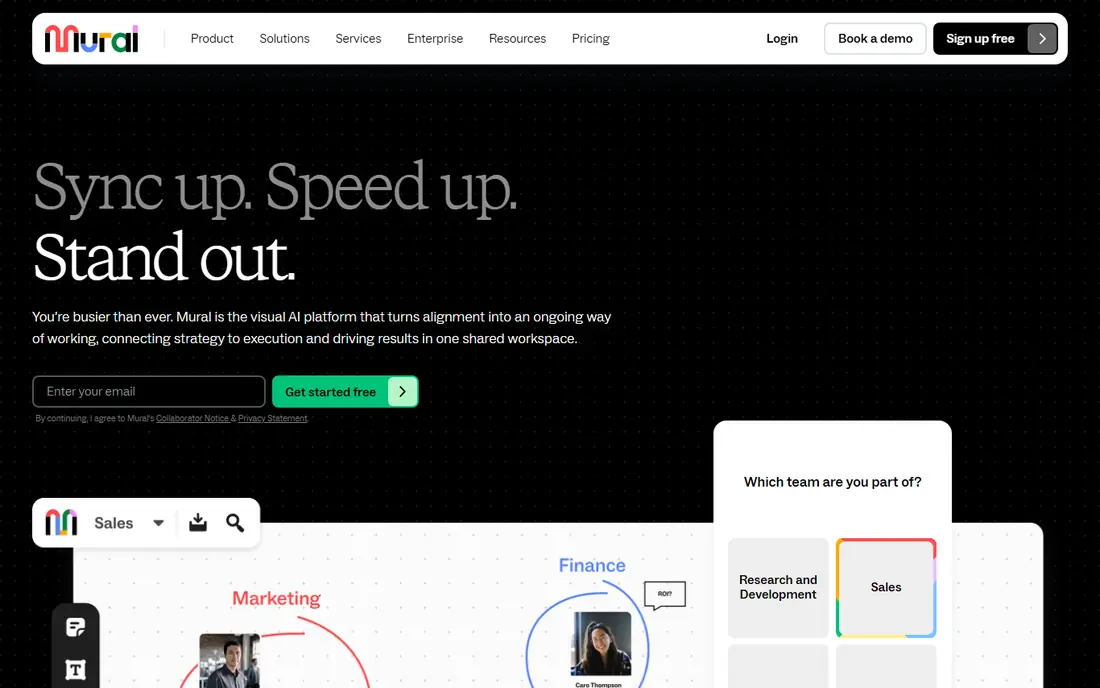
Mural suits teams that run guided workshops, design sprints, and planning sessions, rather than open-ended brainstorming alone. Facilitators can lock parts of a board, run voting, set timers, and guide participants through steps in order. That structure helps large or remote groups stay focused and finish with clear decisions.
It feels less freeform than Miro for teams that just want a blank canvas. Mural also costs more per member at scale, so it fits best when facilitated sessions are a regular part of how the team works, not a rare event.
- Strong facilitation tools
- Structured templates
- Voting and timers
- Less freeform than Miro
- Higher price for large teams
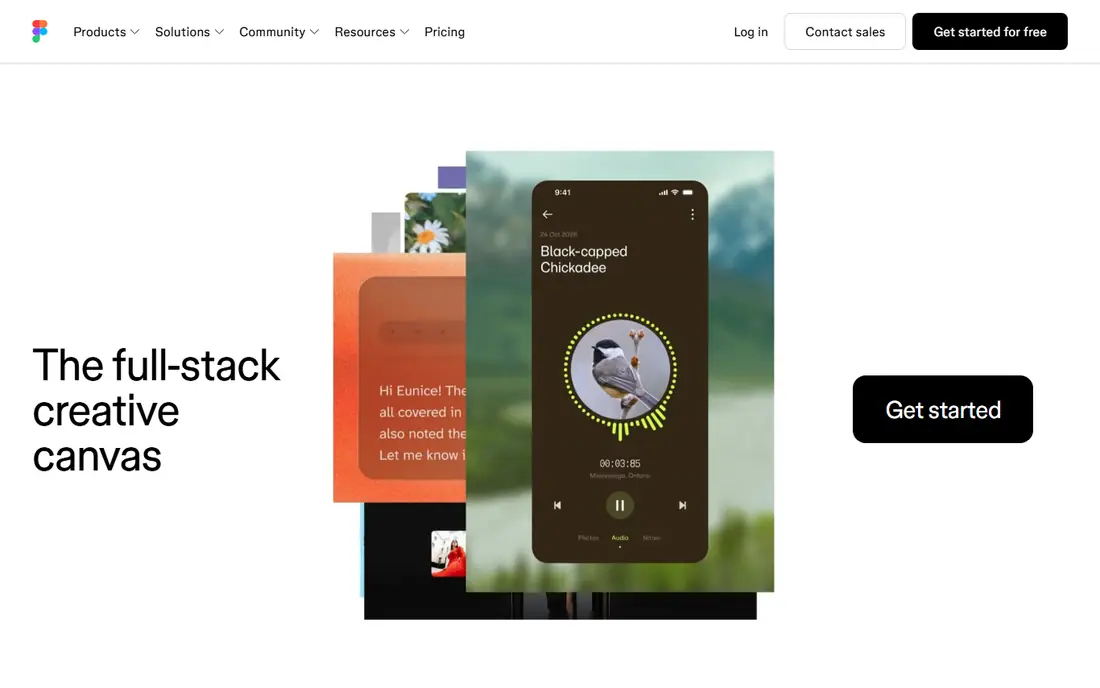
FigJam is the lightest tool here, with sticky notes, shapes, stamps, voting, and timers in a clean interface. It shines for product and design teams that already use Figma, because ideas can move from a FigJam board into a design file without a format change. The low seat price also helps small teams adopt it quickly.
It is less suited to long-term visual management, where boards need KPI tracking, structured routines, and program-level views over months. FigJam works best for early-stage work and workshops, with another tool handling the ongoing management layer if needed.
- Simple and fast
- Tight Figma integration
- Low seat cost
- Thinner for long-term program boards
- Design-focused toolset
Lucidspark pairs a visual board with the diagramming strength of the Lucid family, so teams can move from brainstorming to process maps and flowcharts in one place. That link helps operations, engineering, and product teams that need both freeform ideas and clean diagrams. Real-time collaboration keeps remote teams on the same board.
Facilitation tools are thinner than Mural or Klaxoon, so guided workshops may need extra planning. Still, for teams that value diagrams and structured planning over games and polls, Lucidspark is a strong iObeya alternative.
- Strong diagramming links
- Structured boards
- Collaboration features
- Less workshop facilitation depth than Mural
- Pricing varies by plan
Klaxoon turns meetings into guided activities, with brainstorm boards, quizzes, surveys, word clouds, and voting built into the same session. That interactivity helps remote teams stay engaged, especially in training, retrospectives, and large group sessions where a plain board can go quiet. Session records also help teams review what was decided.
The price is higher than most tools here, and new facilitators need time to learn the activity formats. Klaxoon fits teams that run interactive sessions often and want engagement tools, not just a canvas.
- Quizzes, polls, and word clouds
- Structured activities
- Session playback
- Higher price
- Learning curve for new facilitators
Creately suits teams that want visual documents, not just boards, with flowcharts, org charts, mind maps, and process diagrams alongside whiteboards. Its template library helps a team start from a standard format instead of a blank page, and data linking can keep diagrams tied to live information. That mix helps operations and documentation-heavy teams.
Workshop facilitation feels less polished than Mural or Klaxoon, and some advanced features sit on higher plans. For a team whose main need is clear diagrams and shared visual docs, Creately offers good value at its entry price.
- Large template library
- Many diagram types
- Data linking options
- Less polished workshop flow
- Some features need higher plans
Conceptboard gives distributed teams a structured canvas with sections, sticky notes, and collaboration tools that suit planning and review work. Board organization helps teams keep related work together, which matters when several projects run at once. It is a practical middle ground between a freeform canvas and a rigid program tool.
Its integration ecosystem is smaller than Miro, so teams that rely on many connected apps should check the list first. For a team that wants a tidy, structured board without a large enterprise rollout, Conceptboard is worth a trial.
- Infinite canvas with structure
- Good for distributed teams
- Board organization tools
- Smaller ecosystem than Miro
- Pricing in euros for some plans
Canva Whiteboards suit teams that already use Canva and want a simple board for brainstorming, planning, and presentations. The interface is easy to learn, and boards can link to Canva designs, docs, and presentations. That simplicity helps non-technical teams adopt visual work without training.
It is not a replacement for a dedicated visual management system, because KPI boards, routine tracking, and program views are thinner here. Use Canva Whiteboards for light collaboration, and move to Miro, Mural, or a dedicated tool when visual management becomes a daily operating system.
- Free starting point
- Easy to learn
- Links to Canva designs
- Thinner for lean program management
- Fewer facilitation controls
Bluescape suits large teams that need a shared visual workspace for content, planning, and review, with enterprise controls for access and organization. Teams can place images, documents, video, and notes on a large canvas and work through them together, which helps creative, product, and program teams that handle rich media.
Small teams may find the setup and pricing heavier than a simple whiteboard. Bluescape fits best when visual work spans departments and needs a persistent workspace, not just a one-off meeting board.
- Large visual workspaces
- Content organization
- Enterprise controls
- Quote-based pricing
- Heavier for small teams
How we picked these
We compared official feature pages, pricing pages, and public reviews for visual collaboration tools live in October 2026. We kept tools that support real-time boards, templates, and team collaboration, and we favored a mix of flexible canvases, structured workshop tools, and diagram-led options. Where pricing is quote-based or varies by region, we used See website.
What to check before you switch
Start with one real board type, such as a daily management board, a retrospective, or a program review. Copy that board into the new tool and run it for two weeks, watching how fast the team updates it and how clear the status stays. A tool that looks good in a demo can still fail if daily updates feel like extra work.
Set board rules early
Agree on who owns each board, how often it is updated, and when old boards are archived. Visual management fails when boards go stale, not when the tool lacks features. Keep the board count low at first, and add new boards only when a team asks for a specific view.
Test templates and integrations
Check templates for lean, agile, and KPI boards, not just brainstorming. Test links to your task tracker, chat tool, and document store, because a board that sits apart from daily work will be ignored. If the team lives in Figma, FigJam wins on fit; if it lives in diagrams, Lucidspark or Creately may win.
Frequently asked questions
What is the closest iObeya alternative for lean visual management?
Miro and Mural are the closest general options, with templates and board structure that can support lean routines. Neither is a dedicated lean system, so teams should build daily management, KPI, and action-tracking boards with clear owners and update rhythms. For a stricter lean setup, test Mural first for its guided structure.
Is Miro better than Mural for workshops?
Miro is more flexible and cheaper to scale, while Mural offers stronger facilitation tools for guided sessions. Choose Miro for varied board types across many teams, and Mural when a facilitator must guide participants through steps, voting, and decisions in order.
Can small teams use these tools for free?
Yes, most tools here offer a free tier with limits on editable boards or features. Free tiers suit small teams and trials, but check the board limit and member pricing before rolling a tool out to a whole department. FigJam and Canva Whiteboards offer low-cost entry points.
Do these tools work for remote teams?
Yes, real-time collaboration, comments, and sharing are core features across this list. Check time-zone friendly features such as async comments, board history, and guest access, because remote teams often update boards outside a live meeting.
How do I move boards from iObeya?
Export board content where possible, then rebuild the structure in the new tool using its templates, rather than copying every sticky note by hand. Keep the old boards read-only for a short period, and run one live board in the new tool before moving the rest.
Sources
See where you really rank - block by block
ProMapRanker scans Google Maps across a grid of your service area. Simple monthly plans from $19, white-label on every plan.
Start freeKeep reading
 zoro.to alternatives
Best Zoro.to Alternatives in 2026
We compare the best zoro.to alternatives in 2026, listing only legal licensed anime streaming services, from Crunchyroll to free options for fans today.
Read → zip alternatives
Best Zip Alternatives in 2026
We compare the best zip alternatives for buy now, pay later in 2026, covering pay-in-4 plans, fees, spending limits, and credit reporting options today.
Read → yesware alternatives
Best Yesware Alternatives in 2026
Compare the best yesware alternatives for sales email tracking, templates, and sequences, with current pricing and honest tradeoffs for small sales teams.
Read →