 ProMapRanker
Best InVision Alternatives in 2026

Key takeaways
- InVision itself is no longer sold as a live product, so this list covers design and prototyping tools you can buy and use today.
- Figma is the default replacement for collaborative product design, while Framer suits teams whose output is a live website.
- Penpot and Lunacy give budget-conscious teams real design power without a high subscription.
- Axure RP, ProtoPie, and UXPin lead when prototypes need logic, sensors, or code-based components.
Quick comparison
| Pick | Great for | Pricing starts at | Free tier | |
|---|---|---|---|---|
 Figma | Product teams designing together in the browser | Free | Yes | Visit |
 Framer | Turning designs into live websites | Free | Yes | Visit |
 Sketch | Mac-based designers who want a native app | $12 per editor per month | Free trial | Visit |
 Penpot | Open source design without vendor lock-in | Free | Yes | Visit |
 Axure RP | Complex, logic-driven prototypes | $29 per user per month | Free trial | Visit |
 ProtoPie | Realistic device and sensor prototypes | $11 per month | Free trial | Visit |
 UXPin | Prototypes built with real code components | $6 per editor per month | Free trial | Visit |
 Justinmind | Interactive wireframes and early prototypes | Free | Yes | Visit |
 Lunacy | Free desktop design on Windows and Mac | Free | Yes | Visit |
The best InVision alternatives
InVision was known for prototyping, design handoff, and stakeholder review. The tools below cover those jobs in different ways, from browser-based collaboration to desktop design and high-fidelity interaction prototyping.
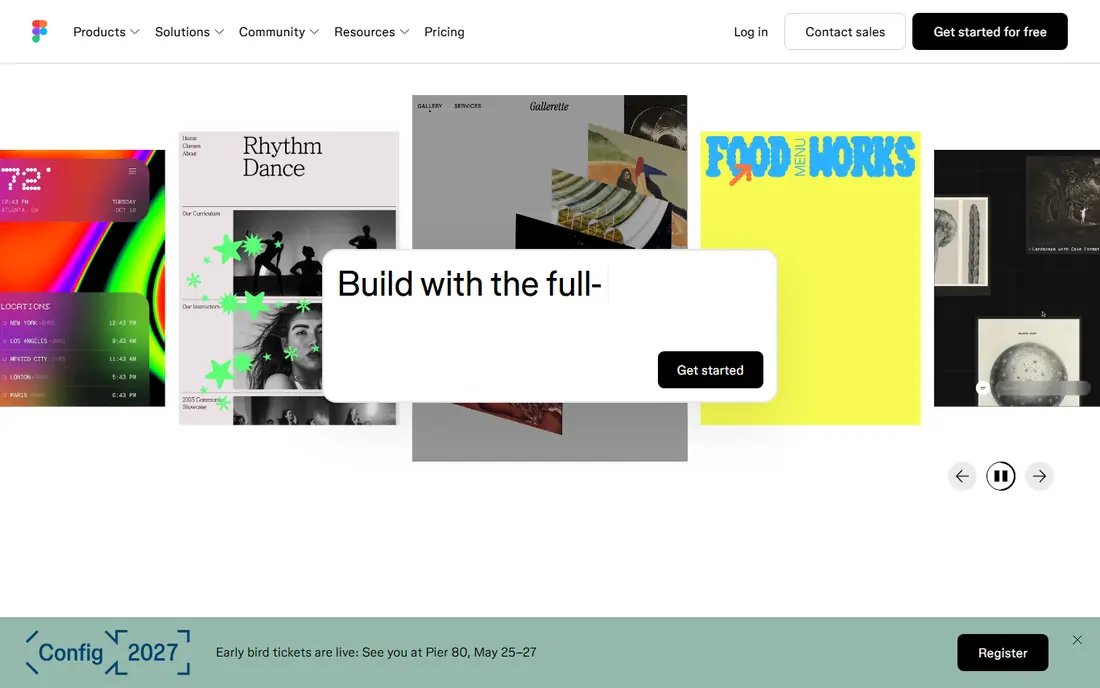
Figma is the clearest successor to the collaborative side of InVision. Teams design, prototype, comment, and hand off in the same browser file, without passing static images back and forth. Variables, components, and libraries help larger teams keep a consistent system across many files.
The free Starter plan covers personal use and small projects, with a limit on design files. Paid editors are $16 per editor per month billed annually in recent comparisons, so larger teams should model editor versus viewer seats carefully. For most product teams, Figma is the safest default.
- Real-time browser collaboration
- Strong design systems
- Large plugin and community library
- Paid editor pricing starts at $16 per editor per month billed annually
- Offline work is limited
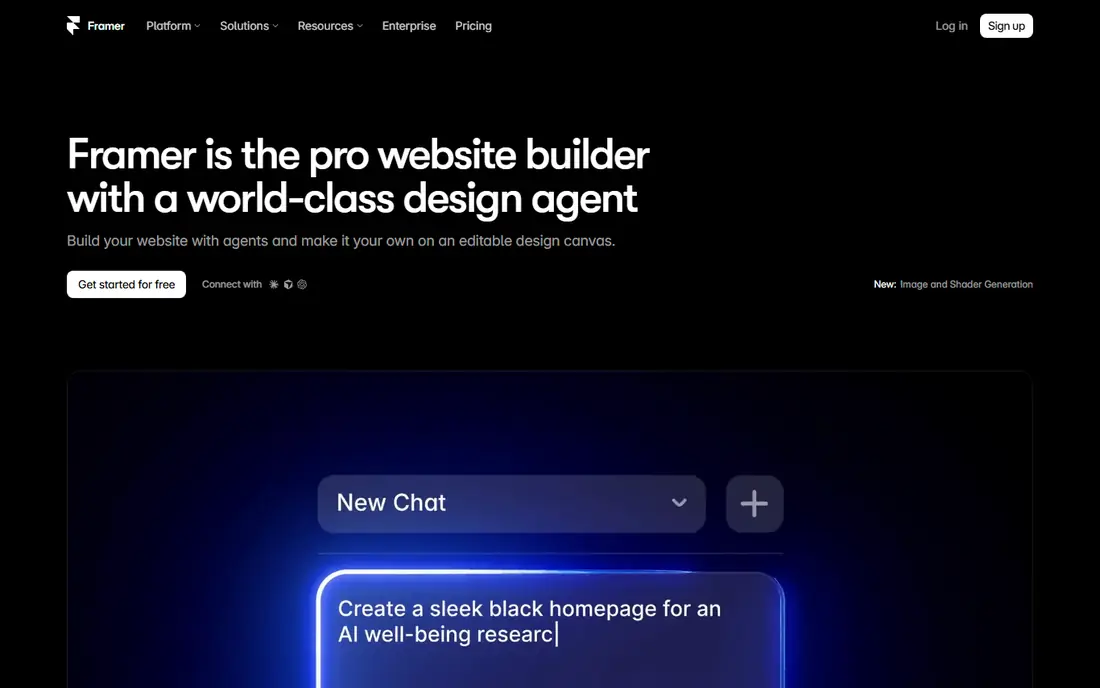
Framer closes the gap between a prototype and a published site. Designers build pages visually, add interactions, and publish to a live URL without a separate developer handoff for marketing and product sites. That speed suits startups, agencies, and teams whose main output is the web.
The limit is scope. Framer is excellent for websites, but it is not a general replacement for native app design systems or complex enterprise prototyping. Check site pricing and CMS limits before committing a large site to it.
- Design and publish in one tool
- Free tier for unpublished work
- Strong templates
- Paid site pricing starts at $10 per month billed annually
- Less suited to native app prototyping
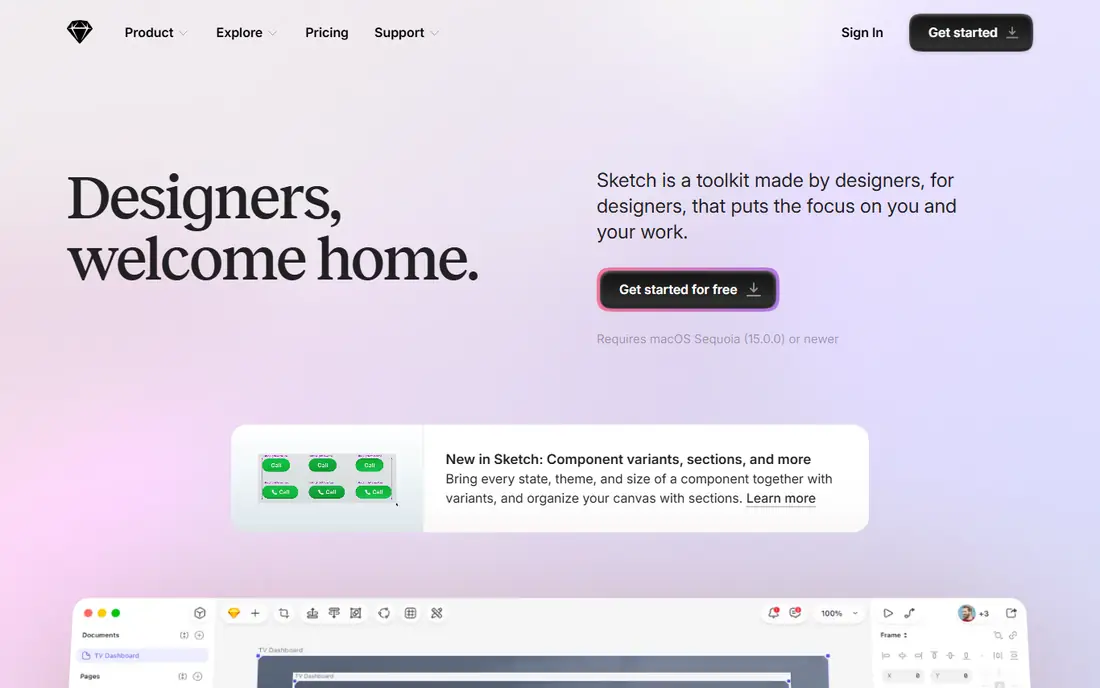
Sketch remains a strong choice for designers who prefer a native desktop tool over a browser. It is fast, supports local files, and has a mature plugin ecosystem for design systems, data, and handoff. Teams that work offline or on large files often prefer its responsiveness.
The Mac-only limitation is real. Windows and Linux teammates must use the web app for review, and real-time collaboration is less central than in Figma. For a Mac-based studio, Sketch still delivers excellent value at $12 per editor per month billed annually.
- Fast native Mac performance
- Deep plugin ecosystem
- Local files and offline work
- Mac only
- Collaboration depends on the web app and paid seats
Penpot is the open source answer to Figma. It runs in the browser, supports design and prototyping, and uses open standards that make files easier to move. Self-hosting is free, and the cloud Professional plan is free for up to eight users in recent comparisons, with paid cloud from $7 per user per month.
The ecosystem is smaller. You will find fewer plugins and community files than in Figma, and very large teams may miss some enterprise controls. For teams that value openness, privacy, and low cost, Penpot is a serious alternative, not just a free clone.
- Free and open source
- Self-hosting available
- Free Professional cloud plan for small teams
- Smaller plugin ecosystem than Figma
- Some advanced features are still maturing
Axure RP is built for prototypes that need to behave like real software. Conditional logic, variables, adaptive views, and generated specifications let UX teams test complex flows, forms, and enterprise screens before development. That depth is why it remains popular for large, regulated products.
The cost is learning time and price. New users need training to use logic well, and the Pro plan is $29 per user per month billed annually. For simple click-through prototypes, Figma or Justinmind will be faster. For logic-heavy work, Axure RP is in a class of its own.
- Conditional logic, variables, and data
- Detailed specifications
- Strong for enterprise software
- Steeper learning curve
- $29 per user per month billed annually
- Less visual polish out of the box
ProtoPie lets designers build prototypes that feel like real apps, with sensors, voice, multi-screen interactions, and realistic motion, all without code. That makes it a favourite for mobile, automotive, and hardware-adjacent teams that need to test interactions, not just screens.
ProtoPie is a prototyping specialist, not a full design system tool. Teams usually design screens elsewhere and import them, then add interactions in ProtoPie. Recent comparisons list Individual pricing from $11 per month billed annually, with higher tiers for teams, so check the current plan for your team size.
- No-code sensor and multi-device interactions
- Realistic motion
- Strong mobile prototyping
- Pricing varies by plan and region in comparisons
- Less suited to full design systems
UXPin stands out when a design system is built from real code. Teams can bring production components into prototypes, so what stakeholders test is much closer to what developers will ship. That reduces handoff surprises and keeps design and code in sync.
The trade-off is setup. Code components need developer involvement, and smaller teams may find Figma faster for early ideas. Recent comparisons list Essentials from $6 per editor per month billed annually, with higher tiers in other sources, so confirm the current price before budgeting.
- Code components keep prototypes close to production
- Design systems support
- Conditional interactions
- Pricing and plan names vary in comparisons
- Learning curve for code components
Justinmind is a practical tool for teams that need clickable wireframes and interactive prototypes without a design-system workflow. It offers a large interaction library, data-driven prototypes, and user testing links, which suit UX teams validating flows early.
The interface is less polished than Figma or Framer, and collaboration features are more traditional. For early-stage prototyping and usability testing, though, Justinmind is capable and affordable, with a free plan for getting started.
- Free plan for basic prototypes
- Rich interaction library
- Desktop and web options
- Interface feels older than Figma
- Collaboration is less modern
Lunacy is a free desktop design app from Icons8 that handles interface design, prototyping, and asset management without a subscription. It works offline, opens Sketch files, and includes icons and photos for quick mockups. For students, freelancers, and small teams, it removes the cost barrier entirely.
The community and plugin ecosystem are smaller than Figma, and real-time team collaboration is not its strength. As a solo or small-team design tool, however, Lunacy is one of the best free options available today.
- Fully free core app for personal and commercial use
- Works offline
- Built-in graphics library
- Smaller community than Figma
- Collaboration is less central
How we picked these
We compared official pricing pages, collaboration models, prototyping depth, and platform support. We favoured tools live and purchasable in October 2026, and we excluded InVision itself as a live buy, since it is no longer sold. We also excluded Adobe XD as a standalone purchase, since it is in maintenance mode with no standalone purchase path.
What to check before you switch
Start with the prototype fidelity you actually need. A click-through for stakeholder review needs a different tool than a logic-driven enterprise flow or a sensor-based mobile prototype. Picking a specialist for the wrong job wastes more time than learning a new interface.
Next, test handoff. Check how developers inspect specs, export assets, and access design tokens, and whether your design system survives the move. A beautiful prototype that developers cannot build from is a dead end.
Finally, check file portability. Confirm import and export formats, and keep a copy of source files outside the new tool during migration, so a future switch does not strand your work.
Frequently asked questions
Is InVision still available to buy?
No. InVision is no longer sold as a live product, so new teams should choose a current alternative such as Figma, Framer, Sketch, or Penpot instead of planning around InVision.
What is the closest InVision alternative?
Figma is closest for collaborative design, prototyping, and stakeholder review in one browser tool. Teams that need deeper interaction logic should also look at Axure RP or ProtoPie.
Is there a free InVision alternative?
Yes. Figma, Framer, Penpot, Justinmind, and Lunacy all offer free plans or free core use. Free plans limit files, projects, or team features, so check the cap for your team size.
Which alternative is best for high-fidelity prototypes?
ProtoPie leads for realistic device and sensor interactions, while Axure RP leads for logic, variables, and data-driven flows. Figma covers most standard interactive prototypes without a specialist tool.
Can I import InVision files into these tools?
Import support varies, and older InVision prototypes may need rebuilding or exporting as images first. Test one representative prototype in the new tool before migrating a full library.
Which tool should a Mac-only team choose?
Sketch is the natural Mac-native pick, with local files and offline work. Figma and Penpot are better if the team also needs strong browser collaboration or cross-platform access.
Sources
See where you really rank - block by block
ProMapRanker scans Google Maps across a grid of your service area. Simple monthly plans from $19, white-label on every plan.
Start freeKeep reading
 zyte alternatives
Best Zyte Alternatives in 2026
These zyte alternatives cover managed scraping APIs, proxy networks and no code tools for lawful collection from your own or consented sources only in 2026.
Read → zerto alternatives
Best Zerto Alternatives in 2026
Compare the best zerto alternatives for disaster recovery and replication, with recovery targets, cloud options and honest trade-offs for teams in 2026.
Read → zerofox alternatives
Best ZeroFox Alternatives in 2026
We compared 9 zerofox alternatives for brand protection, phishing takedowns, dark web monitoring, and social impersonation, with clear coverage notes.
Read →