 ProMapRanker
Best Intercom Alternatives in 2026

Key takeaways
- Tawk.to is the only truly free core option here, while Crisp and Tidio offer the best value for small teams that need chat plus a shared inbox.
- Zendesk suits ticket-heavy teams at scale, Help Scout suits email-first teams, and Freshdesk suits budget help desks that want automation.
- LiveChat is best when live chat is the main channel, Chatwoot suits technical teams that want open source control, and HubSpot suits CRM users.
- Check AI pricing, conversation limits, and per-agent versus per-workspace billing before you switch, because those details change the total cost.
Quick comparison
| Pick | Great for | Pricing starts at | Free tier | |
|---|---|---|---|---|
 Tawk.to Tawk.to | Zero-budget live chat | Free | Yes | Visit |
 Crisp Crisp | Small teams wanting flat pricing | See website | Yes | Visit |
 Tidio Tidio | Ecommerce chat plus AI replies | $29 per month | Yes | Visit |
 Zendesk Zendesk | Omnichannel help desks at scale | $55 per month | Free trial | Visit |
 Help Scout Help Scout | Email-first shared inbox | $25 per month | Free trial | Visit |
 Freshdesk Freshdesk | Budget help desk with automation | See website | Yes | Visit |
 LiveChat LiveChat | Chat-first sales and support | $20 per month | Free trial | Visit |
 Chatwoot Chatwoot | Open source and self-hosted chat | See website | Yes | Visit |
 HubSpot Service Hub HubSpot Service Hub | CRM-connected support | See website | Yes | Visit |
The best Intercom alternatives
We compared chat, inbox, help centre, and automation tools that can replace a customer messaging platform without forcing you into per-seat pricing you do not need.
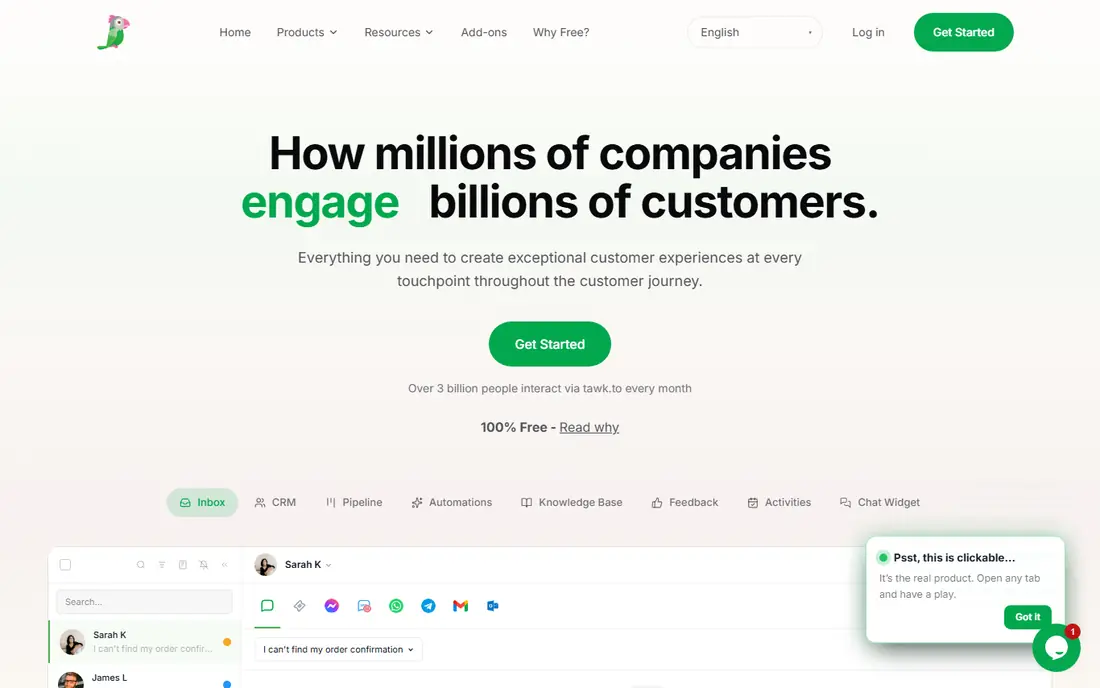
Tawk.to is the most direct answer when budget is the main constraint, because its core live chat is free and does not limit agent seats. Small teams can add chat to a website, answer visitors in real time, and use basic ticketing and knowledge base features without a monthly software fee. That makes it useful for new stores, side projects, and small service sites.
The free model has limits: the Tawk.to brand badge stays unless you pay to remove it, and automation is thinner than on paid platforms. Larger teams may also miss deeper reporting and workflow controls. If you need a working chat widget today and want to spend nothing on software, Tawk.to is hard to beat.
- Free live chat with unlimited agents
- Chat, ticketing, and knowledge base options
- Mobile apps for agents
- Branding removal and some features cost extra
- Automation is basic compared with paid platforms
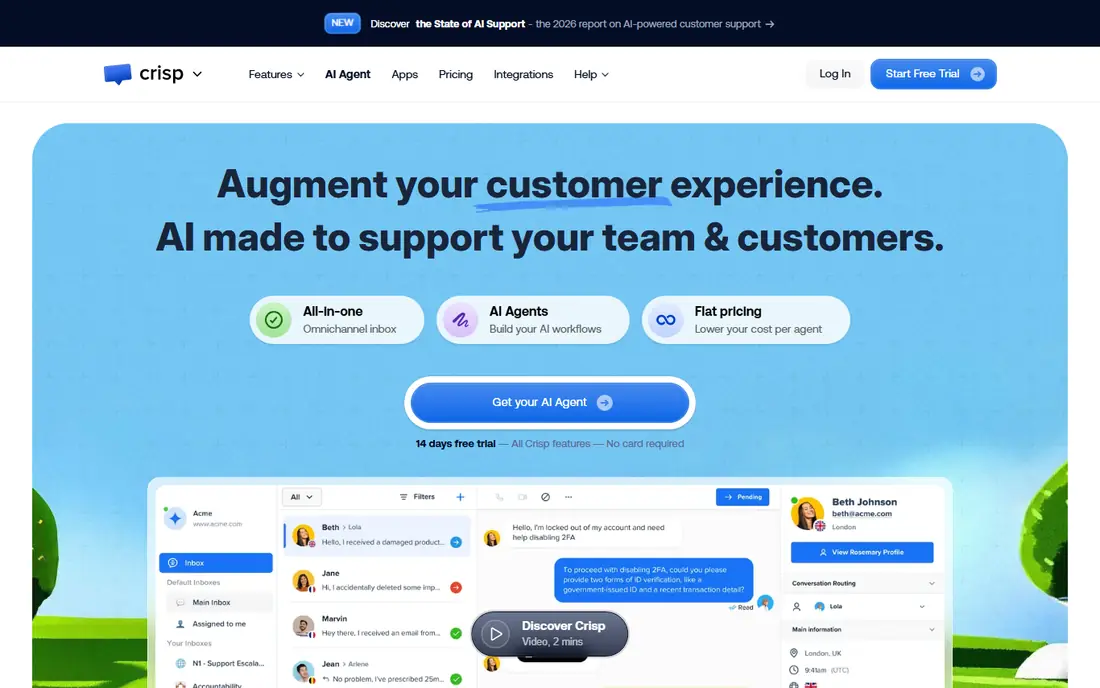
Crisp gives small teams a shared inbox for live chat and email, plus a help centre and chatbot options in one workspace. Its appeal is pricing structure: paid plans are priced per workspace rather than per agent on some tiers, which can keep costs predictable as you add support staff. The interface is clean, and setup is quick for a small site.
Crisp is not the deepest enterprise help desk, and teams with strict approval workflows or complex routing may need a larger suite. Pricing details have varied in roundups, so confirm the current tier on the vendor site before you budget. For a small team that wants chat plus email in one place, Crisp is a strong value pick.
- Shared inbox for chat and email
- Flat workspace pricing on paid plans
- Help centre and chatbot options
- Pricing has changed across tiers, so check current plan limits
- Enterprise controls are lighter than large suites
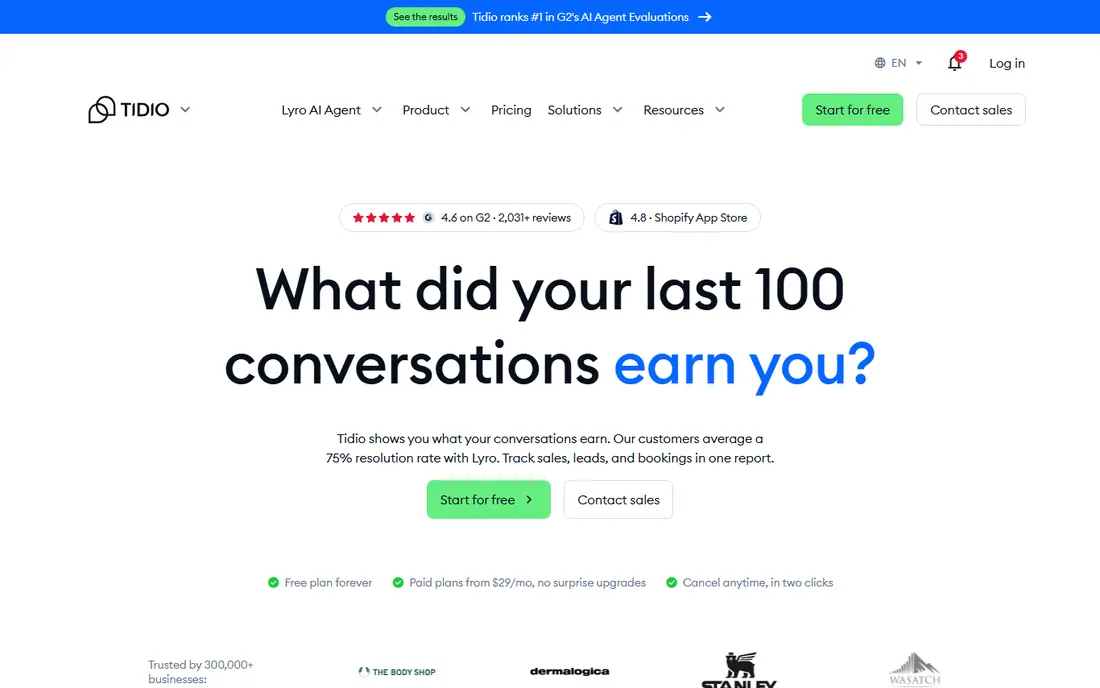
Tidio combines live chat with an AI chatbot that can answer common questions and hand over to a human when needed. Ecommerce teams benefit from integrations with store platforms, which show order and visitor context during a chat. That context helps agents answer shipping, returns, and product questions without switching tools.
The free plan limits conversations, and AI allowances vary by plan, so a busy store should check conversation caps before launch. Tidio is less suited to teams that need a full ticketing suite with deep SLAs. For small ecommerce stores that want chat plus AI help, it is a practical step up from a basic widget.
- Live chat with AI chatbot Lyro
- Ecommerce integrations
- Visitor and order context
- Free plan limits conversations
- AI conversation allowances need careful checking
Zendesk is a full customer service suite that brings email, chat, phone, social messages, and a help centre into one ticketing system. Larger teams benefit from routing, SLAs, reporting, and automation rules that keep queues organised as volume grows. Its marketplace also adds integrations for CRM, ecommerce, and internal tools.
The trade-off is cost and complexity. The starting price is higher than a simple chat widget, and setup takes more planning, especially for custom workflows and permissions. Small teams that only need chat may find Zendesk more than they need. For support teams that live in tickets, it remains a capable standard.
- Email, chat, phone, and help centre in one suite
- Strong ticketing, reporting, and automation
- Higher starting price
- Setup and admin take more time than simpler chat tools
Help Scout is built around a shared inbox that feels close to email, which suits teams that handle most support by email. Collision detection shows when a teammate is already replying, saved replies speed up common answers, and Docs gives customers a self-service help centre. Live chat is available for teams that also need real-time replies.
Help Scout is less chat-first than tools built only for live chat, and some AI features require higher tiers or add-ons. Teams that need complex phone support or deep enterprise routing may need a larger suite. For email-heavy teams that want a calm, readable inbox, Help Scout is a good fit.
- Clean shared inbox
- Docs and live chat
- Collision detection and saved replies
- AI answers and advanced automation sit on higher tiers or add-ons
- Chat is not as deep as chat-first tools
Freshdesk is a help desk from Freshworks that handles tickets across email, chat, phone, and social channels. Teams can set automation rules, SLAs, and canned responses to keep routine tickets moving. A free tier helps small teams start without a paid plan, and paid tiers add more automation and reporting.
The free tier is limited, and the most useful AI and analytics features sit on higher plans. Freshdesk is also part of a wider Freshworks family, so teams already using Freshsales or Freshchat may get more value than teams using it alone. For budget-conscious help desks, it is a solid, proven choice.
- Ticketing with automation and SLAs
- Multichannel inbox
- Free tier for small teams
- Free tier limits features
- Advanced AI and reporting need higher plans
LiveChat focuses on doing live chat well, with a polished widget, agent routing, canned responses, and reports on chat volume and response time. Sales teams can use chat to answer pre-purchase questions and route hot leads to the right agent. Its integration list covers CRM, ecommerce, and help desk tools.
LiveChat has no free plan, and its AI chatbot is sold separately, which adds cost if you want full automation. It is also lighter on ticketing than a full help desk suite. For teams whose main channel is live chat and who want a reliable, familiar widget, LiveChat is a dependable option.
- Polished live chat widget
- Canned responses and routing
- Many integrations
- No free plan
- AI chatbot is a separate product
- Ticketing is lighter than full suites
Chatwoot is an open source customer engagement platform that brings live chat, email, and social messages into one inbox. Teams that need data control can self-host it, while teams that prefer a managed service can use its hosted plans. That flexibility appeals to developers and privacy-conscious organisations.
Self-hosting is not free in effort: updates, security, and hosting are your responsibility. Hosted pricing and limits should be checked on the vendor site, because they change by tier. For technical teams that want control and a shared inbox without per-seat surprises, Chatwoot is a distinctive choice.
- Open source live chat and inbox
- Self-hosting option
- Multichannel conversations
- Self-hosting needs technical maintenance
- Hosted plan features and limits need checking
HubSpot Service Hub ties support to the HubSpot CRM, so tickets sit next to contact, deal, and conversation history. Teams already using HubSpot for marketing or sales can add live chat, ticketing, and a knowledge base without a separate customer record. The free tools are useful for a small team getting started.
The catch is that HubSpot costs rise as you add hubs and advanced automation, and the most powerful service features sit on paid tiers. Teams not using HubSpot CRM may find a standalone help desk simpler. For HubSpot users, the shared customer record is the main reason to choose Service Hub.
- Free CRM and live chat basics
- Ticketing tied to contact records
- Knowledge base options
- Advanced automation and AI need paid HubSpot tiers
- Costs rise as you add hubs
How we picked these
We compared official feature pages, pricing pages, and public reviews for customer messaging tools that are available in October 2026 and that offer live chat, a shared inbox, or ticketing. We excluded the platform being replaced from the list itself, and we favoured tools with a free plan or trial, a clear pricing page, and multichannel support. We treated AI pricing separately from seat pricing, because per-resolution fees can change the bill. Where pricing varied across roundups, we wrote See website and pointed readers to the vendor page.
How to choose an Intercom alternative
Start with your main channel. If most customers email you, a shared inbox matters more than a fancy chat widget. If most visitors chat before buying, live chat speed, routing, and canned replies matter more. If you already have a CRM, a tool that shares customer records will save agents from asking for the same details twice.
Next, model the total cost for your team size. Per-agent pricing multiplies quickly, per-workspace pricing stays flatter, and free plans often cap conversations or seats. Add AI costs on top: some tools charge per AI resolution, some include credits, and some sell AI separately. A cheap seat price with expensive AI usage can cost more than a higher seat price with included automation.
Free, trial, or paid from day one
Use a free plan when volume is low and you mainly need a chat widget or a simple inbox. Use a trial when you need to test routing, automation, and reporting with real tickets. Move to paid when caps, branding, or missing automation start to slow agents. Do not pay for enterprise features before your queue needs them.
Automation without losing the human touch
AI replies and chatbots help most for order status, password help, returns, and other repeat questions. Keep a clear path to a human, show when a reply is automated, and review AI answers weekly at first. The goal is faster first replies and fewer repeat tickets, not removing agents from complex cases.
Migration checklist
Export or map your old conversations, help articles, macros, and tags before you switch. Test the new widget on mobile, check email deliverability, and train agents on routing and saved replies. Run both tools briefly if you can, then close the old inbox once tickets are flowing cleanly in the new one.
Frequently asked questions
What are the best Intercom alternatives for small business?
Crisp, Tidio, and Tawk.to are strong small-business options. Tawk.to costs nothing for core chat, Crisp offers flat workspace pricing, and Tidio adds AI chat for ecommerce stores. Help Scout also suits small email-first teams that want a clean shared inbox.
Are there Intercom alternatives free to use?
Yes. Tawk.to offers free live chat with unlimited agents, and Crisp, Tidio, Freshdesk, Chatwoot, and HubSpot Service Hub offer free tiers or free tools with limits. Free tiers usually cap conversations, seats, or features, so check those limits against your monthly volume.
Which Intercom free alternatives work for ecommerce?
Tidio is built with ecommerce stores in mind, with store integrations and order context in chat. Crisp and Tawk.to also work for stores that mainly need a chat widget and a shared inbox. Zendesk and Freshdesk suit larger stores that need full ticketing and SLAs.
What is the best alternative to Intercom for email support?
Help Scout is the clearest email-first choice here, with a shared inbox, collision detection, and Docs. Freshdesk and Zendesk also handle email tickets well, with automation and SLAs for larger queues. Choose Help Scout for simplicity, and Zendesk or Freshdesk for heavier ticket volume.
How do I pick between Zendesk and Help Scout?
Pick Help Scout when email is the main channel and you want a simple inbox for a small team. Pick Zendesk when you need phone, chat, email, and social tickets in one suite with deep routing and reporting. Price and setup time also favour Help Scout for small teams, while scale favours Zendesk.
Sources
See where you really rank - block by block
ProMapRanker scans Google Maps across a grid of your service area. Simple monthly plans from $19, white-label on every plan.
Start freeKeep reading
 zendesk alternatives
Best Zendesk Alternatives in 2026
Compare the best Zendesk alternatives in 2026, from budget help desks to AI-first support tools, with current pricing, free plans, and honest trade-offs.
Read → wordpress alternatives
Best WordPress Alternatives in 2026
Looking for the best WordPress alternatives? We compare 8 free and paid options for blogs, business sites, stores, and developer-led projects in 2026.
Read → which real estate company has the best training
Best Real Estate Company Training in 2026
Compare which real estate company has the best training, from Keller Williams and eXp to Compass and Coldwell Banker, by program, mentor, and fit in 2026.
Read →