 ProMapRanker
Best Insightly Alternatives in 2026

Key takeaways
- HubSpot suits teams that want a free CRM start plus marketing, sales and service in one system.
- Pipedrive suits pipeline-driven sales teams that want a clean, fast interface reps actually use.
- Zoho CRM suits budget-conscious teams that want breadth and already use other Zoho apps.
- Monday CRM suits teams that want to manage deals and delivery work on visual boards.
- Salesforce suits larger teams planning for scale, but it needs admin time and a larger budget.
Quick comparison
| Pick | Great for | Pricing starts at | Free tier | |
|---|---|---|---|---|
 HubSpot CRM | All-in-one CRM and marketing | Free | Yes | Visit |
 Pipedrive | Simple visual pipeline | $14 per user per month | Free trial | Visit |
 Zoho CRM | Budget breadth | $14 per user per month | Yes | Visit |
 monday CRM | Deals plus delivery boards | $12 per user per month | Free trial | Visit |
 Freshsales | AI-assisted selling on a budget | $9 per user per month | Yes | Visit |
 Copper | Google Workspace teams | $9 per user per month | Free trial | Visit |
 Close | High-volume outbound sales | $9 per user per month | Free trial | Visit |
 Salesforce Sales Cloud | Enterprise scale | $25 per user per month | Free trial | Visit |
 Capsule CRM | Very small simple teams | $18 per user per month | Yes | Visit |
The best insightly alternatives
Insightly appeals because it combines CRM with project management, so a sale can turn into a delivery project without switching tools. The alternatives below replace that in different ways. Some pair CRM with marketing, some focus purely on pipeline speed, and some pair CRM with work management. The best pick depends on which need matters most: projects, marketing, calling or enterprise scale.
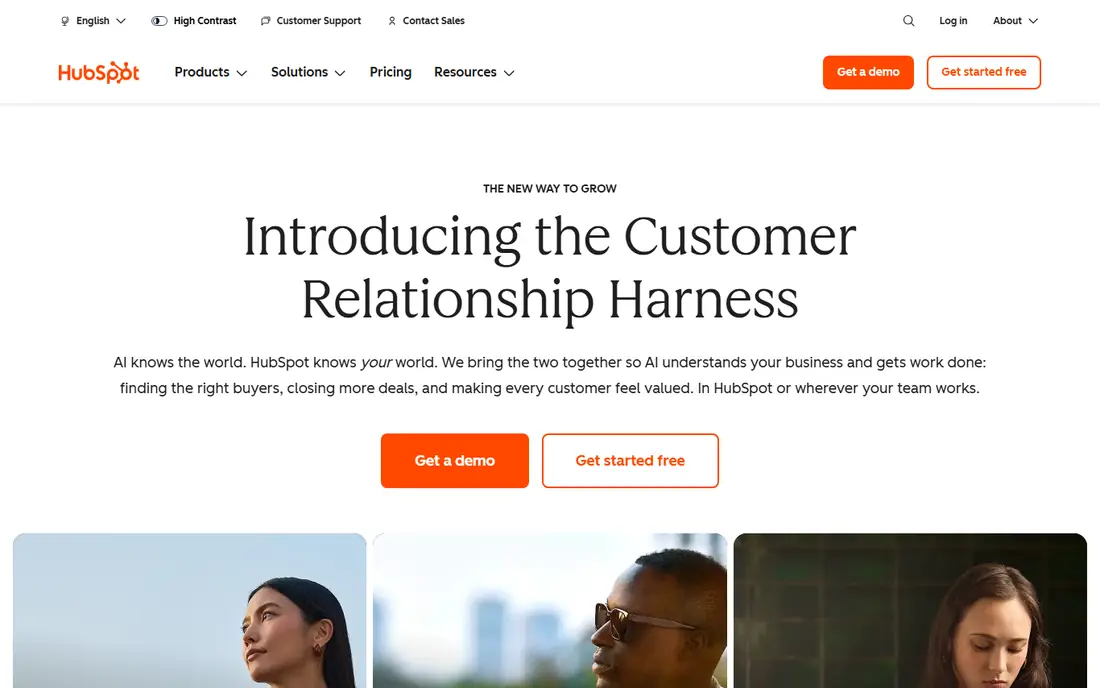
HubSpot is the easiest starting point for a team leaving Insightly that also wants marketing depth. The free CRM covers contacts, deals, pipelines and basic reporting, and paid Sales Hub plans add sequences, automation and forecasting. Marketing, service and content tools can live in the same system, which reduces the number of vendors a small team must manage.
Project delivery is the gap. HubSpot handles tasks well, but a full delivery project usually needs an integration with a project tool. Costs also climb as you add Professional features and more seats. For a team that values inbound marketing and a CRM reps will adopt, HubSpot is still the strongest all-round pick here.
- Free CRM with contacts and pipelines
- Strong marketing and sales tools
- Large integration library
- Costs rise quickly on Professional tiers
- Project delivery needs separate tools or integrations
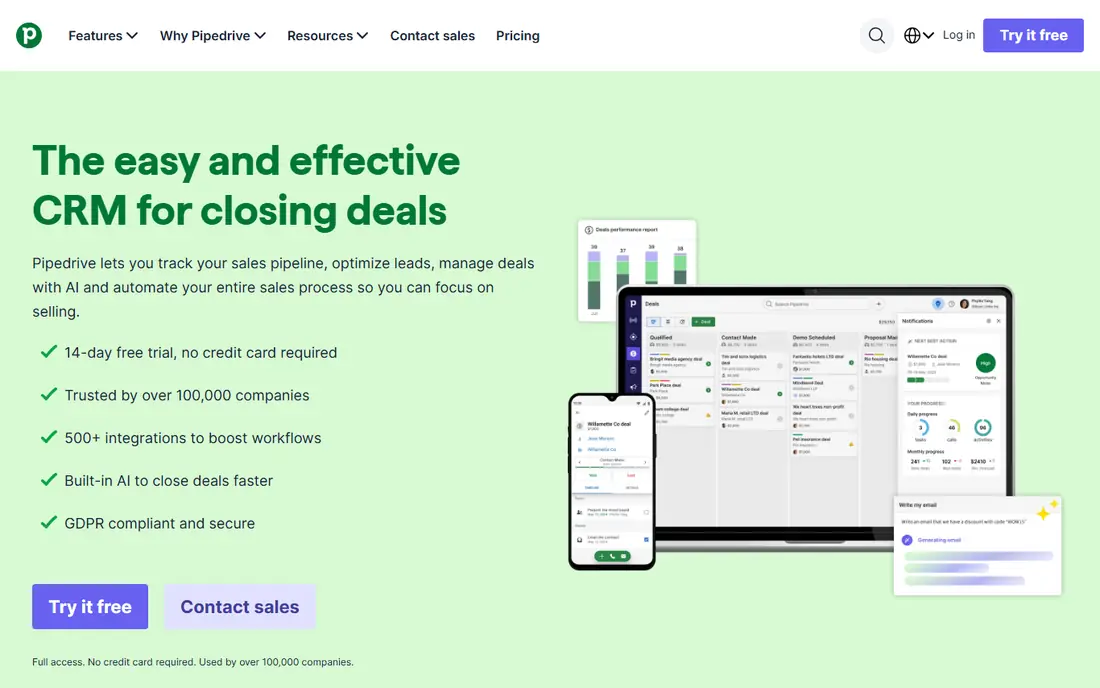
Pipedrive is built for sales teams that live in the pipeline. Deals move by drag and drop, activities are clear, and reps can see exactly what needs doing next without wading through menus. Automation, email sync and a mobile app help a small sales team stay organized with little admin overhead.
It is not a marketing platform, and it does not replace Insightly's project tools on its own. Delivery work needs an integration or a separate project app. For a sales-focused small business that wants speed and clarity over breadth, Pipedrive is one of the easiest CRMs to roll out and keep using.
- Clean pipeline interface
- Fast adoption by reps
- Useful automation and email tools
- Thin marketing depth
- No native project delivery
- Reporting is simpler than enterprise CRMs

Zoho CRM gives a small team a lot of CRM for a modest price, including automation, email, reporting and forecasting on paid plans. The free plan for up to three users helps a tiny team start, and Zoho Projects can cover the delivery side that Insightly users value. Teams already using Zoho Books, Zoho Desk or other Zoho apps get shared data benefits.
The interface is the main complaint. There are many modules and settings, and new users can take time to learn where things live. A team willing to spend a week on setup and training gets strong value. A team that wants the simplest possible CRM should look at Pipedrive or Capsule first.
- Wide feature set for the price
- Free plan for up to three users
- Pairs with Zoho Projects
- Interface can feel dense
- Module sprawl takes time to learn
Monday CRM is the closest visual match for Insightly's sell-and-deliver idea. Deals, projects and tasks can live on boards that the whole team sees, with automations moving work from sale to delivery. That makes it strong for agencies, services firms and operations-heavy teams that need to track work after the deal closes.
It is not a traditional CRM in the Salesforce sense. Reporting, forecasting and sales logic are board-based, which some sales leaders find limiting at scale. Seat minimums also affect the real monthly cost for very small teams. For a team that thinks in boards and wants delivery visibility, it is a strong and flexible choice.
- Visual boards for sales and delivery
- Flexible workflows
- Strong for sell-and-deliver teams
- Seat minimums on some plans
- CRM logic is board-based rather than traditional CRM logic
Freshsales, from Freshworks, suits budget-conscious teams that still want modern selling tools. Paid plans start low, the free plan covers up to three users, and built-in phone, email and AI lead scoring reduce the need for extra tools. It is a practical CRM for a small sales team that wants to move fast without a large monthly bill.
Reporting depth and project delivery are thinner than HubSpot or monday CRM. Larger teams with complex forecasting or delivery needs may outgrow it. For a small team that needs a capable, affordable CRM with calling built in, Freshsales is hard to beat on price.
- Low entry price
- Built-in phone and AI scoring
- Free plan for small teams
- Reporting weaker than HubSpot
- Project delivery is thin
Copper is built for teams that live in Google Workspace. It works inside Gmail, captures contact and deal data from email automatically, and syncs with Google Calendar and Drive. For an agency or small business already running on Google, that native fit saves a lot of manual data entry and keeps the CRM where reps already work.
Outside Google Workspace, the advantage fades, and project management is an add-on rather than a core strength. Microsoft 365 teams should look elsewhere. For a Google-first team that wants a CRM that feels like part of Gmail, Copper is a distinctive and practical pick.
- Lives inside Gmail and Google Calendar
- Automatic data capture from email
- Simple for Google-first teams
- Weak outside Google Workspace
- Project tools are an add-on rather than core
Close is built for inside sales teams that make a lot of calls and send a lot of emails every day. Calling, SMS and email are built in, so reps do not switch tools to contact prospects, and the interface is designed for speed. That makes it strong for outbound, lead qualification and fast-moving pipelines.
It is not a delivery or project platform. Teams with long, complex projects after the sale will need a separate tool, as they would with Pipedrive. For a high-volume sales team that measures success in conversations and closed deals per day, Close is one of the most focused CRMs in this list.
- Built-in calling, SMS and email
- Fast for inside sales
- Strong for high-volume outreach
- Not suited to long, complex deliveries
- Reporting is sales-focused rather than project-focused
Salesforce Sales Cloud is the enterprise option for teams planning to grow well beyond a small sales team. It handles complex sales processes, territories, forecasting, custom objects and integrations at a scale other CRMs here cannot match. The AppExchange adds thousands of apps, including project tools that can cover Insightly-style delivery work.
That power needs admin effort. Setup, customization and ongoing management take time or consultant help, and costs rise with higher editions and add-ons. Small teams should only choose Salesforce if they have a clear growth path and admin support. Larger teams that need depth will find it the most capable CRM here.
- Deep customization and automation
- Huge AppExchange ecosystem
- Strong at large team scale
- Admin time and implementation cost
- Pricing climbs quickly with editions and add-ons
Capsule CRM suits a very small team that wants a CRM without a learning curve. Contacts, pipelines, tasks and projects are straightforward, the free plan covers up to two users, and setup takes hours rather than weeks. It is a good first CRM for a freelancer, a small agency or a team moving from spreadsheets.
Growth is the limit. Larger teams, complex automation and deep reporting will outgrow Capsule sooner than HubSpot or Salesforce. For a tiny team that values simplicity and a low starting cost, it is a calm and capable choice that does not get in the way of selling.
- Simple and quick to adopt
- Free plan for up to two users
- Projects included
- Ceiling arrives early for larger teams
- Fewer advanced automation and reporting options
How we picked these
We compared official pricing pages, product documentation and recent CRM comparisons in October 2026. We looked for CRMs that are live, actively sold and able to replace Insightly for at least one clear buyer type, from solo sellers to enterprise teams. We did not claim hands-on testing. We weighed pipeline usability, project and delivery support, marketing depth, calling tools, ecosystem fit, pricing transparency and the admin effort each CRM needs.
What to check before you switch CRMs
Start with the handoff you actually need. Write down how a sale becomes work in your business: who owns delivery, what tasks follow, and which reports managers check each week. Then test that exact flow on each shortlisted CRM, including any project integration. A CRM that looks strong for pipeline work can still fail if delivery tracking is clumsy or needs a costly add-on.
Next, check data migration and adoption. Confirm how contacts, deals, notes, files and custom fields move over, and whether email history and attachments survive the move. Run a pilot with two or three reps, watch how long it takes them to log a deal, and ask what they would change. A CRM reps avoid is worse than a simpler CRM they use daily.
Finally, compare total cost at your real team size in one year, including seat minimums, add-ons and any project tool you still need. Check contract terms, support hours and data export options, so you are not locked in if needs change. Choose the CRM your team will use every day, not the one with the longest feature list.
Frequently asked questions
What is the best alternative to Insightly?
HubSpot is the best all-round pick for CRM plus marketing, monday CRM is best for deals plus delivery boards, and Pipedrive is best for a simple pipeline. Salesforce suits larger teams planning for scale. Match the pick to which need matters most: marketing, projects or pipeline speed.
Is there a free alternative to Insightly?
Yes. HubSpot offers a free CRM, Zoho CRM is free for up to three users, Freshsales is free for up to three users, and Capsule CRM is free for up to two users. Free plans limit users or features, so check those limits against your team size before you rely on them.
Which Insightly alternative has project management?
Monday CRM has the strongest built-in delivery board approach here, Capsule CRM includes projects, and Zoho CRM pairs with Zoho Projects. HubSpot, Pipedrive and Close handle tasks but usually need a separate project tool for full delivery work.
Can I migrate data from Insightly to a new CRM?
In most cases, yes for contacts, deals, tasks and notes through import tools or migration services, but custom fields and project history need checking. Ask each vendor what migrates automatically, what needs manual mapping, and how long you should run both systems in parallel.
Which alternative is best for Google Workspace users?
Copper is built for Google Workspace, with Gmail and Calendar integration at its core. HubSpot and Pipedrive also integrate with Google tools, but Copper is the only CRM here designed to live inside Gmail from the start.
Sources
See where you really rank - block by block
ProMapRanker scans Google Maps across a grid of your service area. Simple monthly plans from $19, white-label on every plan.
Start freeKeep reading
 zscaler alternatives
Best Zscaler Alternatives in 2026
Looking for zscaler alternatives? We compare 9 SASE and zero trust platforms on architecture, data protection, pricing, and fit for your network and team.
Read → zapier alternatives free
Best Zapier Alternatives Free in 2026
Nine automation tools for zapier alternatives free in 2026, all with genuinely free tiers, plus free plan limits, starting prices and upgrade paths explained.
Read → which platform is best for online reputation
Which Platform Is Best for Online Reputation in 2026
Wondering which platform is best for online reputation? We compare 8 review, listing, and response tools for small and multi-location businesses and agencies.
Read →