 ProMapRanker
In App Messaging Best Practices in 2026

Key takeaways
- The best practice is a short, useful message sent at the right moment, not a blast sent to everyone at once.
- OneSignal is the easiest low-cost starting point, while Braze and Iterable suit large teams with complex journeys.
- In-app messages work best alongside push, email, and an in-app inbox, so users can catch up later.
- Always give users a clear way to dismiss a message, and test frequency before you scale a campaign.
Quick comparison
| Pick | Great for | Pricing starts at | Free tier | |
|---|---|---|---|---|
 OneSignal | Small teams starting fast | Free | Yes | Visit |
 Braze | Large consumer brands | See website | No | Visit |
 Intercom | Support-led product teams | $29 per seat per month | Free trial (14 days) | Visit |
 Customer.io | Data-driven lifecycle teams | See website | Free trial | Visit |
 CleverTap | Mobile-first retention teams | See website | No | Visit |
 MoEngage | Cross-channel lifecycle campaigns | See website | No | Visit |
 Airship | Large apps with wallet and inbox needs | See website | No | Visit |
 Iterable | Complex cross-channel journeys | See website | No | Visit |
 Pushwoosh | Budget-friendly omnichannel messaging | Free | Yes | Visit |
The best tools for in-app messaging best practices
Good in-app messaging follows a simple rule: help the user finish what they are already doing. The tools below make that rule practical, with targeting, timing controls, testing, and clear dismissal options. We picked platforms that support messages inside a mobile app or web app, not push-only tools.
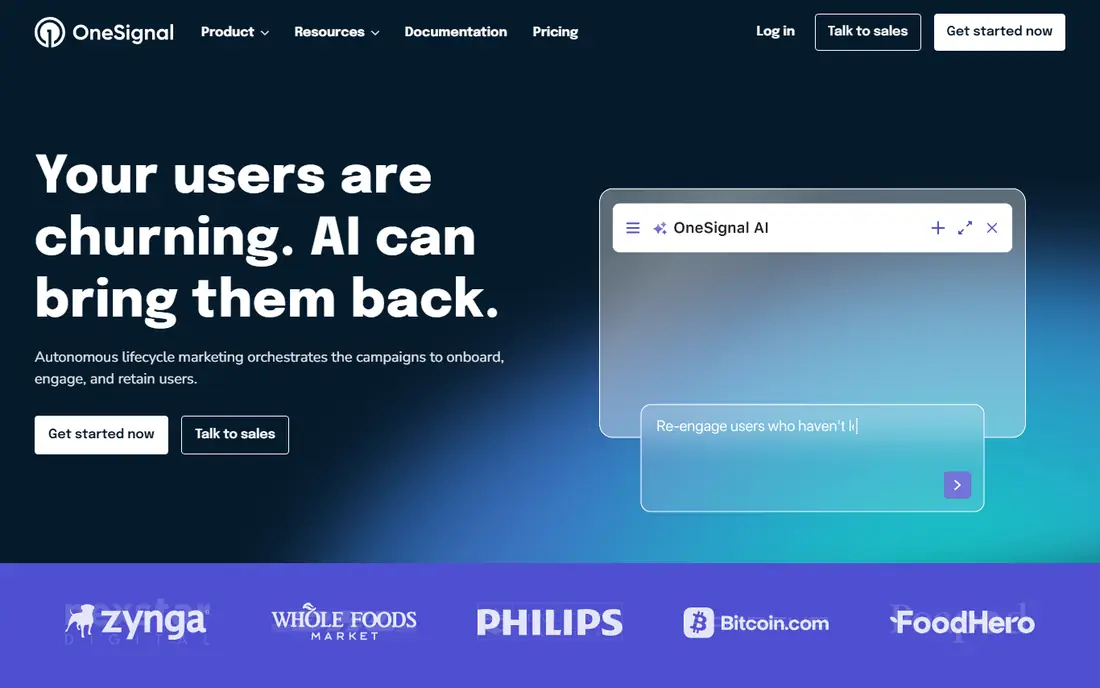
OneSignal is our pick for most small teams because it lets you send a real in-app message without signing an enterprise contract first. Its free plan now covers mobile push and in-app messaging up to 1,000 monthly active users, with web push and email under separate free limits, so a new app can test onboarding tips, feature announcements, and upgrade prompts before paying. The Growth plan starts at $19 per month plus usage, with in-app messaging included with mobile push.
The honest catch is that the free plan is a starting point, not a full marketing suite. Deeper personalization, more segments, and longer journeys sit on paid plans, and costs rise as your active user count grows. Still, for a team that wants to learn what good timing and frequency look like, OneSignal gives you the core controls at no cost, and its documentation covers iOS, Android, web, Flutter, React Native, and Unity.
- Genuine free plan
- In-app messages alongside push, email, and SMS
- Wide SDK coverage
- Advanced personalization sits on paid plans
- Pricing scales with monthly active users
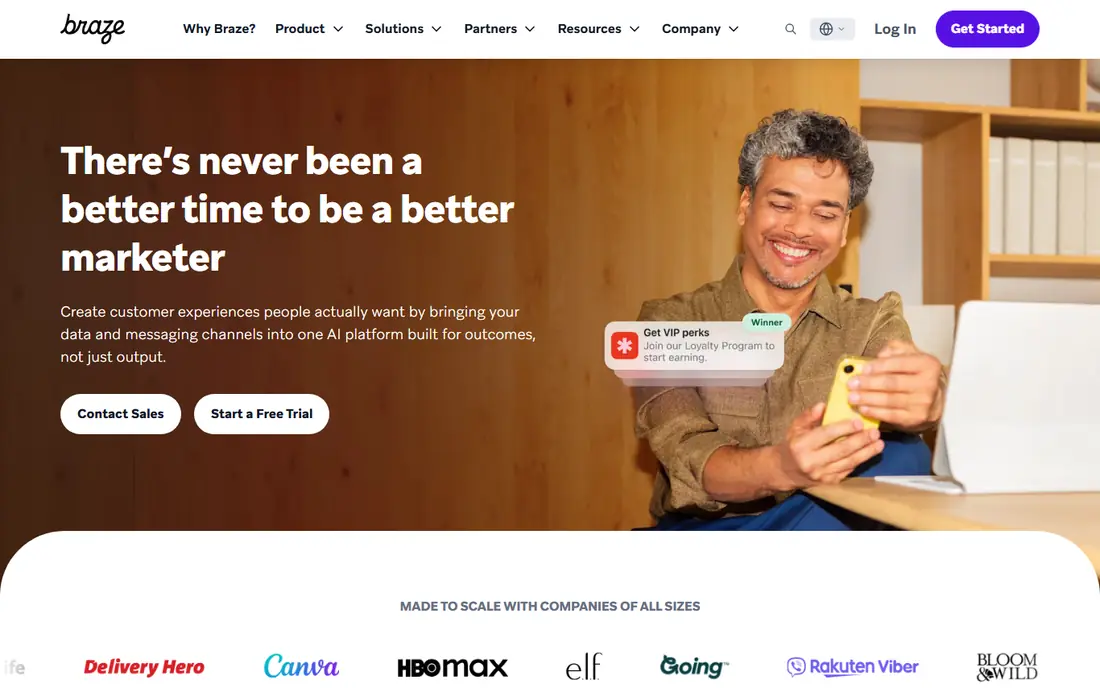
Braze is built for brands that run many campaigns at once and need them to stay consistent across app, push, email, and SMS. Its in-app messages and Content Cards can carry images, buttons, and personalized content, and its journey builder lets a team set entry rules, delays, and exit conditions rather than sending the same card to everyone. That control is exactly what best practice calls for: a message tied to a real user action, with a clear next step.
The trade-off is access. Braze does not publish prices, and most teams need a sales conversation and an implementation plan before they start. Smaller teams may find the platform more than they need, and the learning curve is real. For a large consumer app with dedicated lifecycle staff, though, Braze is one of the strongest options for keeping in-app messages relevant instead of noisy.
- Strong cross-channel journeys
- Rich in-app formats including Content Cards
- Deep segmentation
- No published pricing
- Enterprise setup and cost suit larger teams
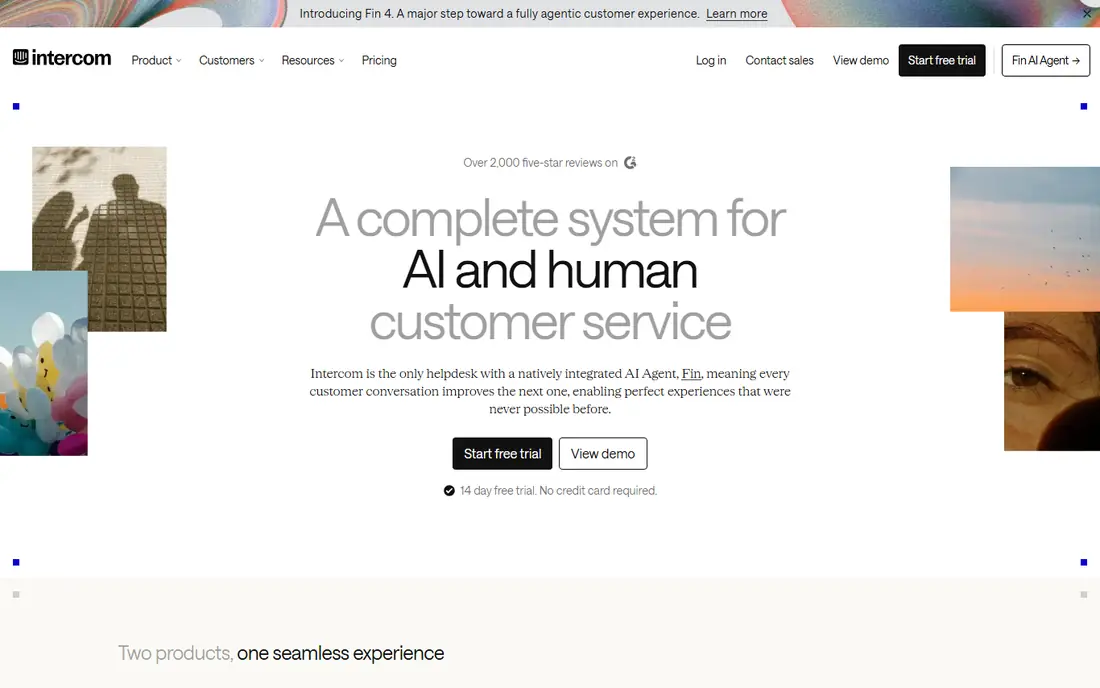
Intercom fits teams where in-app messaging starts with support and product help rather than marketing blasts. Its Messenger sits inside the product, so a user can read a proactive announcement, open a help article, or start a chat without leaving the app. The Essential plan costs $29 per seat per month on annual billing, and higher plans add workflow automation, multiple inboxes, and multibrand support.
The catch is cost structure. There is no free plan, only a 14-day trial, and the Fin AI Agent is billed at $0.99 per outcome on top of seat prices. Teams should also watch message volume: because Intercom is so visible inside the product, a poorly timed proactive message can feel like an interruption. Used with restraint, for onboarding, announcements, and help at the moment of need, it is a very natural fit.
- Messenger combines chat, help, and proactive messages
- Strong automation on higher plans
- Clear seat pricing
- No permanent free plan
- AI usage is billed separately per outcome
Customer.io suits teams that already track what users do in their product and want messages to follow from those events. A user who finishes setup, abandons a key step, or returns after a gap can receive a different in-app message from a user who just signed up, because the campaign is triggered by real behavior rather than a calendar date. That event-based approach is one of the most reliable ways to keep messages useful.
The honest weakness is that the platform rewards good data hygiene. If your events are messy or inconsistently named, your segments will be too, and you will spend time cleaning data before campaigns feel smart. Pricing is also quoted rather than listed as a single public starting price, so budget planning needs a sales conversation. For data-led teams, the control is worth that effort.
- Strong data-triggered workflows
- In-app messages tied to user events
- Flexible segmentation
- Pricing is not published on a simple public table
- Setup rewards teams with clean event data
CleverTap pairs analytics with messaging, which helps teams answer the question that matters most: did this in-app message change what users did next? Its segmentation covers behavior, lifecycle stage, and device traits, and its campaigns can combine in-app messages with push, email, and SMS. For mobile-first products, that combination keeps a team from stitching together three separate tools.
The downside is that pricing is quote-based, and the platform is aimed at companies with meaningful mobile volume rather than a weekend project. Teams without a mobile analytics habit may also need time to learn the interface. If retention is your main goal and your app is the product, CleverTap is a solid, serious option.
- Analytics and engagement in one place
- Strong mobile segmentation
- Lifecycle campaigns
- No published starting price
- Enterprise feel can be heavy for tiny teams
MoEngage is designed for consumer brands that run lifecycle programs across mobile and web. Its in-app messages sit inside journeys that can also send push, email, SMS, and WhatsApp, with timing and content suggestions that help a team avoid sending at the worst moment. For apps with frequent repeat visits, that coordination matters, because a user should not get the same offer in the app, by push, and by email on the same day.
The catch is similar to other enterprise platforms in this list: pricing is quoted, and the full value shows up once you have enough users and campaigns to justify the setup. Smaller teams may prefer a simpler tool first. For a growing consumer brand, MoEngage offers a clear path from a single in-app announcement to a full lifecycle program.
- Wide channel coverage
- AI-assisted timing and content help
- Strong journey tools
- No published starting price
- Best value appears at larger scale
Airship is a veteran in mobile messaging, and its strength is the combination of in-app messages, a persistent Message Center inbox, and mobile wallet passes. That matters for best practice in a practical way: a message a user dismisses is not lost forever, because they can find it later in the inbox, and a boarding pass, coupon, or loyalty card can live in the wallet instead of cluttering the app. Its delivery and analytics depth suit large audiences.
The trade-off is that Airship is an enterprise product with quoted pricing, and it will feel oversized for a small app with one or two campaigns. Teams that need wallet features, a durable inbox, and dependable delivery at scale will get the most from it. Teams that only need occasional announcements can start cheaper elsewhere.
- In-app messages plus Message Center inbox
- Mobile wallet support
- Enterprise delivery depth
- No published pricing
- Enterprise positioning makes it heavy for small teams
Iterable is for growth and enterprise teams that run detailed lifecycle programs and want one journey to coordinate in-app messages, push, email, and SMS without duplication. Its personalization can draw on user traits and events, and its testing tools help a team compare message variants before a full rollout. When used with discipline, it keeps each channel doing a different job instead of repeating the same pitch.
The honest catch is resourcing. Iterable rewards teams with lifecycle marketers who can build, test, and maintain journeys, and its quoted pricing reflects an enterprise product. A small team may find the setup time hard to justify. For a larger team with complex campaigns, it is one of the most capable platforms in this list.
- Sophisticated journey builder
- Strong personalization
- Good cross-channel coordination
- No published pricing
- Needs dedicated staff to use well
Pushwoosh is a practical budget pick. Its free tier covers projects up to 1,000 monthly active users, and paid plans are priced per 1,000 monthly active users, with push-only, email-only, and omnichannel options. Unlike some competitors, it does not gate features behind higher tiers, so a small team gets the journey builder and inbox-style features from the start.
The catch to check before you commit is how monthly active users are counted, because a user reached on any channel counts toward the total. That can make costs rise faster than a simple subscriber count suggests. Still, for a team that wants omnichannel messaging without an enterprise quote, Pushwoosh is one of the fairest priced options here.
- Free up to 1,000 monthly active users
- All features included across plans
- Push, email, SMS, and WhatsApp
- Usage is billed per monthly active user across channels
- Smaller brand presence than the largest suites
How we picked these
We compared official feature pages, pricing pages, and public documentation for platforms that support messages inside an app, not only push notifications. We favored tools with targeting controls, timing and frequency limits, testing options, and a clear way for users to dismiss a message. We also weighed pricing transparency, free tiers, and whether a small team could start without a sales contract. We did not claim hands-on testing of every platform, and prices were checked against vendor pages and recent public pricing summaries in October 2026.
What good in-app messaging looks like in practice
Good practice starts with timing. Send a message when it helps the user complete a task, such as after first setup, when a feature is first relevant, or when an action is incomplete. Avoid interrupting a payment, a form, or a first-run flow with a promotion. A short delay after an event often works better than an instant pop-up, because the user has time to orient themselves first.
Keep it short, specific, and skippable
Write one idea per message, with one clear action. A headline, one or two short sentences, and a single button beat a long card that tries to explain everything. Always include a visible dismiss option, and respect it. If a user closes a message, do not show the same card again on the next screen. An inbox or Message Center helps here, because dismissed messages can still be found later without another interruption.
Target small groups and test before you scale
Start with a narrow segment, such as new users who finished setup but have not tried a key feature, and compare results against a control group that receives nothing. Test one change at a time, such as timing, wording, or button text, and watch completion rates and dismiss rates together. A message with high clicks but high dismiss rates is often annoying rather than helpful. Set frequency caps so no user sees several campaigns in one session, and pause a campaign quickly if complaints or opt-outs rise.
Coordinate channels and respect privacy
Do not repeat the same offer in the app, by push, and by email on the same day. Decide which channel owns each job: in-app messages for help inside the product, push for timely returns, email for longer explanations. Collect only the data you need for targeting, explain why a message appeared if asked, and follow platform rules for consent and data handling. A transparent approach keeps trust intact when a team scales up messaging.
Frequently asked questions
What are in-app messaging best practices?
Keep messages short, timely, and tied to what the user is doing. Target a small group, offer one clear action, include an easy dismiss option, and set a frequency cap so users are not interrupted repeatedly in one session.
Which tool is best for a small team starting out?
OneSignal is the simplest starting point because its free plan covers in-app messaging up to 1,000 monthly active users, and Pushwoosh offers a similar free tier. Both let a small team test onboarding and announcement messages before paying for a larger platform.
Should in-app messages replace push notifications?
No, they serve different jobs. In-app messages help users while they are already inside the product, while push brings users back when they are away. The strongest setups use both, with an inbox so a dismissed in-app message can be found later.
How often should we send in-app messages?
Less often than most teams first plan. Start with one message per key moment, such as after setup or after a first feature use, and cap total messages per session. If dismiss rates climb, reduce frequency before you change wording.
Do we need an enterprise platform for good in-app messaging?
No. Good practice depends more on targeting, timing, and restraint than on platform size. Enterprise tools such as Braze and Iterable add power for large teams, but a small team can follow the same rules with OneSignal or Pushwoosh.
Sources
See where you really rank - block by block
ProMapRanker scans Google Maps across a grid of your service area. Simple monthly plans from $19, white-label on every plan.
Start freeKeep reading
 zoho inventory alternatives
6 Alternatives to Zoho Inventory, Compared on Price and Fit
Zoho Inventory alternatives: 6 tools compared on price, free plans and fit. Katana leads the list for manufacturers. Fit and flaws are laid out for each entry.
Read → zoho crm alternatives
Best Zoho CRM Alternatives (2026)
Need Zoho CRM alternatives? We compare 7 tools on cost, free access and who each suits. Every pick gets a straight assessment. Built for quick decisions.
Read → zelle alternatives
Best Zelle Alternatives in 2026
Compare the best Zelle alternatives for sending money to friends, paying sellers and moving funds abroad, with honest notes on fees, speed and safety in 2026.
Read →