 ProMapRanker
iMovie Alternatives in 2026

Key takeaways
- DaVinci Resolve, Shotcut, Kdenlive, and OpenShot offer full editing free, with no watermark on exports.
- Final Cut Pro and Adobe Premiere Elements suit Mac and Windows owners who want a guided step up from iMovie.
- Filmora and CapCut suit social and short-form video, with templates and AI helpers for faster finishes.
- Clipchamp suits Windows and browser editors who want quick cuts without installing a heavy program.
Quick comparison
| Pick | Great for | Pricing starts at | Free tier | |
|---|---|---|---|---|
 DaVinci Resolve | Free professional editing | Free | Yes | Visit |
 Final Cut Pro | Mac editors who buy once | $299.99 one-time | Free trial | Visit |
 Filmora | Easy social and marketing video | $9.99 per month | Free trial | Visit |
 CapCut | Fast short-form social edits | Free | Yes | Visit |
 Shotcut | Free open-source editing | Free | Yes | Visit |
 Kdenlive | Free multi-track open-source editing | Free | Yes | Visit |
 OpenShot | Simplest free open-source editing | Free | Yes | Visit |
 Adobe Premiere Elements | Guided editing for beginners | $99.99 | Free trial | Visit |
 Clipchamp | Quick Windows and browser edits | Free | Yes | Visit |
The best iMovie alternatives
iMovie is free on Mac, iPhone, and iPad, and it covers basic cuts, titles, and transitions well. Owners leave it for Windows support, more tracks, better color tools, or social templates. These alternatives cover each reason, from free desktop editors to paid step-up tools.
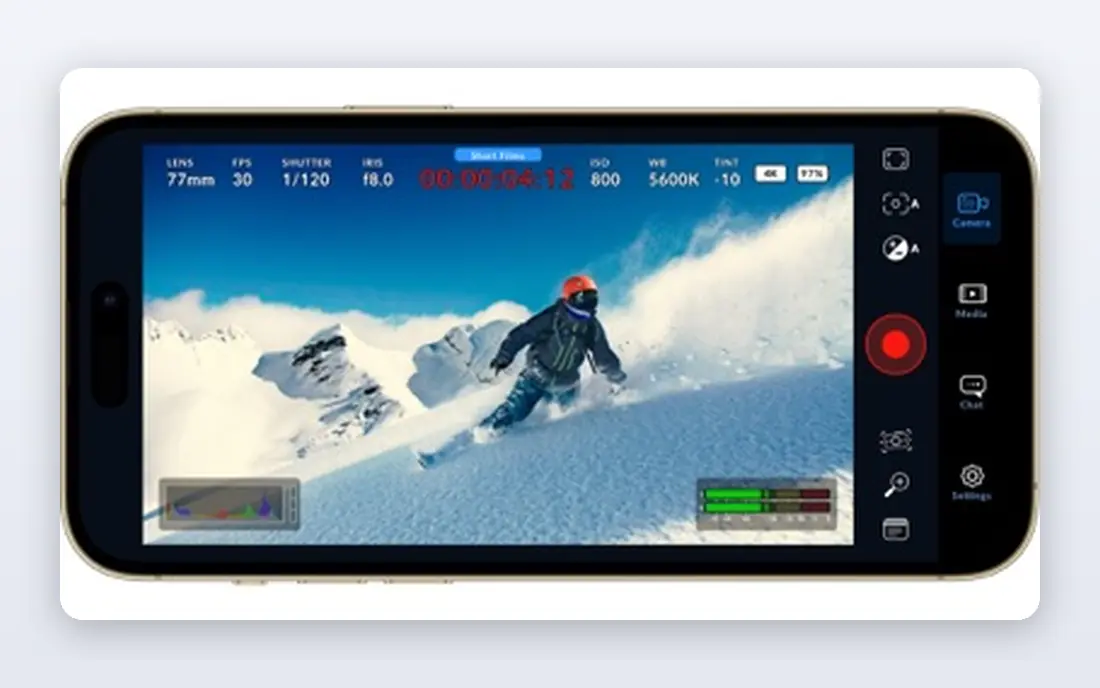
DaVinci Resolve is the strongest free editor on this list, and the free version is not a short trial. It covers editing, color grading, Fusion effects, and Fairlight audio in one program, with exports up to UHD and no watermark. Beginners can finish real projects free, and professionals can grow into the same tool without switching programs.
Hardware and learning curve are the costs. Resolve needs a capable computer, and the interface carries many panels that take time to learn. Studio at $295 one-time adds AI tools, higher resolutions, and noise reduction, but most owners can finish a full film without it. If your computer can run it, start here.
- Full editing, color, effects, and audio tools free
- No watermark
- Exports up to UHD
- Needs strong hardware
- Learning curve is steep
- Studio upgrade costs $295 one-time
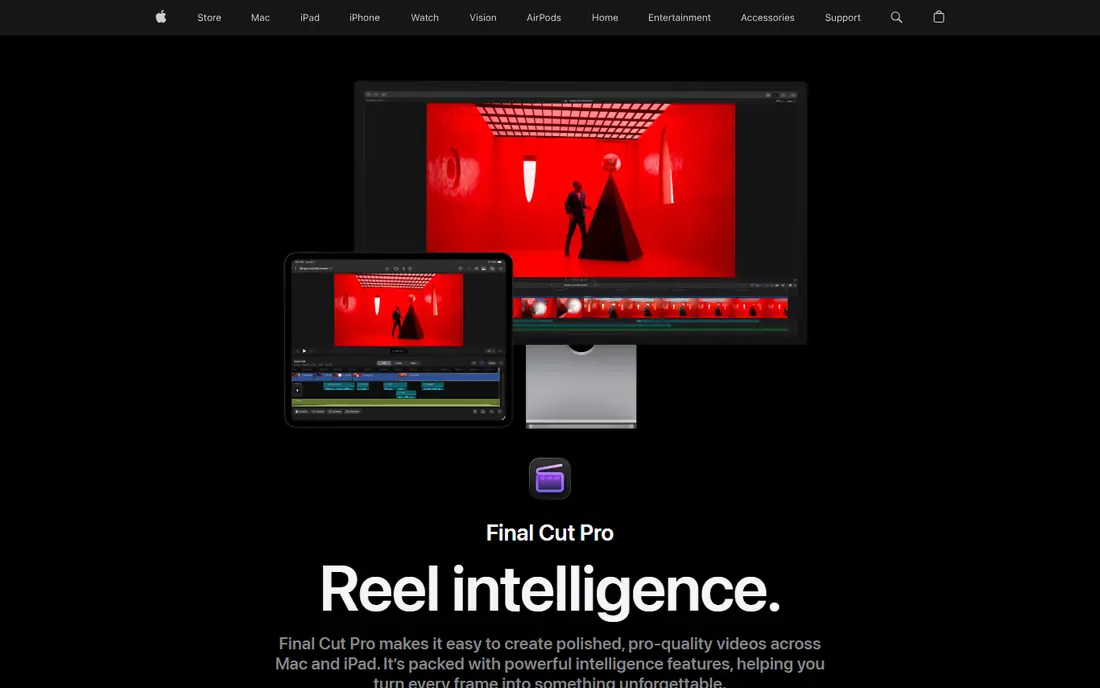
Final Cut Pro is the natural step up for Mac owners who outgrow iMovie. The $299.99 one-time licence includes free updates, and the 90-day trial gives a long test window. The Magnetic Timeline keeps clips connected as you trim, which speeds up editing once the workflow clicks.
Windows owners should skip it, since there is no Windows version, and any page selling one should be closed. The price is also high for casual editors who only cut occasional family videos. For Mac owners who edit often and want to buy once, Final Cut Pro remains the best long-term value on Apple hardware.
- One-time Mac licence with free updates
- Fast Magnetic Timeline
- 90-day trial
- Mac only, with no Windows version
- Higher one-time price
- Pro features take time to learn

Filmora suits creators who want more than iMovie without learning a pro suite. The timeline stays simple, the effects and title library is large, and AI tools for captions, cutout, and denoise speed up social and marketing videos. Monthly pricing starts at $9.99, and a perpetual licence option exists for owners who prefer a one-time payment.
Free exports carry a watermark, so budget for a paid plan if you publish regularly. The perpetual licence also does not include future versions, so read the terms before buying. For YouTube, social, and small business video, Filmora offers a friendly middle ground between iMovie and Resolve.
- Simple timeline and effects library
- AI captions and cutout tools
- Perpetual licence option
- Free exports carry a watermark
- Perpetual licence does not include future versions
- Effects packs can add cost
CapCut fits creators who publish TikTok, Reels, and Shorts daily. Templates, auto-captions, background removal, and trending effects help finish a vertical video in minutes. Mobile, desktop, and browser versions let owners start on a phone and finish on a computer.
Free exports often cap at 1080p, and Pro features need a paid plan, so long-form or 4K projects suit a desktop editor better. Some free exports also limit premium effects. For short-form social video, CapCut is the fastest tool on this list.
- Fast templates and auto-captions
- Mobile, desktop, and browser versions
- Strong for vertical video
- Free exports cap at 1080p in many cases
- Pro tools need a subscription
- Some exports carry effects limits
Shotcut is a free, open-source editor for Windows, Mac, and Linux that covers the core jobs without cost or watermark. The timeline supports multi-track editing, filters, transitions, and titles, and format support is wide. Owners on older computers often find it lighter than Resolve.
The interface is plain, and the built-in effects library is smaller than Filmora or CapCut. Performance also varies with hardware and source footage, so test with a real project before committing to a long edit. For zero-budget editing with no watermark, Shotcut is a reliable pick.
- Free and open source
- No watermark
- Wide format support
- Interface feels plain
- Fewer built-in effects
- Performance varies by hardware
Kdenlive suits editors who want free, multi-track editing with more control than OpenShot offers. The layout is customizable, effects and transitions cover common needs, and the open-source model means no subscription or watermark. Windows, Mac, and Linux versions cover most computers.
Beginners may find the interface rough at first, and stability has varied across versions, so keep project backups and test the current release. Template and stock libraries are thinner than paid tools. For free editing with room to grow, Kdenlive sits between Shotcut simplicity and Resolve depth.
- Free and open source
- Strong multi-track editing
- Customizable layout
- Interface can feel rough for beginners
- Stability varies by version
- Fewer templates than paid tools
OpenShot is the simplest free editor on this list, which makes it a good first step for owners who find Resolve or Kdenlive daunting. The timeline covers trimming, splitting, titles, transitions, and basic effects, and exports carry no watermark. Windows, Mac, and Linux versions are all free.
Advanced work shows the limits. Color grading, audio mixing, and long multi-track projects are thinner than in Resolve or Kdenlive, and performance can lag on longer timelines. For short, simple videos with no budget, OpenShot gets the job done without a learning cliff.
- Free and open source
- Simplest timeline here
- No watermark
- Fewer advanced tools
- Performance can lag on long projects
- Limited color and audio depth
Adobe Premiere Elements suits beginners who want guided help without a subscription to Premiere Pro. Guided edits walk through common tasks such as trimming, titles, and color fixes, and the interface stays friendlier than a pro suite. Mac and Windows versions cover owners who switch platforms.
Licence terms need reading. The 2026 version costs $99.99 for a 3-year term licence, not a perpetual licence, so it will need renewal. Pro tools such as advanced color and multi-cam depth are thinner than Premiere Pro. For guided, one-off purchases with Adobe polish, Premiere Elements remains a solid iMovie step up.
- Guided edits for common tasks
- Adobe polish and templates
- Works on Mac and Windows
- 2026 version uses a 3-year term licence, not perpetual
- Fewer pro tools than Premiere Pro
- Effects library smaller than Filmora
Clipchamp is the iMovie equivalent for Windows owners who want quick edits without a heavy install. The free plan exports at 1080p with no watermark, and AI subtitles, text-to-speech, and silence removal speed up simple projects. Browser access helps owners on shared or low-storage computers.
Large camera files upload slowly in a browser, so serious film work suits a desktop editor instead. Four-K exports and extra features need a paid plan or Microsoft 365. For short Windows videos, social cuts, and school or work projects, Clipchamp is the fastest free start.
- Free plan with 1080p exports
- Browser and Windows versions
- AI subtitles and text-to-speech
- Free exports cap at 1080p
- 4K and extra features need a paid plan
- Large files upload slowly in a browser
How we picked these
We compared official pricing pages and feature pages for video editors that replace the core iMovie jobs: cutting, titles, transitions, audio, and export. We favored tools with a current free plan or trial, clear pricing, and a distinct fit, from free open-source editors to paid step-up tools. We did not claim hands-on testing, and we left out tools with only custom pricing or discontinued free versions.
What to check before you switch
Start with your computer and your video type. Resolve needs strong hardware, while Shotcut, OpenShot, and Clipchamp run on lighter machines. Short-form social video suits CapCut and Filmora, while long films and color work suit Resolve or Final Cut Pro. Match the tool to the project, not to the feature list.
Next, test export quality before you invest hours. Export a short clip at your target resolution and check for watermarks, resolution caps, and file size. Confirm platform support, since Final Cut Pro is Mac only and some browser tools cap free exports at 1080p. A short test project will reveal hardware, watermark, and workflow limits fast.
Frequently asked questions
What is the best iMovie alternative?
The best iMovie alternative depends on your computer and goals. DaVinci Resolve suits free professional editing, Final Cut Pro suits Mac owners who buy once, and Filmora suits easy social video. Start with your platform and budget, then test the tool on a real project.
Is there a free iMovie alternative for Windows?
Yes. Shotcut, Kdenlive, and OpenShot are free and open source for Windows, with no watermark. Clipchamp also offers a free plan on Windows and in a browser, with 1080p exports. DaVinci Resolve is free on Windows too, if your computer can run it.
Which iMovie alternative is best for beginners?
OpenShot and Clipchamp are best for beginners who want the simplest timeline. Filmora adds templates and AI helpers without a steep learning curve, while Adobe Premiere Elements adds guided edits. Resolve and Final Cut Pro suit owners ready to learn a deeper tool.
Can I edit 4K video for free?
Yes. DaVinci Resolve free exports up to UHD, and Shotcut and Kdenlive handle 4K footage free. CapCut and Clipchamp cap free exports at 1080p in many cases, so check the export limit on the exact plan before starting a 4K project.
Is Final Cut Pro available for Windows?
No. Final Cut Pro is Mac only, and there has never been a Windows version. Any page selling Final Cut Pro for Windows should be treated as untrustworthy. Windows owners should pick DaVinci Resolve, Filmora, Shotcut, or Clipchamp instead.
Do free editors add watermarks?
DaVinci Resolve, Shotcut, Kdenlive, OpenShot, and Clipchamp free exports carry no watermark, though Clipchamp caps free exports at 1080p. Filmora free exports carry a watermark, so budget for a paid plan if you publish Filmora edits regularly.
Sources
See where you really rank - block by block
ProMapRanker scans Google Maps across a grid of your service area. Simple monthly plans from $19, white-label on every plan.
Start freeKeep reading
 zscaler alternatives
Best Zscaler Alternatives in 2026
Looking for zscaler alternatives? We compare 9 SASE and zero trust platforms on architecture, data protection, pricing, and fit for your network and team.
Read → zapier alternatives free
Best Zapier Alternatives Free in 2026
Nine automation tools for zapier alternatives free in 2026, all with genuinely free tiers, plus free plan limits, starting prices and upgrade paths explained.
Read → which platform is best for online reputation
Which Platform Is Best for Online Reputation in 2026
Wondering which platform is best for online reputation? We compare 8 review, listing, and response tools for small and multi-location businesses and agencies.
Read →