 ProMapRanker
Best Imgur Alternatives in 2026

Key takeaways
- ImgBB and Postimages are the closest free replacements for quick uploads and direct links, with no account needed for a basic share.
- Flickr and 500px suit photographers who want albums, community feedback and full-resolution storage rather than a throwaway link.
- Catbox, Lensdump and FreeImage.host keep the workflow simple, but retention rules and public visibility still need a check before you upload anything private.
- SmugMug is the paid pick for a polished portfolio or client gallery, while Google Photos works best for personal backup and sharing with people you know.
Quick comparison
| Pick | Great for | Pricing starts at | Free tier | |
|---|---|---|---|---|
 Flickr | Photographers and community albums | See website | Yes | Visit |
 ImgBB | Fast free uploads and embed codes | $12.99 per month | Yes | Visit |
 Postimages | Forum and blog hotlinks | Free | Yes | Visit |
 Catbox | Large files with a simple link | Free | Yes | Visit |
 Lensdump | Clean image pages and albums | Free | Yes | Visit |
 FreeImage.host | No-account sharing | Free | Yes | Visit |
 ImgPile | Simple uploads and albums | Free | Yes | Visit |
 SmugMug | Professional portfolios and sales | $20 per month | Free trial | Visit |
 500px | Exposure and licensing | Free | Yes | Visit |
The best imgur alternatives
We compared official feature pages, pricing pages, upload limits and sharing options for hosts that still work in October 2026. The list below covers quick link sharing, photo communities and paid portfolios, so you can match the tool to the job instead of forcing one host to do everything.
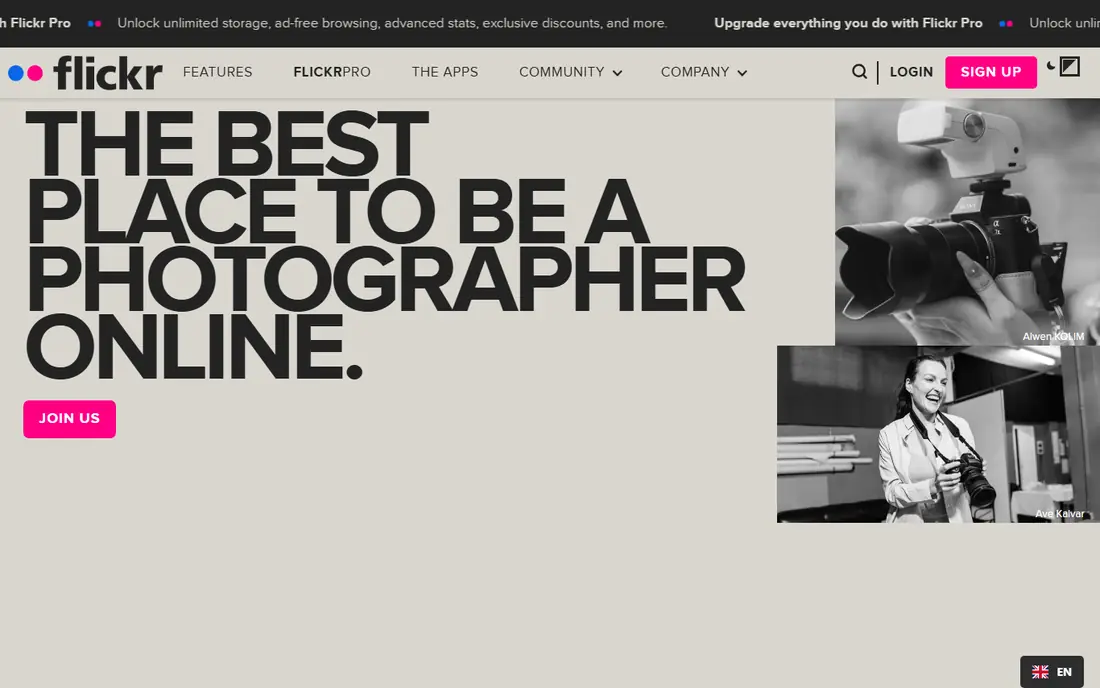
Flickr is the best pick when your images deserve an audience and an archive, not just a link that expires from memory. Albums, groups, tags and comments make it easy to organise a body of work and get useful feedback from other photographers. Search and group discovery also help older photos stay findable long after upload day.
The trade-off is friction. A free account caps how many photos you can keep, so it is not the right home for endless screenshots or memes. Paid plans remove that cap and add full-resolution storage, which makes Flickr a stronger choice for a working portfolio. If you mainly need a fast link for a forum post, one of the bare uploaders below will feel quicker.
- Large photo community
- Albums, groups and tags
- Full-resolution storage on paid plans
- Free account has a photo count limit
- Casual link sharing feels heavier than a bare uploader
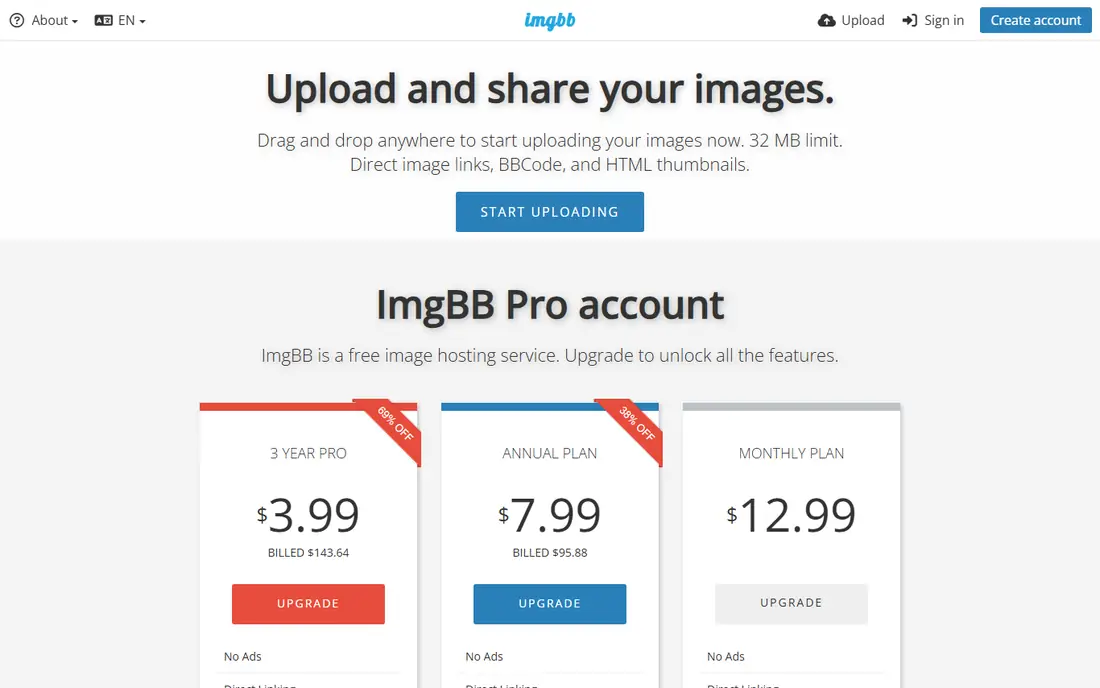
ImgBB mirrors the core Imgur habit most closely: upload an image, copy a link, paste it where you need it. The free uploader handles images up to 32 MB, and it offers HTML, BBCode and Markdown outputs for forums, blogs and chat. An account adds image management, while Pro raises the per-image limit to 64 MB and removes ads.
For everyday sharing, that is plenty. The catch is presentation. Free share pages include ads, and the service is built for public links rather than private storage. Treat uploads as public by default, and keep originals backed up elsewhere if the image matters long term.
- Uploads without an account
- Direct links and embed codes
- Expiry controls
- Free pages carry ads
- Larger files and account tools sit behind Pro
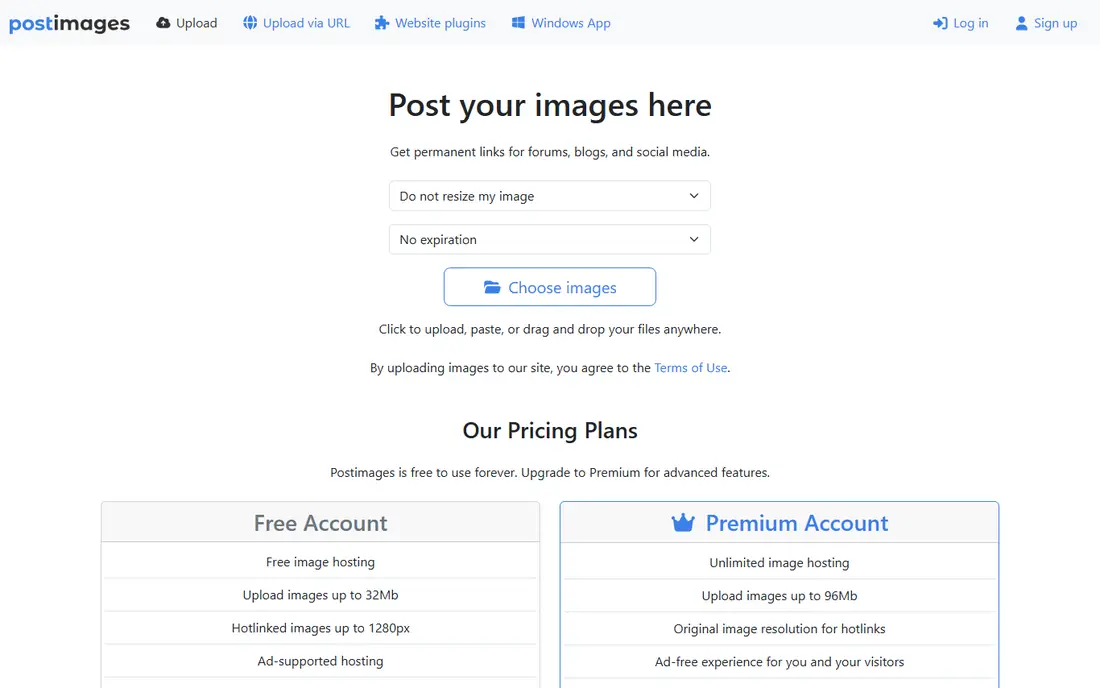
Postimages is a plain, dependable choice for people who post images in forums, support threads and blogs. You upload, pick a size and format, and paste the hotlink. There is no feed to manage and no social layer to learn, which is part of the appeal for a quick technical screenshot or a product photo.
It is not a photo manager. Editing, album polish and privacy controls are thin compared with Flickr or SmugMug. If you need a tidy portfolio, look elsewhere. If you need a link that works in a forum post today, Postimages does that job with little fuss.
- No account needed
- Permanent direct links
- Forum-ready formats
- Limited account and editing tools
- Free hotlinks may be resized on some views
Catbox stands out for file size. Its homepage lists uploads up to 200 MB, with a separate lower limit for GIF files, which makes it useful for large screenshots, long images and other files that smaller hosts reject. The interface stays out of the way, and the resulting URL is easy to share.
That simplicity has limits. Catbox is a file host, not a gallery or a community, so albums and discovery are not the point. Uploads are public in practice, so avoid anything sensitive. Commercial hotlinking also needs prior approval, so check the terms before you use it as a delivery pipe for a business site.
- Large upload limit
- Simple file URLs
- No heavy interface
- Public by design
- Commercial hotlinking needs approval
- Minimal organisation tools
Lensdump sits between a bare uploader and a photo community. Share pages look clean, albums help you group a set of images, and an account gives you more control over what you have uploaded. That makes it a good middle ground for people who share sets of images often but do not want a social feed attached.
The community side is quieter than Flickr or 500px, so do not pick Lensdump for discovery or critique. Pick it when the link and the presentation matter more than the audience. As with any free host, keep a local copy of anything you cannot afford to lose.
- Tidy share pages
- Albums for grouping images
- Account tools for management
- Smaller community than Flickr
- Paid details need a check on the site
FreeImage.host is built for speed. You can upload without creating an account and get a direct link in seconds, which suits bug reports, chat shares and one-off forum posts. The workflow has almost nothing to learn, and that is the point.
The downside is control. Without an account, managing, replacing or deleting older uploads is harder, and the free experience is shaped by the current plan limits on the site. Use it for images you are happy to share publicly, and use an account-based host for work you need to track or remove later.
- Quick uploads without signup
- Direct links
- Simple workflow
- Few management features without an account
- Ads and limits vary by plan
ImgPile is another no-fuss uploader for people who want a link rather than a project. Uploads are quick, albums let you keep related images together, and the share formats cover common forum and social uses. It is a sensible fallback when a better-known host is slow or blocked.
Because it is a smaller service, you should be more careful about relying on it for anything permanent. Keep originals on your own drive or in a second host, and check the current terms before using it for client work. For casual sharing, though, it does the job without demanding an account or a learning curve.
- Straightforward upload flow
- Albums
- Share links for forums and social posts
- Smaller service with less documentation
- Not a full photo portfolio
SmugMug is the step up when images are part of your business. Paid plans offer unlimited photo uploads, ad-free portfolio sites, password-protected galleries and selling tools, with higher tiers adding more commerce controls. That package suits photographers who deliver client galleries or sell prints.
It is not a casual Imgur replacement. There is no free tier to park images in, and the monthly cost only makes sense if you use the portfolio, gallery or sales features. For a single screenshot, use a free uploader. For a client-facing body of work, SmugMug gives you control that free hosts do not.
- Unlimited photo uploads on paid plans
- Custom galleries and domains
- Print and sales tools
- No lasting free plan
- Overkill for a single quick link
500px suits photographers who want their work seen and, where relevant, licensed. The feed rewards polished images, profiles act as portfolios, and licensing gives strong work a route to buyers. It is a better fit than a bare uploader if presentation and reach matter to you.
The free tier has limits, and the competitive feel of the feed will not suit everyone. It also works best for finished photographs rather than screenshots or casual snaps. If you want community and exposure for serious photos, 500px earns its place. If you want a quick link, the free uploaders above are faster.
- Curated discovery feed
- Licensing marketplace
- Portfolio profiles
- Free tier is limited
- Community feedback can feel competitive
How we picked these
We checked official homepages and pricing pages, plus current upload limits and sharing formats reported in October 2026, and we kept only hosts that exist and work today. We favoured services with a clear free route, a working direct link or album, and a stated limit or plan, and we left out hosts that had closed, become unreliable or turned into a different product. Prices that could not be confirmed on a vendor page are shown as See website.
What to check before you upload
Match the host to the job
A forum screenshot, a client gallery and a photo portfolio are different jobs. Use a bare uploader for the first, SmugMug or Flickr for the second and third, and a community site only when you want feedback or exposure. Picking by job saves you from paying for features you will not use or trusting a throwaway link with work that matters.
Check privacy, expiry and reuse
Assume a free upload link is public unless the host clearly says otherwise. Check whether links expire, whether an account is needed to delete an image, and whether the terms allow hotlinking for your use. If an image is private, sensitive or tied to a client, use a password-protected gallery or a private sharing tool instead.
Keep your own copy
Free hosts change limits, close accounts and revise terms. Keep originals on your own drive or in a second service before you share a link widely. That habit matters most for portfolios, client work and images embedded in articles that people may read years later.
Frequently asked questions
What is the best free alternative to Imgur?
ImgBB and Postimages are the strongest free starting points for quick uploads and direct links. Flickr is better if you want albums and a community, while Catbox helps when a file is too large for smaller hosts.
Do these alternatives to Imgur need an account?
ImgBB, Postimages, Catbox and FreeImage.host allow uploads without an account for basic sharing. Flickr, SmugMug and 500px need an account, and SmugMug needs a paid plan after its trial for ongoing use.
Can I hotlink images from these hosts in forums?
Yes, in most cases. Postimages and ImgBB provide forum-ready codes, and Catbox gives a direct file URL. Always check the host terms, since some services limit hotlink size or require approval for commercial use.
Which Imgur alternative is best for photographers?
Flickr suits archiving, groups and full-resolution storage on paid plans. 500px suits exposure and licensing, while SmugMug suits a branded portfolio with client galleries and print sales.
Is Google Photos a good Imgur alternative?
Google Photos works well for personal backup and sharing albums with people you know, but it is not built for public forum hotlinks in the same way. Use it alongside a dedicated image host if you need both backup and public links.
What happens if a free image host closes?
Links can break and images can disappear, which is why you should keep originals elsewhere. For embedded images in articles or client pages, a paid portfolio or your own site storage is a safer long-term choice.
Sources
See where you really rank - block by block
ProMapRanker scans Google Maps across a grid of your service area. Simple monthly plans from $19, white-label on every plan.
Start freeKeep reading
 zscaler alternatives
Best Zscaler Alternatives in 2026
Looking for zscaler alternatives? We compare 9 SASE and zero trust platforms on architecture, data protection, pricing, and fit for your network and team.
Read → zapier alternatives free
Best Zapier Alternatives Free in 2026
Nine automation tools for zapier alternatives free in 2026, all with genuinely free tiers, plus free plan limits, starting prices and upgrade paths explained.
Read → which platform is best for online reputation
Which Platform Is Best for Online Reputation in 2026
Wondering which platform is best for online reputation? We compare 8 review, listing, and response tools for small and multi-location businesses and agencies.
Read →