 ProMapRanker
IFTTT Alternatives in 2026: 9 Tools Compared

Key takeaways
- Zapier is the widest business alternative, while Make offers a visual builder at a lower starting price.
- n8n and Activepieces offer self-hosted options, which suit technical users who want control over data and costs.
- Free plans vary a lot: Zapier gives 100 tasks a month, while Make gives 1,000 credits a month on its free plan.
- Smart home coverage is weaker in most business tools than in IFTTT, so check device support before switching.
- Pabbly Connect and Integrately suit tight budgets, but check app coverage for the exact tools you use.
Quick comparison
| Pick | Great for | Pricing starts at | Free tier | |
|---|---|---|---|---|
 Zapier | Widest business automation library | $19.99 per month | Yes | Visit |
 Make | Visual multi-step workflows | $12 per month | Yes | Visit |
 n8n | Self-hosted and code-friendly automation | $20 per month | Yes | Visit |
 Pabbly Connect | Flat-rate pricing on a tight budget | $19 per month | Yes | Visit |
 Microsoft Power Automate | Teams already on Microsoft 365 | $15 per user per month | No | Visit |
 Activepieces | Open-source self-hosting with AI steps | See website | Yes | Visit |
 Pipedream | Code-first API workflows for developers | See website | Yes | Visit |
 Integrately | One-click ready-made automations | $19.99 per month | Yes | Visit |
 Tasklet.ai | AI agents for multi-step tasks | $25 per month | Yes | Visit |
The best ifttt alternatives
We compared alternatives on free plan limits, app coverage, builder style, pricing, and how well each handles personal, smart home, and business automation.
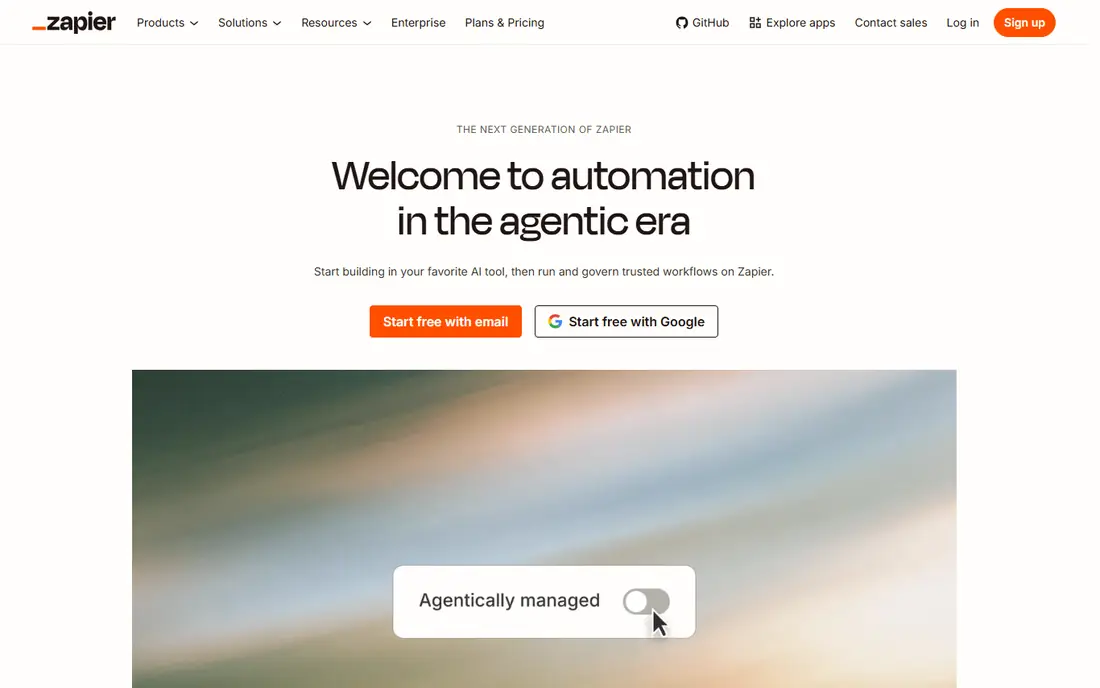
Zapier is the most direct upgrade for people leaving IFTTT for work automation. It connects thousands of business apps, supports multi-step workflows with filters, branching, and error handling, and includes AI tools that can build a workflow from a plain-language description. That depth matters when an automation needs to check a condition, route a lead, or update several systems at once, rather than simply moving one trigger to one action.
The free plan covers 100 tasks a month with two-step workflows, which is enough to test but not to run a busy system. Paid plans start at $19.99 per month when billed annually. Smart home users should check device support first, since Zapier is stronger for business apps than for home devices. For work automation, it remains the safest default.
- Very large app library
- Multi-step workflows with branching
- AI-assisted workflow building
- Cost rises with task volume
- Smart home coverage is narrower than IFTTT
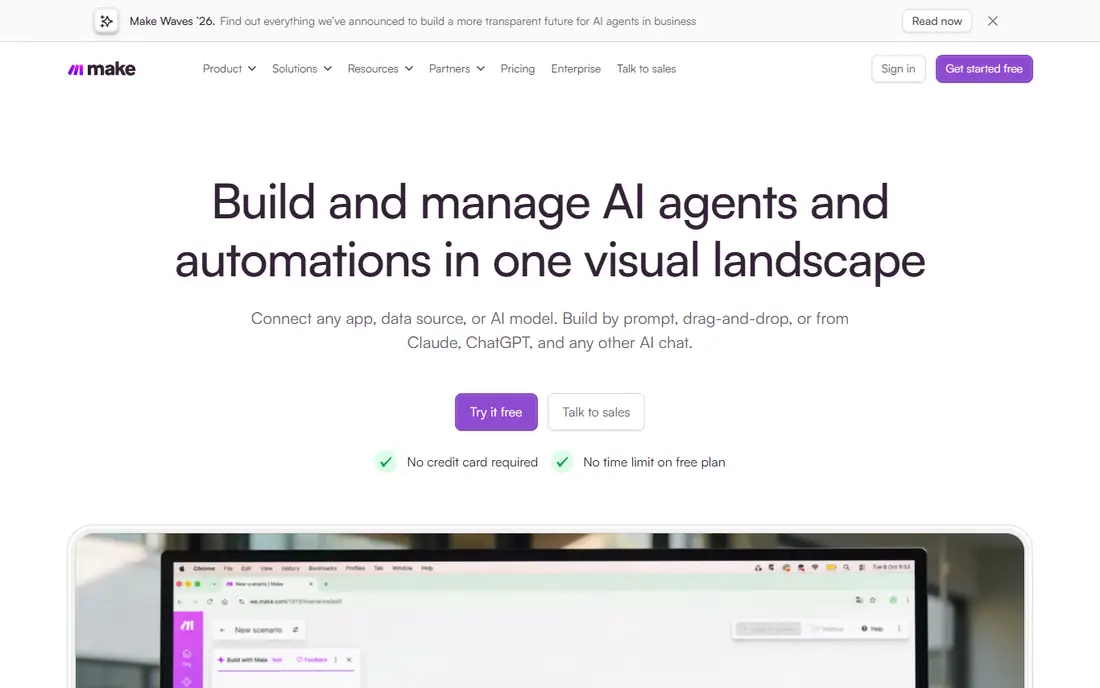
Make is the alternative most people land on first when they want Zapier-style power with a visual builder. Workflows appear as a canvas, so branches, routers, and error paths are visible at once, which makes debugging a multi-step automation easier than scrolling through a linear list. The free plan includes 1,000 credits a month and two active scenarios, and paid plans start at $12 per month when billed annually.
Make covers thousands of apps and handles deep actions well, so it suits both personal projects and business workflows. The credit model differs from Zapier task pricing, so compare at your real volume rather than headline numbers. For users who like to see a workflow laid out visually, Make is a strong, lower-cost pick.
- Visual canvas with routers and branching
- Generous free credits
- Strong value at volume
- Learning curve for complex scenarios
- Credit system needs careful comparison with task pricing
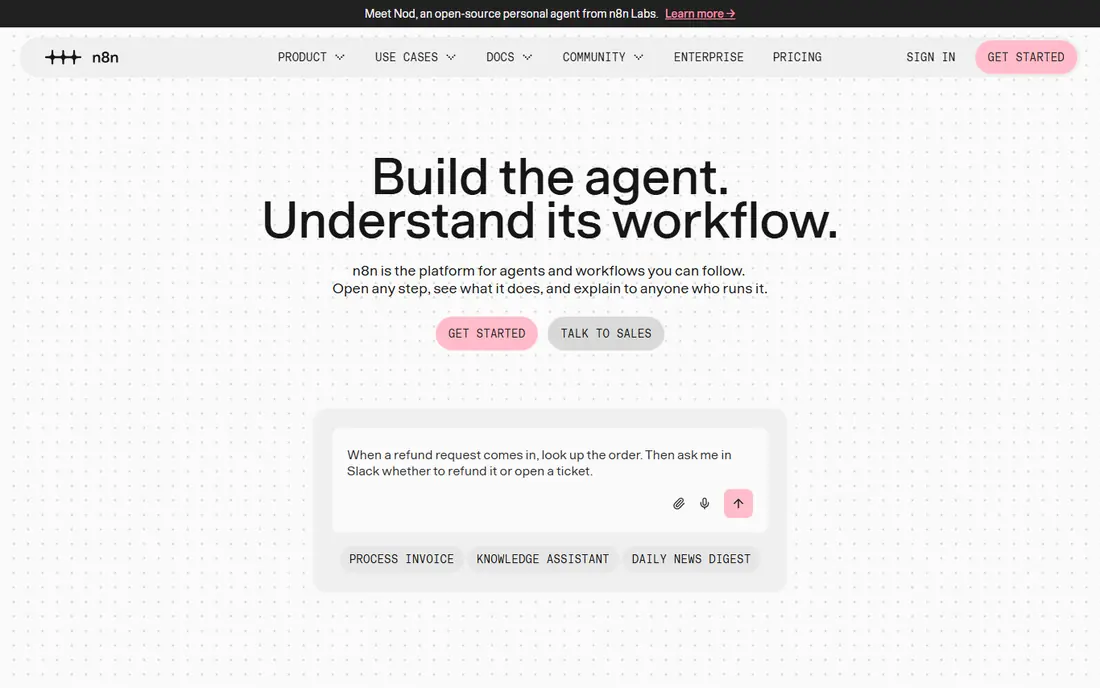
n8n suits technical users who want full control over automation and data. The open-source community edition can be self-hosted at no licence cost, apart from server time, and the node-based editor supports code steps for cases where a visual step is not enough. That combination gives developers a way to build complex, custom workflows without paying per task in the same way as hosted tools.
The cloud plan starts at $20 per month when billed annually, which is useful for teams that do not want to run a server. Non-technical users may find setup heavier than Zapier or Make, and smart home coverage needs checking per device. For a developer-led team, n8n offers the most control on this list.
- Free self-hosted community edition
- Code steps in JavaScript
- Full control over data
- Needs technical setup for self-hosting
- Cloud pricing is higher than some rivals
Pabbly Connect fits users who want predictable automation costs without a task meter that climbs steeply with volume. It connects thousands of apps, supports multi-step workflows, and offers a free plan plus paid plans starting at $19 per month when billed annually. A bundle that includes billing and email marketing tools can also appeal to small businesses that want several Pabbly products together.
The app library is smaller than Zapier, so check that your exact tools are supported before switching. The interface is functional rather than polished, and support options vary by plan. For a budget-conscious user with common business apps, Pabbly Connect is a practical, lower-cost alternative.
- Flat-rate style pricing
- Wide app range
- Lifetime plan options reported
- Smaller app library than Zapier
- Interface is less polished than rivals
Microsoft Power Automate is the natural pick for teams already paying for Microsoft 365. Cloud flows connect Microsoft apps with many third-party services, desktop flows automate repetitive tasks on a Windows machine, and AI Builder adds document and prediction features on higher plans. Paid plans start at $15 per user per month when billed annually, and some Microsoft 365 plans include standard connectors.
Licensing is the catch, since premium connectors, desktop flows, and attended versus unattended automation fall under different terms. Teams outside Microsoft will get less value, and personal smart home use is not the focus. For a Microsoft shop, Power Automate keeps automation close to the tools staff already use every day.
- Strong Microsoft 365 fit
- Desktop flows for repetitive tasks
- AI Builder options
- Best value inside Microsoft
- Pricing and licensing can be confusing
Activepieces suits budget-conscious users who want self-hosting without the technical weight of a fully code-first tool. The open-source version can be self-hosted, and the hosted version includes AI steps that help build and run workflows. Its free plan offers daily credits and unlimited flows, which makes it easy to test several automations before paying.
The app range is smaller than Zapier or Make, so users with niche tools should verify coverage first. Pricing has varied across sources, so check the live pricing page for the current plan. For a small team that values open source and AI steps at a low cost, Activepieces is worth a trial.
- Open-source self-host option
- Built-in AI steps
- Unlimited flows on some plans
- Smaller app range than Zapier
- Pricing has changed over time, so check the live page
Pipedream fits developers who want to build API workflows with code when needed and no-code steps when that is faster. It connects thousands of apps and APIs, supports custom code, and lets developers test workflows in development before paying to run them live. That model suits API-heavy work, such as syncing data between internal tools or building a custom integration that a visual builder cannot express cleanly.
Non-technical users will find Pipedream harder than Zapier or Make, and paid pricing scales with usage, so costs need monitoring at volume. For a developer who already thinks in APIs and code, Pipedream offers control and speed that simpler tools cannot match.
- Code steps alongside no-code actions
- Large app and API range
- Generous development use
- Developer focus makes it harder for non-technical users
- Paid pricing scales with usage
Integrately suits users who want automation without building every workflow from scratch. It offers ready-made, one-click automations between common apps, so a typical sync or notification flow can be live in minutes rather than after a long builder session. Live chat support on plans helps when a connection fails, and the free plan lets new users test the approach.
Deep branching, complex logic, and custom code are weaker here than in Make or n8n, so power users may outgrow it. Paid plans start at $19.99 per month when billed annually. For a small business owner who wants simple, reliable automations with minimal setup, Integrately is a friendly starting point.
- Ready-made one-click automations
- Live chat support on plans
- Simple setup
- Less deep workflow logic than Make or n8n
- App range is smaller than Zapier
Tasklet.ai fits users who want AI agents to carry out multi-step tasks, rather than only fixed trigger-and-action rules. It connects through APIs and model tools, so an agent can gather information, take steps across apps, and complete a task that would need several separate automations in a traditional tool. A free tier with daily bonus credits lets users test agent behaviour before paying, with paid plans starting at $25 per month.
As a newer tool, Tasklet.ai has less long-term evidence than Zapier or Make, and users should test reliability on real tasks before depending on it. For someone exploring agent-style automation alongside traditional workflows, it offers a different approach that is worth comparing in a trial.
- AI agents handle multi-step tasks
- API and model connections
- Bonus credits on free use
- Newer and less proven than Zapier
- Pricing and limits need careful checking
How we picked these
We compared vendor pricing pages, feature pages, and independent comparison guides, and we kept only tools that are live in October 2026 and clearly offer trigger-and-action or workflow automation. We excluded tools that had shut down, including Relay.app, which closed in September 2026. Where a price varied across sources, we wrote See website rather than presenting a disputed figure as fact.
How to switch from IFTTT without breaking your automations
List every automation you run today, including the trigger, the action, and how often it fires. Group them into personal, smart home, and work flows, since different tools handle each group best. A business tool may handle work flows well but miss a smart home device, while a self-hosted tool may handle both but need technical setup.
Next, trial one tool with your five most important automations, not all of them at once. Check free plan limits, run history, and error handling, and confirm that failures send a clear alert. Once those five run reliably for two weeks, migrate the rest in batches. Keep the old automations live until the new ones prove themselves, so a failed switch does not leave a home device or a work task unattended.
Questions to ask on a trial
Ask how the tool counts usage, whether filters and internal steps count against that limit, and what happens when you exceed it. Ask how error handling works, whether a failed run retries, and how you are notified. Ask which exact apps and devices are supported, and whether a community or official integration covers each one you need.
Frequently asked questions
What is the best free IFTTT alternative?
Make offers a strong free plan with 1,000 credits a month, while Zapier offers 100 tasks a month on its free plan. n8n is free when self-hosted, which suits technical users with a server. The best free option depends on how many runs you need and if you can self-host.
What are the best IFTTT alternatives for smart home automation?
IFTTT remains strong for simple smart home triggers, and most business tools on this list are weaker for home devices. Check device support in Make, Zapier, and Home Assistant-style tools before switching, and keep IFTTT for any device that only it supports well. A mixed setup, with work flows in a business tool and home flows where they already work, is often the safest path.
Is there a free alternative to IFTTT with unlimited runs?
n8n self-hosted and Activepieces self-hosted come closest, since the licence cost is free and you pay only for server time. Hosted free plans all have limits, whether tasks, credits, or scenarios. Self-hosting gives more freedom, but it also means you handle updates, uptime, and security.
How much do IFTTT alternatives cost?
Paid plans on this list start at $12 per month for Make, $15 per user per month for Microsoft Power Automate, and $19.99 per month for Zapier and Integrately. n8n cloud starts at $20 per month, and Tasklet.ai starts at $25 per month. Always compare at your real run volume, since task, credit, and user pricing differ.
Can I use Zapier or Make instead of IFTTT for simple automations?
Yes, both handle simple two-step automations, and they add multi-step logic, branching, and error handling when you need it. Zapier is easier for business apps, while Make is often cheaper at volume and easier to debug visually. For very simple personal triggers, either tool will work, but the free plan limits may decide the choice.
Sources
See where you really rank - block by block
ProMapRanker scans Google Maps across a grid of your service area. Simple monthly plans from $19, white-label on every plan.
Start freeKeep reading
 zoho inventory alternatives
6 Alternatives to Zoho Inventory, Compared on Price and Fit
Zoho Inventory alternatives: 6 tools compared on price, free plans and fit. Katana leads the list for manufacturers. Fit and flaws are laid out for each entry.
Read → zoho crm alternatives
Best Zoho CRM Alternatives (2026)
Need Zoho CRM alternatives? We compare 7 tools on cost, free access and who each suits. Every pick gets a straight assessment. Built for quick decisions.
Read → zelle alternatives
Best Zelle Alternatives in 2026
Compare the best Zelle alternatives for sending money to friends, paying sellers and moving funds abroad, with honest notes on fees, speed and safety in 2026.
Read →