 ProMapRanker
iCloud Alternatives in 2026


Google and Android users · Pricing starts at: $1.99 per month
Key takeaways
- Google Drive is the best general swap for photos and files, with 15 GB free shared across Gmail, Drive, and Photos.
- OneDrive fits Windows and Microsoft 365 users, while Dropbox remains strong for fast sync and sharing with collaborators.
- Proton Drive, Sync.com, and MEGA suit privacy-focused users, with end-to-end encryption as the core difference from iCloud.
- pCloud is the pick for people who prefer a one-time lifetime payment over another monthly subscription.
Quick comparison
| Pick | Great for | Pricing starts at | Free tier | |
|---|---|---|---|---|
| Google Drive | Google and Android users | $1.99 per month | Yes | Visit |
 Microsoft OneDrive | Windows and Office users | $1.99 per month | Yes | Visit |
 Dropbox | Fast sync and sharing | $9.99 per month | Yes | Visit |
 pCloud | Lifetime payment option | $49.99 per year | Yes | Visit |
 Proton Drive | Privacy-first storage | $3.99 per month | Yes | Visit |
 Sync.com | Private client sharing | See website | Yes | Visit |
 MEGA | Large free encrypted tier | See website | Yes | Visit |
 Box | Business governance | $5 per user per month | Yes | Visit |
 Icedrive | Budget private storage | See website | Yes | Visit |
The best iCloud alternatives
iCloud works best when every device in the house is made by Apple. Add an Android phone, a Windows PC, or a need for more free space, and a different service starts to look better. These nine alternatives cover photos, files, and backups without listing iCloud itself, since this is an alternatives list. Our pick for most people is Google Drive for breadth, with Proton Drive for privacy and pCloud for a lifetime payment.
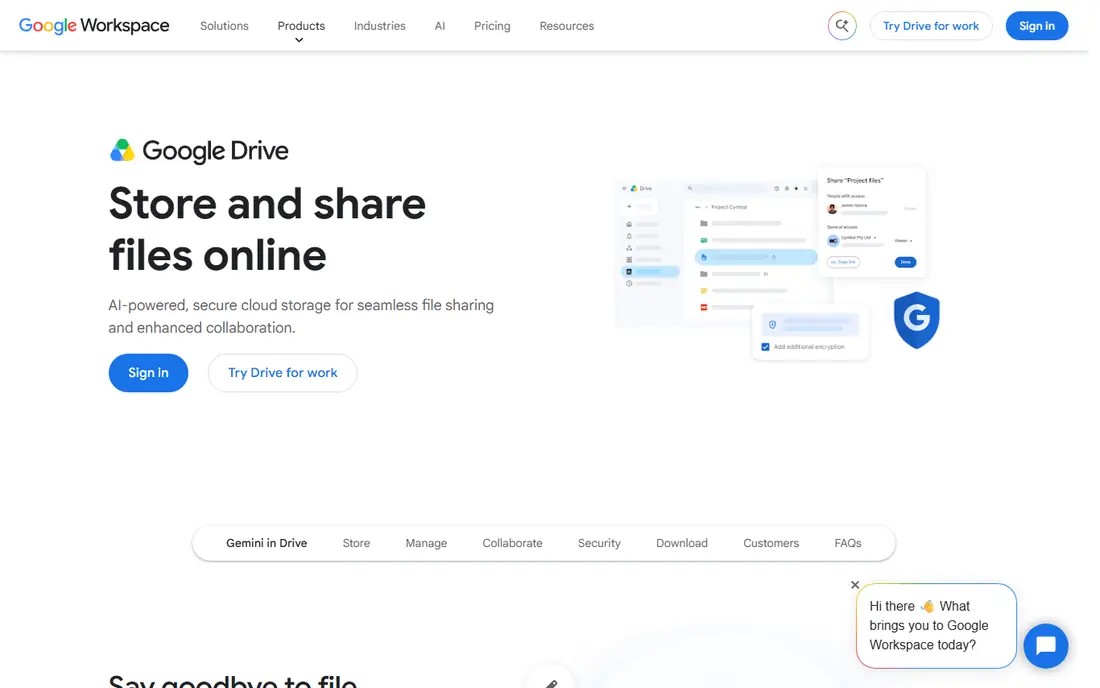
Google Drive is the most complete iCloud replacement for a mixed-device household. Photos, documents, and files sync across Android, iOS, Windows, Mac, and the web, and collaboration in Google Docs is built in rather than bolted on. The 15 GB free tier is also three times the 5 GB iCloud gives free, which delays the first paid upgrade.
The shared-storage model is the catch. Gmail, Photos, and Drive all draw from the same allowance, so a heavy mail user can run out of room even with few files. Google One plans start at $1.99 per month for 100 GB, which is cheap, but check if you also need the AI plan features that now sit on higher Google One tiers.
- 15 GB free shared across Gmail, Drive, and Photos
- Strong collaboration in Docs, Sheets, and Slides
- Apps on every major platform
- Free space is shared, so a full Gmail inbox eats into storage
- No end-to-end encryption by default
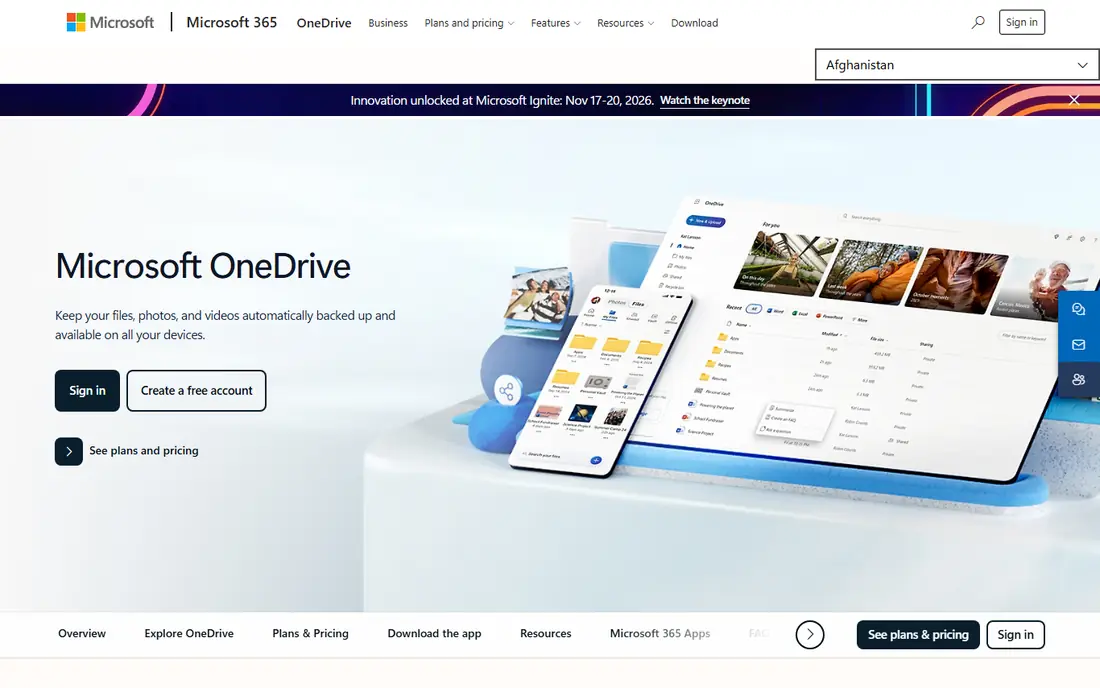
OneDrive is the natural iCloud alternative for a Windows household or office. Files appear in File Explorer, Office documents save straight to the cloud, and the Personal Vault adds an extra authentication step for sensitive files. Microsoft 365 Personal bundles 1 TB with the desktop Office apps for $99.99 a year, which is good value if Office is already part of the budget.
The free tier is small at 5 GB, matching iCloud, so most users will pay for the 100 GB plan at $1.99 per month or a Microsoft 365 plan. OneDrive is also provider-managed encryption rather than end-to-end by default, so privacy-focused users should look at Proton Drive or Sync.com instead.
- Deep Windows and Office integration
- Personal Vault for sensitive files
- Microsoft 365 plans bundle 1 TB with Office apps
- Only 5 GB free
- Not end-to-end encrypted by default

Dropbox remains a strong choice for people who share files with clients and collaborators every day. Sync is fast and dependable, shared folders are easy to manage, and integrations with design, video, and productivity tools are broad. For a freelancer who sends large files, that reliability matters more than a few dollars of price difference.
The free tier is the weakness. At 2 GB, it is a trial rather than a usable free plan, and the Plus plan at $9.99 per month for 2 TB is pricier than Google or Microsoft for smaller amounts of space. Dropbox fits professionals who value sync and sharing over the cheapest gigabyte.
- Fast, reliable sync across devices
- Simple sharing and collaboration
- Wide third-party app integrations
- Only 2 GB free, the smallest free tier here
- Paid plans start higher than Google or Microsoft for the same space
pCloud suits people who dislike subscriptions. Annual plans start at $49.99 a year for 500 GB, and lifetime plans for 500 GB and 2 TB let a user pay once and stop thinking about a monthly bill. Photo backup, media playback, and apps for every platform make it a practical iCloud Photos alternative as well as a file store.
Encryption needs a careful read. Standard pCloud storage uses provider-managed encryption, and the client-side Crypto folder is a paid add-on. If end-to-end encryption is the main reason for leaving iCloud, Proton Drive or MEGA include it by default. If the main reason is cost over time, pCloud lifetime plans are hard to beat.
- Up to 10 GB free after setup steps
- Lifetime plans avoid a monthly bill
- Media playback and photo backup built in
- Client-side encryption is a paid add-on, not included by default
- Reaching the full free tier needs extra steps
Proton Drive is the privacy pick for users who already trust Proton Mail or want a single privacy bundle. Files and folder names are end-to-end encrypted, so Proton cannot read them, and the drive includes a document editor and encrypted sharing links. The Drive Plus plan at $3.99 per month for 200 GB on annual billing is reasonable for a privacy-focused service.
The trade-offs are space and ecosystem. The free tier is 5 GB, and integrations with design tools and business apps are fewer than Dropbox or Google Drive. For a user whose priority is privacy over collaboration breadth, those limits are acceptable. For a team that lives in shared Docs, Google Drive remains easier.
- End-to-end encryption by design
- Swiss company behind Proton Mail
- Document editor and encrypted link sharing
- Only 5 GB free
- Smaller ecosystem of third-party integrations than Google or Dropbox
Sync.com fits professionals who share files with clients and need privacy by default. End-to-end encryption covers uploads, and version history helps recover an overwritten file or a deleted folder. Team plans add controls for sharing with clients without giving up that encryption model.
The free plan is usable but limited, with caps on links, devices, and daily downloads per link, so a busy user will need a paid plan. Pricing also varies with first-year offers, so check the renewal price rather than the introductory price. For a small business that values private sharing, Sync.com is a strong iCloud alternative.
- End-to-end encryption by default
- File history and versioning for recovery
- Team plans for client sharing
- Free tier limits links, devices, and downloads
- Pricing varies by plan and first-year offers, so confirm the renewal price
MEGA gives the largest free encrypted tier on this list at 20 GB, which makes it an easy first step away from iCloud for photos and files. Encryption applies on free accounts as well as paid ones, and the apps cover iOS, Android, Windows, Mac, and the web. Paid plans scale to large capacities for users with big photo or video libraries.
Free accounts have transfer quotas, and some bonus space is temporary, so the headline 20 GB needs a careful read. Pricing can also appear in euros depending on the store, so confirm the US dollar total at checkout. For a user who wants free space plus encryption, MEGA is still the best starting point.
- 20 GB free with end-to-end encryption
- Chat and file sharing built in
- Large paid plans for heavy storage users
- Bonus free space can expire after a set period
- Transfer quotas apply on free accounts
- Pricing is shown in euros for some plans
Box is the business pick on this list. Its governance, retention, workflow, and compliance tools suit companies that need control over who sees what, how long files are kept, and how approvals move. Integrations with enterprise apps are broad, and the individual free plan at 10 GB is usable for light personal use.
Box is less appealing as a pure personal iCloud replacement. Business pricing starts at $5 per user per month with a three-user minimum, and the free plan caps single files at 250 MB. A family or solo user will get better value from Google Drive or pCloud, while a company with compliance needs will value Box most.
- 10 GB free for individuals
- Strong governance, workflow, and compliance tools for businesses
- Wide enterprise integrations
- Business plans need a three-user minimum
- 250 MB single-file limit on the free individual plan
Icedrive is a budget option for users who want private storage without paying a big-brand price. The free plan gives 10 GB, and paid and lifetime plans cover larger libraries at a lower cost than some larger rivals. An encrypted folder option adds client-side protection for sensitive files, which is a useful middle ground between standard storage and full end-to-end encryption.
Icedrive is a smaller provider, so integrations and support depth do not match Google, Microsoft, or Dropbox. Free accounts also have monthly transfer limits. For a personal user who mainly needs backup and photo storage, Icedrive is good value. For a team that relies on many third-party apps, a larger provider will fit better.
- 10 GB free
- Encrypted folder option for sensitive files
- Lifetime plans for users who want to pay once
- Smaller service with fewer integrations than the big providers
- Monthly transfer limits on the free plan
How we picked these
We compared cloud storage services that are live in October 2026 and that can replace iCloud Drive and iCloud Photos, using vendor pricing pages and recent pricing comparisons. We kept a mix of general, privacy-focused, business, and budget options, and we noted free tiers because the jump from 5 GB free is the most common reason people leave iCloud. iCloud itself is not listed, since this article covers alternatives to it. Where pricing varies by offer or currency, we say See website rather than guessing a renewal price.
How to move from iCloud without losing photos
Start by checking what iCloud actually holds: device backups, Photos, Drive files, and Mail all draw from the same allowance. A new service will not back up an iPhone in the same full-device way iCloud does, so keep that distinction in mind. Photos and files move cleanly, while full device backup may still need iCloud or a separate backup tool.
Match the service to your devices
A mixed Android and Apple household benefits most from Google Drive, Dropbox, or MEGA, which have strong apps on both platforms. A Windows household benefits most from OneDrive. A privacy-first household benefits most from Proton Drive, Sync.com, or MEGA, even if that means fewer integrations.
Check photo backup before you pay
Confirm whether the new service backs up Live Photos, keeps original quality, and preserves albums and edits. Some services back up the photo file but not the Live Photo motion, and some compress unless a setting is changed. Test with a small album before moving a full library.
Keep the old account active for a month
Move files, confirm they open on the new service, and check that shared links still work for anyone who needs them. Keep iCloud active for at least a month as a safety net, then cancel or downgrade once the new service has proven itself on every device you use.
Frequently asked questions
What are the best alternatives to iCloud?
Google Drive is the best general alternative, OneDrive is best for Windows and Office users, Dropbox is best for sharing, Proton Drive is best for privacy, and pCloud is best for a lifetime payment. The right pick depends on devices, privacy needs, and budget.
What is the best free alternative to iCloud storage for photos?
Google Drive gives 15 GB free shared across Gmail, Drive, and Photos, while MEGA gives 20 GB free with encryption. For photos specifically, check Live Photo handling and original-quality settings before moving a full library, since those details vary by service.
Is there an alternative to iCloud that backs up an iPhone fully?
No third-party service backs up an iPhone in exactly the same full-device way iCloud does. Most alternatives back up photos, files, and documents well, but full device backup, including settings and app data, usually still needs iCloud or a computer backup.
Which iCloud alternative is most private?
Proton Drive, Sync.com, and MEGA all use end-to-end encryption by default, so the provider cannot read your files. pCloud offers client-side encryption as a paid add-on, while Google Drive, OneDrive, and Dropbox use provider-managed encryption by default.
Can I use more than one cloud service at once?
Yes, and many people do. A common setup is Google Drive or OneDrive for daily files, plus Proton Drive or MEGA for private files, and a separate backup for photos. Using two services adds a safety net, but keep track of which service holds the original copy of each folder.
Sources
See where you really rank - block by block
ProMapRanker scans Google Maps across a grid of your service area. Simple monthly plans from $19, white-label on every plan.
Start freeKeep reading
 zscaler alternatives
Best Zscaler Alternatives in 2026
Looking for zscaler alternatives? We compare 9 SASE and zero trust platforms on architecture, data protection, pricing, and fit for your network and team.
Read → zapier alternatives free
Best Zapier Alternatives Free in 2026
Nine automation tools for zapier alternatives free in 2026, all with genuinely free tiers, plus free plan limits, starting prices and upgrade paths explained.
Read → which platform is best for online reputation
Which Platform Is Best for Online Reputation in 2026
Wondering which platform is best for online reputation? We compare 8 review, listing, and response tools for small and multi-location businesses and agencies.
Read →