 ProMapRanker
Best HR Software for Managing Teams in 2026


Central employee records and onboarding · Pricing starts at: See website
Key takeaways
- Payroll, time off and onboarding matter more than a long feature list, because those are the tasks managers touch every week.
- Gusto suits small US teams that want payroll handled first, while BambooHR and HiBob suit teams that want a central employee record.
- Rippling and Deel suit teams with staff in more than one country or with devices and access to manage alongside HR.
- Employee data needs care: collect only what you need, limit who can see sensitive fields, and check local rules before you roll a system out.
- Prices vary by headcount and add-ons, so confirm the full monthly total, including payroll and benefits, before you commit.
Quick comparison
| Pick | Great for | Pricing starts at | Free tier | |
|---|---|---|---|---|
| BambooHR | Central employee records and onboarding | See website | No | Visit |
 Gusto | Small US teams that need payroll first | $49 per month plus $6 per person | No | Visit |
 Rippling | HR, IT and payroll in one system | See website | Free trial | Visit |
 Deel | Hiring and paying people abroad | See website | No | Visit |
 HiBob | Midsize teams focused on people experience | See website | No | Visit |
 Paycor | US teams that want HR and payroll together | See website | No | Visit |
 ADP Workforce Now | Compliance heavy US employers | See website | No | Visit |
 Zoho People | Low cost HR for small teams | See website | Free trial | Visit |
 Lattice | Goals, reviews and engagement | $13 per user per month | No | Visit |
The best HR software for managing teams
We looked for tools that cover the daily work of managing a team: employee records, time off, onboarding, scheduling or performance, plus payroll or a clear payroll connection. This is general information only, not legal advice, and privacy and employment rules vary by state and country.
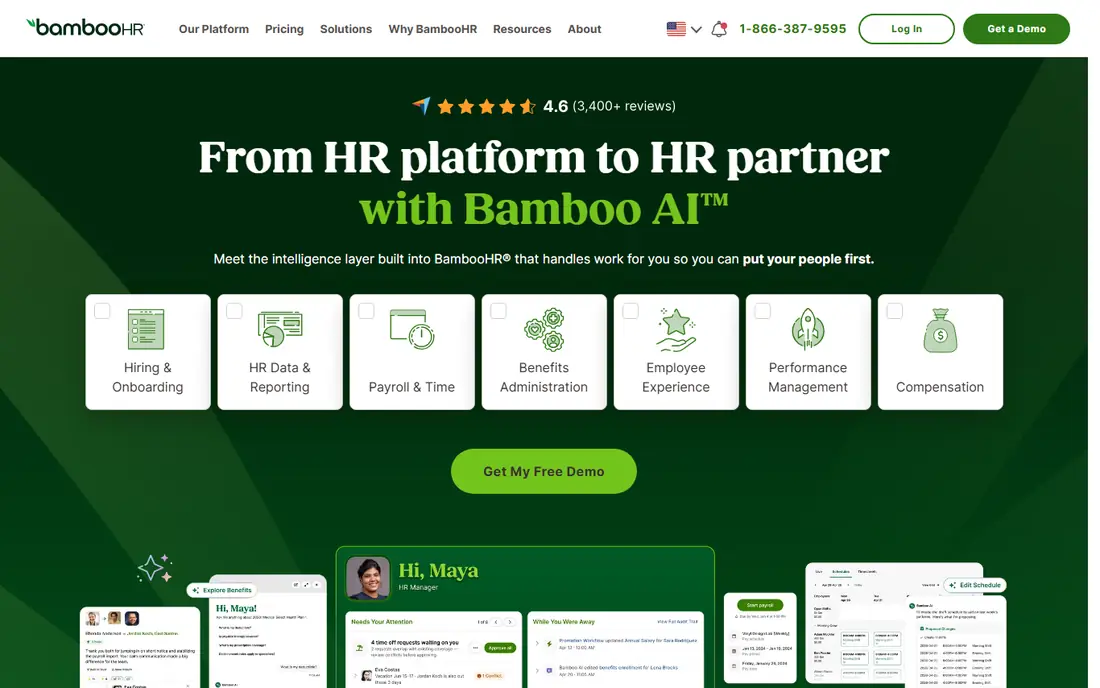
BambooHR works well as the single place where managers find job details, documents and time off history. New hires move through checklists and e-signatures without a chain of emails, and employees can update their own details instead of asking HR for every change. That simplicity is the main reason small and midsize teams pick it first. The catch is scope. Payroll and benefits sit outside the core product in the US, and teams abroad need other tools for local payroll. If you want one bill for HR and payroll, price the add-ons before you decide, and check that reporting covers the fields your managers actually use.
- Clear employee profiles
- Strong onboarding checklists
- Self service for time off and documents
- Payroll is a US add-on with separate pricing
- Smaller teams may find the minimum cost high
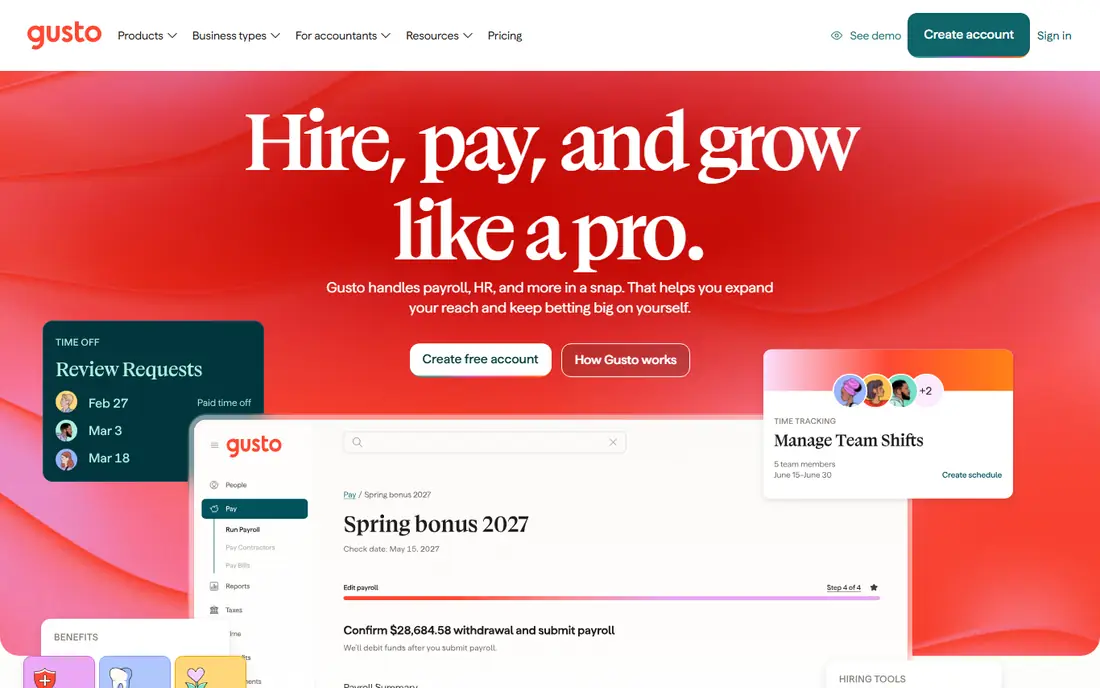
Gusto starts from payroll and builds outward, which matches how many small businesses actually operate. Pay runs, tax filings, benefits enrollment and new hire paperwork sit in one flow, so a founder or office manager can run the basics without a separate HR hire. Time tracking and performance tools are available on higher plans. The trade off is depth. Larger teams that need detailed org planning, complex approvals or global employment will outgrow it sooner than a dedicated HR platform. For a US team under about 100 people, though, the payroll first design keeps weekly admin short.
- Full service US payroll with tax filing
- Benefits and onboarding in the same flow
- Easy setup for small teams
- Lighter on advanced HR workflows than dedicated HR systems
- Built mainly for US employment
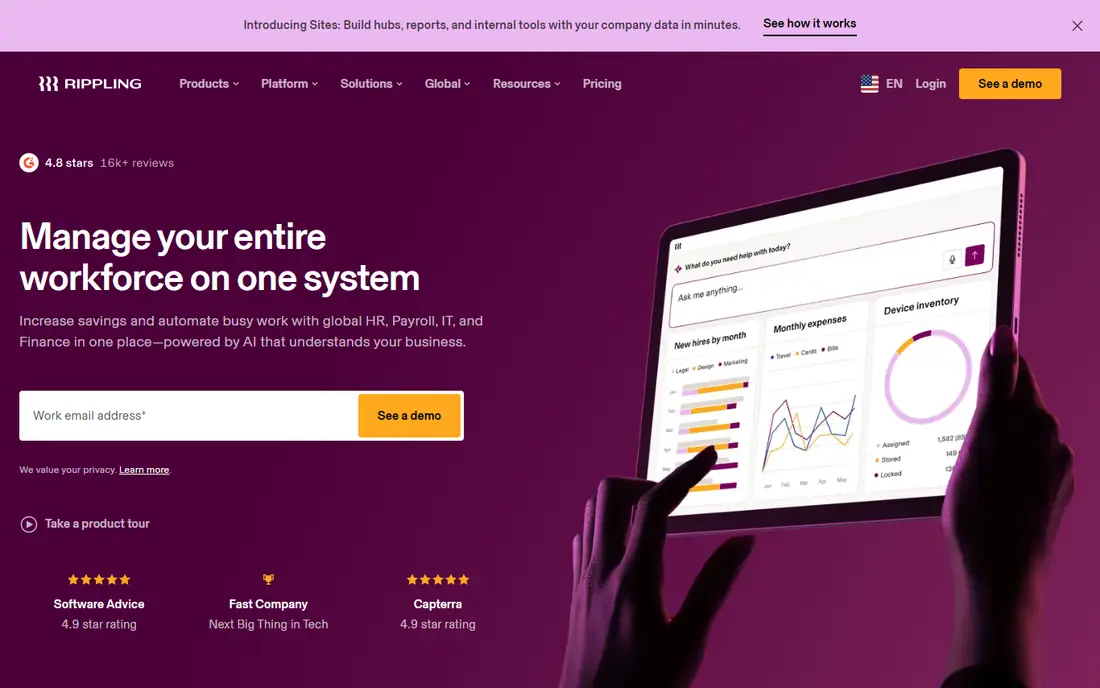
Rippling appeals to teams that are tired of updating the same hire in four systems. Change a role once and access, payroll and device records can follow, and leaving workflows can remove access in the same step. That joined up record is genuinely useful for remote and hybrid teams with many apps. The cost of that breadth is complexity and a modular bill. You need to map which modules you will actually use, and assign someone to own permissions and automations. Teams that do that work get a tidy system; teams that do not can end up with a powerful tool that nobody fully controls.
- One employee record drives HR, IT access and payroll
- Strong automation for joining and leaving
- Global hiring options
- Pricing depends on the modules you pick
- Setup takes more planning than a payroll only tool
Deel is the pick when the team itself crosses borders. It handles contracts, local compliance checks and payments for contractors and employees abroad, so a small company can hire in a new country without setting up a local entity first. Managers see contracts and payment status in one place. For a purely domestic team, Deel is less compelling than BambooHR or Gusto, because its strength is global employment rather than day to day domestic HR depth. Check which countries you actually need, and get a written quote for each hire type before you compare totals.
- Employer of record and contractor options in many countries
- Local compliance support
- Central contracts and payments
- Core HR is thinner than a full HR system for domestic teams
- Per person costs for global hiring add up fast
HiBob puts the employee experience first, with clear profiles, time off, performance reviews and surveys that managers can run without HR help. Midsize teams that want culture and engagement data alongside core HR records often find it easier to adopt than older enterprise systems. Payroll is the gap to check. Depending on your country, payroll may come through a partner, so confirm how pay data moves between systems and who supports it when something goes wrong. Also ask for a full quote, since no public starting price makes budgeting harder.
- Modern interface employees tend to use
- Good performance and engagement tools
- Flexible org and time off setup
- Quote only pricing
- Payroll is handled through partners rather than built in everywhere
Paycor suits US employers that want recruiting, onboarding, HR records, time tracking and payroll from one vendor. Managers can approve time off, view team schedules and run reports without stitching tools together, and employees can check pay and schedules on mobile. That breadth helps companies that are growing past spreadsheets and single purpose tools. The downside is that pricing is by quote, and the suite can feel large for a team of ten. Ask for a line by line quote by module, and test the pieces you will use weekly, especially time approval and payroll corrections, before signing a longer term.
- HR, payroll, time and recruiting in one US focused suite
- Useful reporting for managers
- Mobile access for staff
- Quote only pricing
- Smaller teams may pay for breadth they do not use
ADP Workforce Now is built for employers where compliance, tax filing and benefits administration carry real risk if they go wrong. It covers core HR, payroll, time, talent and benefits in one suite, with controls and audit trails that larger HR teams expect. Companies with complex pay rules or many locations often value that depth. That depth comes with a heavier setup. Expect a guided implementation, training time and a quote based on headcount and modules. Small teams that only need payroll and time off will find it more than they need, and should compare Gusto or Paycor first.
- Deep US payroll and tax compliance
- Wide HR and benefits coverage
- Long track record with larger employers
- Quote only pricing
- Implementation and setup can take time
Zoho People is a sensible low cost starting point for small teams that mainly need attendance, leave tracking, timesheets and employee records. It covers the basics cleanly, and teams already using Zoho for email, CRM or books get shared logins and data without a new vendor relationship. Shift scheduling helps teams with rotas. It is not the strongest choice for detailed performance management or complex org design. Higher plans add more, but if you need deep reviews, goals and engagement analytics, Lattice or HiBob will serve you better. For core HR on a tight budget, Zoho People does the job.
- Affordable entry point
- Time off, attendance and shift scheduling included
- Fits other Zoho apps well
- Interface and reporting feel simpler than midmarket rivals
- Advanced performance tools sit on higher plans
Lattice focuses on the managing part of the keyword: goals, one to ones, reviews, feedback and engagement. Managers can track goals, run review cycles and spot engagement trends, while employees see where they stand and what comes next. It pairs well with a payroll tool such as Gusto or Rippling. Do not buy Lattice expecting payroll or core HR records alone. It works best as the performance layer on top of an HR system, so budget for both if you need both. Check the minimum agreement terms, since small teams can find the annual floor higher than the per seat price suggests.
- Clear goals, reviews and feedback in one place
- Engagement surveys managers can act on
- Useful people analytics
- Not a payroll system
- Minimum annual agreements can raise the cost for small teams
How we picked these
We compared official feature pages, pricing pages and product documentation for HR tools that cover employee records, time off, onboarding, performance or payroll, and we favoured tools that are still sold and supported in October 2026. We left out tools with no clear current product or with payroll only in a narrow market where the article promises team management. Where a vendor does not publish a price, we wrote See website rather than repeating a third party estimate as fact.
What to check before you buy
Start with who will use the system every week. Managers need approvals and team views, employees need time off and pay access, and HR or finance need reporting and audit trails. List those three views before you watch a demo, and ask the vendor to show each one with your own example, such as a part time worker or a manager with direct reports in two locations. Next, check data handling in plain terms. Ask what employee data is collected, who can see pay and health related fields, how long records are kept, and how you export everything if you leave. Get consent and notice steps right for your state or country, and keep sensitive fields limited to people who truly need them. This article is general information only, not legal advice, so confirm local employment and privacy rules with a qualified adviser for your situation. Finally, price the whole job. Add payroll, benefits administration, implementation and any per person fees, and check whether the price changes at headcount thresholds. A tool that looks cheap per person can cost more once payroll and performance modules are added, so compare totals for your actual team size.
Frequently asked questions
What features matter most in HR software for managing teams?
Employee records, time off approvals, onboarding checklists and a clear manager view matter most for daily work. Payroll, scheduling and performance tools matter next, depending on whether you run pay in the same system or pair it with a separate tool.
Is Gusto or BambooHR better for a small team?
Gusto fits small US teams that want payroll handled first, with HR basics alongside it. BambooHR fits teams that want a central employee record and onboarding system first, and are happy to add payroll separately.
Can one tool handle staff in several countries?
Deel and Rippling both offer global hiring options, but coverage, employment type and cost vary by country. Confirm each country you hire in, the worker type, and the full per person cost before you rely on a single vendor.
How should we handle employee privacy in HR software?
Limit sensitive fields to need to know roles, use role based permissions, and tell staff what is collected and why. Keep retention and export rules in writing, and check state or country privacy and employment rules, since this is general information only and not legal advice.
Do we need Lattice as well as an HR system?
You need it if goals, reviews and engagement are a core part of how you manage, and your HR system is weak there. If your HR tool already covers reviews well, a second system may add cost and duplicate data without much gain.
What does HR software usually cost?
Small team payroll tools start around $49 per month plus a per person fee, while midmarket HR systems are often quote based and rise with headcount and modules. Always ask for the total including payroll, implementation and add-ons.
Sources
See where you really rank - block by block
ProMapRanker scans Google Maps across a grid of your service area. Simple monthly plans from $19, white-label on every plan.
Start freeKeep reading
 what’s the best risk software for enterprises
What Is the Best Risk Software for Enterprises in 2026
We compared what’s the best risk software for enterprises on risk registers, controls, third-party risk, and reporting, with pricing notes for large teams.
Read → what's the best pam software for enterprises
What is the Best PAM Software for Enterprises in 2026
Find what's the best pam software for enterprises, with vaulting, session recording, just in time access and pricing compared for large enterprise IT teams.
Read → what’s the best grc software
What Is the Best GRC Software in 2026
We compared what’s the best grc software on risk, compliance, audit and vendor risk, so teams can pick a platform that fits their frameworks and budget.
Read →