 ProMapRanker
Best Housecall Pro Alternatives in 2026

Key takeaways
- Jobber is the best starting point for solo techs and small crews that want fast setup and clear pricing.
- ServiceTitan suits large crews that need deep dispatch, pricebook control and marketing attribution.
- Workiz suits two-person operations that want a genuinely free starting plan.
- Service Fusion suits mid-sized teams that want flat plan pricing rather than per-technician billing.
- FieldPulse, Kickserv and ServiceM8 suit teams that want simpler scheduling without enterprise cost or complexity.
Quick comparison
| Pick | Great for | Pricing starts at | Free tier | |
|---|---|---|---|---|
 Jobber | Solo techs and small crews | $39 per month | Free trial | Visit |
 ServiceTitan | Large multi-crew operations | See website | No | Visit |
 Workiz | Two-person operations | Free | Yes | Visit |
 Service Fusion | Flat-rate mid-sized teams | See website | No | Visit |
 FieldPulse | Simple fast scheduling | See website | Free trial | Visit |
 FieldEdge | QuickBooks-focused mid-sized teams | See website | No | Visit |
 Kickserv | Small crews testing FSM | $60 per month | Free trial | Visit |
 ServiceM8 | Job-based pricing for small teams | See website | Free trial | Visit |
 Simpro | Large commercial contractors | See website | No | Visit |
The best housecall pro alternatives
Housecall Pro is popular with residential home service businesses for scheduling, invoicing, customer communication and built-in marketing. Teams leave it for lower prices, flat-rate billing, deeper enterprise features or a simpler interface. The tools below cover solo operators to large commercial contractors. The right pick depends on crew size, trade type and how you want to be charged.
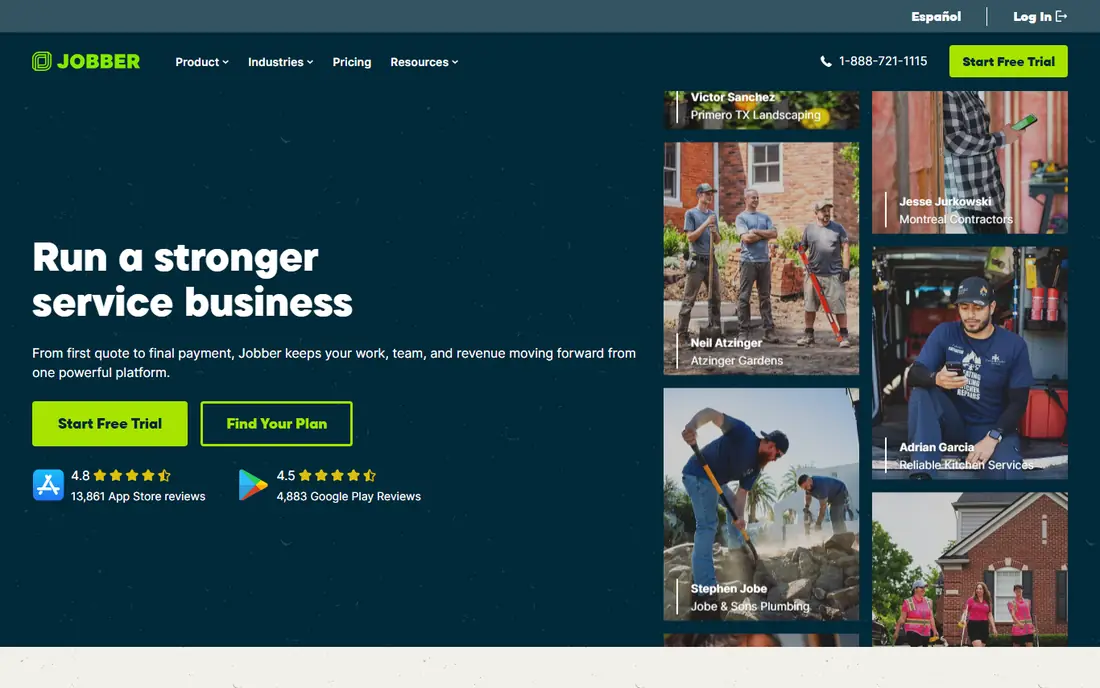
Jobber is the tool most owner-operators start with, and for good reason. Scheduling, quoting, invoicing and client management work without a long onboarding project, and most teams are live within a day. The client hub lets customers approve quotes and pay online, which cuts phone tag and speeds up cash flow. QuickBooks and Xero integrations help with bookkeeping.
Marketing tools are basic compared with Housecall Pro, and reporting on lower tiers is simpler. Dispatching for a large, multi-crew operation is also limited. For a solo tech or a crew of up to about fifteen people, Jobber offers the best balance of price, speed and ease of use in this list.
- Fast setup
- Clean scheduling and invoicing
- Client hub for quotes and online payment
- Marketing tools are basic
- Reporting is simpler on lower tiers
- Limited dispatch depth for large teams
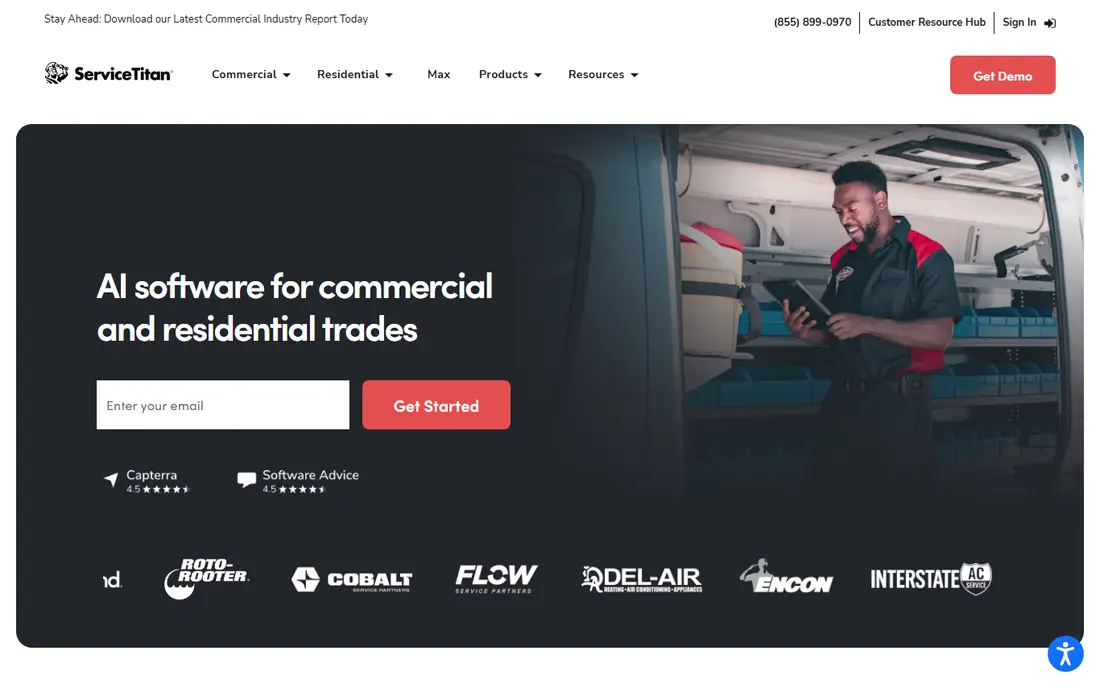
ServiceTitan is the enterprise standard for larger home service companies, especially HVAC, plumbing and electrical firms with ten or more technicians. It offers advanced dispatch boards, a controlled pricebook, service agreements, financing, call tracking and marketing attribution that smaller tools cannot match. Reporting gives managers a clear view of technician performance, job profitability and marketing return.
The cost and effort are high. Pricing is quote-based and typically premium, onboarding can take weeks to months, and implementation help is often needed. A shop with under ten techs will usually find it too expensive and complex. For a large operation that needs control and reporting at scale, it is the strongest platform here.
- Deep dispatch and pricebook control
- Strong marketing attribution
- Enterprise reporting and AI tools
- Quote-based pricing at a premium level
- Longer onboarding
- Overkill for small shops
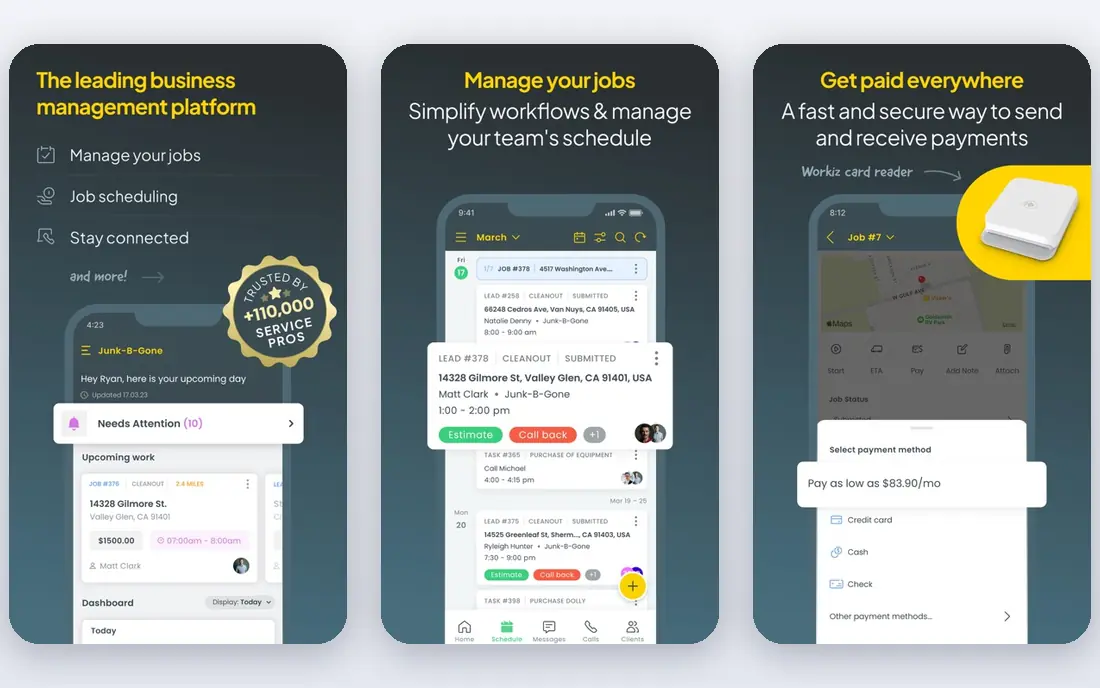
Workiz stands out because its Lite plan is genuinely free for up to two users, which makes it the cheapest way to run a husband-and-wife operation or a tiny crew. It covers scheduling, dispatch, invoicing, estimates and lead tracking, and paid plans add automation, call recording and online booking. For a new business testing field service software, that free start removes risk.
Paid tiers are needed for fuller automation and reporting, and the ecosystem is smaller than the largest vendors. A growing team may eventually need Jobber or ServiceTitan for deeper features. For a two-person shop starting out, Workiz is the lowest-cost credible option in this list.
- Free Lite plan for up to two users
- Scheduling, invoicing and lead tracking
- Call recording on paid plans
- Advanced features need paid tiers
- Smaller ecosystem than Jobber or ServiceTitan
Service Fusion appeals to mid-sized teams that dislike per-technician pricing. Flat plan pricing means adding a technician does not automatically raise the monthly bill in the same way as per-tech tools, which helps a growing crew budget with confidence. It covers scheduling, dispatch, estimates, invoicing, customer management and payments, with QuickBooks integration for accounting.
Pricing requires a quote, so budgeting takes a sales conversation, and some users find the interface less modern than Jobber. For a team of ten to thirty people that wants predictable flat pricing and solid core features without enterprise cost, Service Fusion is worth a demo.
- Flat plan pricing rather than per-technician fees
- Scheduling, dispatch and invoicing
- QuickBooks integration
- Pricing is not published as a simple list
- Interface feels dated to some users
FieldPulse suits shops that want simple, fast scheduling without a heavy enterprise system. It covers estimates, scheduling, dispatch, invoicing and customer records, with customizable forms and documents for different trades. Setup is generally quick, and the interface is straightforward for office staff and field techs.
Pricing is sized to the company, so a quote is needed for an exact figure, and marketing tools are lighter than Housecall Pro. For a growing team that values customization and simplicity over a large marketing suite, FieldPulse is a practical middle option.
- Simple scheduling and job tracking
- Customizable forms and invoices
- Quick setup for growing teams
- Pricing is quote-based for many teams
- Smaller marketing suite than Housecall Pro
FieldEdge is a long-standing field service platform for HVAC, plumbing and electrical contractors, with a strong QuickBooks link that appeals to companies already running their books there. It offers dispatch, scheduling, quoting with a pricebook, invoicing and customer management, plus mobile tools for technicians in the field.
Pricing is per technician and quote-based, and setup takes longer than Jobber or Workiz. It suits a mid-sized team that wants more depth than a simple tool but does not need ServiceTitan's full enterprise suite. QuickBooks-heavy shops should shortlist it alongside Service Fusion.
- Strong QuickBooks integration
- Dispatch and pricebook tools
- Suited to HVAC and plumbing teams
- Per-technician pricing
- Implementation time longer than simple tools
- Quote-based pricing
Kickserv is a low-cost way to test field service software on a small crew. The entry plan covers several users, and it handles scheduling, dispatch, invoicing, estimates and customer history without a complex setup. For a small shop moving from paper or spreadsheets, that simplicity is a real advantage.
Advanced dispatch, marketing and reporting features are thinner than ServiceTitan or Jobber's higher tiers. A larger or faster-growing team may outgrow it. For a small crew that wants a working system at a low monthly cost, Kickserv is a sensible and low-risk choice.
- Low entry price for a small crew
- Scheduling, invoicing and customer history
- Simple to learn
- Fewer advanced features than larger platforms
- Reporting depth is limited
ServiceM8 is popular with small trade businesses in Australia, New Zealand, the UK and increasingly the US. It uses job-based pricing tiers rather than a simple per-user fee, and its mobile app is strong for technicians in the field. Scheduling, job management, quoting, invoicing and customer communication sit in one system.
The job-based model takes a little time to understand, and feature availability can vary by region, so check your market before signing. For a small team that wants a field-first mobile experience and pricing tied to job volume rather than seats, ServiceM8 is a distinctive option.
- Job-based pricing tiers
- Strong mobile app for field techs
- Scheduling and invoicing in one system
- Pricing model can be confusing at first
- Some features vary by region
Simpro suits large commercial contractors, multi-site service companies and firms that manage projects and assets, not just single home visits. It covers quoting, job costing, scheduling, project management and asset tracking, with integrations for accounting and inventory. That depth helps companies running complex commercial contracts.
Pricing is custom and setup takes planning, so it is overkill for a solo tech or a small residential crew. For a large contractor that needs project control and asset history alongside field scheduling, Simpro is a strong enterprise-grade alternative to ServiceTitan.
- Built for large commercial and multi-site work
- Project and asset management
- Strong quoting and job costing
- Quote-based pricing
- Setup effort higher than small-business tools
How we picked these
We compared official pricing pages, product documentation and recent field service comparisons in October 2026. We looked for tools that are live, actively sold and able to replace Housecall Pro for scheduling, invoicing and customer management. We did not claim hands-on testing. We weighed crew-size fit, pricing model, setup speed, dispatch depth, mobile quality, accounting integrations and marketing tools, and we included free, flat-rate and enterprise options.
What to check before you switch field service software
Start with your daily workflow, not the feature list. Map a job from first call to final payment: booking, dispatch, technician notes, photos, quote approval, invoice and payment. Test that exact flow on each shortlisted tool with a real job type from your trade. A tool that handles scheduling well can still fail if invoicing, payment or QuickBooks sync is clumsy.
Next, check pricing at your real crew size in one year, including extra users, payment processing fees and add-ons. Flat-rate, per-user and per-technician models produce very different bills as you grow. Ask about contract terms, data export, customer history migration and mobile offline behavior, since techs often work in basements or rural areas with weak signal.
Finally, run a pilot with two or three techs before moving the whole crew. Train the office and field teams, watch for missed appointments or billing errors, and confirm support response times during working hours. A field service switch touches every job and every customer, so a short pilot with real jobs is worth more than a sales demo.
Frequently asked questions
What is the best alternative to Housecall Pro?
Jobber is the best starting point for solo techs and small crews, ServiceTitan suits large operations, and Workiz suits two-person shops starting free. Service Fusion suits mid-sized teams that want flat-rate pricing. Match the pick to crew size and pricing model first.
Is there a free alternative to Housecall Pro?
Yes. Workiz offers a free Lite plan for up to two users, while most other tools here offer free trials. Free plans limit users or features, so check scheduling, invoicing and customer limits before running a live business on a free tier.
Which Housecall Pro alternative is cheapest for a small team?
Jobber starts at $39 per month and Kickserv at $60 per month for a small crew, while Workiz is free for up to two users. Compare the total bill at your actual user count, including payment processing and any add-ons you need, rather than the headline plan price alone.
Can I migrate customers and job history from Housecall Pro?
In most cases, yes for customer records, and often for job history through import tools or migration help, but details vary by vendor. Ask each vendor what migrates automatically, what needs manual work, and how long you should run both systems in parallel.
Do these tools integrate with QuickBooks?
Yes, most of them integrate with QuickBooks, including Jobber, Service Fusion, FieldEdge and FieldPulse, and several also support Xero. Confirm the exact sync behavior for invoices, payments and customer records on the plan you intend to buy, since depth varies by tier.
Sources
- https://getjobber.com/pricing/
- https://www.servicetitan.com/pricing/
- https://workiz.com/pricing/
- https://www.servicefusion.com/pricing/
- https://www.fieldpulse.com/pricing/
- https://www.fieldedge.com/pricing/
- https://www.kickserv.com/pricing/
- https://www.servicem8.com/pricing/
- https://www.simprogroup.com/pricing/
See where you really rank - block by block
ProMapRanker scans Google Maps across a grid of your service area. Simple monthly plans from $19, white-label on every plan.
Start freeKeep reading
 zscaler alternatives
Best Zscaler Alternatives in 2026
Looking for zscaler alternatives? We compare 9 SASE and zero trust platforms on architecture, data protection, pricing, and fit for your network and team.
Read → zapier alternatives free
Best Zapier Alternatives Free in 2026
Nine automation tools for zapier alternatives free in 2026, all with genuinely free tiers, plus free plan limits, starting prices and upgrade paths explained.
Read → which platform is best for online reputation
Which Platform Is Best for Online Reputation in 2026
Wondering which platform is best for online reputation? We compare 8 review, listing, and response tools for small and multi-location businesses and agencies.
Read →