 ProMapRanker
Hotjar Alternatives in 2026

Key takeaways
- Microsoft Clarity is free with no traffic cap, which makes it the best starting point for any team on a tight budget.
- Mouseflow is the closest like-for-like replacement, with heatmaps, replay, funnels, and form analytics in one tool.
- Crazy Egg pairs heatmaps with A/B testing, which suits teams that want to test changes without buying a second tool.
- FullStory and Contentsquare suit larger teams that need deeper analysis, but both are priced by quote.
- PostHog suits engineering-led teams that want replay, analytics, and experimentation in one platform.
Quick comparison
| Pick | Great for | Pricing starts at | Free tier | |
|---|---|---|---|---|
 Microsoft Clarity | Free behavior analytics | Free | Yes | Visit |
 Mouseflow | Like-for-like replacement | $25 per month | Yes | Visit |
 Crazy Egg | Heatmaps plus A/B testing | $29 per month | Yes | Visit |
 Lucky Orange | Small ecommerce teams | $32 per month | Free trial | Visit |
 FullStory | Enterprise digital experience analytics | See website | Yes | Visit |
 Smartlook | Web and mobile app replay | $55 per month | Yes | Visit |
 PostHog | Engineering-led product analytics | See website | Yes | Visit |
 Contentsquare | Enterprise experience analytics | See website | Yes | Visit |
The best Hotjar alternatives
Teams switch behavior analytics tools for a few common reasons: session limits, survey pricing, mobile support, or a need for deeper funnels. This list covers alternatives only, with free, mid-priced, and enterprise options. Our pick for most teams is Microsoft Clarity for free coverage, with Mouseflow as the best paid replacement.
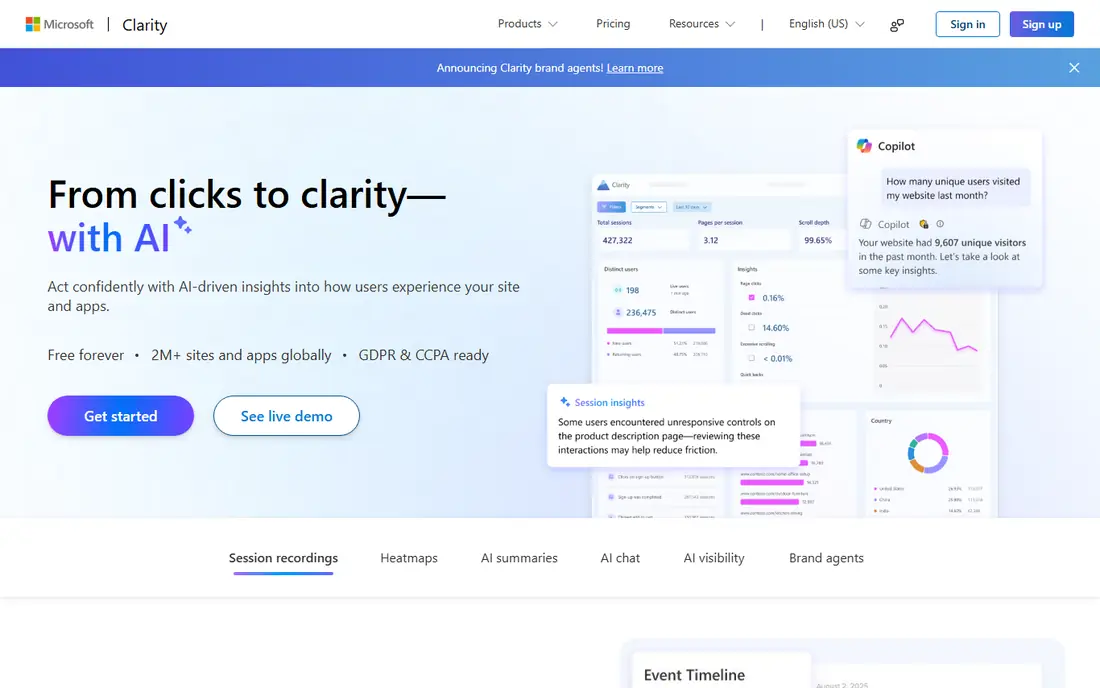
Microsoft Clarity is the easiest recommendation in this list, because it costs nothing and covers the core job. Heatmaps show where visitors click and scroll, session recordings show where they hesitate or rage-click, and filters help you find broken journeys. There is no paid tier, no traffic cap, and no limit on websites or team members in the usual sense.
Surveys are the gap. Clarity does not offer the feedback widgets some teams rely on, so survey-heavy teams will need a companion tool. Signing up also means agreeing to Microsoft use of non-personal data for AI training, which privacy-conscious teams should review. For heatmaps and replay at any traffic level, Clarity is unmatched on price.
- Free forever with no traffic limits
- Heatmaps and session recordings
- AI summaries for sessions
- No built-in surveys
- Data use terms for AI training deserve a read before signup
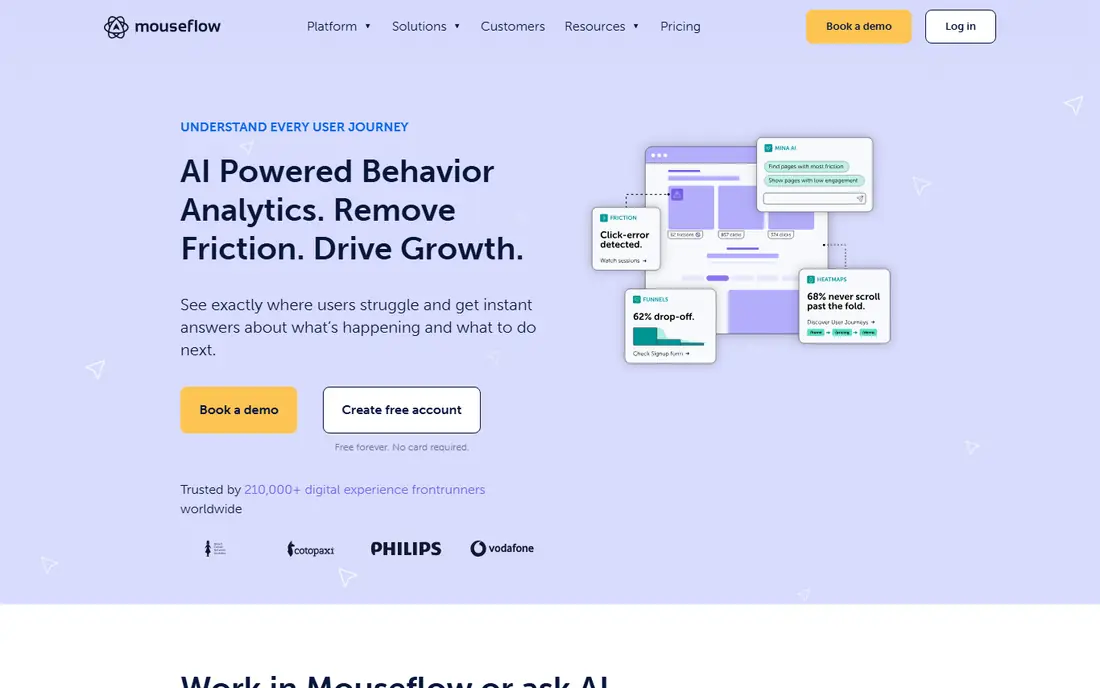
Mouseflow is the closest direct replacement for teams that want the familiar combination of heatmaps and recordings plus more analysis. Funnels show where visitors drop out, form analytics pinpoint the exact field where users abandon a form, and friction scores highlight sessions worth watching first. That diagnostic depth helps conversion teams move from watching sessions to fixing specific pages.
Plan limits matter. Lower plans cap monthly sessions, so high-traffic sites need a higher tier or Clarity alongside it. Advanced feedback features also sit on higher plans. For small and midsize sites that want one tool for diagnosis and optimization, Mouseflow is the most balanced paid pick.
- Heatmaps, replay, funnels, and form analytics together
- Friction scoring
- Free plan to start
- Session limits on lower plans
- Advanced surveys need higher plans
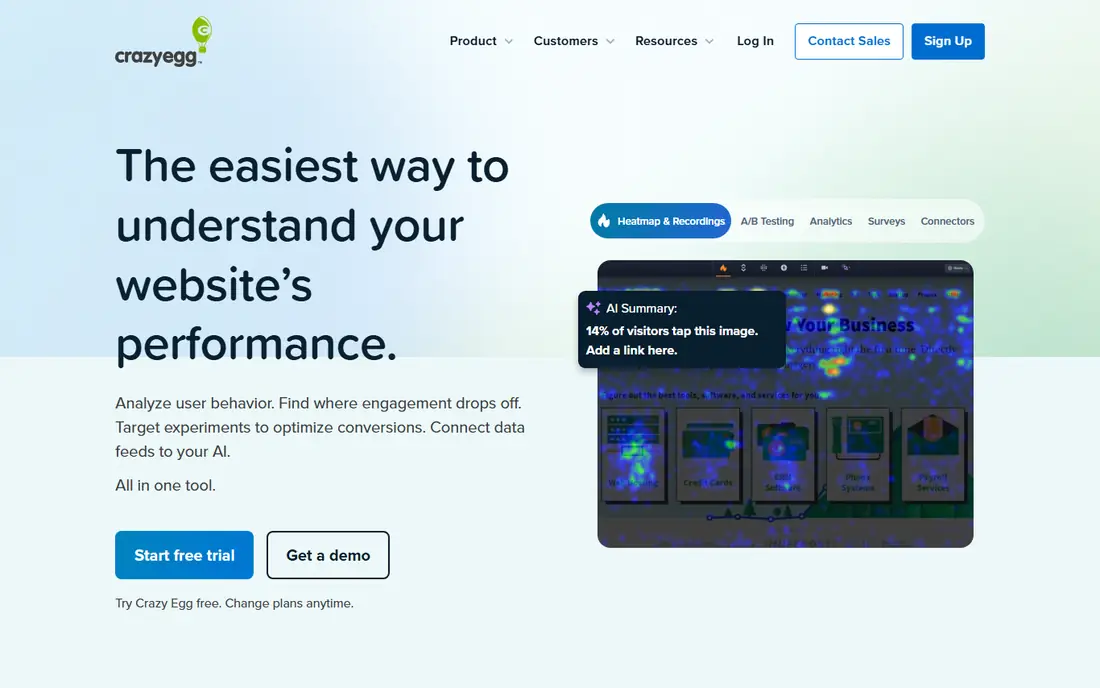
Crazy Egg has long focused on visual optimization, and its current plans pair heatmaps with recordings, surveys, and A/B testing. That combination lets a team spot a weak area on a page, test a change, and measure the result without buying a separate testing tool. Annual plans avoid overage charges, which keeps budgeting predictable.
The interface is the honest weakness. It looks older than Clarity or Mouseflow, and basic plans limit recordings. Teams that value a modern console may prefer Mouseflow, while teams that run frequent landing page tests will value Crazy Egg testing inclusion. For conversion work on landing pages, Crazy Egg remains a practical choice.
- Heatmaps, recordings, and surveys on paid plans
- A/B testing included
- No overage charges on annual plans
- Interface feels dated
- Recording limits on the basic plan
Lucky Orange suits small online stores that want to watch and help visitors in real time. Live view shows current visitors, and live chat on every plan lets a store owner answer a question before a shopper leaves. Heatmaps, recordings, surveys, and form analytics round out a full optimization kit for ecommerce journeys.
Pricing is session-based, so a traffic spike raises the bill, and there is no free plan beyond a trial. Stores with steady traffic will find the $32 starting price reasonable, while high-traffic stores should compare Clarity for replay plus a separate chat tool. For small stores that want chat and behavior data together, Lucky Orange is a strong fit.
- Live visitor view and chat on every plan
- Heatmaps, replay, and surveys together
- Ecommerce-friendly features
- No free plan, only a trial
- Session-based pricing can rise with traffic
FullStory is built for larger product and digital teams that need more than basic replay. Sessions capture console and network detail alongside user actions, which helps engineers reproduce bugs that support teams report. Segmentation and funnel analysis connect behavior to outcomes, and the free tier offers a meaningful monthly session allowance for evaluation.
Cost and complexity are the barriers. Paid plans are quote-based, and enterprise totals can reach five figures a year, so FullStory suits teams with budget and a dedicated owner. Smaller teams will get more value from Clarity or Mouseflow. For enterprises that need replay tied to technical debugging, FullStory is a leading option.
- Deep session replay with developer-grade capture
- Strong segmentation
- Free tier with monthly sessions
- Paid pricing is quote-based and costly at scale
- Setup takes more effort than simpler tools
Smartlook earns its place for teams with both a website and a mobile app. Most tools here focus on web, while Smartlook records native mobile sessions with heatmaps and funnels alongside web data. That unified view helps product teams compare how the same journey performs on web versus app, and spot app-specific friction such as crash-adjacent taps.
Price and setup are the trade-offs. The $55 starting price is higher than simpler web-only tools, and mobile SDK setup needs developer time and app store updates. Teams with a web-only product should compare Mouseflow first. Teams with a real mobile app will find Smartlook coverage hard to replace.
- Web and native mobile replay in one tool
- Heatmaps and funnels
- Free tier to start
- Starting price is higher than Mouseflow or Crazy Egg
- Mobile setup needs developer help
PostHog suits engineering-led teams that want behavior data inside a broader product analytics platform. Session replay sits next to funnels, feature flags, and experiments, so a team can watch a session, form a hypothesis, and test a change without switching vendors. A free monthly allowance on each product lets small teams start without a contract, and self-hosting options exist for some features.
Usage-based pricing requires attention, since costs scale with recordings and events. The interface also assumes more technical comfort than Clarity or Lucky Orange. For startups and product teams that already think in events and experiments, PostHog replaces several tools at once. For marketing-only teams, a simpler replay tool will be easier.
- Replay, product analytics, and experimentation in one platform
- Generous free monthly allowance
- Self-hosting option for some features
- Usage-based pricing needs monitoring
- Interface assumes technical comfort
Contentsquare is the enterprise end of this list, built for large sites that need to connect behavior to revenue and customer journeys. Zoning analysis breaks pages into zones with performance metrics, journey analysis follows paths across sessions, and AI summaries highlight issues at scale. It is the platform many large teams graduate to when simpler replay tools run out of depth.
Small teams should not start here. Pricing is quote-based and enterprise-level, and the platform rewards teams with analysts and dedicated owners. For large ecommerce and media sites that need behavior, feedback, and revenue in one view, Contentsquare offers depth that mid-priced tools cannot match.
- Deep journey and revenue analysis
- AI summaries and zoning analysis
- Enterprise scale
- Quote-based pricing
- Overkill for small sites
How we picked these
We compared official pricing pages and recent alternative roundups for tools that offer heatmaps, session replay, or feedback in October 2026. We required a live product with a clear pricing model, whether free, published, or quote-based, and we favored tools that cover the core behavior job without requiring a second purchase. We excluded tools that only offer surveys or only offer analytics without replay or heatmaps.
We did not claim hands-on testing of every plan, and session limits and prices change often in this category. Confirm the current free allowance and paid starting price on the vendor page before migrating, since a limit that fits today may not fit after a traffic spike.
Migrating without losing your history
Start by exporting what matters from your old tool, such as survey results and key heatmap screenshots, since replay history rarely ports cleanly between vendors. Install the new tracking script alongside the old one for a short overlap, and compare session counts and page coverage before removing the old script. That overlap catches tagging gaps early.
Next, rebuild your core views first. Recreate the top five heatmaps, the checkout funnel, and the signup funnel before adding advanced segments. Teams that try to rebuild every dashboard at once often stall, while a small set of working views keeps optimization moving during the switch.
Finally, review privacy settings in the new tool. Mask sensitive fields in forms, respect consent settings, and confirm data retention periods match your policy. Behavior tools record real user sessions, so a careful privacy review is part of the migration, not an afterthought.
Frequently asked questions
What are the best Hotjar alternatives?
Microsoft Clarity is best for free heatmaps and replay, Mouseflow is the closest paid replacement, and Crazy Egg adds A/B testing. FullStory and Contentsquare suit enterprises, while Smartlook covers mobile apps. The best pick depends on budget, traffic, and whether you need surveys.
What are the best alternatives to Hotjar for free?
Microsoft Clarity is the strongest free option, with no traffic cap and no paid tier. Mouseflow, Crazy Egg, FullStory, Smartlook, and PostHog also offer free tiers, but with session limits. High-traffic sites should start with Clarity and add a paid tool only for features Clarity lacks.
Which alternative is best for ecommerce?
Lucky Orange suits small stores with live chat and behavior data together, while Contentsquare suits large stores that need revenue analysis. Mouseflow also helps ecommerce teams with form analytics for checkout fields. Compare session-based pricing against your monthly traffic before choosing.
Do these tools work for mobile apps?
Smartlook and PostHog offer native mobile replay, and Clarity supports mobile app analysis for Android and iOS. Most other tools here focus on web, so check mobile SDK support before buying if your app is a core channel. Mobile setup usually needs developer time and an app update.
Can I run surveys with these alternatives?
Yes, on several tools here. Mouseflow, Crazy Egg, Lucky Orange, and PostHog include surveys or feedback features on paid plans. Microsoft Clarity does not offer built-in surveys, so survey-heavy teams should pair Clarity with a dedicated survey tool or pick a paid alternative.
Sources
See where you really rank - block by block
ProMapRanker scans Google Maps across a grid of your service area. Simple monthly plans from $19, white-label on every plan.
Start freeKeep reading
 zoho inventory alternatives
6 Alternatives to Zoho Inventory, Compared on Price and Fit
Zoho Inventory alternatives: 6 tools compared on price, free plans and fit. Katana leads the list for manufacturers. Fit and flaws are laid out for each entry.
Read → zoho crm alternatives
Best Zoho CRM Alternatives (2026)
Need Zoho CRM alternatives? We compare 7 tools on cost, free access and who each suits. Every pick gets a straight assessment. Built for quick decisions.
Read → zelle alternatives
Best Zelle Alternatives in 2026
Compare the best Zelle alternatives for sending money to friends, paying sellers and moving funds abroad, with honest notes on fees, speed and safety in 2026.
Read →