 ProMapRanker
Best Hostinger Alternatives in 2026

Key takeaways
- Bluehost and DreamHost suit beginners who want simple shared hosting with a low first-term price.
- SiteGround suits WordPress beginners who want strong support and staging, if you accept steep renewals.
- Cloudways suits users who want cloud hosting without a long contract, but email is not included.
- WP Engine and Kinsta suit growing WordPress sites that need managed performance and expert support.
- Renewal prices matter more than promo prices, so compare the second-year cost before you switch.
Quick comparison
| Pick | Great for | Pricing starts at | Free tier | |
|---|---|---|---|---|
 Bluehost | Beginners on shared hosting | $3.99 per month | No | Visit |
 SiteGround | WordPress beginners | $2.99 per month | No | Visit |
 DreamHost | Flexible shared hosting | $2.89 per month | No | Visit |
 Cloudways | Managed cloud without a long contract | $14 per month | Free trial | Visit |
 WP Engine | Managed WordPress for growth | $28 per month | No | Visit |
 Kinsta | Premium managed WordPress | $35 per month | No | Visit |
 A2 Hosting | Speed-focused shared hosting | See website | No | Visit |
 IONOS | Low-cost first year hosting | $1 per month | No | Visit |
 GreenGeeks | Eco-friendly shared hosting | $2.95 per month | No | Visit |
The best hostinger alternatives
Switching hosts is usually about one of three things: a renewal price jump, a need for faster managed WordPress hosting, or a need for simpler support. The hosts below cover shared, managed and cloud options, and all of them are actively selling hosting in the United States in October 2026. We compared official pricing pages, renewal terms and migration help, and we list only alternatives to your current host, never that host itself.
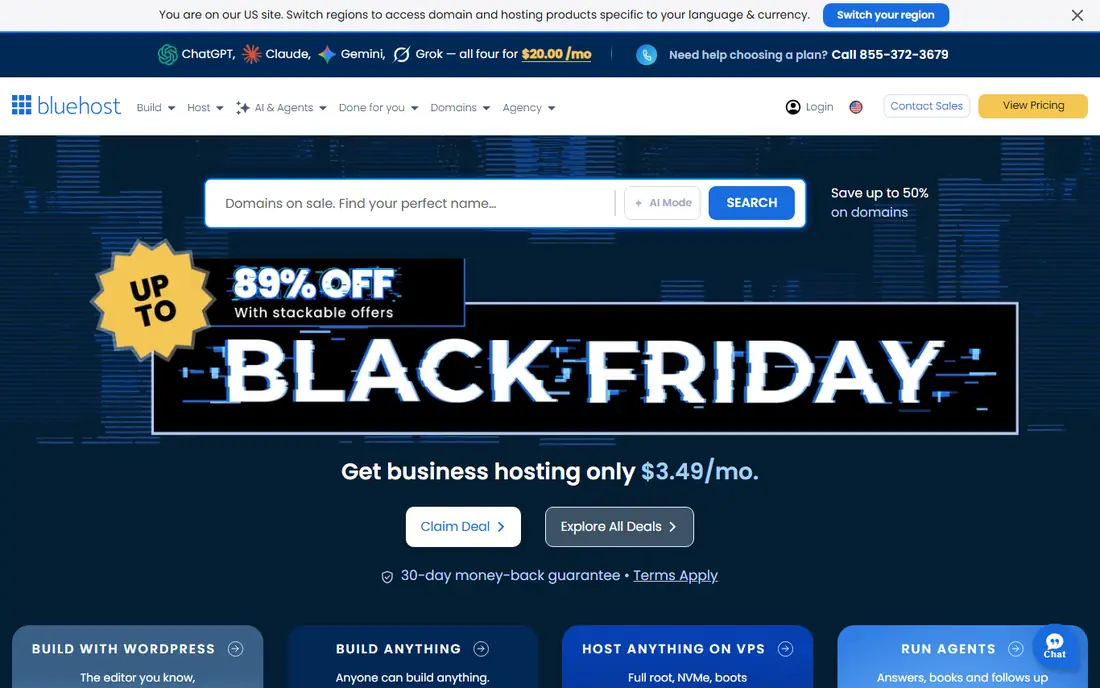
Bluehost is a common first move for beginners because setup is simple and WordPress.org has long recommended it. The Starter plan is listed from $3.99 per month in recent October 2026 pricing checks, with renewal around $9.99 per month. That gap is the key fact to plan around, since the second year costs more than double the promo rate.
For a first site or a small business site, Bluehost covers the basics well, with one-click installs and round-the-clock support. If you need daily backups, staging or more sites, check a higher tier before you buy, since entry plans are deliberately limited.
- Beginner-friendly setup
- One-click WordPress install
- 24/7 chat and phone support
- Free domain for the first year on some plans
- Renewal price rises to about $9.99 per month
- Weekly backups on entry plans
- Email terms vary by plan

SiteGround suits WordPress beginners who want a more managed feel than basic shared hosting. The StartUp plan is listed from $2.99 per month in recent checks, on Google Cloud infrastructure, with a free CDN, daily backups and email included. Support is one of its strongest points in public reviews.
The renewal is the catch. At about $17.99 per month, it is one of the steepest jumps in this list, so the long-term cost is far higher than the promo price suggests. If you value support and staging and you plan to stay, that may be worth it. If you switch mainly to save money, compare the renewal with DreamHost or Cloudways first.
- Google Cloud hosting
- Free CDN and daily backups
- Staging on higher plans
- Strong support reputation
- Renewal jumps to about $17.99 per month
- One site on the entry plan
- Higher tiers needed for more storage
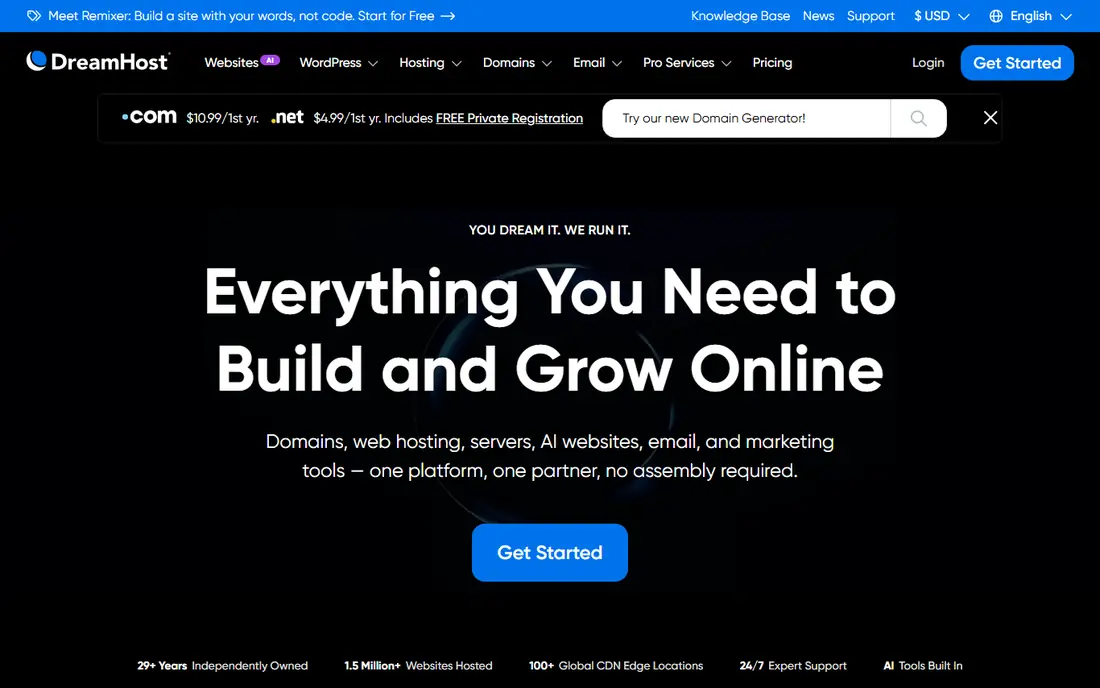
DreamHost is a good pick if you dislike long lock-ins. Its Launch shared plan is listed from $2.89 per month in recent checks, with renewal around $10.99 per month, and month-to-month billing is available at a higher rate. Daily backups and a free domain on annual terms add value for a small site.
Support is mainly through chat and email, with no phone line on basic plans, which suits some users and frustrates others. If you want to test a new host without a multi-year commitment, DreamHost gives you that flexibility.
- Month-to-month shared plans available
- Daily backups
- Free domain on annual plans
- Clear renewal terms
- Best price needs a long term
- Email is paid after an initial period on some plans
- Support is mainly chat and email
Cloudways is managed cloud hosting, not traditional shared hosting. You pick a cloud provider, such as DigitalOcean, AWS or Google Cloud, and Cloudways manages the server, caching and security layer. Plans start at $14 per month in recent checks, billed monthly, with no renewal jump.
That flat monthly price is refreshing after promo-renewal gaps, but the setup is more technical. You will need a separate email service and a domain registrar, since neither is included. For a growing site or an agency managing several sites, Cloudways offers control without a long contract.
- Pay monthly with no long contract
- Choice of cloud providers
- Flat pricing with no renewal jump
- Staging and team tools
- No email or domain included
- More technical than shared hosting
- Support tiers vary
WP Engine is a managed WordPress host for sites that have outgrown shared hosting. The Essential plan is listed at $28 per month billed annually in recent checks, with $35 on monthly billing. Staging, automated updates, daily backups and expert WordPress support are built in, which saves time for a busy site owner.
The price is the clear trade-off, and some plugin restrictions apply. Agencies benefit from transferable installs, which let you build a site and hand it to a client cleanly. If your site is small and traffic is low, shared hosting will be cheaper. If uptime and support matter for revenue, WP Engine is a strong step up.
- Fully managed WordPress
- Staging and transferable installs
- Expert support
- Strong performance tools
- Higher price than shared hosting
- Renewal terms are less transparent
- Plugin and hosting limits apply
Kinsta is a premium managed WordPress host on Google Cloud, with a Starter plan at $35 per month in recent checks. Pricing is flat, with no promo-renewal jump, and the plan includes a CDN, daily backups and staging. Support is staffed by WordPress experts, which shows when a problem is technical rather than generic.
Storage on the entry plan is limited, and email hosting is not included, so you will need a separate mail service. For a business site where speed and support directly affect sales, Kinsta is one of the cleanest managed options. For a hobby site, it is more than you need.
- Google Cloud C2 servers
- Free CDN
- Daily backups
- Expert support
- Flat pricing with no promo jump
- Premium price
- Limited storage on entry plan
- No email hosting included
A2 Hosting, now listed under hosting.com in some places, focuses on speed through LiteSpeed servers, NVMe storage and optional Turbo plans. Shared plans start from about $1.99 to $2.99 per month in recent summaries, depending on term and page, which is why we list pricing as See website rather than quoting one figure as certain.
Free migration help is a plus if you are moving an existing site, and daily backups appear on many plans. Check the exact plan name, term and renewal price at checkout, since A2 pages have varied on those details. For a site where speed matters and you want shared hosting, it is worth comparing with SiteGround.
- LiteSpeed servers and NVMe storage
- Turbo plans for faster performance
- Free migration
- Daily backups on many plans
- Prices and plan names vary across pages
- Renewal prices are higher than promos
- Turbo features cost more
IONOS suits buyers who want a cheap first year without a four-year term. WordPress plans start at $1 per month for the first year in recent summaries, with renewal around $6 per month after that. Daily backups and a straightforward control panel make it easy to start.
The limits are scope and support. Entry WordPress plans cover one site, and migration help may cost extra, unlike free migration at several rivals. If you want a low-cost test site or a simple business site, IONOS is a practical pick. If you run several sites, a multi-site shared plan elsewhere may work out cheaper.
- Very low first-year price
- Short commitment
- Daily backups
- EU and US data centers
- Renewal rises after the first year
- One site on entry WordPress plans
- Migration help is paid on some plans
GreenGeeks combines shared hosting with an environmental pitch, matching 300 percent of the energy it uses with renewable energy credits. Plans start at $2.95 per month in recent summaries, with renewal around $11.95 per month, and include LiteSpeed servers, free migration and daily backups.
Performance is solid for a shared host, though entry limits on sites and storage push larger sites to higher tiers. If environmental impact matters to you and you want a straightforward shared host, GreenGeeks is a good fit. Compare its renewal with DreamHost if long-term cost is your main reason for switching.
- 300 percent renewable energy match
- LiteSpeed servers
- Free migration
- Daily backups
- Renewal rises to about $11.95 per month
- Entry plan limits sites and storage
- Higher tiers needed for more resources
How we picked these
We compared official pricing pages, renewal terms, migration help and hosting types, and we favored hosts that are actively selling in the US and offer a clear path from shared to managed hosting. We included shared, managed and cloud options because switchers leave for different reasons, from price to performance to support. We listed only alternatives, never the host being replaced.
What to check before you switch hosts
Start with the renewal price, not the promo price. Write down what you will pay in year two for the same plan, and compare that figure across hosts. A $2.99 promo that renews at $17.99 is not cheaper than a $14 flat cloud plan over two years if you need the higher tier features.
Next, check migration help. Free migration, staging and a test period before you point your domain reduce risk a lot. Back up your site and database yourself before any move, even if the new host offers free migration, so you have a copy you control.
Shared, managed or cloud
Shared hosting suits a new or low-traffic site, managed WordPress suits a growing business site, and cloud hosting suits users who want control without a long contract. Do not pay for managed hosting before traffic or revenue justifies it, and do not stay on shared hosting if slow load times are costing sales.
Support, backups and email
Check support hours and channels, backup frequency and restore options, and whether email is included. Several managed and cloud hosts do not include email, so budget for a separate mail service if you need it. Test support with a real question during a trial or in the money-back period, since support quality only shows when something goes wrong.
Frequently asked questions
What are the best alternatives to Hostinger?
Bluehost and DreamHost suit beginners, SiteGround suits WordPress users who want strong support, and Cloudways suits users who want cloud hosting without a long contract. WP Engine and Kinsta suit growing WordPress sites that need managed performance. The best pick depends on your budget, traffic and need for support.
Which alternative is cheapest in the long term?
DreamHost and Cloudways often work out cheaper over two years than hosts with steep renewals, since their renewal jumps are smaller or flat. IONOS is cheapest in year one, but its renewal should be factored in. Compare the year-two price for the same plan, not only the first-term promo.
Is it hard to migrate a WordPress site to a new host?
Most hosts in this list offer free migration, and many offer staging so you can test before you switch your domain. Back up your site and database first, test the migrated site on a temporary address, and only then update your domain settings. Allow time for DNS changes to spread.
Should I choose managed WordPress hosting or shared hosting?
Shared hosting suits new and low-traffic sites, while managed WordPress suits growing sites where speed, security and support affect revenue. If you spend time on updates, backups and performance fixes, managed hosting can save more time than it costs. If your site is small, shared hosting is enough.
Do these hosts include a free domain and email?
Many shared hosts include a free domain for the first year, while managed and cloud hosts often do not include email. Cloudways and Kinsta require a separate email service, and WP Engine does not bundle email either. Check domain, email and backup terms for each plan before you buy.
Sources
See where you really rank - block by block
ProMapRanker scans Google Maps across a grid of your service area. Simple monthly plans from $19, white-label on every plan.
Start freeKeep reading
 zscaler alternatives
Best Zscaler Alternatives in 2026
Looking for zscaler alternatives? We compare 9 SASE and zero trust platforms on architecture, data protection, pricing, and fit for your network and team.
Read → zapier alternatives free
Best Zapier Alternatives Free in 2026
Nine automation tools for zapier alternatives free in 2026, all with genuinely free tiers, plus free plan limits, starting prices and upgrade paths explained.
Read → which platform is best for online reputation
Which Platform Is Best for Online Reputation in 2026
Wondering which platform is best for online reputation? We compare 8 review, listing, and response tools for small and multi-location businesses and agencies.
Read →