 ProMapRanker
Best Homebase Alternatives in 2026


Scheduling with compliance depth · Pricing starts at: $5 per user per month
Key takeaways
- Deputy and When I Work are the best general replacements, with scheduling plus time tracking at small-business prices.
- 7shifts is the restaurant specialist, with tip pooling, POS links and payroll add-ons that general tools lack.
- Per-location pricing suits a single busy site, while per-user pricing suits a small team spread across sites.
- Free tiers from Connecteam, Sling and 7shifts can cover a small team, but payroll and advanced time clock features usually sit on paid plans.
Quick comparison
| Pick | Great for | Pricing starts at | Free tier | |
|---|---|---|---|---|
| Deputy | Scheduling with compliance depth | $5 per user per month | Free trial | Visit |
 When I Work | Simple scheduling for small teams | $2.50 per user per month | Free trial | Visit |
 7shifts | Restaurant teams | $39.99 per location per month | Yes | Visit |
 Connecteam | Deskless and frontline teams | $29 per month | Yes | Visit |
 Sling | Budget scheduling and messaging | Free | Yes | Visit |
 Gusto | Payroll plus HR and scheduling links | $49 per month | No | Visit |
 QuickBooks Time | QuickBooks payroll users | $20 per month | No | Visit |
 Buddy Punch | Time clock accuracy and photo punches | $19 per month | Free trial | Visit |
 OnTheClock | Simple time tracking with PTO | $5 per month | No | Visit |
The best homebase alternatives
These nine tools schedule shifts, track time and message teams. They differ in pricing model, payroll depth and industry focus, so pick by team size, site count and payroll needs.

Deputy is the strongest general alternative when compliance matters as much as the schedule itself. It handles demand-based scheduling, shift swaps, availability, time clocks and labor cost forecasting, with tools for break rules and overtime that help multi-site teams stay consistent. Integrations with payroll providers and point-of-sale systems keep hours and pay aligned.
The per-user price starts at 5 dollars a month, with a monthly minimum that small teams should confirm before signing up. That model penalizes a large roster at one site, where a per-location tool may cost less. If your team spans sites and labor rules vary by location, Deputy is worth the premium.
- Strong scheduling and labor compliance tools
- Time clock with facial recognition options
- Payroll integrations
- No permanent free plan
- Per-user cost grows with headcount
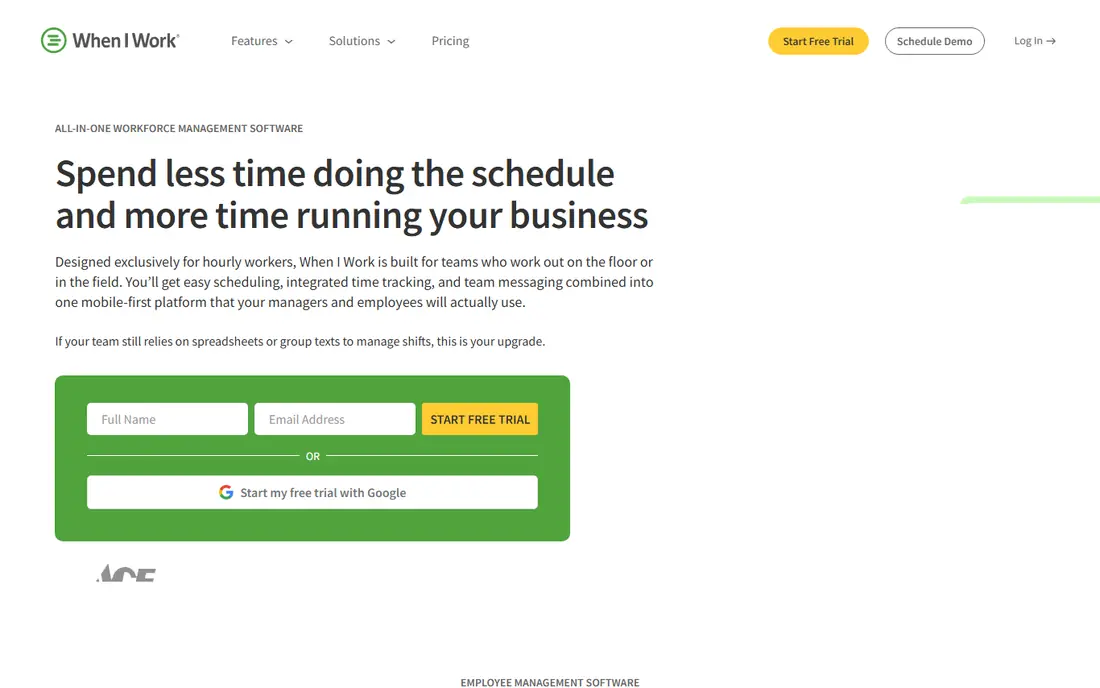
When I Work is the fastest tool on this list to get live. Managers can build a schedule, publish it to the team app, fill open shifts and message staff without a long setup project. The starting price of 2.50 dollars per user per month makes it one of the cheapest paid options for a small team that mainly needs scheduling done well.
The limits are clear. Time tracking is an add-on rather than a core included feature, and there is no native payroll or hiring suite. If you already run payroll elsewhere and just need a better schedule, that simplicity is a plus. If you want one app for hiring, scheduling, time and pay, look at Deputy, 7shifts or Gusto instead.
- Very easy setup
- Low starting price
- Mobile-first scheduling and messaging
- Time clock is a paid add-on
- No native payroll or hiring tools
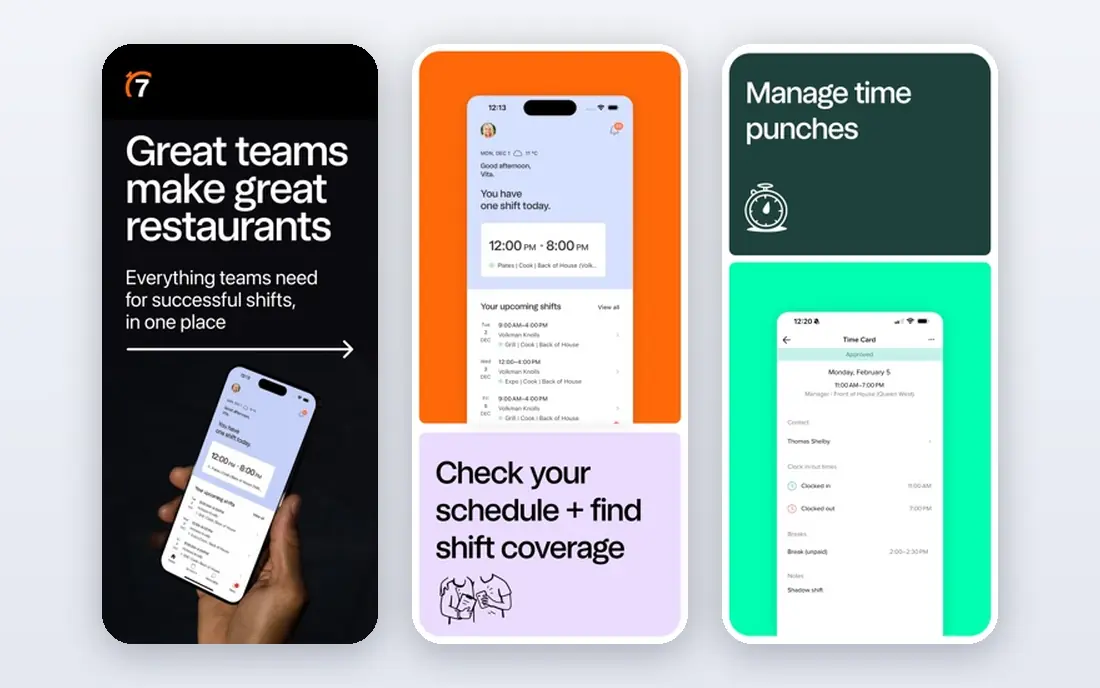
7shifts is built for restaurants first, and that focus shows in every feature. It links to point-of-sale systems for labor forecasting, handles tip pooling, tracks training and certifications, and offers a manager logbook for shift notes. The free Comp plan covers one location with up to 15 employees for scheduling and communication, while paid plans start at 39.99 dollars per location per month billed annually.
General businesses may find 7shifts too restaurant-specific, and payroll is an add-on rather than a core included feature. For a cafe, bar or restaurant group, the per-location model is a fair deal, since adding staff does not raise the subscription. For a single busy restaurant, it is our pick.
- Restaurant-native scheduling
- Tip pooling and POS integrations
- Free plan for one location up to 15 staff
- Per-location price rises on higher tiers
- Time tracking needs a paid tier
Connecteam suits teams that do not sit at desks, from retail and field service to hospitality and care. It combines scheduling, a mobile time clock, team chat, checklists, forms and training in one app, so a frontline worker needs only one login. The free Small Business plan covers up to 10 users, and paid plans start at 29 dollars a month per hub for up to 30 users.
The hub model needs a careful read, since scheduling, operations and HR features are priced as separate hubs. A team that needs all three will pay more than the headline rate. Payroll is handled through integrations rather than a native product. If communication and task checklists matter as much as the schedule, Connecteam is a strong choice.
- Scheduling, time clock, chat, forms and training in one app
- Free plan up to 10 users
- Flat pricing up to 30 users
- Features are split across separately priced hubs
- Payroll is via integration only
Sling, now part of Toast, is the best free starting point for a team that mainly needs a schedule and a way to message staff. The free tier covers scheduling essentials for up to 30 users, with a team newsfeed, shift swaps and availability. Paid plans start at 1.70 dollars per user per month billed annually and add the time clock and extra controls.
The free tier will not suit a team that needs a full time clock, PTO tracking and payroll in one place. It also leans on Toast and Square integrations for POS links, which suits hospitality but may matter less elsewhere. For a small team on a tight budget, Sling is the lowest-risk place to start.
- Free scheduling for up to 30 users
- Team newsfeed and messaging
- Labor cost views
- Time clock needs a paid plan
- No native payroll
Gusto is a different kind of alternative, for teams whose real pain is payroll and HR rather than the schedule itself. It handles payroll, tax filings, benefits, onboarding and time tracking, with scheduling features and integrations that connect hours to pay. Pricing starts at 49 dollars a month plus 6 dollars per employee, which is fair for a business that already pays for payroll separately.
If scheduling is your only need, Gusto is more tool and more cost than you need. It also lacks the deep shift marketplace and restaurant forecasting of Deputy or 7shifts. Choose Gusto when payroll accuracy, benefits and HR compliance are the main reasons you are leaving a simpler tool.
- Full payroll and HR in one place
- Benefits and onboarding
- Clean employee self-service
- Scheduling is not its core strength
- Base price plus per-employee fee adds up
QuickBooks Time, formerly TSheets, is the natural pick for a business already on QuickBooks payroll. Hours, schedules, PTO and GPS clock-ins flow into payroll without manual entry, which cuts the end-of-week admin that causes most payroll errors. Pricing starts at 20 dollars a month plus 10 dollars per user in recent comparisons, so confirm the current QuickBooks bundle before you buy.
Outside QuickBooks, the value drops, since the sync is the main reason to choose it over Deputy or When I Work. It also lacks hiring tools and the restaurant depth of 7shifts. If QuickBooks is your book of record, QuickBooks Time keeps scheduling and pay in one flow.
- Tight QuickBooks payroll sync
- GPS time tracking
- Scheduling and PTO tools
- Best value only inside QuickBooks
- Base fee plus per-user fee
Buddy Punch focuses on one problem: making sure the hours you pay for are the hours actually worked. Photo punches, QR code clock-ins, GPS and IP restrictions help managers spot buddy punching and late clock-ins, while scheduling and PTO tools cover the basics. Pricing starts near 19 dollars a month plus a per-user fee, with a free trial for testing.
It is not a payroll or hiring platform, so you will still need a payroll tool beside it. The integration set is also smaller than Deputy or Connecteam. If time theft or inaccurate hours are your main cost, Buddy Punch is a targeted and affordable fix.
- Photo punches, QR codes and IP locks to cut time theft
- PTO and scheduling included
- Simple pricing
- No native payroll
- Smaller integration set than Deputy
OnTheClock keeps time tracking simple, with a low base fee plus a small per-employee charge, built-in PTO and GPS tracking for mobile teams. It integrates with QuickBooks, Gusto, ADP and Square, so hours can flow to payroll without retyping. The interface is easy for managers who do not want a large platform to learn.
Scheduling depth is the limit. It covers basic shifts well, but it lacks the demand forecasting, shift marketplace and compliance tools of Deputy. There is no permanent free plan, though a trial is offered. For a small business that mainly needs accurate hours and PTO, OnTheClock is a low-cost, low-fuss choice.
- Simple flat pricing
- Built-in PTO and GPS tracking
- Payroll integrations
- Scheduling is basic compared with Deputy
- No free plan, only a trial
How we picked these
We compared official pricing pages, product documentation and public reviews for scheduling and time tracking tools live in October 2026. We favored tools with shift scheduling, a time clock and team messaging, and we included payroll-focused tools only where they offer a genuine scheduling or time link. Where pricing varies by billing term, we used the most commonly published starting figure.
What to check before you switch
Price your real roster, not the demo team
Per-user tools look cheap for five staff and expensive for fifty, while per-location tools do the opposite. Run your actual headcount and site count through each pricing page before you shortlist.
Test the time clock on real phones
Ask a few staff to clock in and out from their own phones, including GPS and photo options if you plan to use them. A time clock that fails on older phones or in low signal areas will create more admin than it saves.
Confirm payroll handoff before migration
Check how hours, overtime, PTO and tips move to your payroll system, and whether that sync is included or paid. A clean handoff is worth more than a slightly cheaper schedule, since payroll errors affect trust fast.
Frequently asked questions
What is the closest alternative to Homebase?
Deputy is the closest general alternative for scheduling, time tracking and compliance, while When I Work is closer for simple, low-cost scheduling. 7shifts is closest for restaurants, and Connecteam is closest for deskless teams that also need chat and checklists.
Is there a free Homebase alternative?
Yes. Sling offers free scheduling for up to 30 users, Connecteam is free up to 10 users, and 7shifts offers a free plan for one location with up to 15 staff. Paid plans add time clocks, payroll links and advanced controls.
Which alternative is best for restaurants?
7shifts is our pick for restaurants, thanks to POS links, tip pooling, training tracking and per-location pricing. Sling is a good budget option for a single site, while Deputy suits restaurant groups with complex labor rules.
Do these tools handle payroll?
Some do, some do not. Gusto handles payroll directly, 7shifts and Homebase offer payroll add-ons, and Deputy, When I Work, Connecteam and Sling mainly integrate with payroll providers. Check the payroll page for the tool you choose before you assume it is included.
Can staff swap shifts in these apps?
Yes, in most cases. Deputy, When I Work, 7shifts, Connecteam and Sling all support shift swaps and availability, though manager approval rules vary. Test the swap flow with your team, since a confusing swap process leads to no-shows.
How hard is it to switch scheduling tools?
The staff list and schedule history are the hard parts. Export employees, roles, availability and pay rules first, then run the new tool alongside the old one for one pay period before you fully switch.
Sources
See where you really rank - block by block
ProMapRanker scans Google Maps across a grid of your service area. Simple monthly plans from $19, white-label on every plan.
Start freeKeep reading
 zscaler alternatives
Best Zscaler Alternatives in 2026
Looking for zscaler alternatives? We compare 9 SASE and zero trust platforms on architecture, data protection, pricing, and fit for your network and team.
Read → zapier alternatives free
Best Zapier Alternatives Free in 2026
Nine automation tools for zapier alternatives free in 2026, all with genuinely free tiers, plus free plan limits, starting prices and upgrade paths explained.
Read → which platform is best for online reputation
Which Platform Is Best for Online Reputation in 2026
Wondering which platform is best for online reputation? We compare 8 review, listing, and response tools for small and multi-location businesses and agencies.
Read →