 ProMapRanker
Best Hnry Alternatives in 2026

Key takeaways
- Hnry charges a percentage of income and files tax for you, so most alternatives here split into do-it-yourself software and done-for-you services.
- Xero is the strongest New Zealand fit for sole traders who want local GST handling and a wide choice of accountants.
- Wave and Zoho Books give the cheapest starting point, but neither replaces the hands-off tax filing that Hnry provides.
- Check availability in your country before you commit, since Hnry began in New Zealand and some rivals price and file differently outside it.
Quick comparison
| Pick | Great for | Pricing starts at | Free tier | |
|---|---|---|---|---|
 Xero | New Zealand sole traders with an accountant | See website | No | Visit |
 MYOB | Small businesses wanting local payroll and invoicing | See website | No | Visit |
 QuickBooks Online | US and international freelancers wanting scale | $38 per month | No | Visit |
 FreshBooks | Service freelancers who bill by time and project | $23 per month | No | Visit |
 Wave | Very small businesses on a tight budget | Free | Yes | Visit |
 Zoho Books | Budget-conscious owners inside the Zoho suite | Free | Yes | Visit |
 FreeAgent | UK freelancers and small companies | See website | No | Visit |
 Sage Accounting | Growing small businesses wanting a full ledger | See website | No | Visit |
The best hnry alternatives
Hnry takes a different approach from most accounting software. It deducts tax as income arrives and files returns for you, for a fee of 1 percent plus GST of self-employed income, capped at 1,500 dollars plus GST a year in New Zealand. The tools below do not all copy that model, so we compared them on what a sole trader actually gives up or gains by switching.
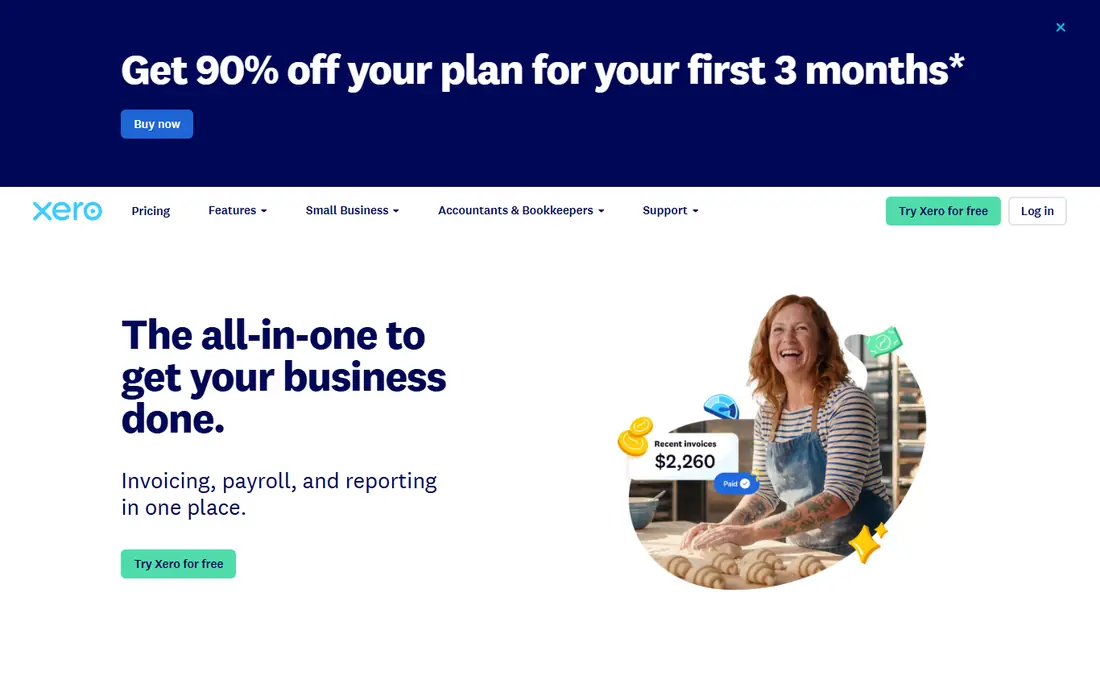
Xero is the natural first stop for a New Zealand sole trader leaving Hnry. It was built with New Zealand tax in mind, and GST returns, bank reconciliation, and invoicing sit in one place. Most New Zealand accountants already know it, which makes handover at year end far simpler than with a niche tool.
The trade is control against convenience. You still categorise transactions, check GST, and file returns, or pay an accountant to do that work for you. Xero gives you the ledger and the workflow, not a service that takes tax from each payment before you see it. For owners who want visibility and room to grow, that trade is worth it.
- Strong New Zealand GST support
- Large accountant network
- Wide app marketplace
- Entry plans limit invoices and bills
- Payroll and expenses can add cost
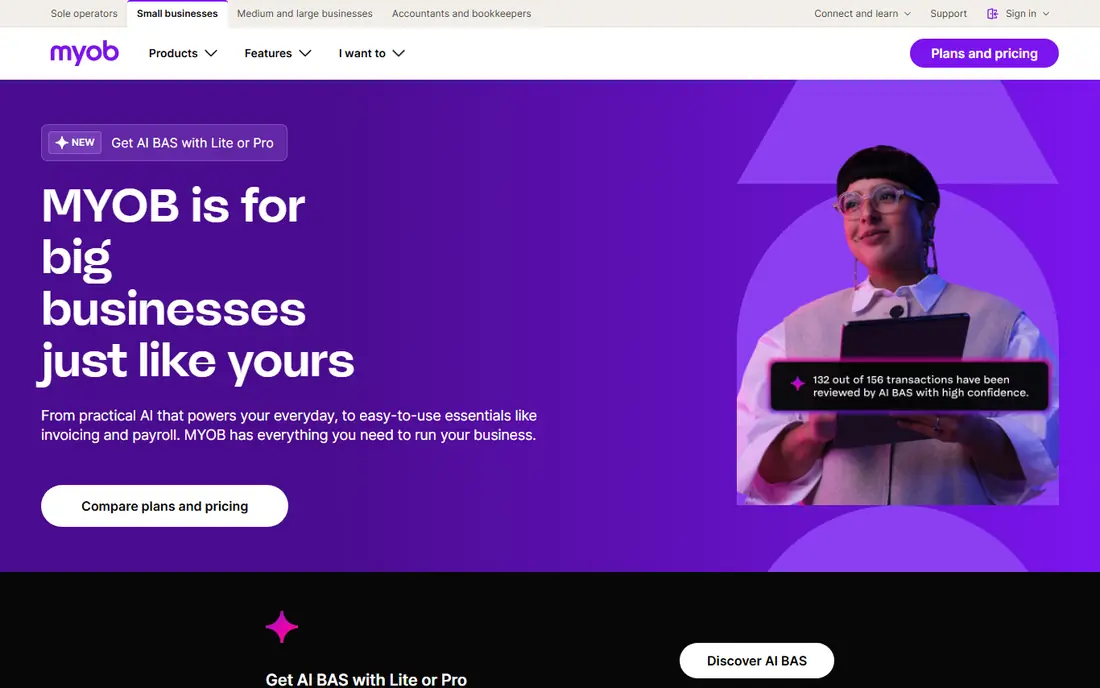
MYOB has served Australian and New Zealand small businesses for years, and that history shows in its payroll and invoicing depth. A sole trader who plans to hire staff or take on subcontractors will find the payroll side more complete than a simple invoicing app. It also handles GST reporting in a way local accountants understand.
MYOB is less appealing if you only need a light tool for a handful of invoices a month. The system carries more setup and more menus than a freelancer tool, and pricing is quote and plan based, so check the current plan before you sign up. It suits owners who want one system to grow into, not the lightest possible start.
- Established in Australia and New Zealand
- Invoicing and payroll in one system
- Local support
- Plans and add-ons can get expensive
- Interface feels dated in places
QuickBooks Online
Great for: US and international freelancers wanting scale

QuickBooks Online is the closest thing to a default choice for freelancers in the United States, and it works well for owners who may later hire a bookkeeper or an accountant. Bank feeds, invoicing, expense tracking, and tax reports are all present, and the reporting depth beats most freelancer tools once transaction volume rises. If you work with US clients, accountant familiarity alone can save time.
The catch is price and complexity. The entry plan is already a monthly commitment, and higher tiers are needed for more users, inventory, or deeper reporting. New Zealand users should also check local GST and filing support carefully, since QuickBooks is strongest in its home market. It is a strong pick for growth, not for the cheapest possible year.
- Huge accountant familiarity
- Broad reporting
- Many integrations
- Price rises with plan tiers
- Entry plan limits users and features
FreshBooks feels built for people who sell hours and projects rather than stock. Time tracking flows into invoices, clients can pay online, and expenses attach to projects without a separate spreadsheet. For a consultant, designer, or coach, that daily workflow is often more useful than a full double-entry ledger.
FreshBooks does not file your tax for you, and lower plans limit the number of billable clients, so a growing practice may need to step up a tier sooner than expected. It also suits service work better than product sales or inventory. If invoicing speed matters most to you, it earns its place near the top of this list.
- Clean invoicing and time tracking
- Client portal
- Simple expense capture
- Client limits on lower plans
- No permanent free plan
Wave is the budget pick in this group, and it is genuinely useful rather than just cheap. The free starter plan covers invoicing and basic bookkeeping, which is enough for a sole trader with modest volume. You can send professional invoices, track income and expenses, and keep records without a monthly fee eating into thin margins.
The limits appear as volume grows. Automatic bank import and receipt scanning require the paid Pro plan, and reporting is thinner than Xero or QuickBooks. Wave also does not handle your tax filings in the Hnry style, so you still need to set money aside and file on time. For a careful owner on a tight budget, though, it is hard to beat as a starting point.
- Free starter plan
- Unlimited invoicing
- Simple bookkeeping
- Bank auto-import and receipt capture sit on the paid plan
- Limited reporting depth
Zoho Books stands out for owners who already use Zoho for mail, CRM, or inventory. Invoicing, expenses, bank reconciliation, and reporting connect with those tools, and automation rules can cut repetitive data entry. The free plan is a real option for smaller businesses, which makes it easy to test before paying.
The free plan is not unlimited, since it carries a revenue limit, and some features sit behind paid tiers. Zoho Books also asks more setup than FreshBooks if you only want simple invoicing. Still, for an owner who wants value and a broad app suite, it is one of the best-priced serious accounting tools here.
- Free plan for smaller revenue
- Strong automation
- Works with other Zoho apps
- Free plan has a revenue limit
- Advanced features need higher tiers
FreeAgent is designed around the life of a freelancer or small company director, with tax timelines, invoicing, expenses, and bank feeds in one dashboard. It shows upcoming tax deadlines in plain language, which helps owners who worry about missing a filing date. The interface is calmer than a full enterprise ledger, and that matters when you do your own books after a long workday.
The main limit is geography. FreeAgent is strongest for UK users, and its tax features are built around UK rules, so a New Zealand sole trader should not assume it replaces local filing help. If you are UK based, it is a strong Hnry style alternative in spirit, since it keeps tax visible all year. Outside the UK, check local support first.
- Built for freelancers and small companies
- Clear tax timelines
- Good bank feeds
- Strongest in the UK
- Less suited to New Zealand filing
Sage Accounting suits owners who have outgrown a simple invoicing app and want a proper ledger, cash flow forecasting, and room for staff. It handles invoicing, expenses, bank reconciliation, and reporting in one place, and its long history means many accountants know it. A business that expects to add employees or stock will appreciate that depth.
For a solo trader with a handful of clients, Sage can feel heavy, and pricing varies by region and plan, so the headline figure on one site may not match your quote. It is not a hands-off tax service, so you still own filing deadlines. Choose it when you want a system that can stay with you as the business grows, not when you want the lightest tool.
- Full accounting depth
- Invoicing and cash flow tools
- Established brand
- More system than a solo freelancer needs
- Pricing varies by plan and region
How we picked these
We compared official feature pages, pricing pages, and app store listings for each product, plus public reviews and local tax guidance for New Zealand, the UK, and the US. We kept only tools that exist and work today, that handle invoicing and bookkeeping for small businesses, and that a sole trader could realistically use as a Hnry replacement. We left out tools that only handle payroll, only handle tax preparation once a year, or that had no clear current pricing or product page.
What to check before you switch from Hnry
Start with tax handling, since that is the biggest change. Hnry deducts tax as you are paid and files returns for you, while most software here only records transactions and prepares reports. Ask yourself who will file, when money for tax will be set aside, and what happens if income is irregular. If you switch to software alone, open a separate account for tax money on day one and move a set share of each payment into it.
Next, check local fit. GST, VAT, or sales tax handling, bank feeds for your bank, and accountant access all vary by country. A tool that is excellent in the UK may be awkward in New Zealand, and the reverse is true. Shortlist two tools, run your last month of invoices through a trial, and check that bank reconciliation, GST or VAT reports, and year-end exports all work for your situation before you cancel anything.
Frequently asked questions
Is Hnry available outside New Zealand?
Hnry began in New Zealand and has expanded to other markets, but availability, tax rules, and fees vary by country. Check the Hnry site for your location before you assume the New Zealand model applies to you.
Do any of these alternatives file my tax for me like Hnry?
None of the software tools here copy Hnry exactly, since they record and report rather than deduct tax from each payment. You can pair software with an accountant or a bookkeeping service to get closer to that hands-off result, but expect to pay for that service on top of the software.
What is the cheapest Hnry alternative?
Wave and Zoho Books both offer free starting plans, with Wave having no revenue cap on its free tier in the comparisons we reviewed. Paid plans add bank import, receipt capture, and higher limits, so compare the paid tier you would actually need, not just the free headline.
Should a New Zealand sole trader pick Xero or MYOB?
Both work well in New Zealand, and the better choice often comes down to your accountant and your plans. Xero has a larger app marketplace and accountant network, while MYOB can feel stronger on payroll for a business that plans to hire. Ask your accountant which one they prefer to work with.
Can I use FreshBooks or QuickBooks if I am in New Zealand?
Yes, both accept international users, but check GST handling, local bank feeds, and filing support before you commit. Xero or MYOB may give a smoother local experience, while QuickBooks and FreshBooks may suit owners with US clients or a preference for those interfaces.
Sources
See where you really rank - block by block
ProMapRanker scans Google Maps across a grid of your service area. Simple monthly plans from $19, white-label on every plan.
Start freeKeep reading
 zyte alternatives
Best Zyte Alternatives in 2026
These zyte alternatives cover managed scraping APIs, proxy networks and no code tools for lawful collection from your own or consented sources only in 2026.
Read → zerto alternatives
Best Zerto Alternatives in 2026
Compare the best zerto alternatives for disaster recovery and replication, with recovery targets, cloud options and honest trade-offs for teams in 2026.
Read → zerofox alternatives
Best ZeroFox Alternatives in 2026
We compared 9 zerofox alternatives for brand protection, phishing takedowns, dark web monitoring, and social impersonation, with clear coverage notes.
Read →