 ProMapRanker
Higgsfield Alternatives in 2026

Key takeaways
- Runway, Kling, Pika, and Luma Dream Machine are the closest creative replacements for Higgsfield-style text and image to video work.
- Kling offers strong value for realistic motion, while Runway offers deeper editing and control for professional projects.
- Avatar tools such as Synthesia and HeyGen serve a different job: scripted presenter videos rather than cinematic clips.
- Use only your own images, licensed material, and people who have given consent, and never use these tools to create non-consensual or deceptive videos of real people.
Quick comparison
| Pick | Great for | Pricing starts at | Free tier | |
|---|---|---|---|---|
 Runway | Cinematic clips and editing control | $12 per month | Yes | Visit |
 Kling AI | Realistic motion on a budget | See website | Yes | Visit |
 Pika | Fast short social clips | See website | Yes | Visit |
 Luma Dream Machine | Smooth image to video clips | See website | Yes | Visit |
 Hailuo AI | Budget cinematic clips | See website | Yes | Visit |
 Vidu | Character and story clips | See website | Yes | Visit |
 Synthesia | Scripted avatar training videos | See website | No | Visit |
 HeyGen | Avatar marketing and sales videos | See website | Yes | Visit |
The best Higgsfield alternatives
Higgsfield is an AI video generation tool focused on creative, camera-led clips. The alternatives below cover the same core job, text and image to video, plus avatar video for training and marketing. Every tool here is a legitimate creative product, and creators should only generate videos of real people with clear consent.
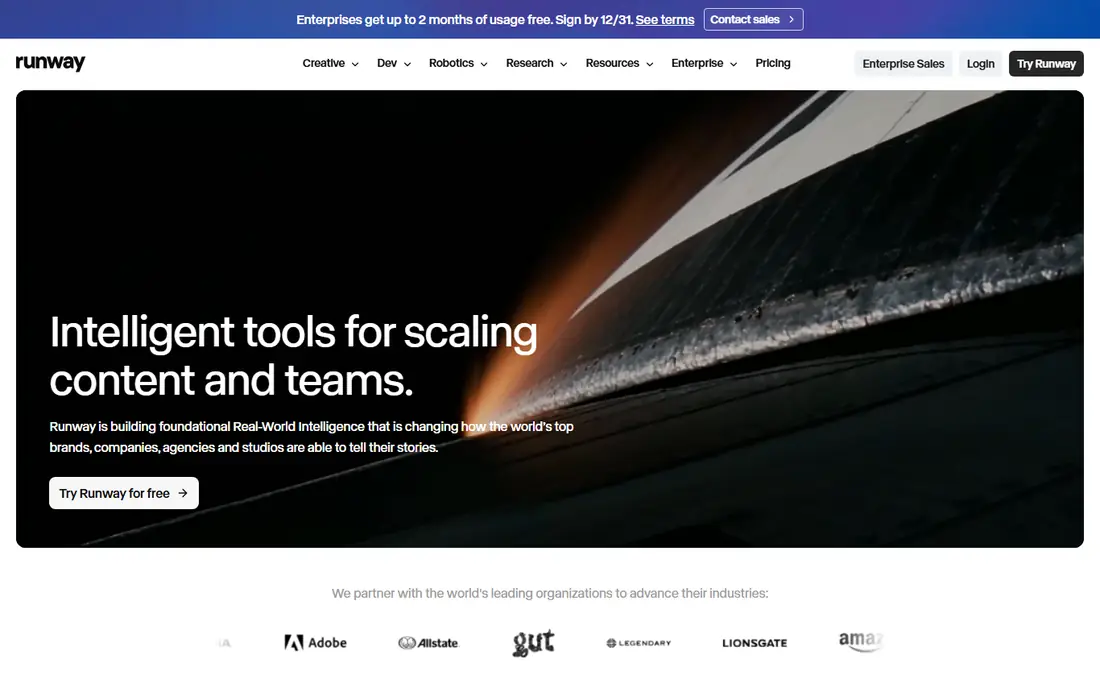
Runway is the most complete creative alternative on this list. Its video models turn text and images into short cinematic clips, and the platform adds editing tools such as inpainting, motion brushes, and background removal that help shape a clip after generation. For filmmakers, advertisers, and content teams, that control matters more than raw clip count.
Credits are the limit. The free allowance is a one-time credit grant, not a monthly refill, and paid plans still cap monthly generation. Heavy users should compare credit value per clip before subscribing. Runway fits creators who need controlled, polished clips and who will edit them into larger projects.
- Strong prompt following and motion control
- Editing tools beyond generation
- Commercial use on paid plans
- Credits limit heavy use
- Free credits are one-time only
- Higher tiers cost much more
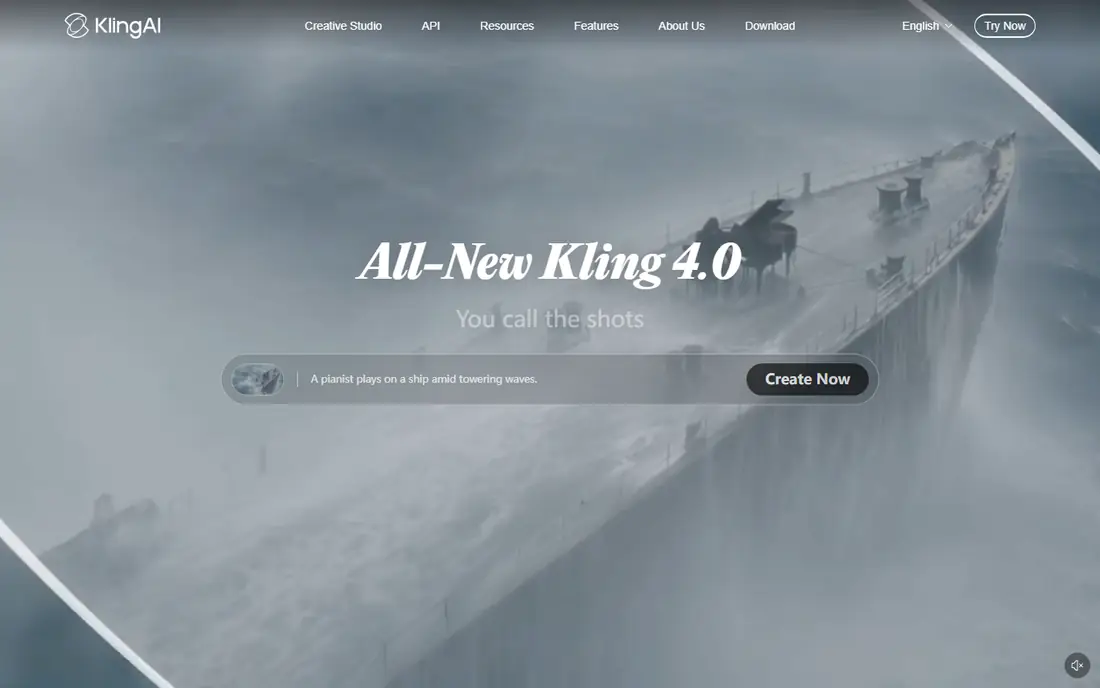
Kling AI earns its place through motion quality at a lower entry price than Runway. Human movement, camera moves, and scene transitions look more natural than on many budget tools, and free users get daily credits to test the model. Longer generations help creators who need more than a few seconds of footage per clip.
Pricing and credit rules change often, so check the current Kling pricing page before budgeting a project. Free outputs may carry watermarks and lack commercial rights, which matters for client work. Kling fits creators who want realistic motion for social, ads, and short films without paying premium rates.
- Strong human and animal motion
- Daily free credits on some plans
- Longer clips than many rivals
- Paid credit pricing varies by plan
- Commercial use needs a paid plan
- Interface and support docs can be uneven
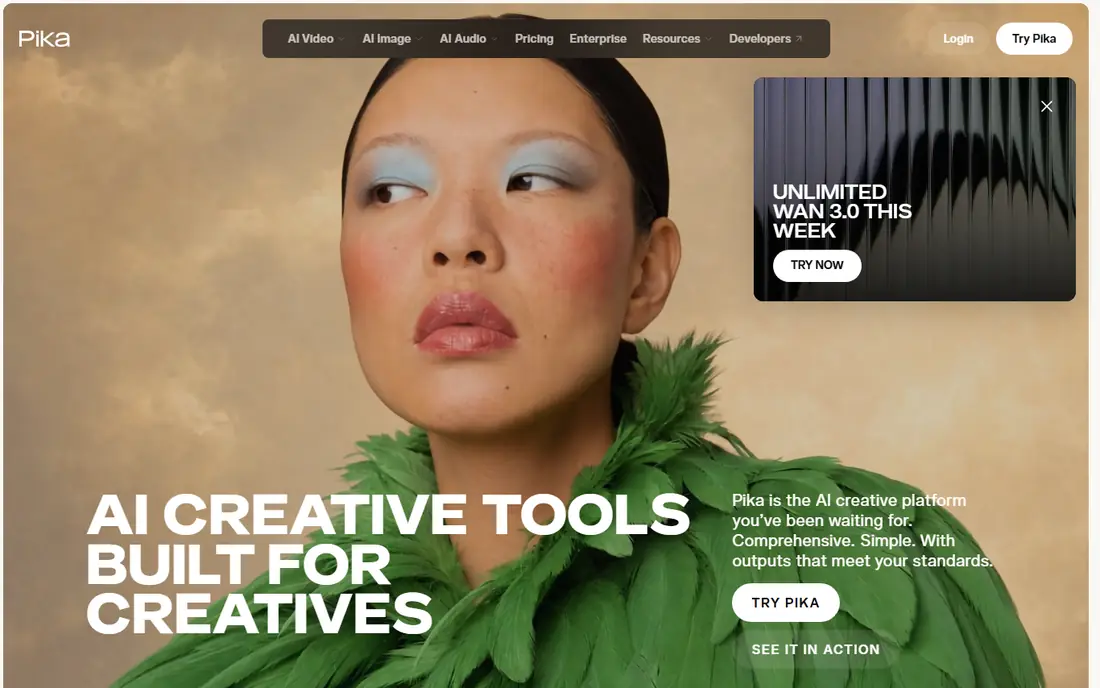
Pika is built for speed. Type a prompt or upload an image, and you get a short clip fast enough to test ideas, post daily, or build a social series. Effects and style controls help creators make playful or stylized clips without learning a full editing suite.
Clip length is the main limit, since Pika focuses on short generations rather than long scenes. Commercial rights also sit behind paid plans, so business users should subscribe before publishing client work. Pika fits social creators, marketers testing concepts, and beginners who want quick results.
- Quick generation for short clips
- Simple prompt workflow
- Useful effects for social content
- Short clip lengths
- Commercial use needs a paid tier
- Quality varies by prompt
Luma Dream Machine turns a still image into a moving clip with smooth camera motion and natural scene movement. Product shots, outdoor scenes, and portraits gain life without a camera crew, which makes it useful for ads, music visuals, and social posts. The web interface keeps the workflow simple for new users.
Pricing history is less stable than Runway or Pika, with entry prices moving across plan changes, so confirm the current plan before subscribing. Short clip lengths also mean longer stories need multiple generations and editing. Luma fits creators who start from images and want polished, short motion clips.
- Smooth motion from still images
- Easy web workflow
- Good for product and scene clips
- Paid pricing has changed often
- Clip lengths are short
- Heavy use needs higher tiers
Hailuo AI, from MiniMax, is a budget-friendly way to test cinematic AI video. It handles text and image prompts, produces stylized and realistic clips, and lets new users start behind a free sign-in. For creators unsure whether AI video fits their work, Hailuo lowers the cost of learning.
Free outputs carry limits on resolution and features, and paid plan details shift over time, so check the current pricing page before a paid project. Hailuo fits hobby creators, students, and small teams who want cinematic clips without a premium subscription.
- Low-cost entry for cinematic styles
- Free access behind sign-in
- Good for testing AI video
- Free tier limits resolution and features
- Pricing and limits change often
- Support docs are thinner than larger rivals
Vidu focuses on keeping characters and scenes consistent across clips, which helps creators building a series or a short story. Reference images guide the look of a character, and text prompts shape action and camera movement. That consistency is hard to get from general video tools, and it matters for episodic content.
Free use is limited, with watermarks and no commercial rights on many free outputs, so paid plans matter for publishing work. Clip lengths remain short, so longer stories need editing across generations. Vidu fits creators making character-led shorts, ads with a recurring character, and story tests.
- Character consistency tools for series work
- Text and image to video
- Useful for story-driven clips
- Commercial use needs a paid plan
- Free outputs carry watermarks on many tiers
- Clip lengths are limited
Synthesia serves a different job from the clip generators above. It turns a script into a presenter video with a realistic avatar, in many languages, without filming. Training teams, onboarding programs, and product explainers benefit most, since one script can become many localized videos fast.
Avatar video cannot replace cinematic b-roll, product footage, or creative scenes. There is also no permanent free plan, and custom avatars require consent and verification steps, which is the right safeguard for likeness use. Synthesia fits companies that need many scripted videos and want a consistent presenter without a studio.
- Large avatar and language library
- Brand kits and templates
- No camera or studio needed
- Avatar videos suit talking-head content only
- No free plan
- Custom avatars need a formal consent process
HeyGen is the marketing counterpart to Synthesia. It creates avatar-led videos for sales outreach, product demos, and social content, with templates that speed up production. Teams can localize a message across languages without re-recording, which helps global campaigns.
As with Synthesia, avatar video works for a person talking to camera, not for cinematic scenes or product b-roll. Free plans limit video length and features, and custom avatars need consent verification. HeyGen fits marketers and sales teams who need many short presenter videos quickly.
- Fast avatar video creation
- Many languages and voices
- Templates for sales and marketing
- Avatar style suits presenter content only
- Free plan is limited
- Advanced avatars cost more
How we picked these
We compared official product pages, pricing pages, and published model details for AI video tools that are actively offered in October 2026 and that serve creative video work. We excluded tools built for undressing, face swapping without consent, or other non-consensual uses, and we favored tools with clear commercial terms and consent safeguards for avatars and likenesses. Where pricing varied across sources or changed recently, we wrote See website rather than repeating an outdated figure.
How to use AI video tools responsibly
Only use your own footage, licensed stock, and images you have rights to use, and only create videos of real people when they have given clear consent for that exact use. Avoid tools that promise to undress, de-age, or impersonate real people, and treat any tool that skips consent checks as a reason to stop. For client work, keep records of licenses and consents, and label AI-generated content where a platform or client requires it.
Plan around clip limits. Most tools generate short clips, so storyboard your video, generate in sections, and edit in a video editor. Test one paid month with a real project before committing to an annual plan, and compare credit cost per finished second, not just the monthly price.
Frequently asked questions
What is the best Higgsfield alternative?
Runway is the strongest all-round alternative for cinematic clips and editing control, while Kling offers better value for realistic motion. Pika suits fast social clips, and Luma Dream Machine suits image to video work.
Can I use AI video tools for commercial work?
Yes, on most paid plans, but free plans often restrict commercial use or add watermarks. Check the license terms on the tool you choose before publishing client or ad work.
How long are AI video clips?
Most tools generate clips of a few seconds to under a minute, depending on the model and plan. Longer videos are built by editing many clips together in a video editor.
Do I need consent to make a video of a real person?
Yes. Only create videos of real people with their clear consent for that use, and follow each platform consent and verification rules for custom avatars. Never use AI video tools to create deceptive or non-consensual content.
What is the cheapest AI video tool on this list?
Hailuo AI and Kling AI offer the lowest-cost entry points for testing cinematic video, while Pika and Luma offer free tiers for short clips. Compare credit allowances, not just monthly prices, before choosing.
Are avatar tools a replacement for cinematic video tools?
No. Synthesia and HeyGen excel at scripted presenter videos, while Runway, Kling, Pika, Luma, Hailuo, and Vidu create cinematic and creative clips. Many teams use one of each for different video types.
Sources
See where you really rank - block by block
ProMapRanker scans Google Maps across a grid of your service area. Simple monthly plans from $19, white-label on every plan.
Start freeKeep reading
 zoho inventory alternatives
6 Alternatives to Zoho Inventory, Compared on Price and Fit
Zoho Inventory alternatives: 6 tools compared on price, free plans and fit. Katana leads the list for manufacturers. Fit and flaws are laid out for each entry.
Read → zoho crm alternatives
Best Zoho CRM Alternatives (2026)
Need Zoho CRM alternatives? We compare 7 tools on cost, free access and who each suits. Every pick gets a straight assessment. Built for quick decisions.
Read → zelle alternatives
Best Zelle Alternatives in 2026
Compare the best Zelle alternatives for sending money to friends, paying sellers and moving funds abroad, with honest notes on fees, speed and safety in 2026.
Read →