 ProMapRanker
Heroku Alternatives in 2026

Key takeaways
- Render is the closest managed replacement for most Heroku apps, with fixed instance prices and managed databases.
- Railway suits fast iteration and full-stack projects, with usage-based pricing that stays low for idle apps.
- Fly.io suits global apps that need low latency in many regions, though its setup takes more Docker knowledge.
- Self-hosted Coolify is cheapest in software cost, but you own patching, backups, and uptime.
Quick comparison
| Pick | Great for | Pricing starts at | Free tier | |
|---|---|---|---|---|
 Render | Managed Heroku-style hosting | $7 per month | Yes | Visit |
 Railway | Fast full-stack deploys | $5 per month | Free trial | Visit |
 Fly.io | Global low-latency apps | See website | Free trial | Visit |
 DigitalOcean App Platform | DigitalOcean users | $5 per month | Yes | Visit |
 Vercel | Frontend-led apps | $20 per user per month | Yes | Visit |
 Netlify | Static and full-stack web apps | $9 per month | Yes | Visit |
 Google Cloud Run | Usage-based container hosting | See website | Yes | Visit |
 Azure App Service | Microsoft-first teams | See website | Free trial | Visit |
 Coolify | Self-hosted PaaS on your server | Free | Yes | Visit |
The best Heroku alternatives
Heroku itself is not listed here, since this article covers alternatives only. The platforms below all deploy from Git, offer managed or self-run databases, and suit teams moving away from Heroku pricing or looking for a free tier. Prices change often, so check the vendor pricing page before you migrate.
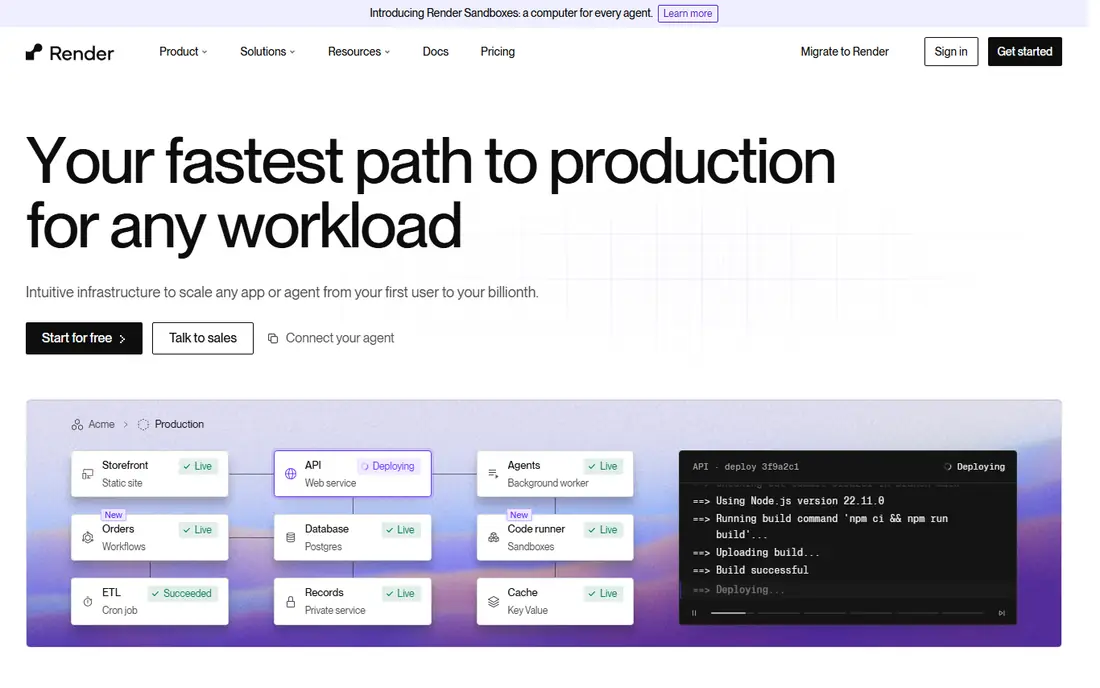
Render is our first pick for most Heroku migrations because the workflow feels familiar. Connect a Git repo, pick a runtime or Dockerfile, set environment variables, and deploy. Managed Postgres starts at about $6 per month, and a starter web instance costs about $7 per month, so a small app with a database can run for a predictable monthly total. Preview environments help teams review pull requests before merge.
The catch is the free tier. Free web services spin down after idle time and have monthly hour limits, so they suit testing, not production traffic. Render also covers fewer regions than Fly.io, which matters for apps with users on several continents. For a steady production app in the US or Europe, Render offers the simplest move from Heroku.
- Fixed instance prices that are easy to budget
- Managed Postgres and Key Value services
- Free web services and static sites to start
- Free web services spin down after idle time
- Fewer global regions than Fly.io
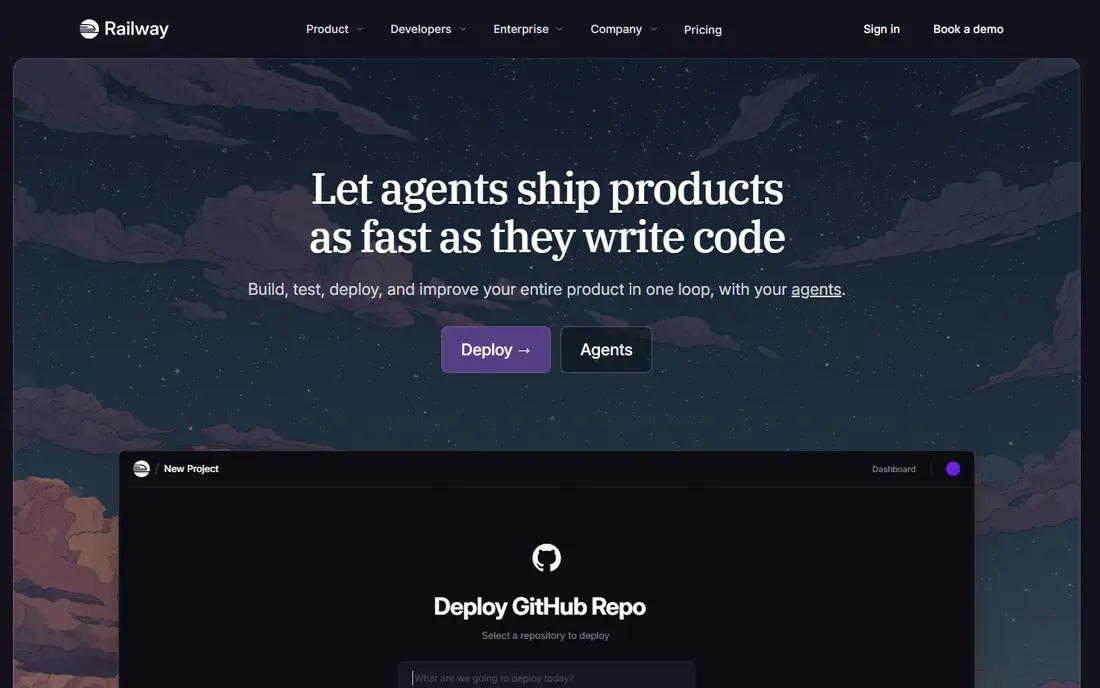
Railway is the fastest way to get a full-stack app live. It detects your framework, generates build settings, and deploys from Git or its command line tool in minutes. A project can hold a web service, a worker, Postgres, and Redis together, which suits indie hackers and small teams building a complete product. The Hobby plan costs about $5 per month including $5 of usage, and idle apps cost far less than an always-on instance elsewhere.
The trade-off is billing predictability. Usage-based pricing is kind to idle side projects but harder to budget for a busy app, and you run database templates yourself rather than using a fully managed database service. For rapid iteration and small teams, Railway is excellent. For a large production system with strict budget caps, Render or DigitalOcean may feel safer.
- Very fast setup with automatic framework detection
- Full-stack projects with API, database, and workers in one place
- Usage-based billing that scales down for idle apps
- Usage-based bills can be hard to predict at scale
- Databases are services you run, not fully managed in the same way as Render
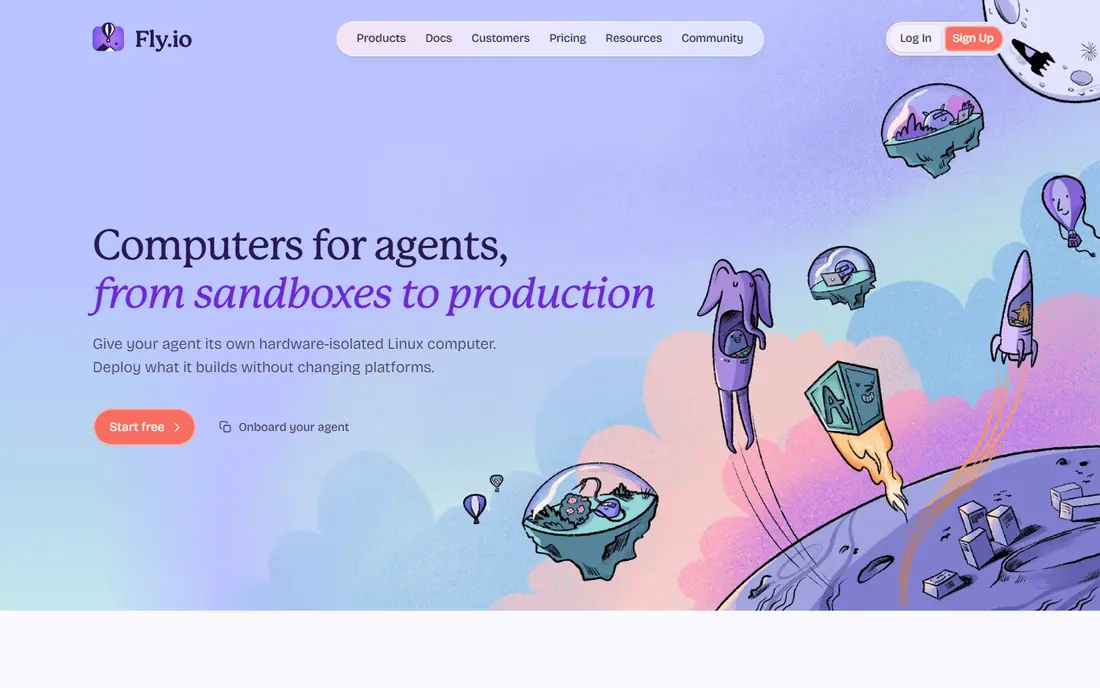
Fly.io suits apps where location matters. Its machines run in many regions with Anycast networking, so users connect to a nearby instance and see lower latency. A small shared machine can cost only a few dollars per month, which makes Fly.io cheap for a global API or a real-time app. Developers with Docker experience will like the control over machines, volumes, and networking.
The catch is friction. You run a command line tool, write a config file, and manage more of the setup yourself, and managed Postgres starts at a much higher price than self-run Postgres on Fly.io. New teams should try the trial and deploy a test app first. For a global app with Docker skills on the team, Fly.io is a strong, low-latency alternative.
- Apps run close to users in many regions
- Low-cost shared machines for small apps
- Strong Docker and networking controls
- Setup takes more manual work than Render or Railway
- Managed Postgres is costly compared with self-run options
DigitalOcean App Platform is the natural pick if your team already uses DigitalOcean droplets, databases, or object storage. It deploys from Git, autoscales, and offers managed databases as a separate service, so you can keep your whole stack with one provider. Containers start at $5 per month, and static sites are free, which makes it easy to host a marketing site and an API together.
The limit is that managed databases and caches are billed separately, so the total for a full app is higher than the $5 container price alone. App Platform also lacks some of the polished PaaS extras that Render and Railway offer, such as certain preview workflows. For DigitalOcean users, though, the shared billing, support, and networking make it a sensible Heroku alternative.
- Simple Git-based deploys with autoscaling
- Containers from $5 per month
- Free static sites, up to three apps
- Managed databases cost extra on top of app containers
- Fewer PaaS extras than Render for some teams
Vercel is best when the frontend leads the product. Push to Git and Vercel builds and deploys, with a preview URL for each pull request that designers and product managers can review. That workflow is hard to beat for marketing sites, docs, dashboards, and Next.js apps. The Hobby plan is free for personal, non-commercial use, and Pro costs about $20 per user per month for teams.
The catch is scope. Vercel is not a general Heroku replacement for a monolith with workers, queues, and a large database. It excels at frontend and serverless functions, but a backend-heavy app will need another platform or a split architecture. Use Vercel for the frontend, and pair it with Render, Railway, or a database provider for the backend if needed.
- Excellent Git-to-production workflow for frontend apps
- Preview deployments for every pull request
- Strong Next.js and React support
- Hobby plan is for personal, non-commercial use
- Backend-heavy apps may fit Render or Railway better
Netlify is a strong alternative for web apps and sites that deploy from Git. The free plan includes monthly usage credits, and paid plans add more build minutes, functions, and team features. Deploy previews, form handling, and serverless functions cover many small full-stack needs, and the edge network keeps sites fast worldwide.
The limit is backend depth. Netlify handles functions and edge work well, but a long-running worker, a large database, or a complex queue system fits a container PaaS better. For a site, docs portal, or small full-stack app, Netlify is simple and reliable. For a full Heroku-style backend, pair it with Render or Railway, or pick one of those as the main platform.
- Free plan with monthly usage credits
- Deploy previews and serverless functions
- Fast global edge network for sites
- Personal plan starts at $9 per month, Pro at $20
- Heavy backend workloads fit a container platform better
Google Cloud Run is a good pick for teams comfortable with Google Cloud. You deploy a container, Cloud Run scales it with traffic, and it scales to zero when idle, so a quiet service costs very little. The free tier includes a large monthly request allowance, which suits side projects and internal tools. It works well for APIs, webhooks, and background jobs in containers.
The drawback is complexity. Cloud Run is a building block, not a full PaaS, so you still need Cloud SQL or another database, IAM setup, and networking config. Teams without Google Cloud experience may find Render or Railway faster to adopt. For a team already on Google Cloud, Cloud Run is a cost-effective, scalable Heroku alternative.
- Pay only for container resources you use
- Generous free request allowance
- Scales to zero for idle services
- Google Cloud setup is more complex than a simple PaaS
- Database and networking need separate Google Cloud services
Azure App Service suits teams that already run on Microsoft tools. It deploys web apps and APIs from Git, integrates with Azure DevOps and GitHub Actions, and offers enterprise identity, security, and compliance features. For a firm that uses Microsoft 365, Entra ID, and Azure databases, keeping hosting in Azure reduces integration work and keeps data in one cloud.
The catch is cost and complexity for small apps. Azure pricing has many tiers and options, and the entry paid tier costs more than a small Render or Railway instance. Small teams without Azure experience may find the portal daunting. For a Microsoft-first enterprise team, though, App Service is a solid, well-supported Heroku alternative.
- Deep integration with Microsoft tools and identity
- Autoscaling and CI/CD built in
- Enterprise security and compliance options
- Azure pricing and setup can be complex
- Entry paid plans cost more than Render or Railway for small apps
Coolify is the self-hosted option for teams that want Heroku-style deploys without a monthly platform fee. Install it on your own Linux server, connect Git repos, and deploy apps, databases, and caches from one dashboard, with automatic SSL certificates. The software itself is free, and a paid cloud dashboard option exists for teams that want hosted control while bringing their own servers.
The trade-off is responsibility. You pay for the server, you patch the system, you manage firewalls and backups, and you handle outages. That work suits developers who already run servers, and it can be very cheap for several small apps on one server. For a team that wants no ops work at all, a managed platform like Render or Railway is a better fit than Coolify.
- Free open-source software for your own server
- Git-based deploys with automatic SSL
- Databases, backups, and monitoring in one dashboard
- You own server patching, security, and uptime
- Needs Linux server skills to run well
How we picked these
We compared vendor pricing pages, feature guides, and recent PaaS comparisons, and we favored platforms that are live in October 2026 with Git deploys and a clear path from Heroku. We looked for a mix of managed, usage-based, and self-hosted options, and for coverage of web services, databases, and preview workflows. We left out platforms that had shut down, and we did not list Heroku itself, since this article covers alternatives only. We did not claim hands-on testing, and we based our view on vendor pages and public comparisons.
How to migrate without downtime
Start by mapping your Heroku setup. List web dynos, workers, add-ons, databases, caches, and scheduled jobs, then match each piece to the new platform. A web service plus Postgres plus Redis is the common stack, and its total cost differs a lot between platforms, so price the full stack, not just the web instance. Check whether the new platform offers a managed database or expects you to run one yourself.
Next, migrate in stages. Deploy the app to the new platform, copy the database, run the app in a staging environment, and test logins, payments, and background jobs before switching traffic. Use a DNS change with a low time-to-live value, and keep the Heroku app running until the new app proves stable. That staged move avoids a hard cutover and gives you a rollback path.
Finally, watch costs for a month. Usage-based platforms can surprise you if a worker loops or a database grows, so set billing alerts on day one. Review instance sizes after a week of real traffic, and scale down anything oversized. A migration that looks cheap in a trial can grow quickly in production, so early monitoring matters.
Frequently asked questions
What is the best free Heroku alternative?
Render offers the best free starting point for web services and static sites, though free web services spin down after idle time. Coolify is free software if you already pay for a server, and Google Cloud Run offers a generous free request allowance. For production traffic, a paid starter instance is usually worth the cost.
Are there free Heroku alternatives?
Yes. Render, Netlify, Vercel, Google Cloud Run, and DigitalOcean App Platform all offer free tiers or free static hosting, and Coolify is free open-source software. Free tiers have limits on hours, usage, or commercial use, so check the terms before using one for a business app.
Which Heroku alternative is closest to Heroku?
Render is the closest managed match for most Heroku apps, with a similar Git deploy workflow, managed databases, and fixed instance prices. Railway is close too, with faster setup but usage-based billing. Both are easier migrations than a raw cloud service like Cloud Run.
Is Railway or Render better?
Render suits teams that want predictable fixed prices and managed databases. Railway suits teams that want the fastest setup and usage-based billing for idle apps. Pick Render for steady production costs, and Railway for rapid iteration and side projects that idle often.
Can I self-host a Heroku alternative?
Yes. Coolify and Dokku are open-source, self-hosted PaaS tools that run on your own server. Coolify offers a fuller dashboard, while Dokku is lighter and closer to a minimal Heroku clone. Self-hosting saves platform fees but adds server maintenance work.
Sources
See where you really rank - block by block
ProMapRanker scans Google Maps across a grid of your service area. Simple monthly plans from $19, white-label on every plan.
Start freeKeep reading
 zoho inventory alternatives
6 Alternatives to Zoho Inventory, Compared on Price and Fit
Zoho Inventory alternatives: 6 tools compared on price, free plans and fit. Katana leads the list for manufacturers. Fit and flaws are laid out for each entry.
Read → zoho crm alternatives
Best Zoho CRM Alternatives (2026)
Need Zoho CRM alternatives? We compare 7 tools on cost, free access and who each suits. Every pick gets a straight assessment. Built for quick decisions.
Read → zelle alternatives
Best Zelle Alternatives in 2026
Compare the best Zelle alternatives for sending money to friends, paying sellers and moving funds abroad, with honest notes on fees, speed and safety in 2026.
Read →