 ProMapRanker
Best Heap Analytics Alternatives in 2026

Key takeaways
- Mixpanel, Amplitude, and PostHog are the closest full replacements for Heap, with event analytics, funnels, and generous free tiers.
- PostHog stands out for teams that want analytics, session replay, feature flags, and experiments in one open-source-friendly platform.
- Google Analytics 4 is the free starting point for marketing and acquisition reporting, but it is weaker for deep product behaviour analysis.
- Event volume drives the bill on most of these tools, so clean up unused events before comparing paid plans.
Quick comparison
| Pick | Great for | Pricing starts at | Free tier | |
|---|---|---|---|---|
 Mixpanel | Self-serve product reporting | Free | Yes | Visit |
 Amplitude | Enterprise product analytics | Free | Yes | Visit |
 PostHog | All-in-one product platform | Free | Yes | Visit |
 Pendo | Analytics plus in-app guidance | See website | Yes | Visit |
 FullStory | Session replay diagnosis | See website | Yes | Visit |
 Google Analytics 4 | Free acquisition reporting | Free | Yes | Visit |
 Matomo | Privacy-first analytics | €29 per month | Free trial | Visit |
 Smartlook | Replay plus analytics | $55 per month | Yes | Visit |
 Contentsquare | Experience analytics at scale | See website | Free trial | Visit |
The best Heap Analytics alternatives
Heap is known for autocapture, which records clicks and page views without manual event setup. The tools below take different approaches, from manual event tracking to replay-led diagnosis, so the right pick depends on how your team works.
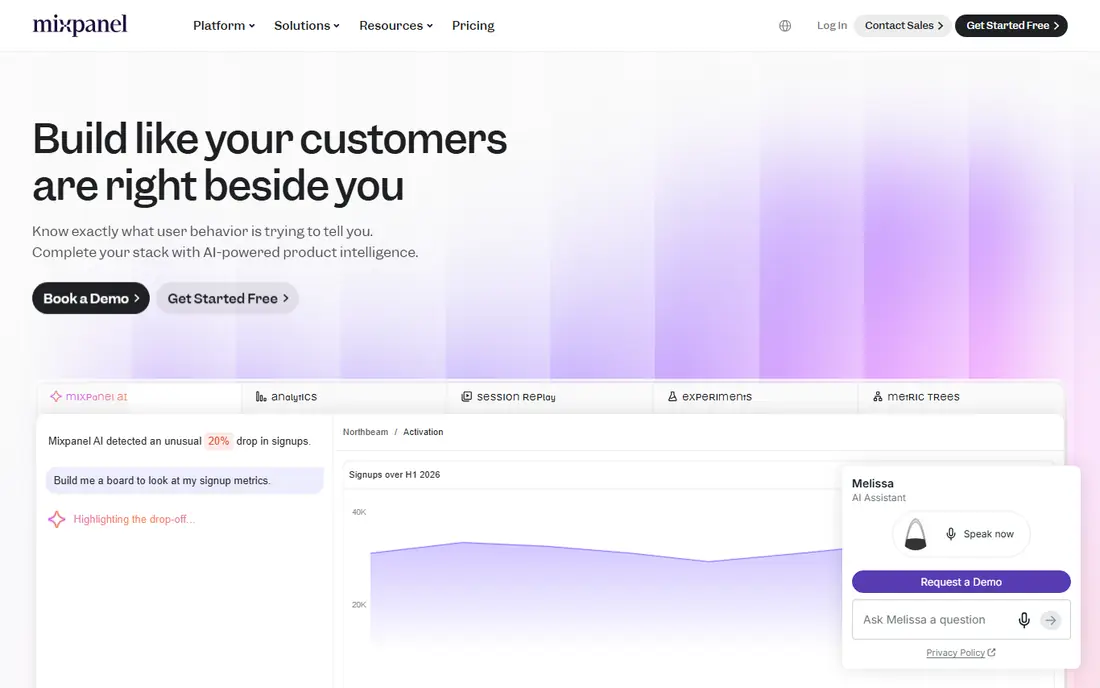
Mixpanel is the most direct answer for product teams that want answers without waiting for an analyst. Funnels, retention curves, and cohort breakdowns are quick to build, and the interface rewards teams that explore data themselves. Its free tier covers many early-stage products, which makes a trial low risk.
The weakness is the same as with most event tools: messy tracking inflates the bill. Teams coming from Heap autocapture will need to plan their event taxonomy, since Mixpanel works best when events are named and instrumented with intent. Do that work early and it is a strong replacement.
- Fast funnel and retention reports
- Free tier with 1 million events per month
- Session replay included on paid plans
- Costs rise sharply with event volume
- Autocapture is less central than in Heap

Amplitude suits product organisations that already have an analyst or a data-minded product manager. Its retention, funnel, and predictive features go deeper than most rivals, and its governance tools help larger teams control who sees what. The free tier is generous, so small teams can start without a sales call.
For a two-person startup, that depth can feel like overkill, and the interface takes time to learn. If your reporting needs are simple, a lighter tool may be faster. For scale-ups planning experiments and executive reporting, Amplitude is hard to beat.
- Deep retention and cohort analysis
- Free tier with 2 million events per month
- Strong governance on higher plans
- Learning curve for smaller teams
- Paid pricing beyond the Plus tier is quote-led

PostHog packs more into one subscription than any other tool here. Product analytics sits alongside session replay, surveys, feature flags, and A/B testing, which means fewer vendors to manage. Engineering-led teams also value the open-source roots and the option to self-host, a rare choice in this category.
The catch is billing complexity. Each product area is metered separately, so the total depends on which features you switch on. Turn on only what you need, watch the usage dashboard in the first month, and PostHog can be both capable and affordable.
- Analytics, replay, feature flags, and experiments in one tool
- Self-hosting option
- Usage-based pricing
- Separate metering for replay, flags, and errors
- Interface can feel busy
Pendo is the pick when the problem is not just measuring behaviour but changing it inside the product. Teams can pair analytics with walkthroughs, announcements, and feedback surveys, which helps onboarding and feature adoption. The free tier suits small products testing that combination.
Larger teams should expect a sales conversation for paid pricing, and pure analytics users may find Mixpanel or Amplitude deeper for funnel work. If guidance and measurement belong together in your roadmap, Pendo earns its place.
- Product analytics plus in-app guides and surveys
- Free tier for up to 500 monthly active users
- Strong for onboarding flows
- Paid pricing is quote-led
- Analytics depth is less than Mixpanel or Amplitude on some plans
FullStory answers a different question from the tools above: not how many users did something, but what exactly happened when they tried. Its replay quality and session search help product and support teams find friction in checkout flows, forms, and onboarding steps. The free tier, with a monthly session allowance, is enough to test that value.
It is not a one-for-one Heap replacement for teams that live in funnel reports. Pair it with a product analytics tool, or choose it when replay-led diagnosis is the gap you need to close.
- High-quality session replay
- Strong search across sessions
- Useful for debugging user experience problems
- Quote-led pricing
- Analytics reporting is thinner than dedicated product analytics tools
Google Analytics 4 is the sensible free baseline, and many teams run it alongside a product analytics tool rather than instead of one. It tracks where users come from, which pages they visit, and how campaigns perform, and the standard version costs nothing. For marketing reporting, that is often enough.
For product teams, the limits show quickly. Building retention and funnel views takes more work, and there is no session replay. Use it as your acquisition layer, and add a dedicated product tool when behaviour questions become central.
- Free for standard use
- Strong acquisition and traffic reporting
- BigQuery export for larger teams
- No native session replay
- Product behaviour analysis is less direct than dedicated tools
Matomo appeals to teams that want to own their analytics data. The self-hosted version is free to run, and the cloud version starts at a modest monthly price for smaller sites. It covers web analytics, goals, and funnels, with heatmaps and session recording available as add-ons.
The trade-off is that Matomo is a web analytics tool first, not a full product analytics suite. Teams that need deep cohort and retention modelling may still want Mixpanel or Amplitude. For privacy-sensitive organisations, the data ownership argument is decisive.
- Self-hosting option with full data ownership
- Privacy-focused design
- Heatmaps and replay as add-ons
- Cloud pricing rises with traffic
- Some advanced features cost extra
Smartlook blends replay with event analytics at a price that smaller teams can justify. You can watch how users move through a flow and then check the numbers behind that flow, without buying two separate tools. Mobile support helps teams with apps as well as websites.
Its analytics are not as deep as Mixpanel or Amplitude, and the integration library is smaller. For teams that want replay first and solid reporting second, that balance works well.
- Session replay and event analytics in one tool
- Free tier with monthly sessions
- Mobile app support
- Smaller ecosystem than larger rivals
- Analytics depth is moderate
Contentsquare, which now includes Hotjar, is built for large sites where experience optimisation is a full-time job. Heatmaps, session replay, journey analysis, and voice-of-customer tools sit in one platform, and the scale suits high-traffic teams. It is a natural step up for Heap customers moving to an enterprise experience platform.
Small teams will find the price and implementation effort hard to justify. If your traffic is modest, start with a lighter tool and revisit Contentsquare when optimisation work needs dedicated tooling.
- Heatmaps, replay, and journey analysis at enterprise scale
- Strong for large ecommerce and media sites
- Quote-led pricing
- Overkill for small products
How we picked these
We compared official feature pages, pricing pages, app store listings, privacy policies, and public reviews for each tool, and we checked that each one was actively offered in October 2026. We favoured tools with a clear product or experience analytics core, a free tier or trial, and a published or verifiable price point. Where pricing is quote-led we wrote See website rather than repeating an unverified estimate.
What to check before you switch
Start by auditing your current events. Heap autocapture can hide a large volume of low-value events, and moving that noise to an event-priced tool will inflate the bill. List the events that feed real decisions, drop the rest, and use that cleaned list to compare plans.
Next, decide how much replay you need. If support and design teams watch sessions weekly, a replay-led tool deserves a larger share of the budget. If they rarely do, a pure analytics tool with a small replay add-on is enough. Finally, test data governance early, especially if you operate in Europe or handle sensitive user data, since privacy controls differ widely across this list.
Frequently asked questions
Do Heap Analytics alternatives offer autocapture?
PostHog and some others offer autocapture or auto-tracking options, but most tools here work best with planned event instrumentation. If autocapture is essential, test it on a trial before committing, and check how much noise it adds to your event volume.
Which Heap alternative has the best free plan?
Amplitude and Mixpanel offer the largest free event allowances, while PostHog adds replay and flags to its free tier. Google Analytics 4 is free for standard use but lacks replay. Pick by the features you will actually use, not just the headline event count.
Can I self-host a Heap alternative?
Yes, PostHog and Matomo both offer self-hosting options. Self-hosting gives you data control but adds maintenance work, so weigh that cost against a managed cloud plan before choosing it.
How much do these tools cost at scale?
Costs rise with event or session volume, and enterprise plans are usually quoted. Model your bill at two or three times your current volume, since growth, new features, and extra tracking can push usage up faster than expected.
Is Google Analytics 4 enough on its own?
For acquisition and traffic reporting, often yes. For product behaviour, retention, and funnel analysis, most teams add a dedicated product analytics tool alongside it.
Sources
- https://www.mixpanel.com
- https://www.amplitude.com
- https://www.posthog.com
- https://www.pendo.com
- https://www.fullstory.com
- https://analytics.google.com
- https://www.matomo.org
- https://www.smartlook.com
- https://www.contentsquare.com
- https://www.plerdy.com/blog/heap-alternatives/
- https://appstackbuilder.com/blog/posthog-vs-mixpanel-vs-amplitude-2026
See where you really rank - block by block
ProMapRanker scans Google Maps across a grid of your service area. Simple monthly plans from $19, white-label on every plan.
Start freeKeep reading
 zyte alternatives
Best Zyte Alternatives in 2026
These zyte alternatives cover managed scraping APIs, proxy networks and no code tools for lawful collection from your own or consented sources only in 2026.
Read → zerto alternatives
Best Zerto Alternatives in 2026
Compare the best zerto alternatives for disaster recovery and replication, with recovery targets, cloud options and honest trade-offs for teams in 2026.
Read → zerofox alternatives
Best ZeroFox Alternatives in 2026
We compared 9 zerofox alternatives for brand protection, phishing takedowns, dark web monitoring, and social impersonation, with clear coverage notes.
Read →