 ProMapRanker
Best Harvey AI Alternatives in 2026


Westlaw research firms · Pricing starts at: See website
Key takeaways
- CoCounsel and Lexis+ AI suit research-heavy firms already paying for Westlaw or Lexis content.
- Spellbook and GC AI suit transactional lawyers and in-house teams respectively, with clearer workflows.
- Legora, NexLaw, and Paxton cover multi-jurisdiction, solo-friendly, and research-led legal work.
- Clio Duo and Claude cover practice management add-ons and general drafting support, with lawyer review still required.
Quick comparison
| Pick | Great for | Pricing starts at | Free tier | |
|---|---|---|---|---|
| Thomson Reuters CoCounsel | Westlaw research firms | See website | No | Visit |
 Lexis+ AI | Lexis research firms | See website | No | Visit |
 Spellbook | Contract drafting in Word | See website | Free trial | Visit |
 GC AI | In-house legal teams | $500 per user per month | Free trial | Visit |
 Legora | Multi-jurisdiction firms | See website | No | Visit |
 NexLaw | Solo and small firm legal AI | $2,999 per year | Free trial | Visit |
 Paxton AI | Legal research and drafting | $499 per user per month | Free trial | Visit |
 Clio Duo | Clio practice management users | See website | No | Visit |
 Claude | General drafting support | $20 per user per month | Yes | Visit |
The best Harvey AI alternatives
We compared legal AI tools on research content, drafting and review workflows, document handling, security controls, and pricing transparency. This article gives general information only, not legal advice. AI output can contain errors, including invented citations, so a qualified lawyer must review any legal work before it is relied on or filed.
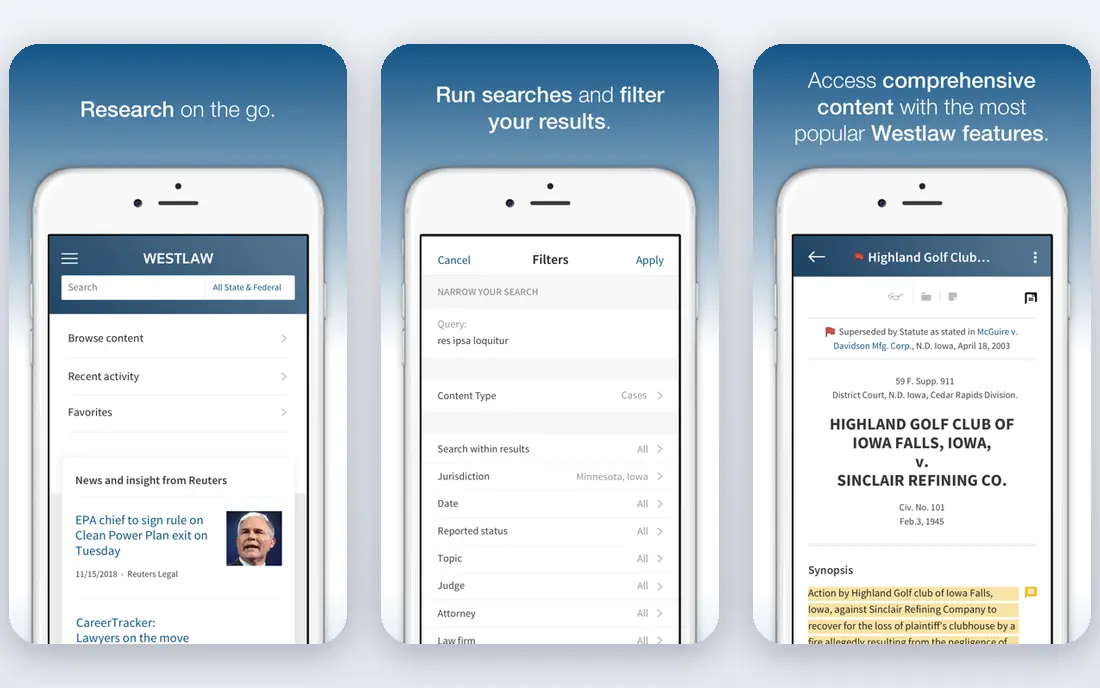
CoCounsel is the natural Harvey rival for firms already built around Westlaw. It searches trusted legal content, summarises documents, and assists with drafting, with citations tied to Westlaw sources. That grounding matters, since general chatbots can invent cases that look plausible.
The cost model is the barrier. CoCounsel is typically bundled with Westlaw plans, so solo lawyers without Westlaw face a steep entry price. For research-heavy firms that already pay for Westlaw, the added AI layer is easier to justify.
- Research grounded in Westlaw content
- Document review and drafting assistance
- Enterprise security and controls for firms
- Pricing is bundled and sales led
- Best value requires an existing Westlaw relationship
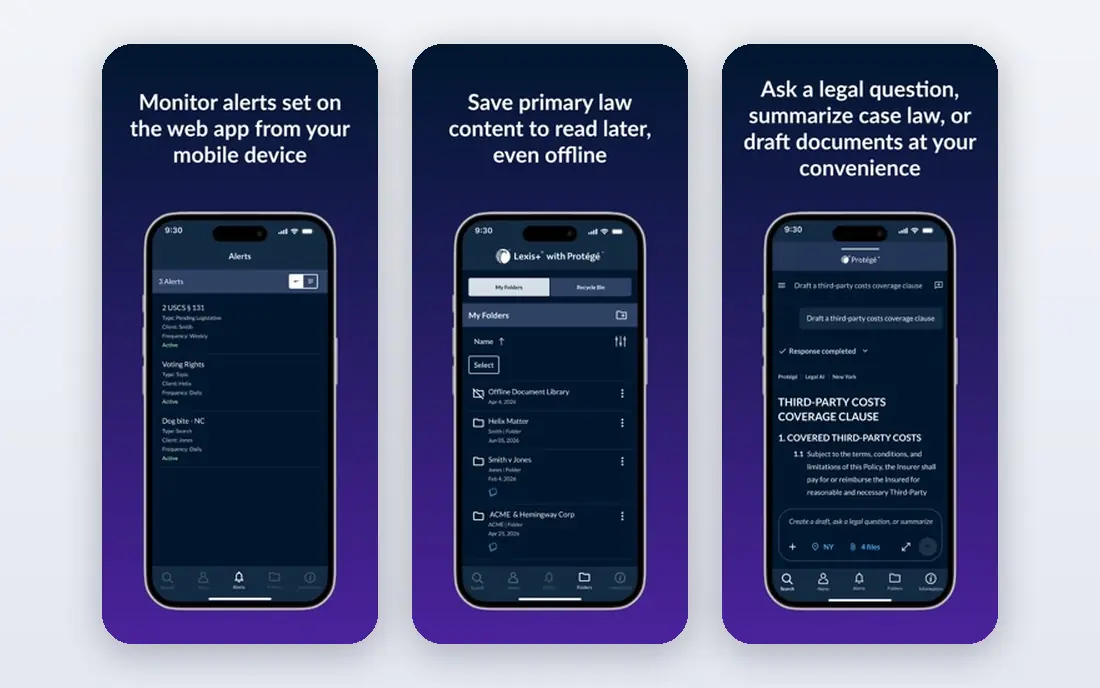
Lexis+ AI follows the same logic on the Lexis side. It lets lawyers ask research questions in plain language, then links answers back to Lexis sources for verification. Drafting and document summarisation sit alongside research, so a matter can move from question to draft without leaving the platform.
As with CoCounsel, the bundle is the decision. Firms standardised on Lexis gain a coherent research and AI workflow. Firms without Lexis should compare the full bundle cost against a standalone tool plus their current research spend.
- Research grounded in LexisNexis content
- Conversational research with linked sources
- Drafting and summarisation tools
- Pricing is bundled and sales led
- Value depends on an existing Lexis subscription
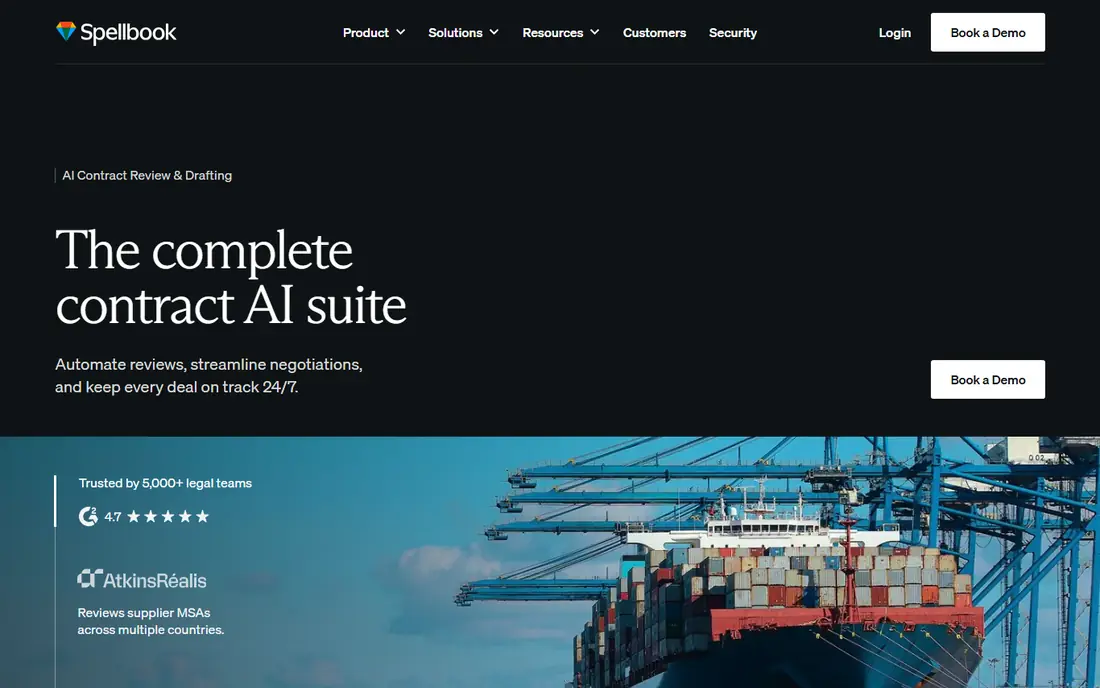
Spellbook lives where transactional lawyers already work, inside Microsoft Word. It drafts clauses, reviews contracts against playbooks, and flags risky language while the lawyer edits. That in-Word workflow avoids copying text between a chat tool and a document, which reduces version errors.
Litigation and research-heavy teams will need another tool for case research. For contract drafting and review, Spellbook's focus is an advantage. Trial it on your own standard contracts, since playbook fit varies by practice area.
- Native Microsoft Word plugin for drafting and review
- Clause library and benchmarking features
- Short trial to test real contracts
- Pricing is sales led for many plans
- Contract focused, so litigation research is not its strength
GC AI is the only tool here built exclusively for in-house legal teams. It emphasises outputs that business stakeholders can use, such as clear summaries and next steps, alongside legal drafting and review. A 14-day trial and published pricing make evaluation simpler than sales-led rivals.
Solo practitioners and law firms should weigh that focus. GC AI covers in-house intake, review, and advice workflows well, but firms with matter-based billing and large document vaults may prefer a firm-centred platform. For in-house teams, the fit is direct.
- Built specifically for in-house counsel
- Published $500 per seat pricing
- Word add-in and business-ready outputs
- In-house focus means law firm matter workflows are less central
- Price is high for solo users
Legora suits firms working across jurisdictions, including European practices. It combines drafting, review, research, and team knowledge in a collaborative workspace, with Word integration for everyday drafting. Shared playbooks and precedents help larger teams stay consistent.
Pricing opacity means firms must go through sales to compare costs. That is common in this category, but it makes budgeting harder for mid-sized firms. For multi-jurisdiction work, Legora's breadth and collaboration features justify a sales conversation.
- Collaborative legal AI with Word integration
- Multi-jurisdiction and European firm strengths
- Knowledge sharing across teams
- Pricing is not published
- Implementation and training need firm commitment
NexLaw appeals to solo and small firms that want published pricing and no large seat minimum. Its platform covers legal research, drafting, and case preparation, with annual per-license pricing that is easier to budget than an enterprise quote. A five-day trial lets small teams test real matters.
Buyers should check content coverage for their jurisdiction and practice area. Large research vendors offer deeper libraries, while NexLaw offers accessibility and price clarity. For small firms, that trade often favours NexLaw.
- Published annual pricing with no seat minimum stated
- Research, drafting, and case tools in one platform
- Short trial for evaluation
- Smaller vendor than Thomson Reuters or LexisNexis
- Research depth depends on included content libraries
Paxton AI positions itself as a research-first legal AI with cited sources. Lawyers can research questions, analyse documents, and draft with source links that support verification. Published pricing and a seven-day trial make the entry point clearer than many rivals.
The $499 monthly price still puts Paxton beyond casual use. Firms should trial it on research tasks where citation accuracy matters most, since that is where Paxton must prove value against cheaper general tools and bundled research AI.
- Published pricing at $499 per user per month
- Research with cited sources
- Drafting and document analysis tools
- Price is high for solo users
- Enterprise features need custom quotes
Clio Duo adds AI to Clio, the practice management platform many solo and small firms already use. It can summarise matters, draft communications, and surface matter information without leaving Clio. That integration saves time for firms that already run billing, documents, and calendars there.
It is not a standalone research platform. Firms needing deep case research should pair Clio Duo with CoCounsel, Lexis+ AI, or Paxton. For Clio users, Duo is a convenient add-on rather than a full Harvey replacement on its own.
- AI built into Clio practice management
- Matter, document, and time data stay in one system
- Useful for solo and small firms already on Clio
- Value depends on Clio subscription
- Legal research depth is less than dedicated research platforms
Claude is a general AI assistant, not a legal platform, and it earns a place here as a low-cost drafting aid. It can summarise documents, draft plain-language explanations, and restructure arguments clearly. For firms that cannot justify a dedicated legal AI price, Claude covers much routine drafting work.
The limits are serious. Claude does not provide verified legal research content, and its citations must be checked against primary sources by a lawyer. Firms must also review data handling, retention, and confidentiality settings before uploading client material. Used with lawyer review and strict data rules, Claude is a useful bridge tool.
- Strong general drafting, summarisation, and analysis
- Low $20 starting price
- Team and Enterprise plans add controls
- Not a legal research platform, so citations must be verified independently
- Confidentiality settings need careful review
How we picked these
We compared official feature pages, pricing pages, and public documentation for legal AI tools live in October 2026. We favoured tools with clear legal workflows, cited research where claimed, and distinct fits for firms, in-house teams, and solo lawyers. We did not claim hands-on testing, and we used See website where pricing is bundled or sales led. This article is general information only, not legal advice, and AI output needs lawyer review.
How to choose a legal AI tool
Start with your research backbone. If you already pay for Westlaw or Lexis, CoCounsel or Lexis+ AI usually gives the best research grounding. If you do not, a standalone tool such as Spellbook, GC AI, NexLaw, or Paxton may cost less overall.
Next, test on your own matters, not vendor demos. Run a research question, a contract review, and a document summary from a real closed matter, then check every citation and clause against primary sources. That test reveals hallucination risk, citation quality, and workflow fit in one exercise.
Finally, settle confidentiality and ethics rules before rollout. Check data retention, training use, jurisdiction of storage, and client consent requirements under your bar rules. Document which tasks AI may assist with, which need partner review, and which must never be delegated to AI alone.
Frequently asked questions
What is the best Harvey AI alternative?
CoCounsel suits Westlaw firms, Lexis+ AI suits Lexis firms, Spellbook suits contract drafting in Word, and GC AI suits in-house teams. There is no single best pick, since research content, workflow, and price differ sharply across firms.
Can legal AI replace a lawyer?
No, legal AI assists with research, drafting, and review, but it does not replace lawyer judgment, client advice, or court responsibility. AI output can contain errors and invented citations. A qualified lawyer must review all AI-assisted work before it is used or filed.
How much do Harvey AI alternatives cost?
Costs range from Claude at $20 per user per month for general drafting, to GC AI at $500 per user per month and Paxton at $499 per user per month, to bundled enterprise pricing for CoCounsel and Lexis+ AI. NexLaw publishes $2,999 per year per license as a small-firm option.
Is client data safe in legal AI tools?
Safety depends on the vendor's security controls, data retention, and training policies. Check SOC 2 reports, data residency, retention periods, and whether client data trains models. Never upload sensitive client material until those terms are confirmed in writing.
Do I need Westlaw or Lexis to use legal AI?
No, standalone tools such as Spellbook, GC AI, NexLaw, Paxton, and Claude work without a Westlaw or Lexis subscription. Research depth and citation grounding are stronger in bundled tools, but standalone tools suit drafting, review, and general research support.
What should I check before filing AI-assisted work?
Verify every citation against a primary source, check quoted language word for word, and confirm jurisdiction and date. Review the full document for errors AI may have introduced, and follow your firm's AI use policy. Never file unchecked AI output.
Sources
See where you really rank - block by block
ProMapRanker scans Google Maps across a grid of your service area. Simple monthly plans from $19, white-label on every plan.
Start freeKeep reading
 zyte alternatives
Best Zyte Alternatives in 2026
These zyte alternatives cover managed scraping APIs, proxy networks and no code tools for lawful collection from your own or consented sources only in 2026.
Read → zerto alternatives
Best Zerto Alternatives in 2026
Compare the best zerto alternatives for disaster recovery and replication, with recovery targets, cloud options and honest trade-offs for teams in 2026.
Read → zerofox alternatives
Best ZeroFox Alternatives in 2026
We compared 9 zerofox alternatives for brand protection, phishing takedowns, dark web monitoring, and social impersonation, with clear coverage notes.
Read →