 ProMapRanker
Best Gusto Alternatives in 2026


HR, payroll, and IT in one system · Pricing starts at: $8 per employee per month
Key takeaways
- OnPay and Square Payroll give the clearest published small-team pricing, while Rippling, ADP RUN, and TriNet rely more on quotes.
- Justworks is the strongest pick here if you want a PEO with benefits help, and Deel is the pick if your team crosses borders.
- Paychex Flex suits larger small businesses that want a long-term HR platform, not just a payroll run.
- BambooHR works best as an HR system first, with payroll added, rather than as a payroll-only replacement.
Quick comparison
| Pick | Great for | Pricing starts at | Free tier | |
|---|---|---|---|---|
| Rippling | HR, payroll, and IT in one system | $8 per employee per month | No | Visit |
 Deel | Global hiring and payroll | $29 per employee per month | No | Visit |
 Justworks | Small-team PEO and benefits | $50 per month plus $8 per employee per month | No | Visit |
 OnPay | Simple full-service payroll | $49 per month plus $6 per employee per month | No | Visit |
 Square Payroll | Square users and hourly teams | $35 per month plus $6 per person paid | No | Visit |
 Paychex Flex | Growing businesses needing HR depth | $39 per month plus $5 per employee per month | No | Visit |
 ADP RUN | Small businesses planning to scale | See website | No | Visit |
 BambooHR | HR records and people management | See website | No | Visit |
 TriNet | PEO support for small and midsize firms | See website | No | Visit |
The best gusto alternatives
We compared payroll coverage, benefits help, published pricing, and how much hand-holding each service gives a small team. The list below leaves out the named product itself and focuses on services that can run payroll on their own.
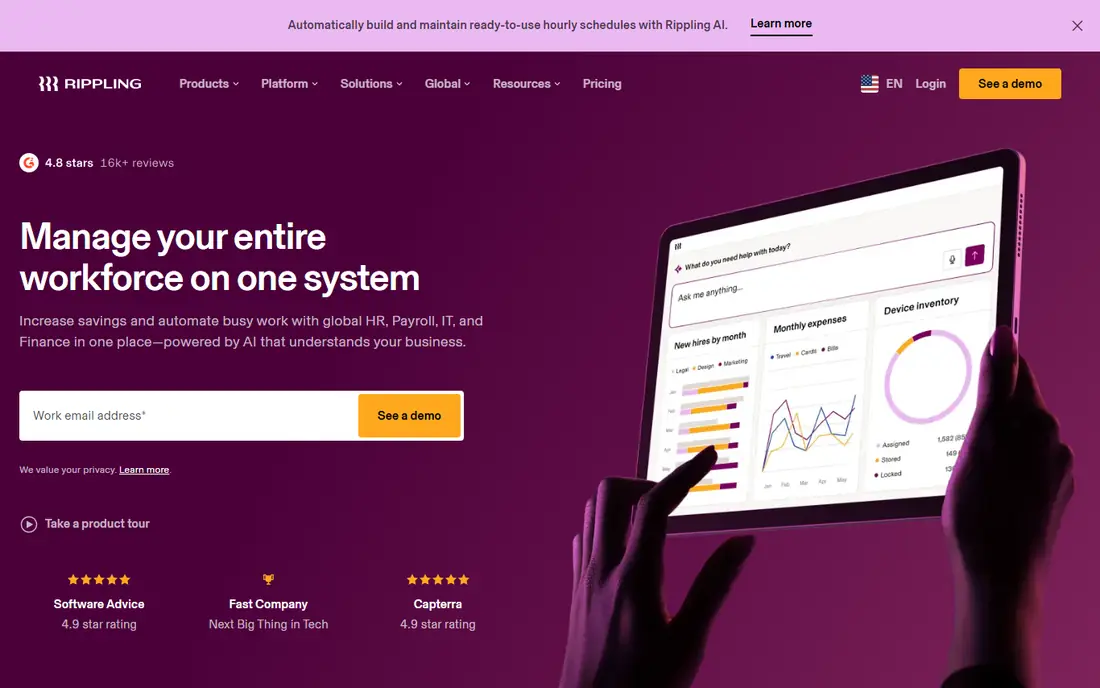
Rippling suits a company that wants payroll to sit inside a wider people system, not in a separate tool. One record can carry hiring, pay, time off, and device access, which cuts down on retyping the same details in several places. That structure pays off once you pass a handful of staff and start adding managers, locations, or devices.
The catch is pricing clarity. The published platform figure is a starting point, and payroll and other modules add to it, so you need a written quote for your headcount before you compare it fairly with a flat payroll plan. Smaller teams that only need pay runs and tax filings may find a simpler service cheaper and faster to run.
- One employee record across HR, payroll, and IT
- Modular add-ons
- Strong automation options
- Full cost depends on modules chosen
- Can be more than a very small team needs
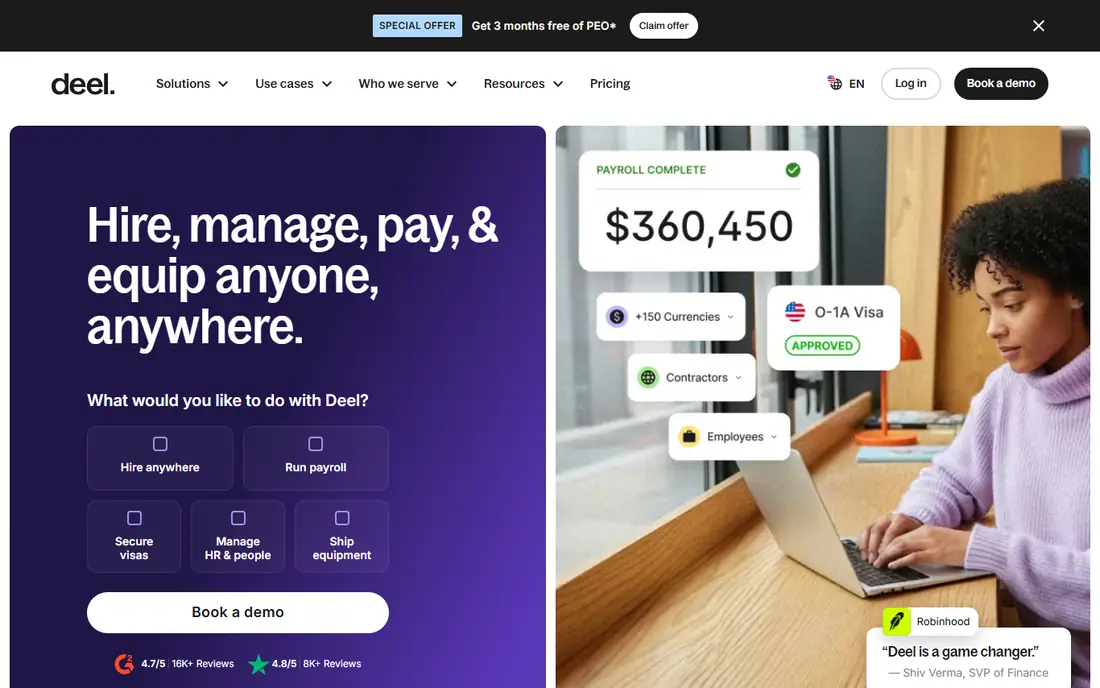
Deel is built for the moment a US business hires its first person abroad. It can run payroll where you already have an entity, pay contractors in other countries, or act as the employer of record where you have no entity at all. That range matters because many payroll tools stop at the US border, and piecing together local providers country by country gets messy fast.
For a purely domestic team, Deel is hard to justify as a first choice. Its global payroll figure is only one part of the picture, and employer-of-record pricing is far higher than domestic payroll. Use it when international hiring is real and near, not as a speculative extra.
- Global payroll and contractor payments
- Employer-of-record option
- Published per-product pricing for several services
- Cost rises fast for full-time overseas hires
- Overkill for a domestic-only team
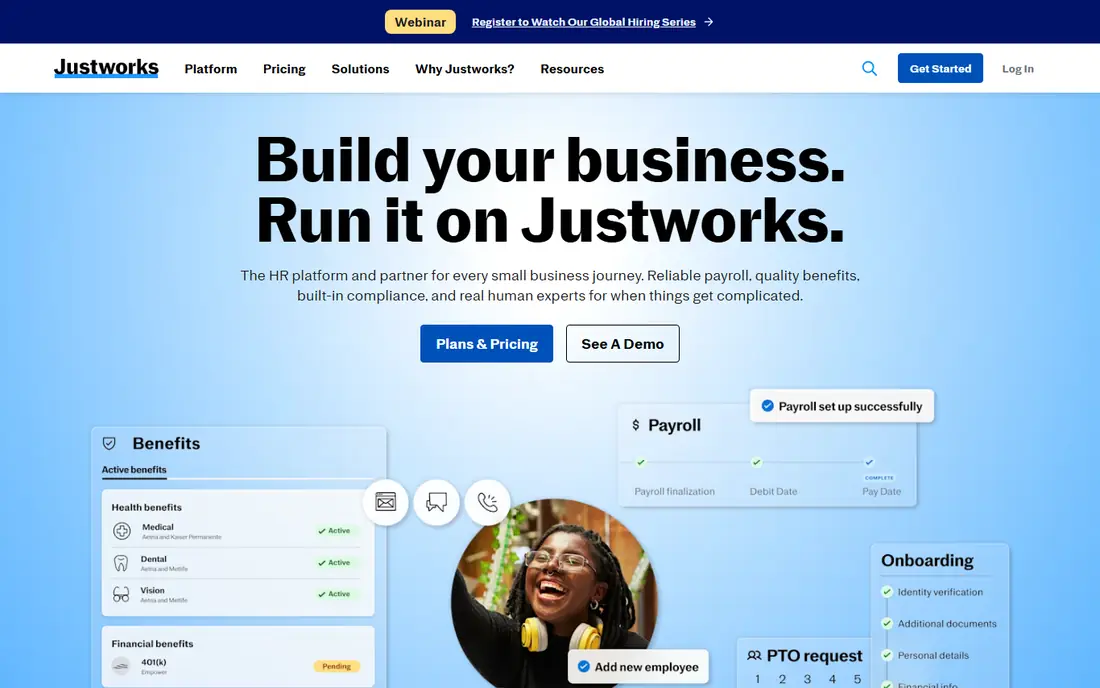
Justworks gives you two clear paths. The payroll plan covers pay runs and tax filings for a modest base fee plus a per-person charge. The PEO plans go further, with co-employment, compliance support, and access to benefits, which suits owners who want help with the employment side as well as the pay run itself.
The honest limit is the jump in cost between those paths. A PEO is not just payroll with a nicer dashboard, and the monthly per-employee fee plus insurance premiums can change the budget in a big way. Ask for the all-in figure, including premiums, before you sign.
- Clear payroll plan pricing
- PEO plans with compliance help
- 24/7 support on PEO plans
- PEO plans cost far more than payroll alone
- Benefits premiums sit on top of plan fees
OnPay is our pick for owners who want payroll done properly without a long feature list to learn. The starting price includes unlimited monthly pay runs, federal, state, and local tax filings, and pay for W-2 staff and 1099 contractors in the same run. That simplicity makes the monthly bill easy to predict, which is a real benefit for a small business.
It is less suited to a team that wants deep HR tools built in from day one. HR and time tracking are sold as add-ons, so a business that needs both should price the bundle, not just the base plan. Still, for payroll first and extras second, OnPay is hard to beat on clarity.
- One clear price for payroll
- Unlimited pay runs
- Multi-state filings included
- HR and time tracking cost extra as add-ons
- Support hours are weekdays
Square Payroll makes the most sense for shops, cafes, and service businesses already running Square at the till. Timecards and tips can flow into payroll, and team members can use the Square Team App to check pay details. The monthly price is published, and there is no long-term contract, which keeps the decision low risk.
If you do not use Square for payments, much of that advantage fades. The payroll itself is solid, but you would be paying for an integration you do not use, and other services may give you more HR help for a similar price. Check the contractor-only option separately if you pay no W-2 staff.
- Clear single price
- Imports timecards and tips from Square
- No long-term contract
- Most valuable if you already use Square
- Contractor-only plan lacks some full-service features
Paychex Flex is a platform to grow into, rather than a tool you outgrow in a year. The entry tier covers payroll, and higher tiers add HR depth, analytics, retirement plans, and PEO options. That range suits a business that expects to add locations, managers, or regulated roles over time.
The trade-off is that the entry price does not tell the whole story. Several useful features sit in higher packages or as add-ons, and some year-end forms may carry extra fees on lower tiers. Get a package-by-package quote and ask which items are included before you compare it with a flat-price rival.
- Wide HR and benefits options
- Scales from small to midsize
- Dedicated specialist on higher packages
- Many features are quoted add-ons
- Some year-end forms may cost extra on lower tiers
ADP RUN is the small-business arm of a very large payroll provider, and that scale shows in compliance coverage and benefits choice. It handles payroll tax filing, direct deposit, and onboarding, and it gives a business a path to larger ADP systems if headcount grows sharply. For an owner planning steady growth, that path can avoid a painful switch later.
The main drawback is transparency. You will need a quote to know your real monthly cost, and the price can vary with payroll frequency and add-ons. That makes ADP RUN harder to compare at a glance, so insist on a written quote that lists every included service.
- Deep payroll and compliance experience
- Wide benefits and HR options
- Room to move to larger ADP platforms
- Pricing is quote-based
- Smaller teams may find the sales process heavy
BambooHR starts from people management, not from the pay run. Employee records, onboarding checklists, time off, and performance notes live in one place, which helps a small HR team stay organized as hiring picks up. Payroll can be added, and the combined setup can work well for a business that already feels the strain of spreadsheets and scattered files.
If payroll alone is the problem, BambooHR is not the cheapest fix. You would be paying for an HR system first, and payroll second, and the total price needs a quote. Choose it when HR organization matters as much as pay, and choose a payroll-first tool when it does not.
- Clear employee records and onboarding
- Time off and performance tools
- Friendly interface for HR teams
- Payroll is an add-on in many setups
- Pricing is quote-based for most teams
TriNet works as a professional employer organization, which means it shares employment duties and gives smaller firms access to benefits and compliance support that are hard to arrange alone. Its flat per-employee admin fee approach can make budgeting clearer than a percentage-of-payroll model, since the fee does not rise just because salaries rise.
The total bill still needs care. Payroll taxes, benefits premiums, and workers compensation appear as separate line items, so the admin fee alone is not the monthly cost. Ask for a sample invoice for a team like yours, and check which HR services are included in your package.
- PEO model with benefits and compliance help
- Flat per-employee admin fee approach
- Industry-specific guidance
- Quote-based pricing
- Benefits premiums and payroll taxes are billed separately
How we picked these
We compared official feature pages, pricing pages, and app and service listings, and we favored services that can run payroll in the US today without relying on the named product. We checked published starting prices where vendors post them, and we wrote See website where pricing is quote-based or where published figures conflicted. We left out services that are payroll-adjacent only, such as time tracking tools with no pay run of their own.
What to check before you switch payroll providers
Start with the pay run itself. Confirm that the service files federal, state, and local taxes in every state where you have staff, and ask how it handles off-cycle pay, corrections, and year-end forms. A low monthly fee loses its appeal fast if tax filings or W-2 handling cost extra.
Count the full monthly cost
Add the base fee, the per-person fee, benefits premiums, and any add-ons for time tracking, HR help, or retirement plans. For a PEO, ask for the admin fee and the premiums separately, and ask what happens to the bill when someone joins or leaves mid-month. A written quote beats a pricing page summary every time.
Check migration and support
Ask who moves your year-to-date pay data, how long the switch takes, and what support hours apply during your first few pay runs. Payroll mistakes are time-sensitive, so weekday-only support may matter more than a small price gap. Run one parallel pay period if the provider allows it, and keep your old records until the first filings are confirmed.
Frequently asked questions
What is the best Gusto alternative for a very small team?
OnPay and Square Payroll are strong starting points because both publish a clear base fee plus a per-person fee and include full-service tax filings. Rippling and BambooHR add more HR power, but they make more sense once you have a team that needs that structure. Start with the payroll need, then add HR tools only if you will use them weekly.
Are there free Gusto alternatives?
None of the full-service payroll providers in this list offers a free plan for ongoing payroll, because tax filing and pay processing carry real costs. Some offer a free first month or a demo, so check the current offer on the vendor page. Free HR-only tools exist, but they do not run a compliant pay run on their own.
Which alternative is best for international hiring?
Deel is the clearest fit here, with global payroll, contractor payments, and an employer-of-record option. Rippling also covers global payroll and hiring, but its international pricing is largely quote-based. If you only hire in the US, a domestic payroll service will usually cost less and be simpler to run.
What is the best alternative to Gusto for benefits?
Justworks and TriNet stand out for benefits help through their PEO plans, which bundle compliance support with access to health and related plans. Paychex Flex and ADP RUN also offer wide benefits options, but the range and cost depend on your package. Always price premiums on top of the platform fee.
How hard is it to switch from Gusto to another payroll provider?
Most providers offer migration help, including importing year-to-date pay data so tax filings continue without a gap. The work is in checking the imported data, confirming state registrations, and timing the switch between pay periods. Allow a few weeks, and do not close the old account until year-end forms are settled.
Sources
See where you really rank - block by block
ProMapRanker scans Google Maps across a grid of your service area. Simple monthly plans from $19, white-label on every plan.
Start freeKeep reading
 leg extension alternatives
Leg Extension Alternatives in 2026
Leg extension alternatives that build quad strength without a machine, from goblet squats to step-ups, with form tips for home and gym training in our guide.
Read → kemono alternatives
Kemono Alternatives in 2026
Find legal kemono alternatives for creators in 2026, from Patreon and Ko-fi to Substack and Ghost, with fees, features, safety notes, and honest limits.
Read → kafka alternatives
Kafka Alternatives in 2026
Compare the best Kafka alternative platform options for event streaming, queues and messaging, with trade-offs on scale, ops and cost for developers now.
Read →