 ProMapRanker
Best GSuite Alternatives in 2026

Teams that live in Word, Excel and Outlook · Pricing starts at: $12.50 per user per month
Key takeaways
- Microsoft 365 is the closest match for teams that need desktop Office files and a familiar admin setup.
- Zoho Workplace gives small teams mail, documents, storage and meetings at a low per-user price.
- Proton is the strongest pick when encrypted mail and a smaller data footprint matter more than a full office suite.
- Self-hosted Nextcloud is the only option here that lets a team keep its data on its own server.
- Check file compatibility and migration tools before you move, because a cheap plan can cost time if old documents break.
Quick comparison
| Pick | Great for | Pricing starts at | Free tier | |
|---|---|---|---|---|
| Microsoft 365 | Teams that live in Word, Excel and Outlook | $12.50 per user per month | Free trial | Visit |
 Zoho Workplace | Small teams that want one low monthly bill | $3 per user per month | Free trial | Visit |
 Proton Business | Teams that put privacy first | $6.99 per user per month | Free trial | Visit |
 Fastmail | Teams that want mail done well, without a large suite | See website | Free trial | Visit |
 Nextcloud Hub | Teams that want to host their own data | Free | Yes | Visit |
 ONLYOFFICE Workspace | Teams that need strong Office file compatibility | $4 per user per month | Yes | Visit |
 Apple iCloud | Apple users and very small teams | $0.99 per month | Yes | Visit |
 Lark | Teams that want chat, docs and video together | $12 per user per month | Yes | Visit |
 Tuta | Privacy-minded teams on a tight budget | See website | Yes | Visit |
The best gsuite alternatives
Google Workspace, formerly called G Suite, is not listed here, because this article covers alternatives to it. Each option below covers at least mail and documents or files, and we note where a suite is thinner on meetings or spreadsheets.
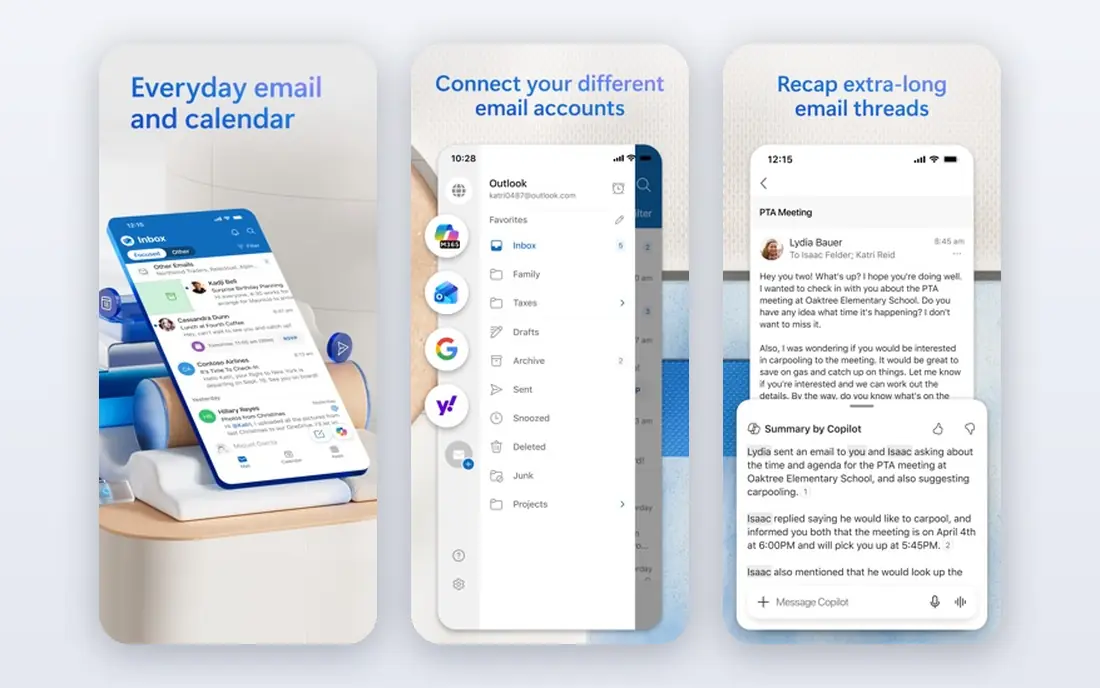
Microsoft 365 is the most direct replacement for most businesses leaving Google Workspace. Word, Excel, PowerPoint and Outlook cover the daily work of documents, spreadsheets, presentations and mail, and Teams adds chat and meetings. The Business Standard plan listed here includes desktop apps and a large mailbox, which suits teams that still share Office files with clients.
The catch is cost and complexity. Higher plans add security and device controls that a small team may not need, so it pays to start at the tier that matches real needs. Admin settings are deep, and a solo owner may need help with domains, permissions and retention. Still, for compatibility with clients who send Office files, this is our pick for most people.
- Desktop and web Office apps
- Large mailbox and storage on business plans
- Broad admin and security controls
- Price rises with higher tiers
- Setup can feel heavy for a very small team
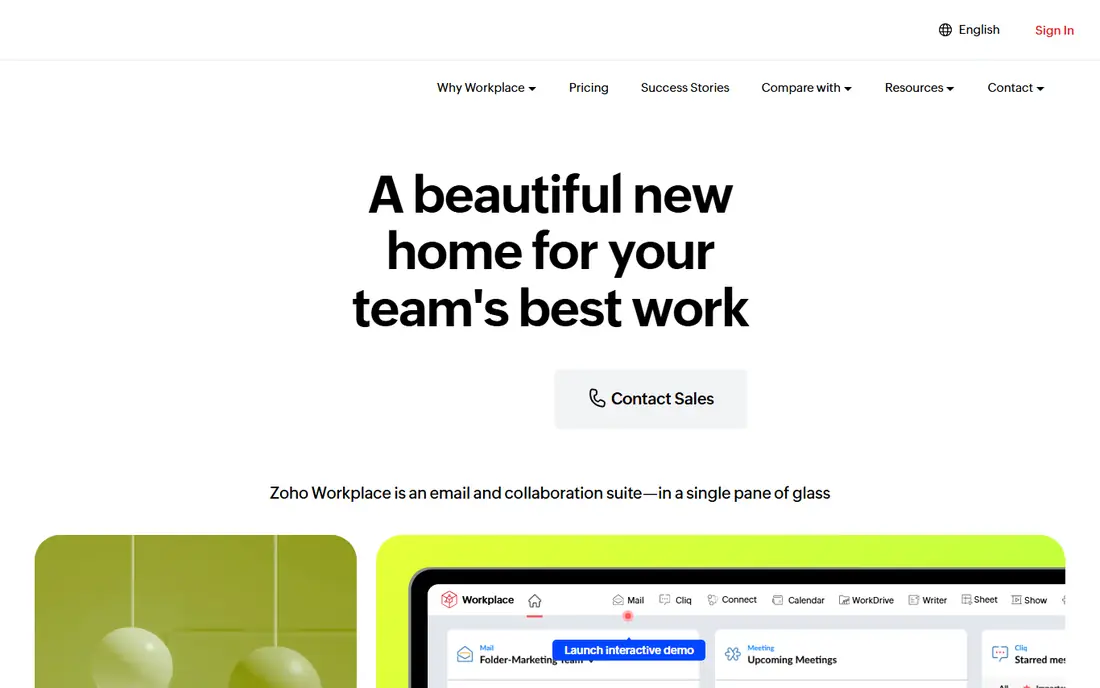
Zoho Workplace bundles Zoho Mail with Writer, Sheet and Show, plus WorkDrive storage, Cliq chat and Meeting. That makes it a genuine suite rather than mail with a few extras. The Standard plan gives a workable mailbox size and team storage, and the higher plan adds larger storage, retention and larger meetings.
We like Zoho for teams that want to cut a monthly bill without losing the basics. File sharing, shared calendars and team folders are included, and Zoho also sells related tools for CRM and support if a team grows. The trade-off is polish in places: some controls and meeting limits improve only on the Professional plan, so read the plan table before you commit.
- Mail, Writer, Sheet, Show, chat and meetings in one bundle
- Low starting price
- Migration tools for mail
- Some advanced features sit on higher plans
- The interface takes a short period to learn
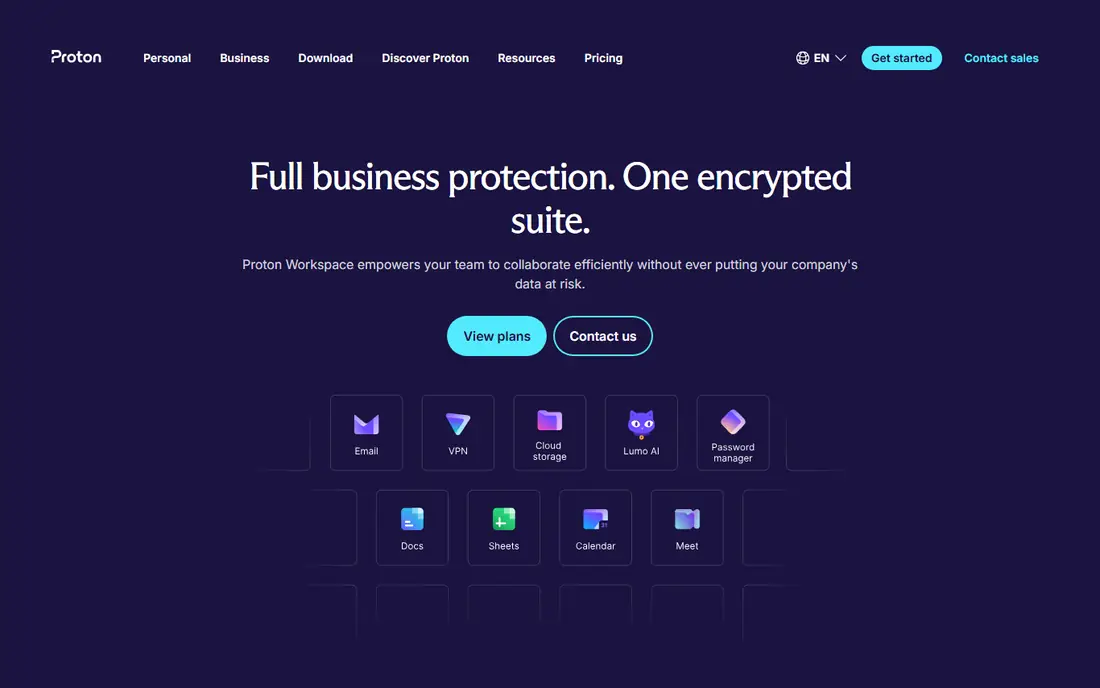
Proton Business starts with Mail Essentials, which gives encrypted mail on a custom domain with calendar support. Higher workspace plans add Drive storage, Docs, Sheets and other Proton apps, plus admin controls. For law firms, clinics, journalists and other teams handling sensitive mail, the encryption model is a real difference, not a marketing label.
The limit is breadth. Proton Docs and Sheets cover common work, but they do not match the depth of Word or Excel for complex files. Teams that mostly write, share and store ordinary documents will manage well. Teams that rely on heavy spreadsheets or complex templates should test those files before they move a whole company.
- End-to-end encrypted mail and calendar
- Custom domains
- VPN and password manager on higher plans
- Document tools are newer and narrower than Office or Zoho
- Price rises for the full workspace
Fastmail is a mail-first choice. It gives custom-domain mail, calendars, contacts, file storage for attachments and a clean interface on web and mobile. Search, rules, folders and masked addresses help a small team keep inboxes under control, and support has a good reputation among long-time users.
Fastmail does not try to replace Google Docs or Microsoft Office, so pair it with a document tool if your team edits together often. That split can be a strength: you pay for mail you trust and keep documents where they already work. It is a poor fit for a team that wants one login for mail, docs, chat and video in a single bundle.
- Fast webmail and apps
- Custom domains and aliases
- Strong spam and rules controls
- No full office suite of its own
- Meetings need a separate tool
Nextcloud Hub is open source software you run on your own server or through a hosting provider. It covers files, document editing through Collabora or ONLYOFFICE, calendar, contacts, Talk for chat and video, and mail as a client for an existing mailbox. For a team with privacy rules or data residency needs, owning the server is the main draw.
The cost is effort, not licence fees. Someone must handle updates, security patches, backups and storage, and that work grows with the team. A managed Nextcloud host removes much of that burden for a monthly fee, which is worth pricing against a hosted suite. Choose Nextcloud when control matters more than a hands-off setup.
- Self-hosted files, mail client, calendar, chat and video
- No per-user licence for the community edition
- Many apps
- You manage hosting, updates and backups
- Setup needs technical skill
ONLYOFFICE Workspace
Great for: Teams that need strong Office file compatibility
ONLYOFFICE Workspace puts document editing first, with text documents, spreadsheets, presentations and PDF tools that open and save Office formats well. That matters for teams that exchange files with clients and cannot afford layout changes. The cloud plans and the self-hosted editions give a team a choice between a monthly bill and running its own server.
It is not a one-to-one Google Workspace clone. Mail, calendar and chat exist in the wider workspace, but many buyers use ONLYOFFICE mainly for editing and pair it with another mail service. If your main pain is broken formatting in shared Office files, that focus is a plus. If you want mail and meetings in the same admin panel, check the plan details first.
- Good DOCX, XLSX and PPTX handling
- Documents, spreadsheets and presentations in the browser
- Self-hosted option
- Mail and chat are less central than in Google or Microsoft suites
- Some plans are priced per server or per admin
Apple iCloud, with iCloud Mail and the iWork apps, works well for a solo owner or a tiny team already on iPhone, iPad and Mac. Pages, Numbers and Keynote open in a browser too, so a collaborator on another system can still edit a shared file. The free tier includes a small amount of storage, and paid iCloud plans add storage for mail, photos and files.
This is not a business suite in the Microsoft or Zoho sense. There is no central admin panel for a larger staff, and shared mailboxes and group controls are limited. For a household business, a freelancer or a two-person shop, the simplicity and low price are hard to beat. Larger teams should look at Microsoft 365 or Zoho instead.
- Pages, Numbers and Keynote on web and Apple devices
- Mail, calendar, photos and storage in one account
- Simple setup
- Business admin controls are limited
- Windows and Android support is thinner
Lark brings chat, documents, spreadsheets, calendar, video meetings and cloud storage into a single workspace. That helps distributed teams that now juggle separate chat, docs and meeting tools. Docs support comments and shared editing, and the mobile apps are solid for staff who work away from a desk.
The main drawback is familiarity. Clients and new hires in the US are more likely to know Microsoft or Google tools, so onboarding takes a little longer. Pricing and plan limits also vary by region and plan, so confirm the paid tier before you move mail across. For an internal team that wants one daily app, Lark is a strong, modern option.
- Messenger, Docs, Sheets, calendar and meetings in one app
- Good mobile apps
- Shared drives and approvals
- Less familiar to US clients
- Some advanced admin features need a paid plan
Tuta is an encrypted mail service with calendar support, aimed at people who want mail without ad-based tracking. Paid business plans add custom domains, more storage, aliases and admin features. The interface is plain and fast, which suits teams that want mail to stay mail.
Tuta does not replace a document suite, so a team will still need a separate editor for shared documents and spreadsheets. That is fine for a small practice or shop where mail privacy matters and documents live elsewhere. If you need docs, chat and meetings under one roof, Zoho or Microsoft 365 will fit better.
- End-to-end encrypted mail and calendar
- Custom domains on paid plans
- Simple interface
- No full office suite
- Smaller integration range than larger suites
How we picked these
We compared official feature pages, pricing pages and app store listings for suites that cover mail plus documents or files, and we left out products that only do one job. We checked that each product is still offered in October 2026 and that its homepage belongs to that product. Where a price varies by billing term or region, we used the starting published figure and marked other cases as See website.
What to check before you move
Start with mail, because mail downtime hurts most. Confirm that the new service supports your domain, that you can import old mail and contacts, and that you know how to set the domain records. Move one mailbox first, test sending and receiving with a client, then move the rest.
Next, test your real files. Open your most complex documents, spreadsheets and presentations in the new editor and check fonts, formulas, charts and comments. A suite that handles simple files well can still struggle with a template your team uses every week. Keep the old suite active during the switch, so a failed file does not block work.
Finally, count the full cost. Add seats, storage, meeting limits and any extra tools for chat or video that a mail-only service needs. A low headline price can rise once you add those pieces, while a higher bundle may already include them.
Frequently asked questions
Are there free g suite alternatives?
Yes. Nextcloud Hub has a free self-hosted edition, ONLYOFFICE has free community and starter options, Apple iCloud has a free tier, and Tuta and Lark have free plans. Free plans usually limit storage, users or admin controls, so check those limits before you rely on them for a whole team.
What is the best g suite alternative for a small business?
For most small businesses, Microsoft 365 or Zoho Workplace fit best. Microsoft 365 wins on Office compatibility, while Zoho wins on price for a full bundle. A privacy-focused team should look at Proton, and a team that wants to host its own data should look at Nextcloud.
Can I move my mail and documents from Google Workspace?
In most cases, yes. Zoho, Microsoft and Proton publish migration guides for mail, and many suites import common document formats. Move mail first, test a sample of documents, and keep the old account active until every mailbox and shared file has been checked.
Do these alternatives include video meetings?
Microsoft 365 includes Teams, Zoho includes Meeting, Lark includes meetings, and Nextcloud includes Talk. Fastmail, Tuta and Proton focus on mail, so those teams will need a separate meeting tool. Check meeting limits and recording options on the plan you choose.
Which alternative is best for privacy?
Proton Business and Tuta lead on encrypted mail, and Nextcloud leads on data control because you host the data yourself. Read each privacy policy for how mail is stored, where servers sit, and what data is used for support, since policies differ even among privacy-focused services.
Sources
See where you really rank - block by block
ProMapRanker scans Google Maps across a grid of your service area. Simple monthly plans from $19, white-label on every plan.
Start freeKeep reading
 zscaler alternatives
Best Zscaler Alternatives in 2026
Looking for zscaler alternatives? We compare 9 SASE and zero trust platforms on architecture, data protection, pricing, and fit for your network and team.
Read → zapier alternatives free
Best Zapier Alternatives Free in 2026
Nine automation tools for zapier alternatives free in 2026, all with genuinely free tiers, plus free plan limits, starting prices and upgrade paths explained.
Read → which platform is best for online reputation
Which Platform Is Best for Online Reputation in 2026
Wondering which platform is best for online reputation? We compare 8 review, listing, and response tools for small and multi-location businesses and agencies.
Read →