 ProMapRanker
Best GroupMe Alternatives in 2026

Key takeaways
- GroupMe suits simple group chats, so the best replacement depends on whether you need privacy, large groups, events, or work tools.
- WhatsApp and Signal suit friends and family groups, while Telegram and Discord suit larger communities.
- Slack, Microsoft Teams, and Google Chat suit work and school groups that need files, meetings, and admin controls.
- Messenger suits groups that already use Facebook, but it brings more social features than a plain group chat.
- GroupMe itself is not listed here, since this article covers alternatives to it.
Quick comparison
| Pick | Great for | Pricing starts at | Free tier | |
|---|---|---|---|---|
 WhatsApp | Friends and family groups | Free | Yes | Visit |
 Telegram | Large groups and channels | Free | Yes | Visit |
 Signal | Private group messaging | Free | Yes | Visit |
 Discord | Community servers | Free | Yes | Visit |
 Slack | Work team channels | Free | Yes | Visit |
 Microsoft Teams | School and work groups | Free | Yes | Visit |
 Messenger | Facebook connected groups | Free | Yes | Visit |
 Google Chat | Google Workspace groups | Free | Yes | Visit |
The best GroupMe alternatives
GroupMe is a free group messaging app known for simple group chats, polls, and calendar basics, including SMS participation for some members. People look elsewhere for stronger privacy, larger groups, better moderation, event tools, or work features. The apps below cover those needs in different ways. We compared official feature pages and recent group chat comparisons, and we did not list GroupMe itself.
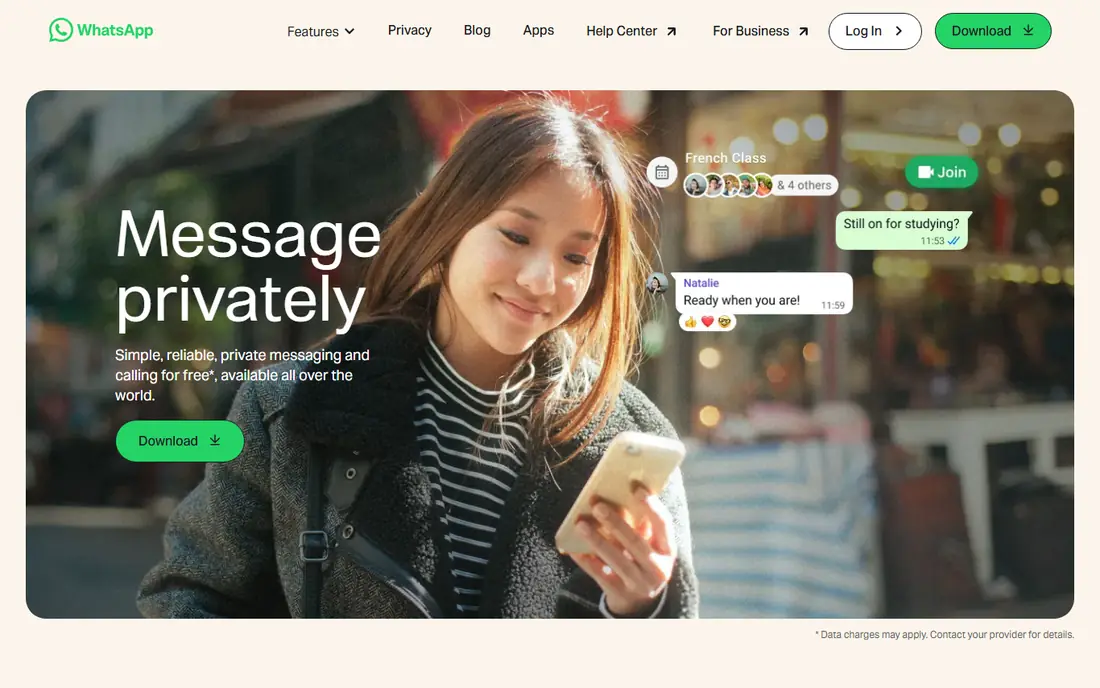
WhatsApp is the easiest switch for most friend and family groups, because so many people already have it installed. Groups support text, voice notes, photos, files, and calls, and Communities add an announcement layer above several related groups. That familiarity means less time spent convincing members to install a new app.
The limits are phone numbers and admin control. Every member needs a phone number and the app, and group management tools are simpler than Discord or Slack. Privacy is also a matter of norms, since phone numbers are visible to group members in many cases. For a casual group that just needs to chat, WhatsApp is still the most practical pick.
- Very widely used
- End to end encrypted chats
- Voice and video calls
- Requires a phone number
- Group admin tools are basic

Telegram suits groups that outgrow a simple chat. It supports very large groups, broadcast channels for announcements, bots for polls and moderation, and cloud sync across devices. That combination works for clubs, classes, and interest communities that need one announcement channel plus several discussion groups.
Encryption is the detail to understand. Telegram offers optional end to end encrypted secret chats, but default cloud chats use a different encryption model, so it is not the same privacy promise as Signal. Large groups also need active moderators, since open groups can grow noisy fast. For scale and flexibility, Telegram is hard to beat at no cost.
- Very large groups
- Channels for announcements
- Cloud sync
- Default chats are not end to end encrypted
- Large groups need moderation
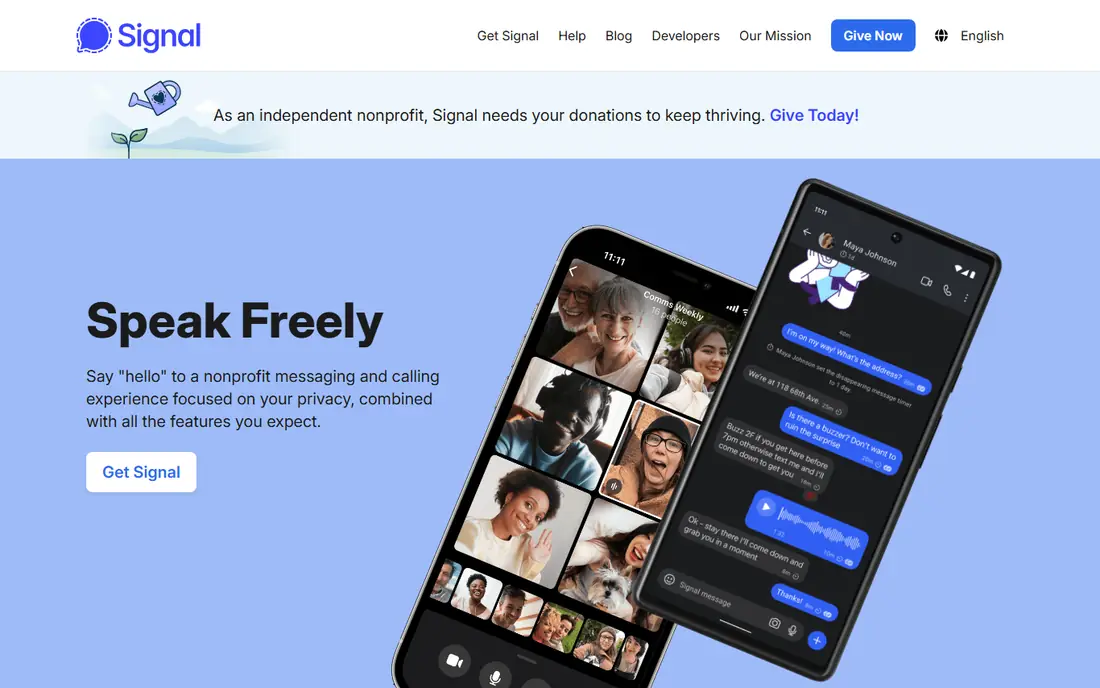
Signal is the privacy first pick in this list. Group messages and calls are end to end encrypted by default, the app carries no advertising, and it is run by a nonprofit rather than an advertising business. Admin only announcement groups help tame reply all noise, which is useful for clubs and teams that need one way updates.
The trade off is reach. Signal has a smaller install base than WhatsApp in many communities, so a group may need to persuade members to install it. Community management features are also simpler than Discord, with fewer bots and roles. For a group that values privacy above all else, those limits are acceptable.
- End to end encrypted groups
- No ads
- Nonprofit model
- Smaller install base
- Fewer community management features
Discord works best when a group needs structure rather than a single chat thread. A server can hold separate channels for announcements, general chat, events, and topics, with voice rooms for live conversation and roles for moderators. That structure suits gaming groups, clubs, study communities, and hobby groups with many members and several topics.
Simplicity is the cost. Discord can feel complex for a small family group that only needs one thread, and it does not offer GroupMe style SMS participation for members without the app. For a community that has outgrown a single group chat, though, Discord gives the most room to grow without paying.
- Servers with channels
- Voice rooms
- Roles and moderation tools
- Can feel complex for simple chats
- No SMS participation
Slack suits clubs and teams that need organised work chat rather than casual messaging. Channels separate topics, threads keep replies tidy, and integrations connect chat to calendars, files, and project tools. That structure helps a committee, a student society, or a small team keep decisions and documents in one place.
The free plan limit matters. Message history is limited on the free plan, with older messages hidden from view and search, so a group that needs a long record should plan for a paid tier. Paid pricing is per active user, which can grow quickly for a large club. For a work focused group with a clear set of channels, Slack is still the most polished option.
- Channels and threads
- App integrations
- Searchable history on paid plans
- Free plan hides older history
- Per user pricing on paid plans
Microsoft Teams suits school, university, and work groups that already use Microsoft tools. Chat sits alongside video meetings, file storage, and shared documents, with admin controls for larger organisations. That combination means a class or department can run announcements, meetings, and assignments without switching apps.
Weight is the trade off. Teams feels heavier than WhatsApp or Signal for a simple friend group, and its best value comes inside a Microsoft 365 subscription. A free version exists for basic chat and meetings, which is enough to test it with a small group. For an institution that already pays for Microsoft 365, Teams is the natural GroupMe replacement.
- Chat plus meetings and files
- Microsoft 365 integration
- Admin controls
- Heavier than a chat app
- Best value inside Microsoft 365
Messenger suits groups whose members already use Facebook. Group chats support text, photos, files, voice, and video calls, and groups can link to Facebook Groups for a club or community. That reach means new members often need no new account beyond the Facebook account they already hold.
The app itself is busier than a plain group chat. Messenger includes stories, social features, and AI features that a simple group may not want, and privacy settings deserve a check before use. For a social club or family group that lives on Facebook, Messenger is convenient, but a group that wants a quiet chat should look at Signal or WhatsApp instead.
- Very widely used
- Group calls and rooms
- Easy Facebook group links
- More social features than a plain chat
- Privacy settings need checking
Google Chat suits groups that already live in Google Workspace. Spaces organise conversations by team or topic, files from Drive can be shared directly in chat, and meetings can start from a chat without switching apps. For a school, nonprofit, or small business on Google Workspace, that integration keeps work in one place.
Outside Google Workspace, Google Chat is less compelling. It lacks the community tools of Discord and the reach of WhatsApp, and its best features assume a Google account and Workspace setup. For a Workspace group that needs simple, organised chat with files and meetings, it is a clean and free replacement for GroupMe.
- Spaces for teams
- Google Drive integration
- Simple group messaging
- Best inside Google Workspace
- Fewer community features than Discord
How we picked these
We compared official feature pages and recent group chat comparisons, and we kept only apps that support group messaging as a core job. We excluded GroupMe itself, and we included a mix of private, large community, and work focused apps, since GroupMe users leave for different reasons. All eight apps here offer a free tier, so cost is not the main difference, and the choice comes down to privacy, group size, structure, and the tools a group already uses.
Choosing the right GroupMe alternative for your group
Start with your members. A friends group should pick the app most members already have, which is usually WhatsApp or Messenger, rather than the app with the most features. A privacy conscious group should pick Signal and accept a smaller install base. A large club should pick Telegram or Discord, depending on whether it needs channels and bots or full server structure.
Then test the features your group actually uses. If you rely on polls, calendars, and events, check those tools in the new app before migrating, since each app handles them differently. If you need SMS participation for members without smartphones, note that none of these apps matches GroupMe on that point, and a separate SMS tool may be needed for those members. Migrate one group at a time, keep the old chat open during the switch, and confirm that every member can join and post before closing the old group.
Frequently asked questions
Which GroupMe alternative is best for friends?
WhatsApp is the best default for friends and family, because most people already have it and group chats, calls, and media sharing work without setup. Signal is better if privacy is the main concern, while Messenger suits groups that already use Facebook. Choose the app your friends will actually open every day.
Can I use these apps without a phone number?
Signal and WhatsApp require a phone number for signup, while Telegram, Discord, Slack, Teams, Messenger, and Google Chat use accounts that do not depend on a phone number in the same way. Discord, Slack, and Teams are the easiest options for a group that wants to avoid sharing phone numbers. Check each app's signup page, since rules can change.
Which alternative is best for a large club or community?
Discord suits large communities that need servers, channels, roles, and voice rooms, while Telegram suits large groups and broadcast channels with simpler setup. Slack and Teams suit work and school groups with admin controls, but their free plans have history limits. For a casual club, Telegram is simpler, and for a structured community, Discord gives more control.
Do any of these apps support SMS like GroupMe?
GroupMe is unusual in letting some members take part by SMS without installing the app, and none of the apps here matches that feature directly. Telegram, Discord, and Slack all require an account and app or web access. If SMS participation matters for your group, you may need a separate SMS group tool alongside a chat app.
Is Signal really more private than WhatsApp?
Both Signal and WhatsApp use end to end encryption for chats, but Signal is run by a nonprofit, carries no advertising, and collects less metadata by design. WhatsApp is owned by Meta and sits inside a larger advertising business, even though message content remains encrypted. For a group that values privacy as a whole, Signal is the stronger choice.
Sources
See where you really rank - block by block
ProMapRanker scans Google Maps across a grid of your service area. Simple monthly plans from $19, white-label on every plan.
Start freeKeep reading
 zyte alternatives
Best Zyte Alternatives in 2026
These zyte alternatives cover managed scraping APIs, proxy networks and no code tools for lawful collection from your own or consented sources only in 2026.
Read → zerto alternatives
Best Zerto Alternatives in 2026
Compare the best zerto alternatives for disaster recovery and replication, with recovery targets, cloud options and honest trade-offs for teams in 2026.
Read → zerofox alternatives
Best ZeroFox Alternatives in 2026
We compared 9 zerofox alternatives for brand protection, phishing takedowns, dark web monitoring, and social impersonation, with clear coverage notes.
Read →